This project is a student project at the School of Design or a research project at the School of Design. This project is not commercial and serves educational purposes
Коллекции
Original size 1758x1348
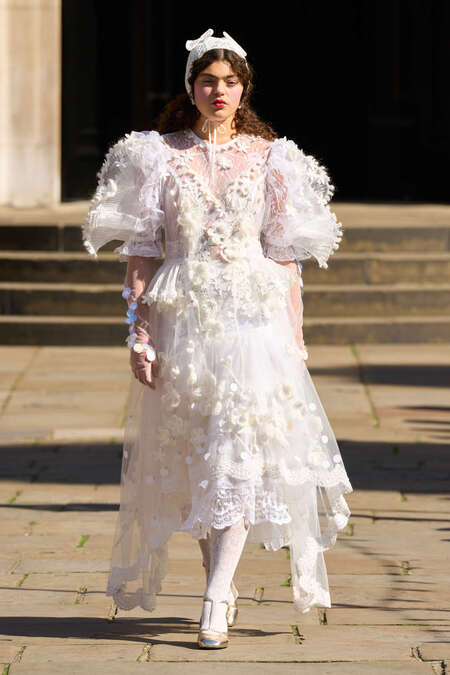
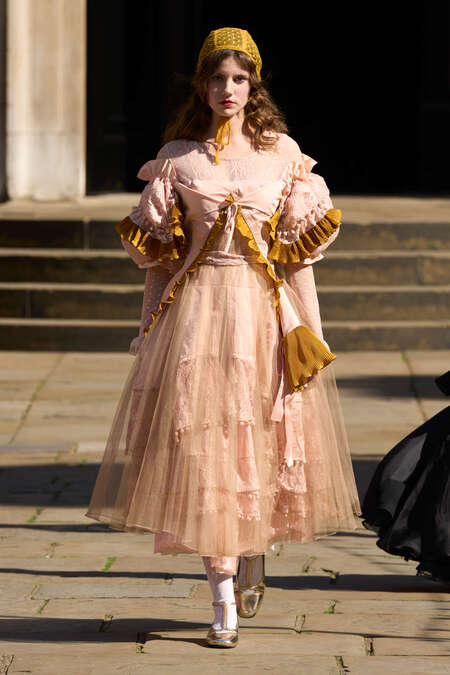
Bora Aksu SS2026
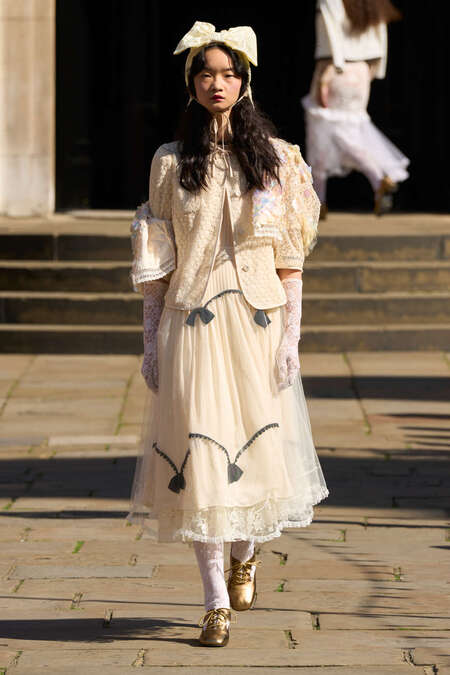
Bora Aksu SS26
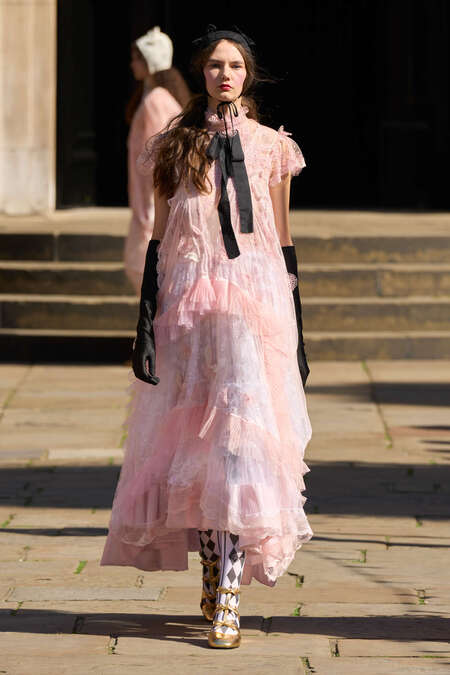
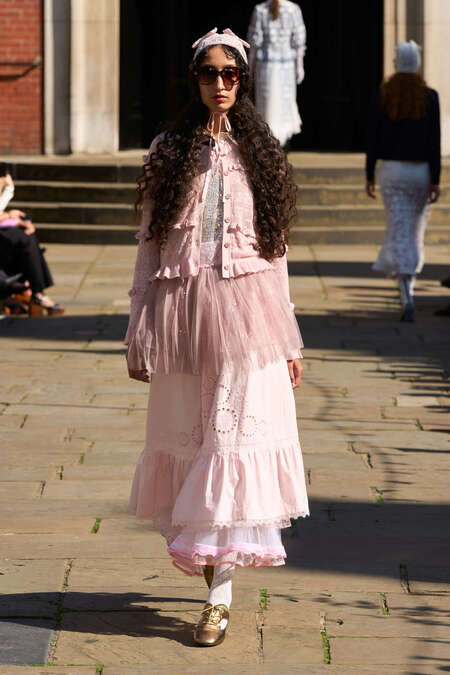
Bora Aksu SS26
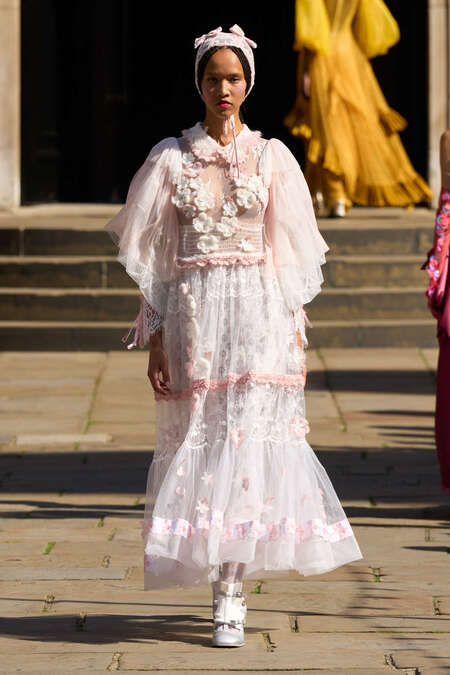
Bora Aksu SS26
Original size 2048x1366
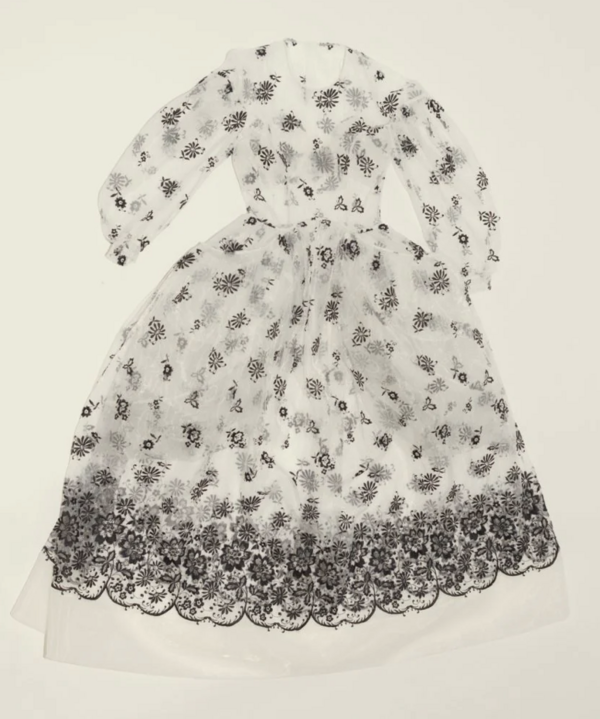
Bora Aksu SS26
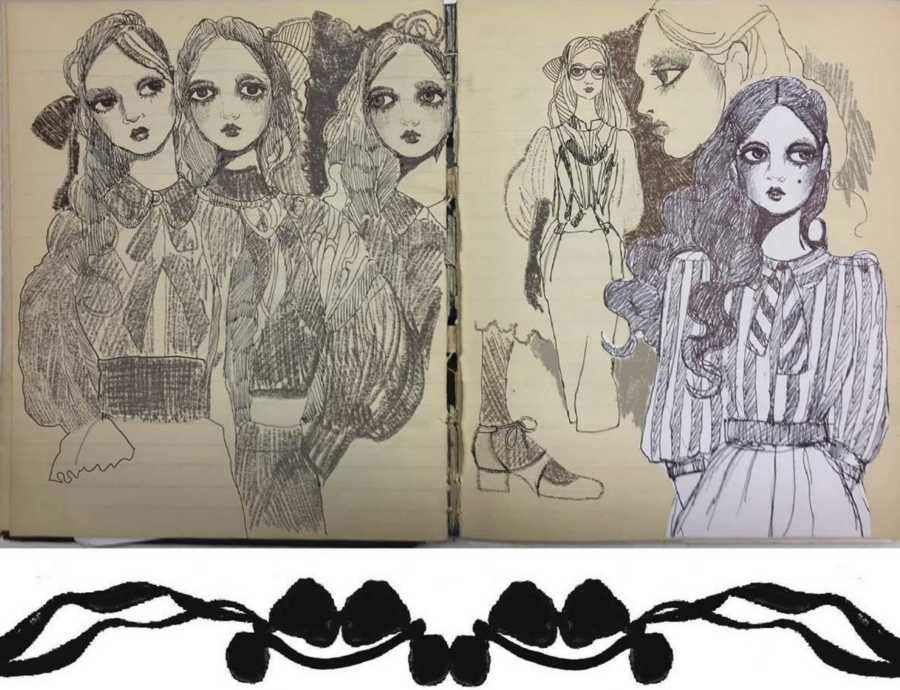
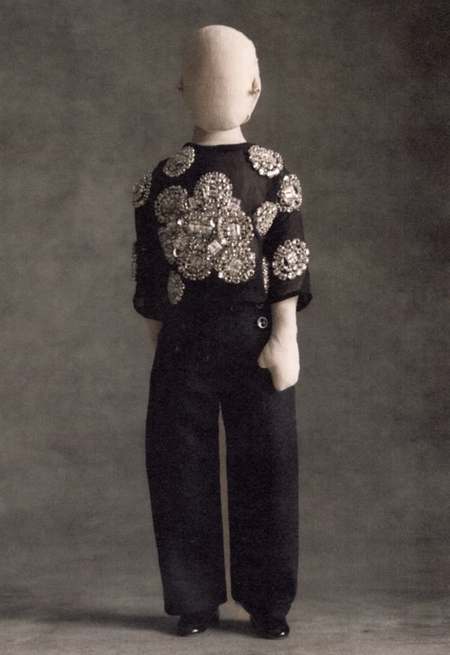
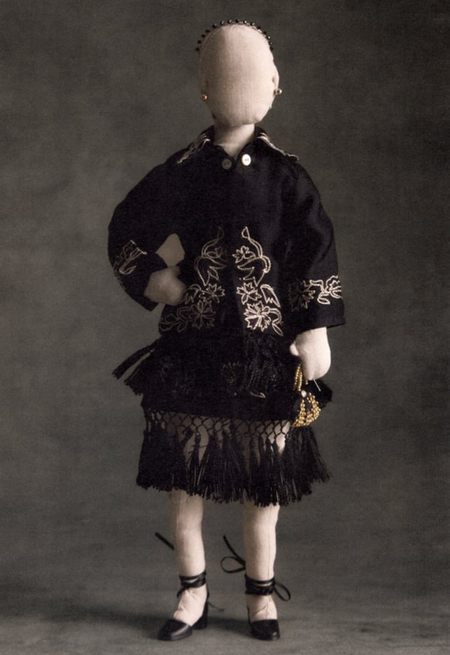
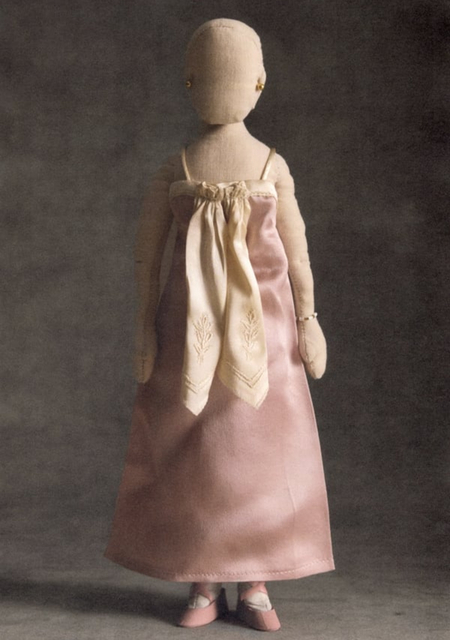
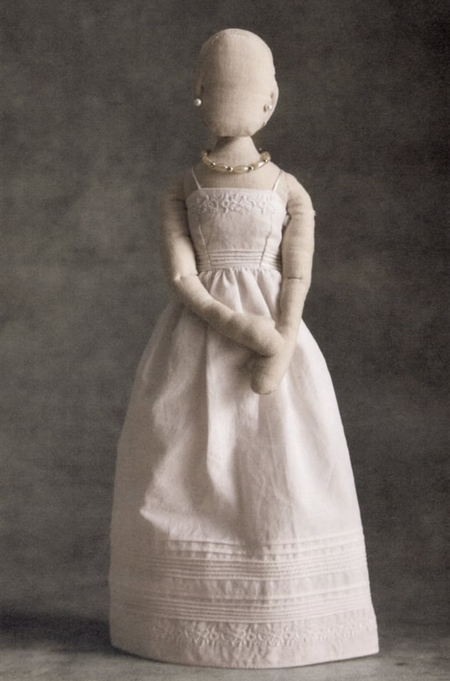
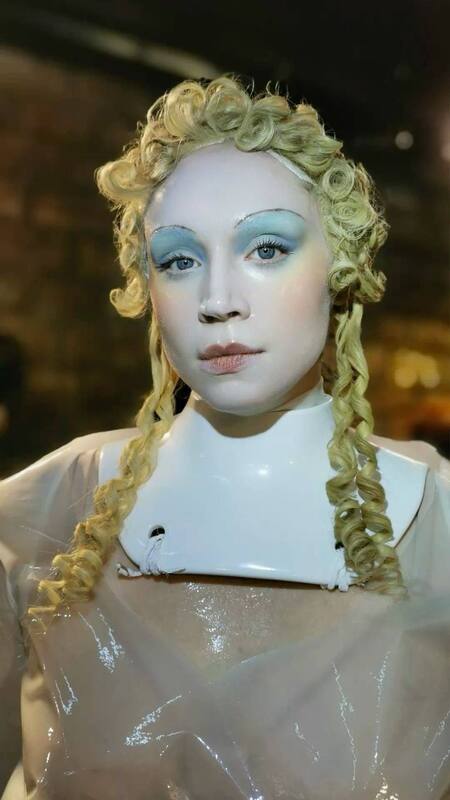
В моде образ викторианской куклы трансформировался из ностальгического символа детства в сложный инструмент для разговора о телесности, гендере и социальных нормах. Дизайнеры переосмысляют его, используя узнаваемые черты, но наполняя их новыми, актуальными смыслами. Кукла становится инструментом как ностальгии, так и радикальной критики.
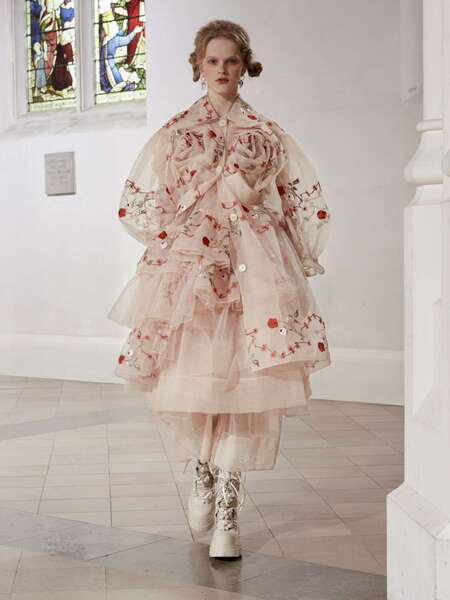
Simone Rocha
Original size 1380x900
Simone Rocha
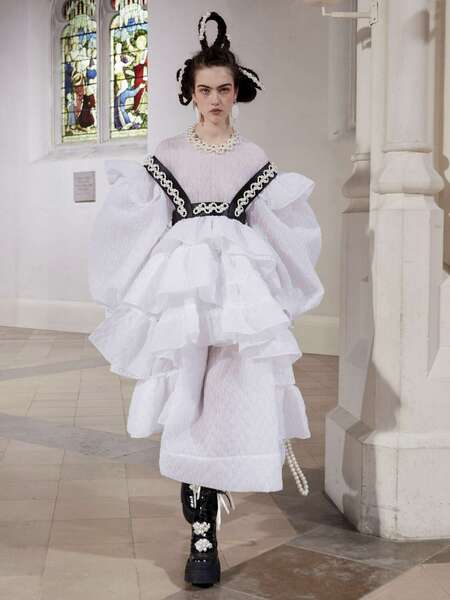
Simone Rocha FW21/22
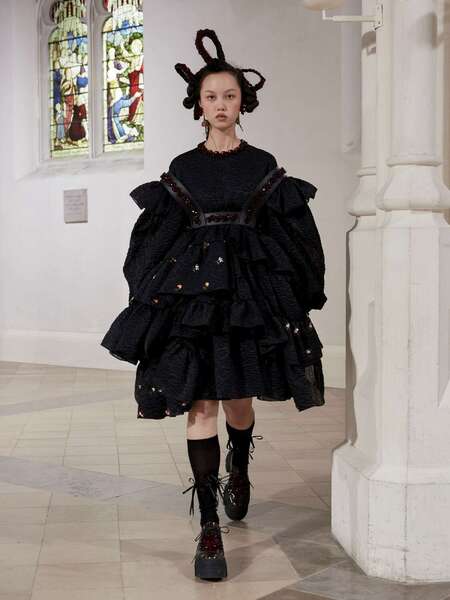
Simone Rocha FW21/22
Original size 1358x894
Simone Rocha
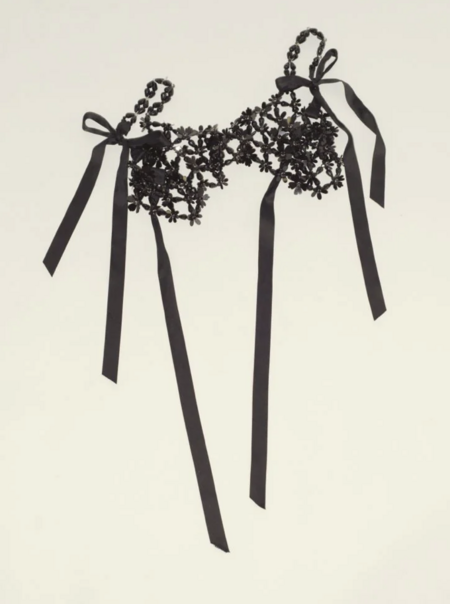
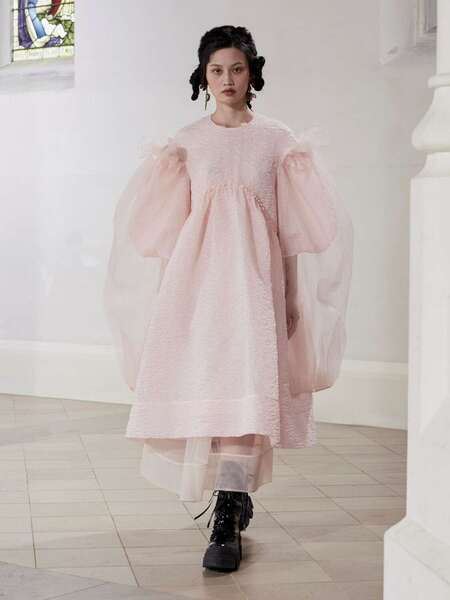
Для Симон Роша викторианская кукла — это не просто образ, а символ женской эмансипации. Она не деконструирует образ, а наполняет его новыми смыслами, превращая из объекта восхищения в субъект высказывания, между ностальгией по невинности и взрослой меланхолией, историческим костюмом и современным самосознанием.
Original size 920x396
Simone Rocha
Bode SS2026
Bode SS2026
Original size 1344x876
Bode SS2026
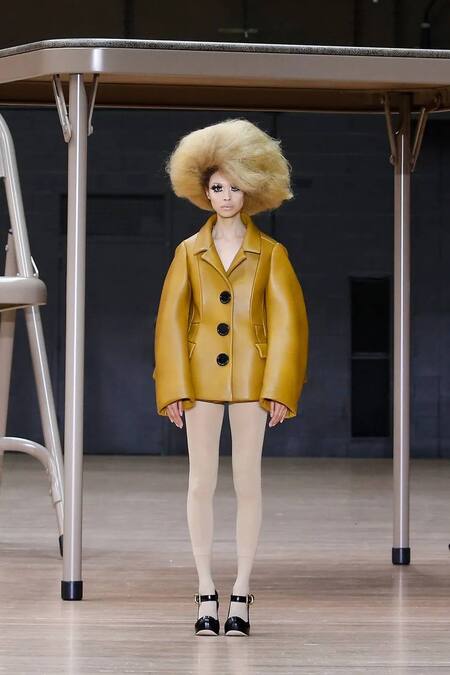
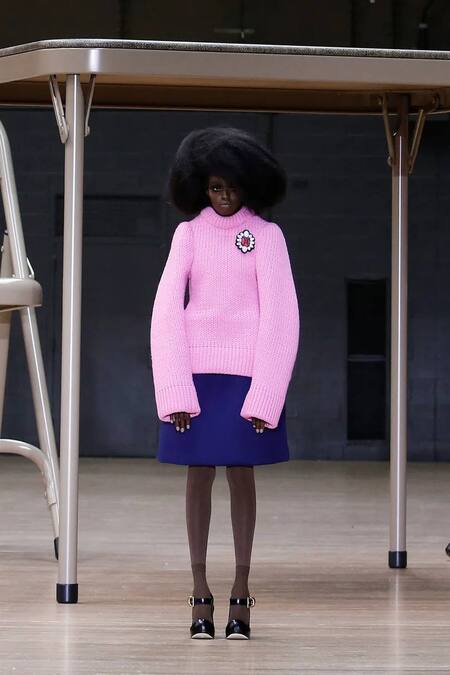
Marc Jacobs SS24
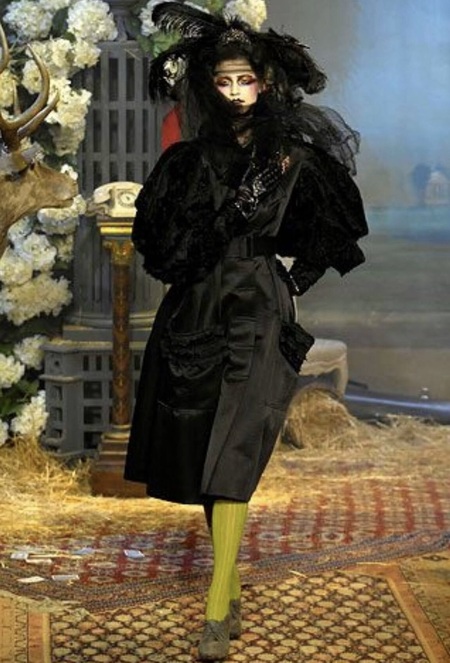
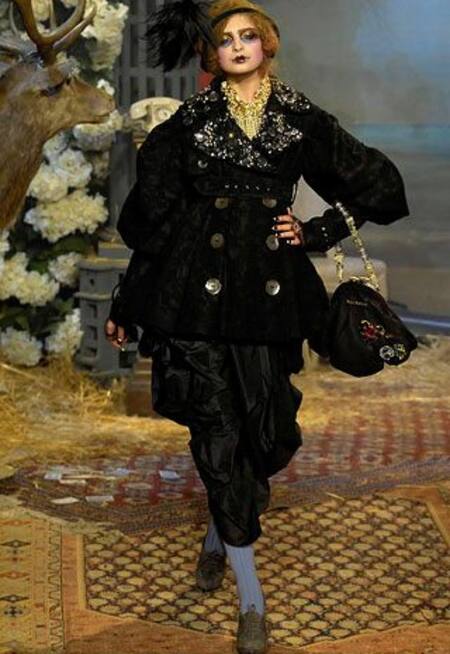
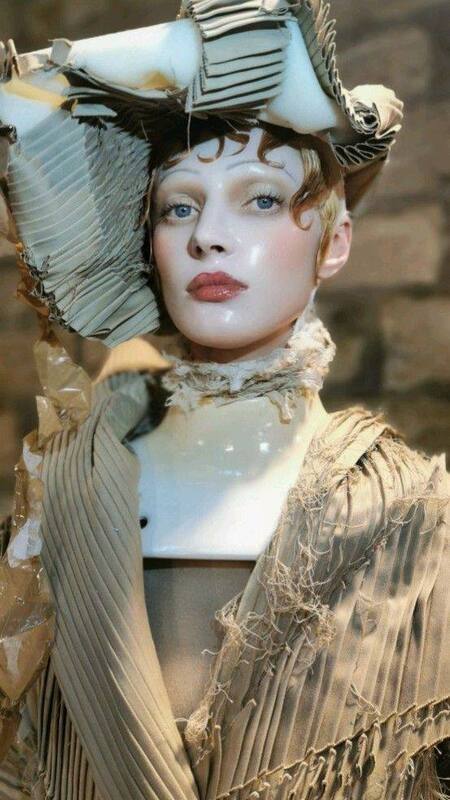
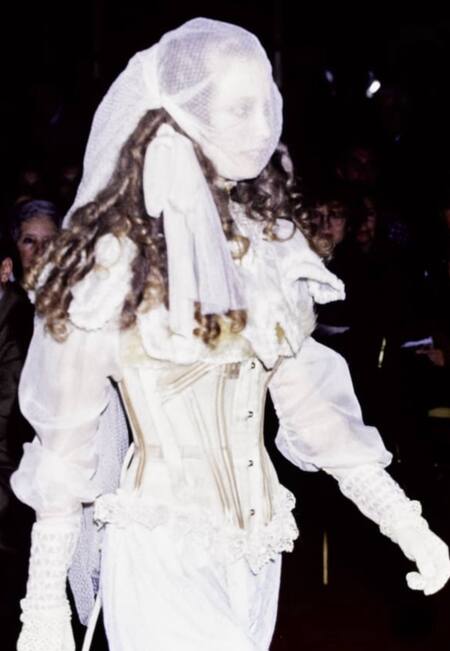
Jonh Galliano AW07
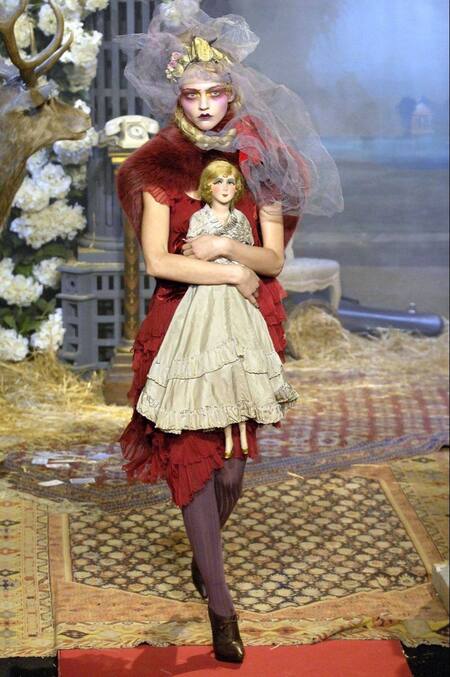
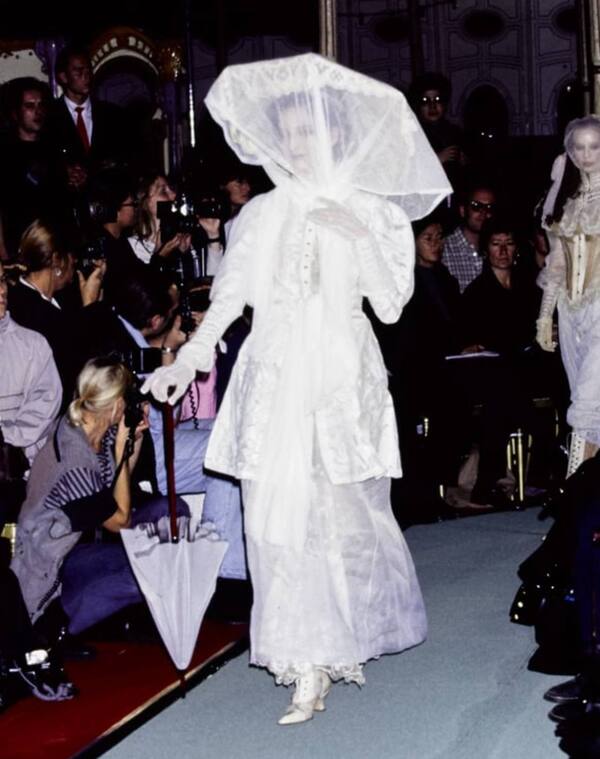
Jonh Galliano AW07
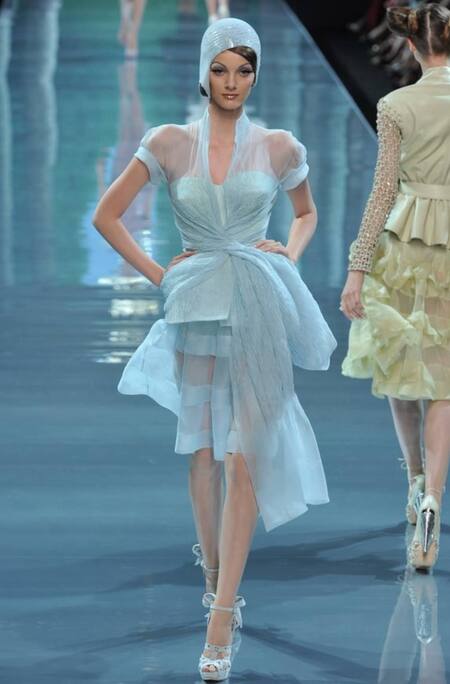
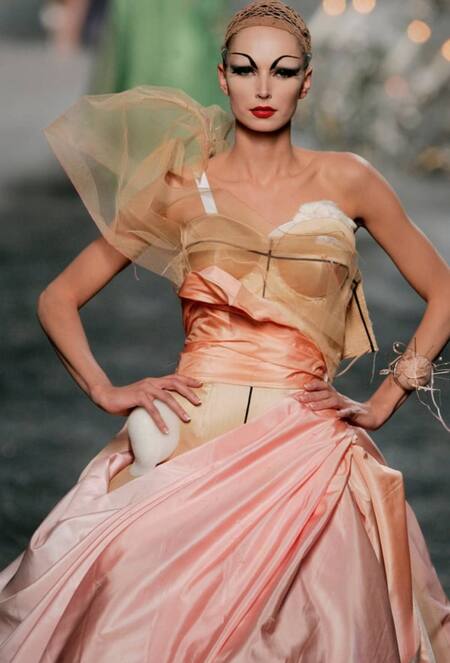
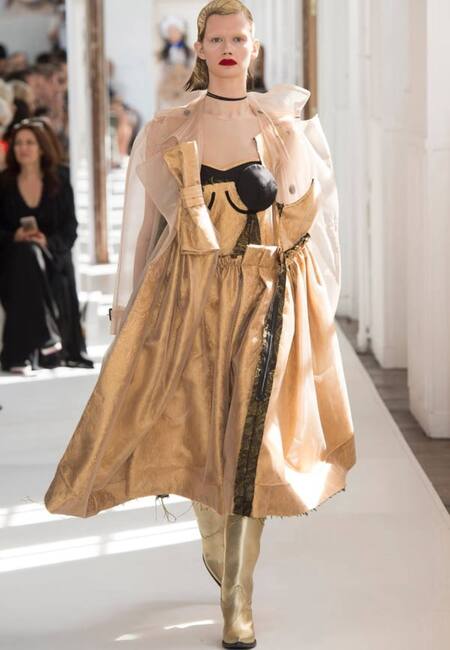
John Galliano for Dior AW08
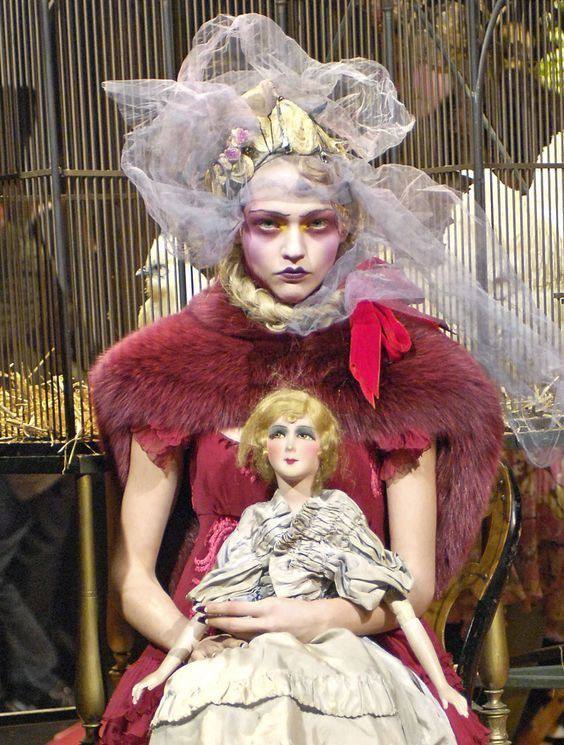
Джон Гальяно работает с визуальными кодами образа викторианской куклы через гиперболизацию. В его прочтении кукла становится метафорой контроля, объективации и театральности, присущих не только викторианской эпохе, но и современному обществу.
John Galliano for Dior AW05 Couture
Original size 788x302
Jonh Galliano AW09
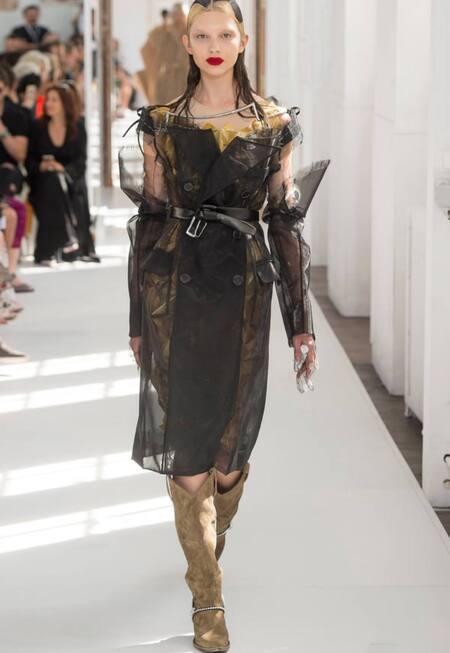
Jonh Galliano for Maison Margiela SS24 Couture
Martin Margiela AW17 Couture
Jean Paul Gaultier SS95
Alexander McQueen SS97 «Bellmer La Poupée»
Александр Маккуин подходил к образу куклы через деконструкцию и раскрытие внутренней травмы. В коллекции «Bellmer La Poupée» (1997) он разбирает образ куклы на части, используя анатомические принты, ремни и шарниры, обнажая насилие, сокрытое за идеализированной оболочкой. Его кукла — это жертва социальных и политических механизмов, шарнирное тело, подверженное внешнему воздействию.
A joint project of the HSE ART AND DESIGN SCHOOL and the Institute for the Development of Creative Industries, focused on working with Russian regions. The Creative City digital platform is a media outlet that aggregates projects related to territorial branding, a community of professionals, and a service that allows you to create local websites, work with the local identity and popularity of cities and places. Study the map of the Creative City. Get acquainted with the projects that have already been implemented. Add your... Show more
We use cookies to improve the operation of the HSE website and to enhance its usability. More detailed information on the use of cookies can be fou...
Show more
Press space bar to start a drag.
When dragging you can use the arrow keys to move the item around and escape to cancel.
Some screen readers may require you to be in focus mode or to use your pass through key
Press space bar to start a drag.
When dragging you can use the arrow keys to move the item around and escape to cancel.
Some screen readers may require you to be in focus mode or to use your pass through key
Press space bar to start a drag.
When dragging you can use the arrow keys to move the item around and escape to cancel.
Some screen readers may require you to be in focus mode or to use your pass through key
Press space bar to start a drag.
When dragging you can use the arrow keys to move the item around and escape to cancel.
Some screen readers may require you to be in focus mode or to use your pass through key
Press space bar to start a drag.
When dragging you can use the arrow keys to move the item around and escape to cancel.
Some screen readers may require you to be in focus mode or to use your pass through key
Press space bar to start a drag.
When dragging you can use the arrow keys to move the item around and escape to cancel.
Some screen readers may require you to be in focus mode or to use your pass through key
Press space bar to start a drag.
When dragging you can use the arrow keys to move the item around and escape to cancel.
Some screen readers may require you to be in focus mode or to use your pass through key
Press space bar to start a drag.
When dragging you can use the arrow keys to move the item around and escape to cancel.
Some screen readers may require you to be in focus mode or to use your pass through key
Press space bar to start a drag.
When dragging you can use the arrow keys to move the item around and escape to cancel.
Some screen readers may require you to be in focus mode or to use your pass through key
Press space bar to start a drag.
When dragging you can use the arrow keys to move the item around and escape to cancel.
Some screen readers may require you to be in focus mode or to use your pass through key
Press space bar to start a drag.
When dragging you can use the arrow keys to move the item around and escape to cancel.
Some screen readers may require you to be in focus mode or to use your pass through key
Press space bar to start a drag.
When dragging you can use the arrow keys to move the item around and escape to cancel.
Some screen readers may require you to be in focus mode or to use your pass through key
Press space bar to start a drag.
When dragging you can use the arrow keys to move the item around and escape to cancel.
Some screen readers may require you to be in focus mode or to use your pass through key
Press space bar to start a drag.
When dragging you can use the arrow keys to move the item around and escape to cancel.
Some screen readers may require you to be in focus mode or to use your pass through key
Press space bar to start a drag.
When dragging you can use the arrow keys to move the item around and escape to cancel.
Some screen readers may require you to be in focus mode or to use your pass through key
Press space bar to start a drag.
When dragging you can use the arrow keys to move the item around and escape to cancel.
Some screen readers may require you to be in focus mode or to use your pass through key
Press space bar to start a drag.
When dragging you can use the arrow keys to move the item around and escape to cancel.
Some screen readers may require you to be in focus mode or to use your pass through key
Press space bar to start a drag.
When dragging you can use the arrow keys to move the item around and escape to cancel.
Some screen readers may require you to be in focus mode or to use your pass through key