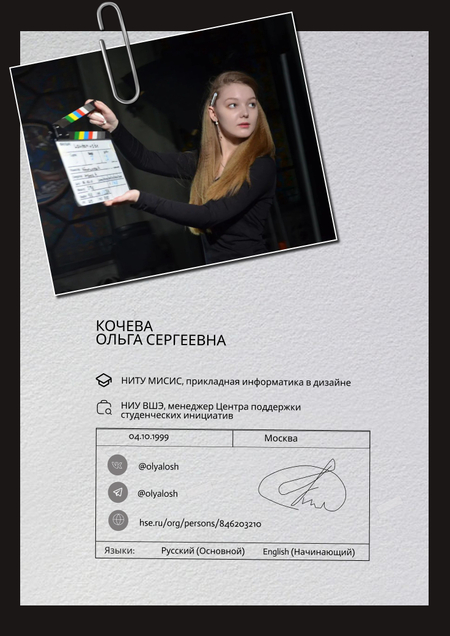
В 2021 году я закончила НИТУ МИСиС, кафедра автоматизированного проектирования и дизайна. Моя специальность по первому образованию — «Прикладная информатика в дизайне».
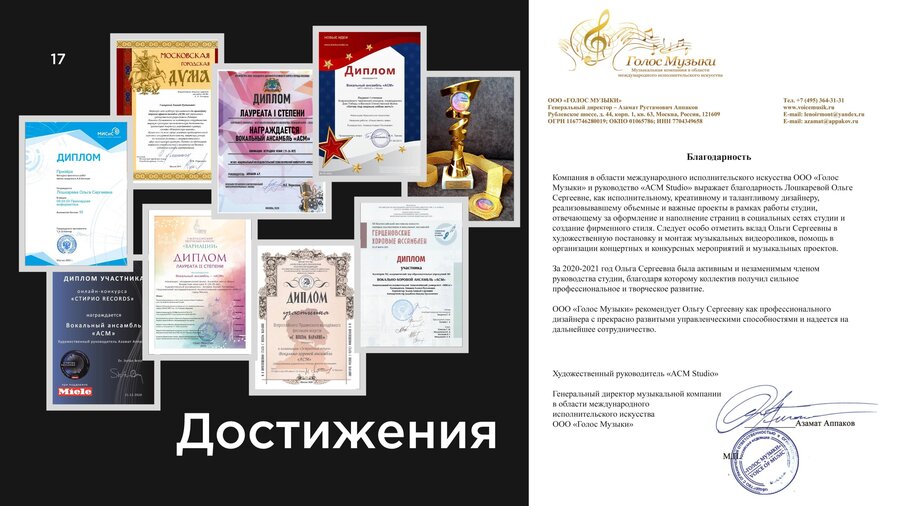
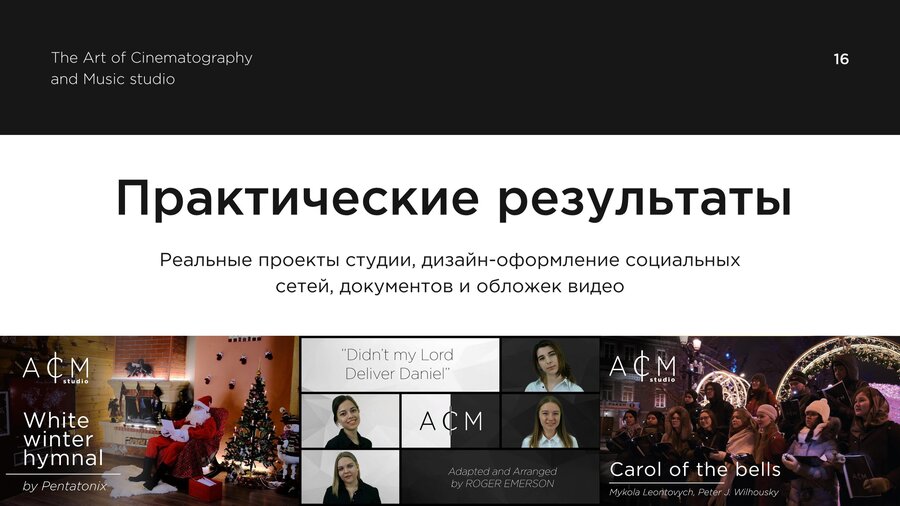
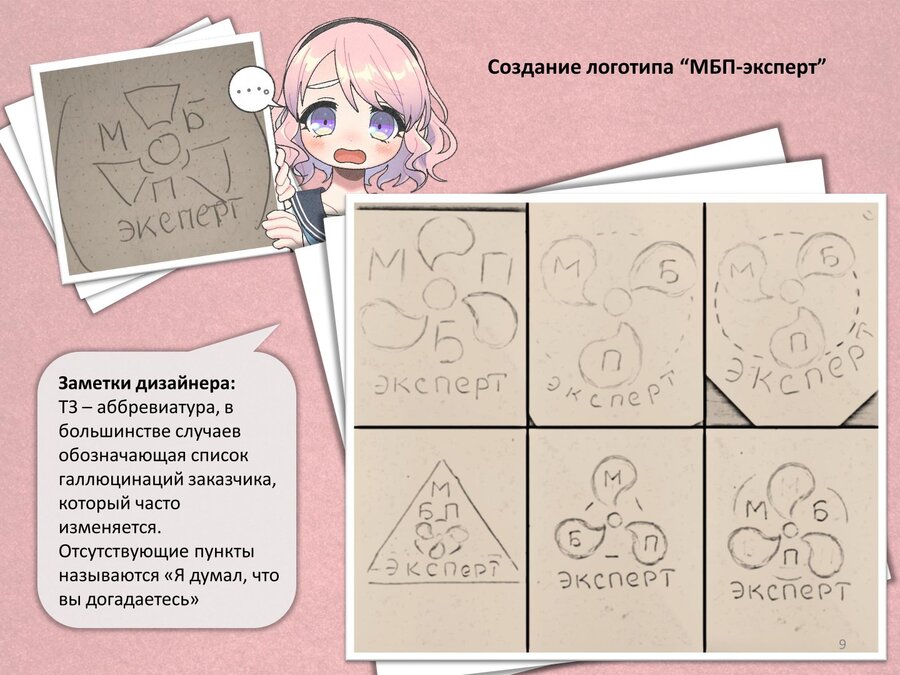
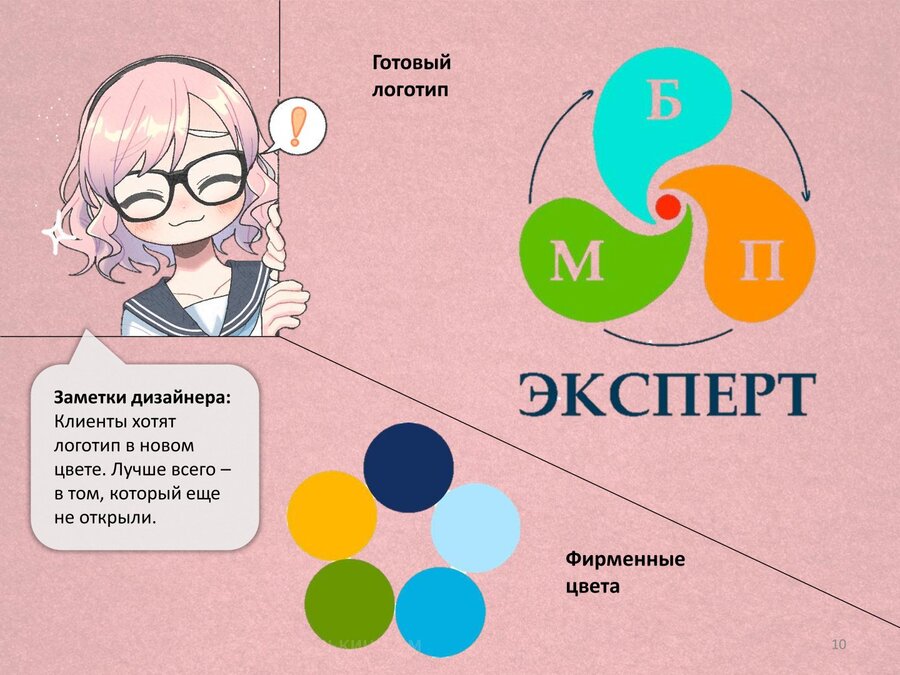
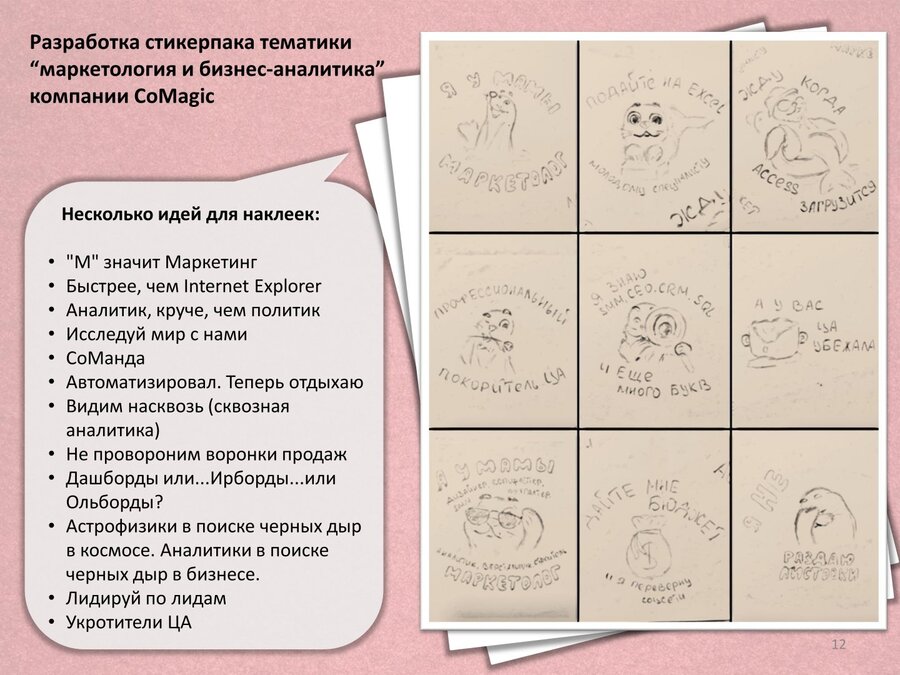
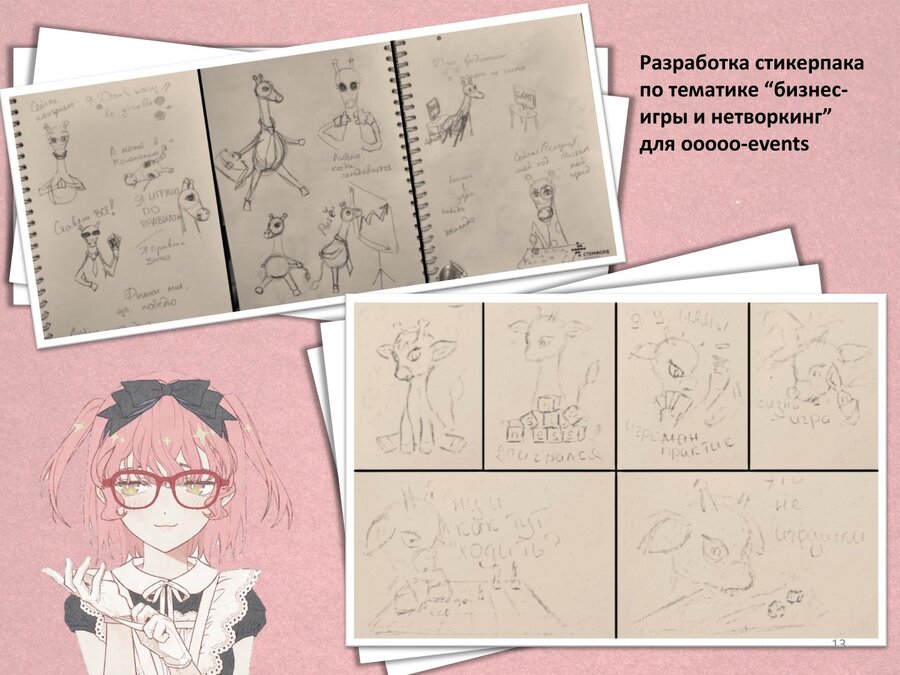
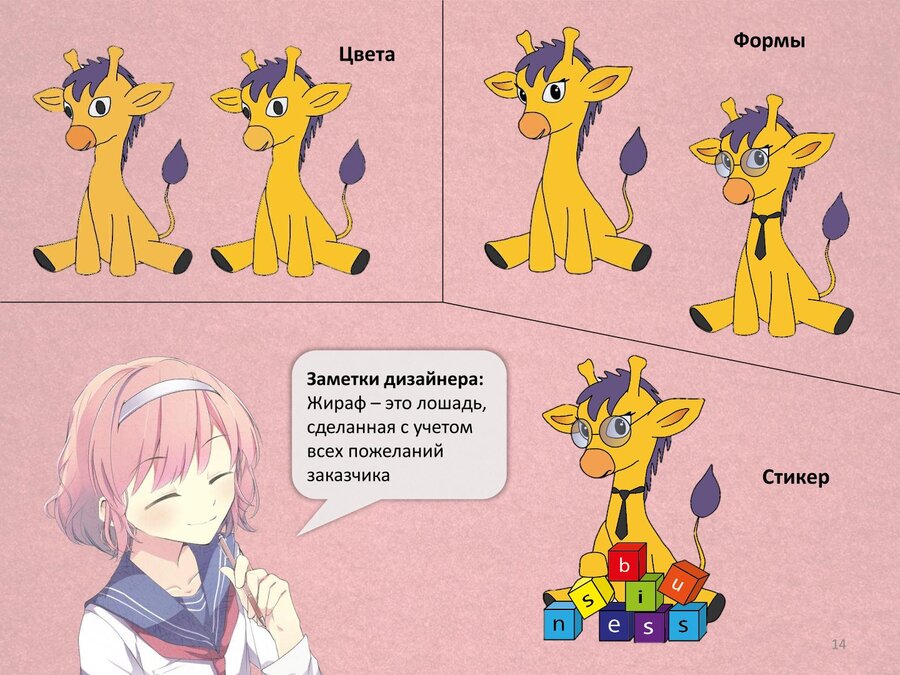
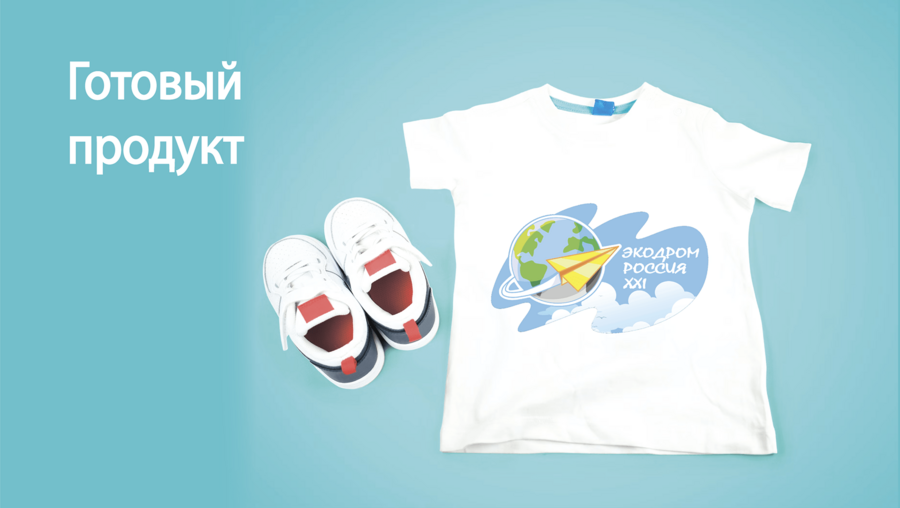
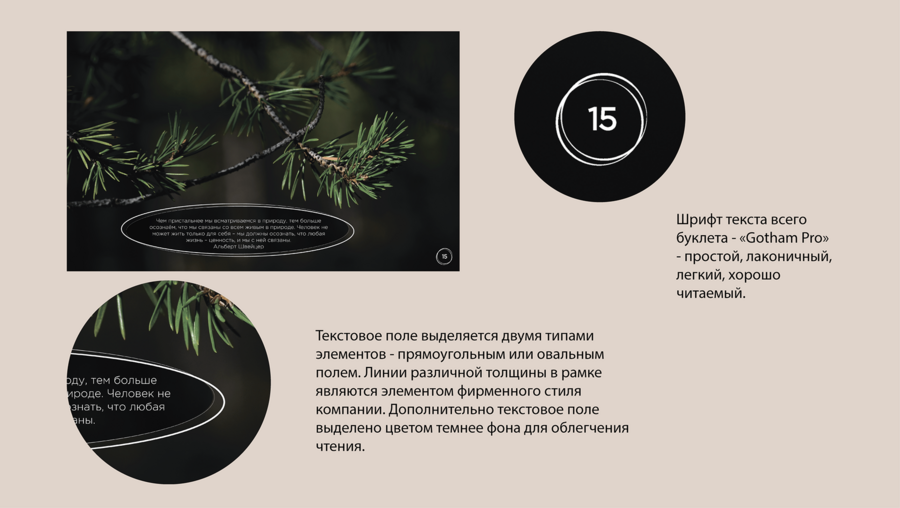
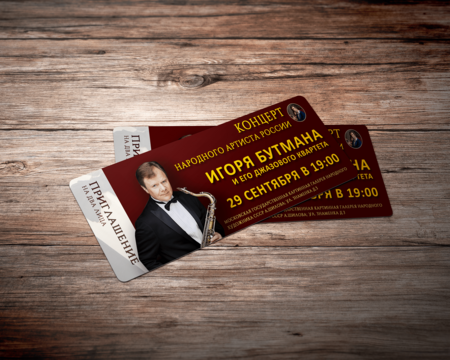
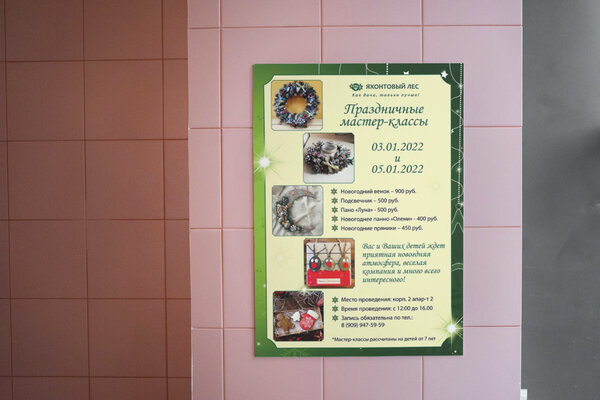
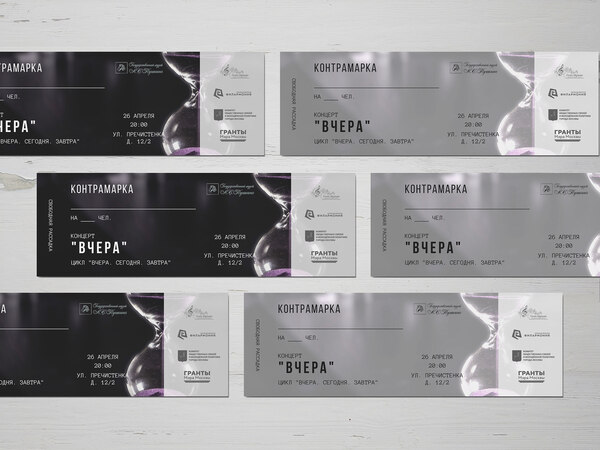
За время учебы попробовала себя в разных видах дизайнерского искусства — от графики до анимации, и творчества — от вышивки крестом до кинопроизводства. В итоге — диплом по фирменной стилистике и несколько разносторонних проектов в портфолио.
Сейчас работаю в НИУ ВШЭ на административной должности, но по-прежнему хочу быть связанной с искусством.
А теперь обо всем подробнее…
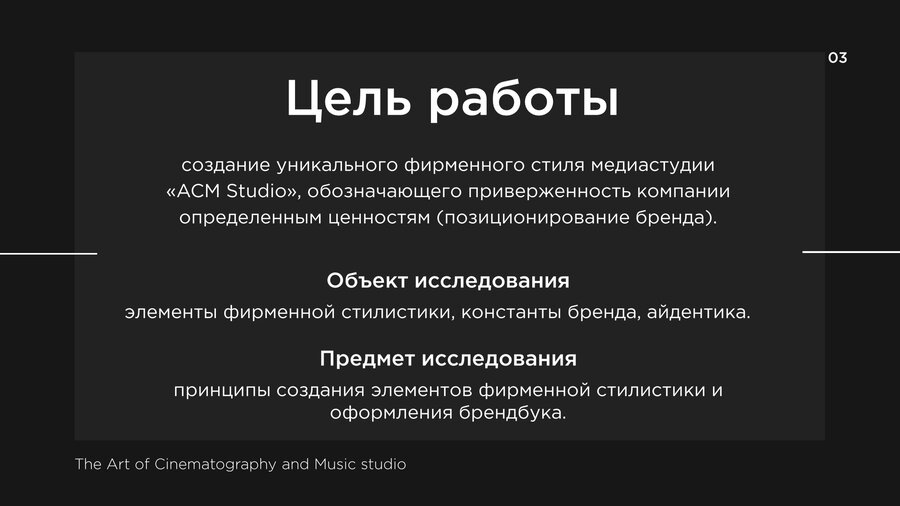
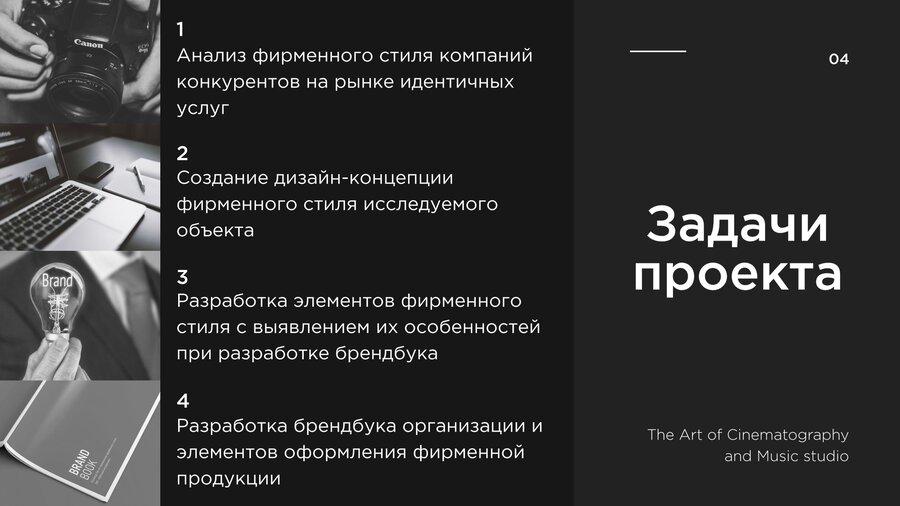
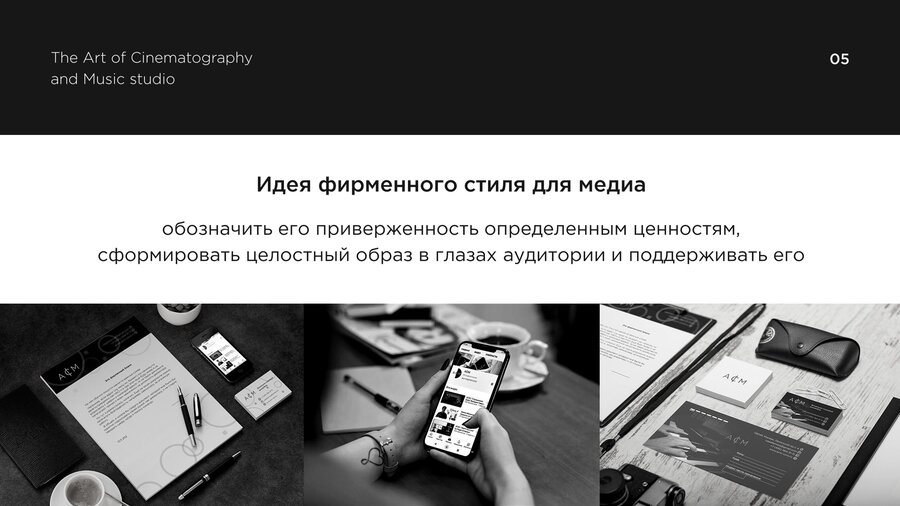
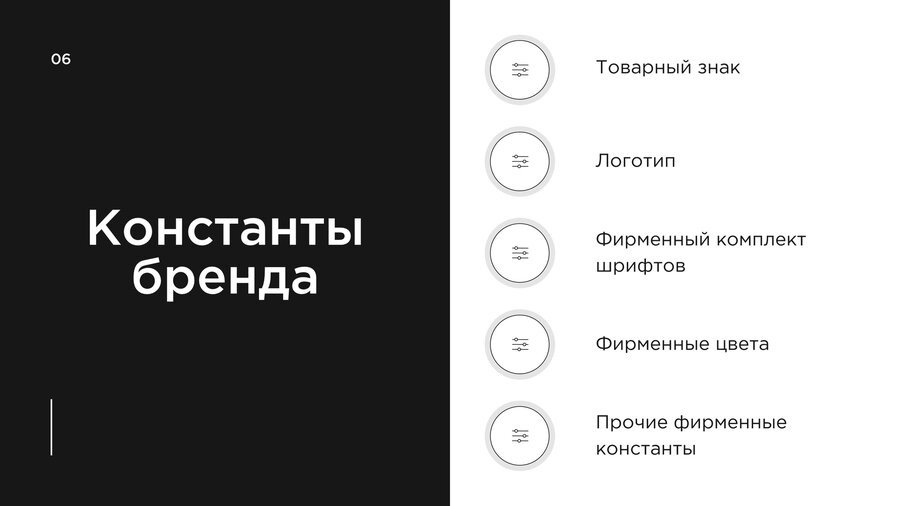
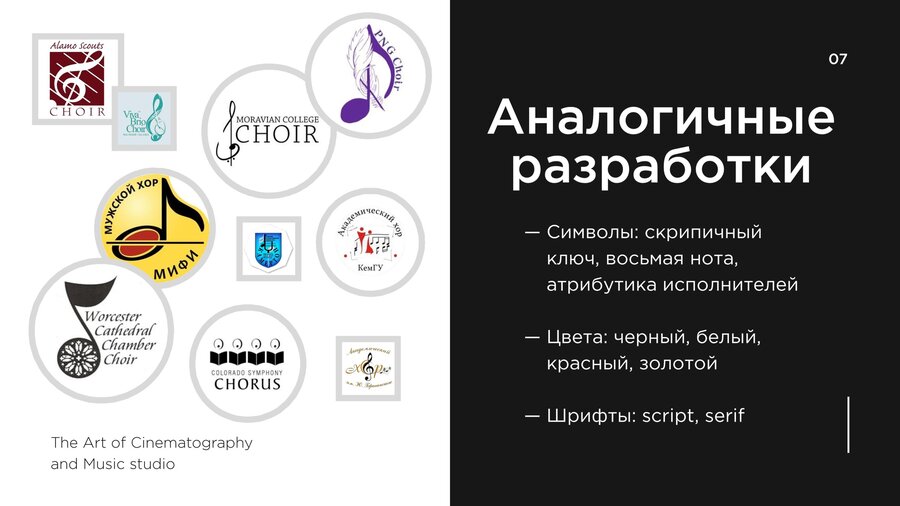
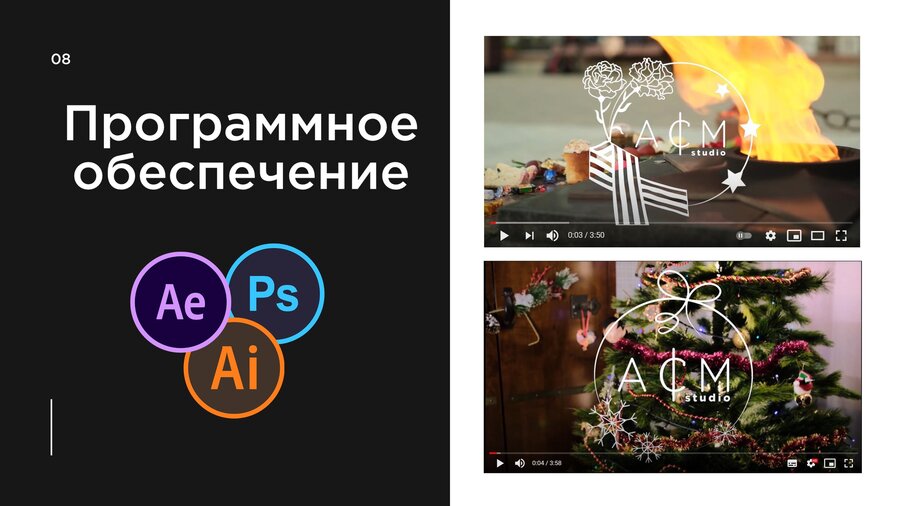
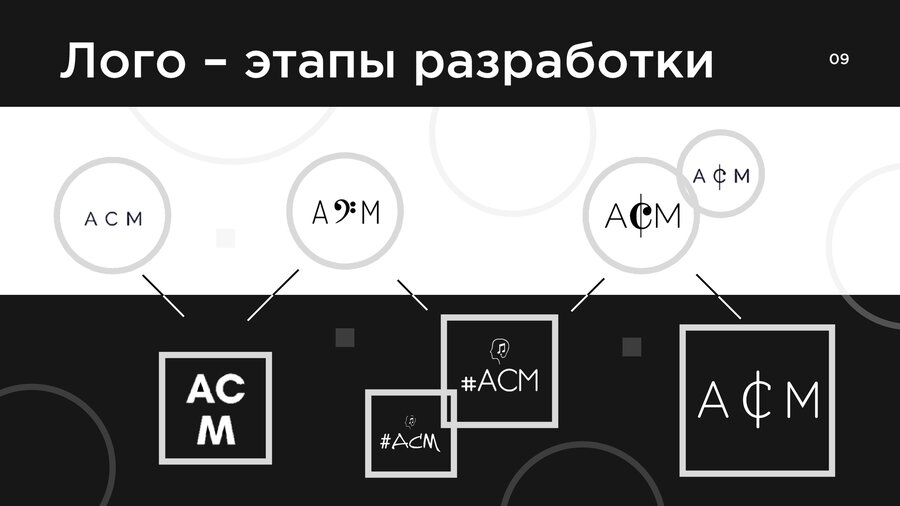
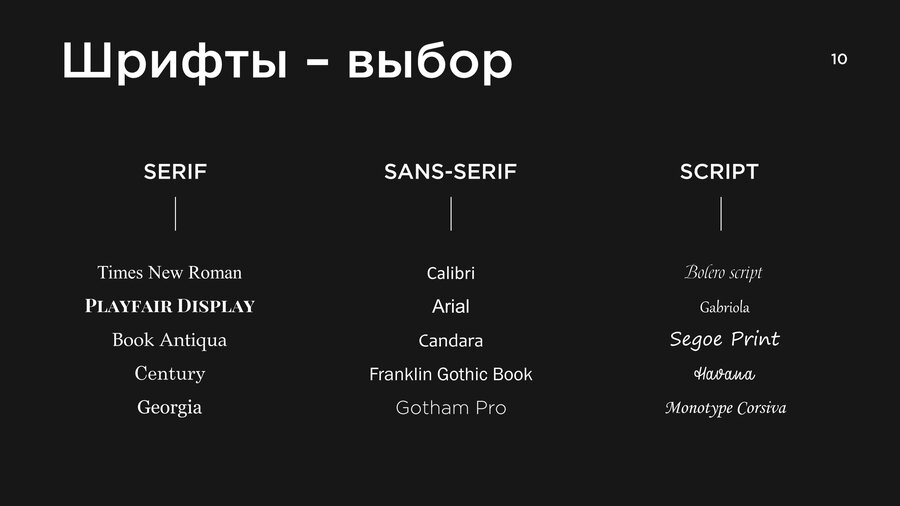
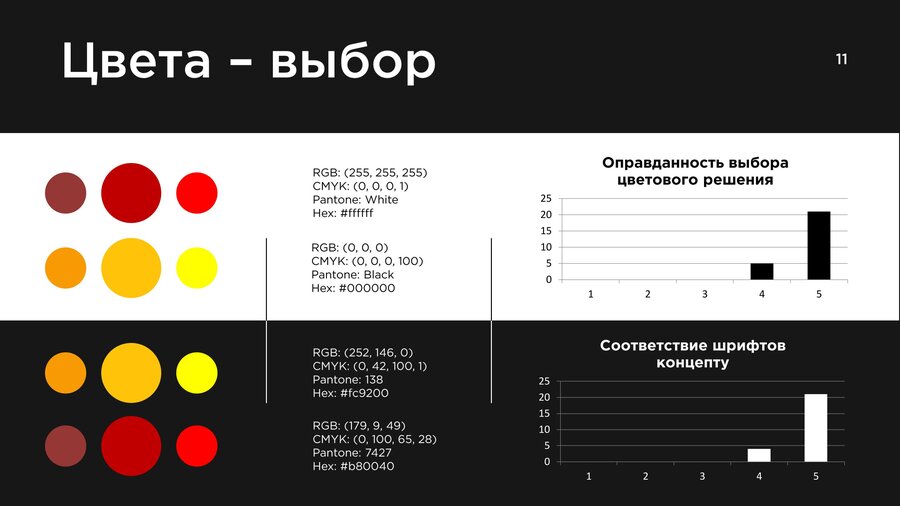
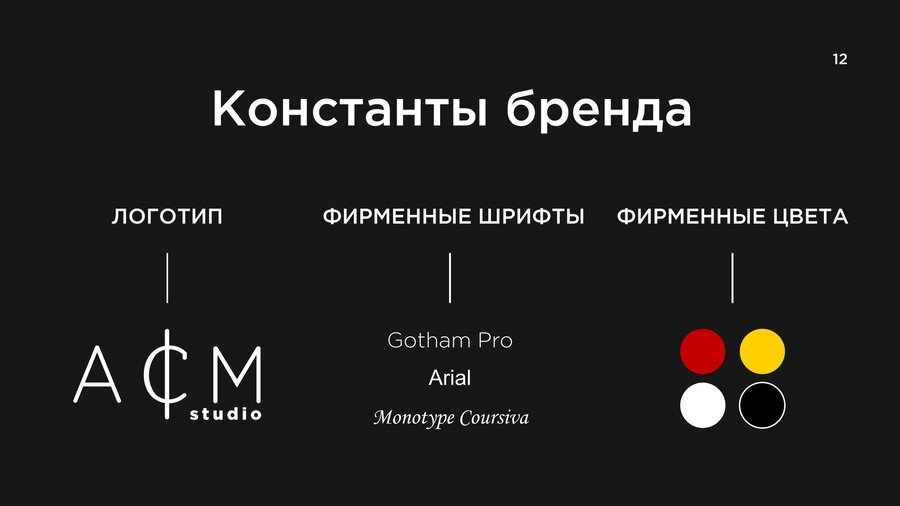
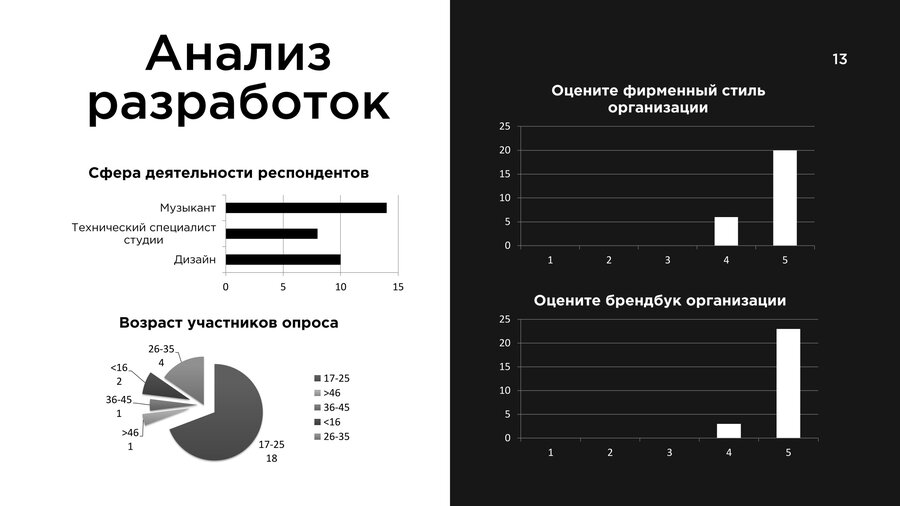
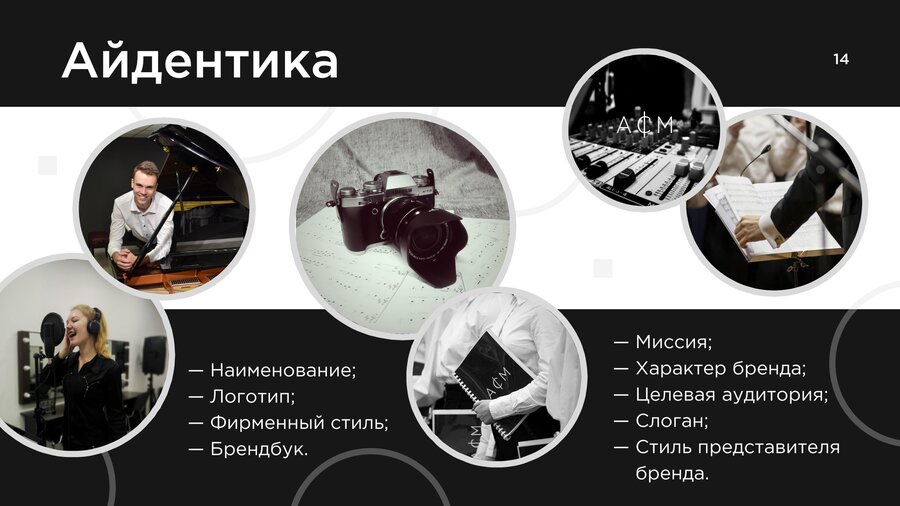
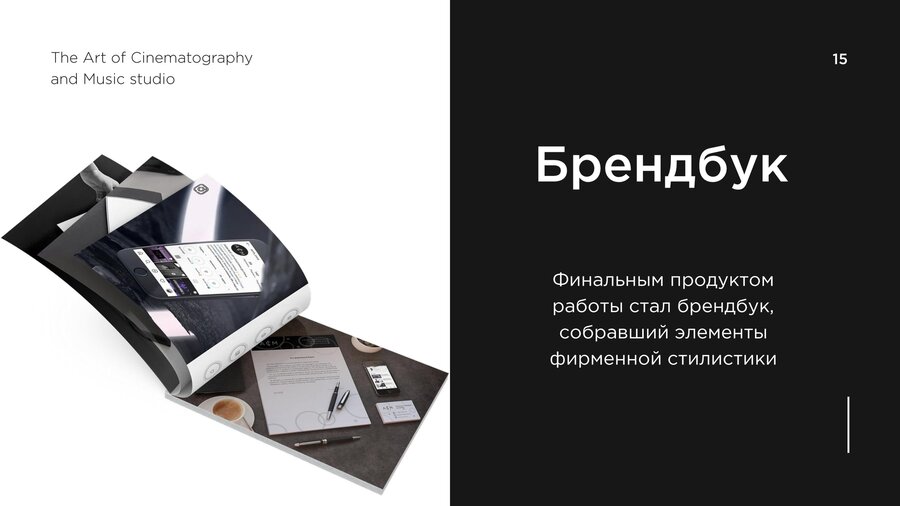
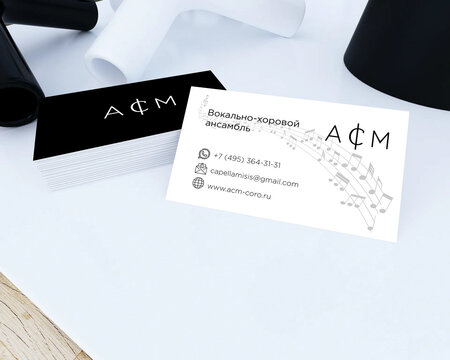
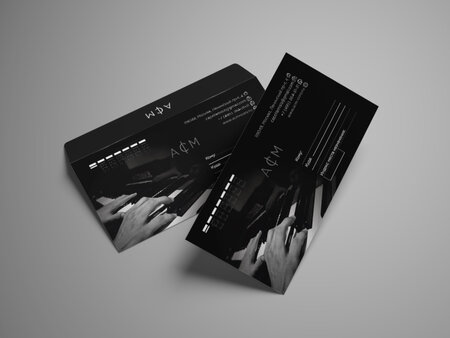
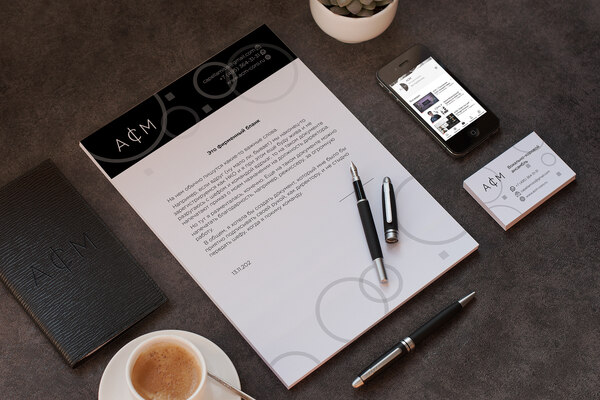
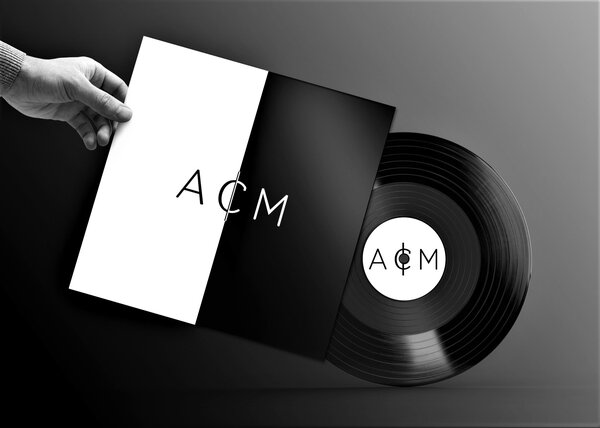
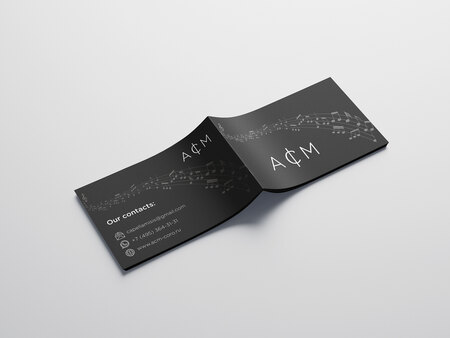
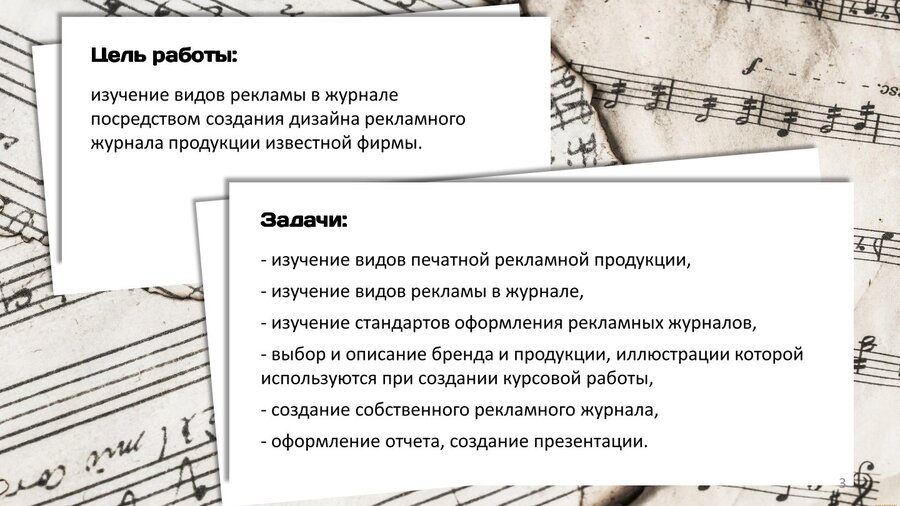
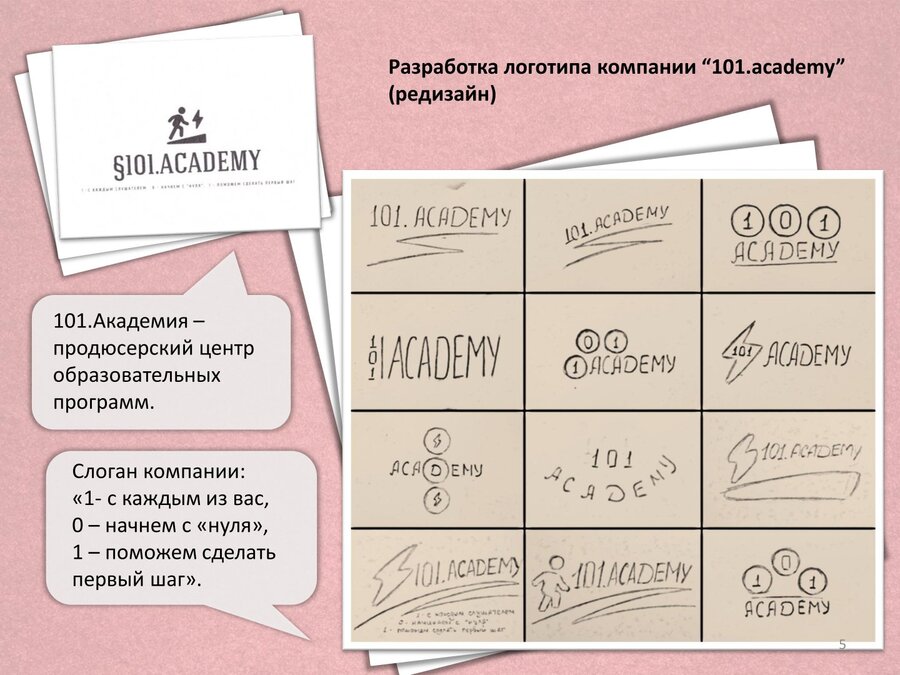
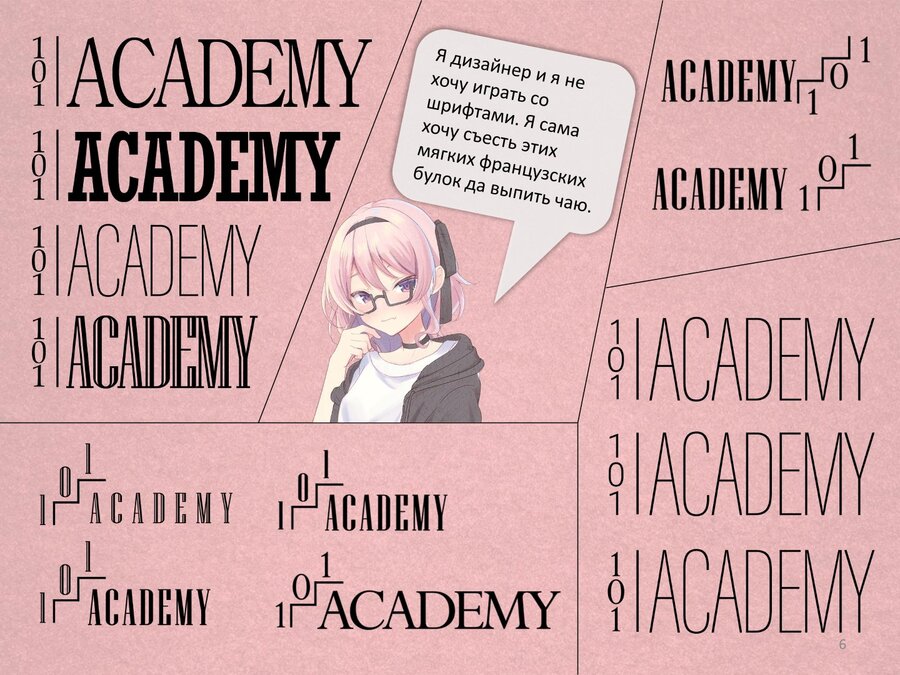
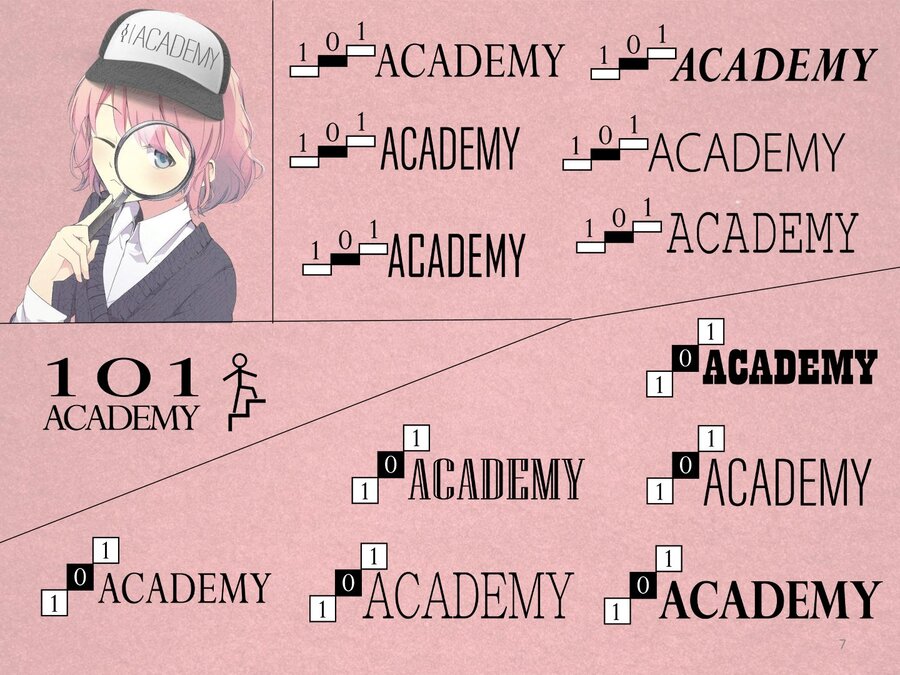
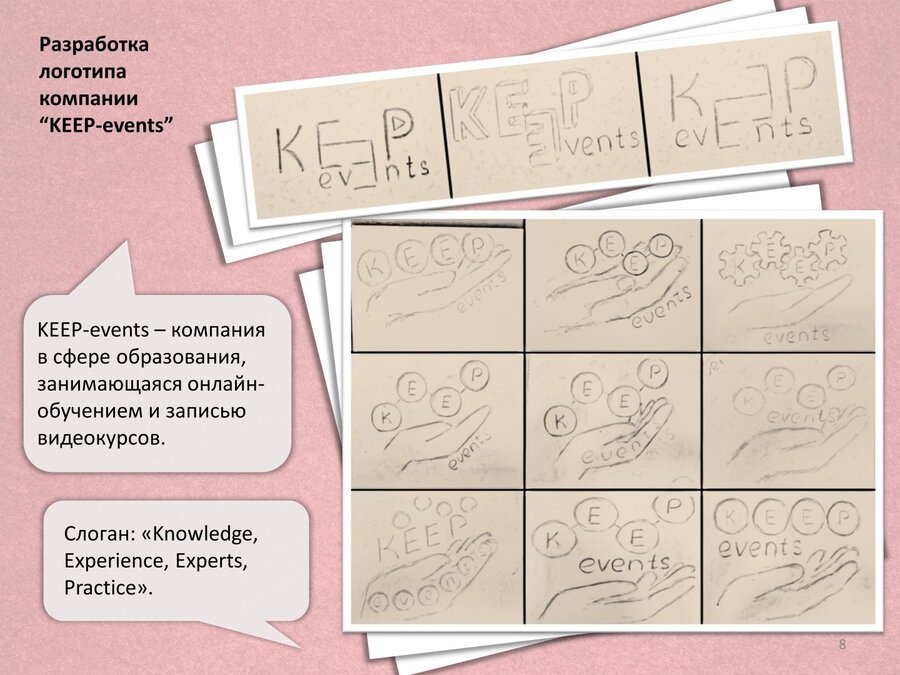
Дипломная работа: «Айдентика бренда компании медиаиндустрии»
Портфолио абитуриента | современные технологии преподавания дизайна
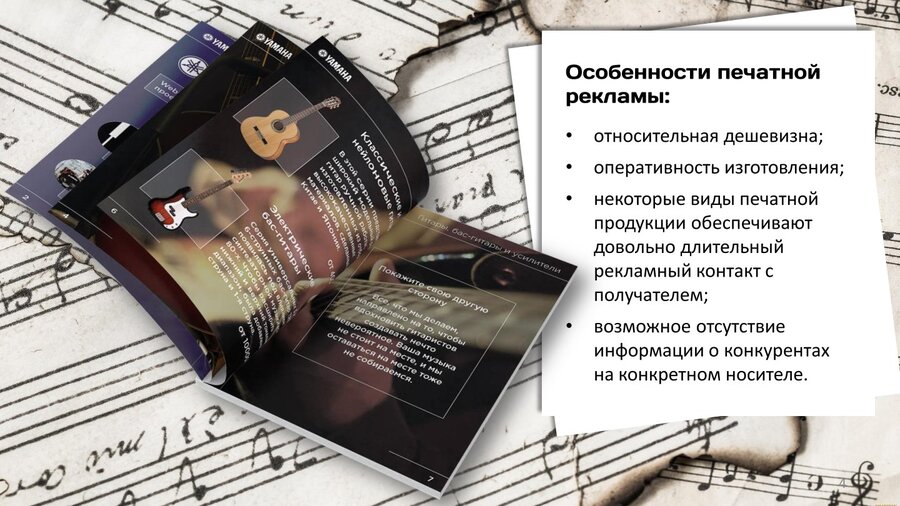
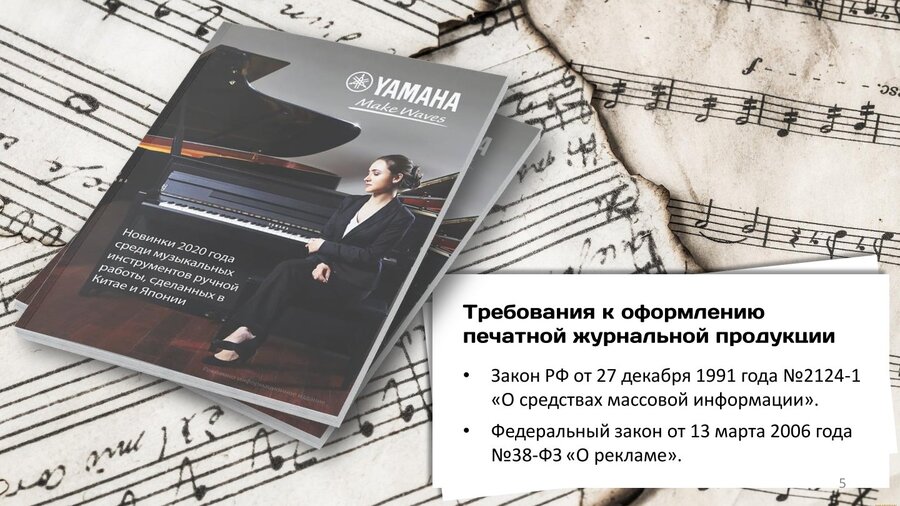
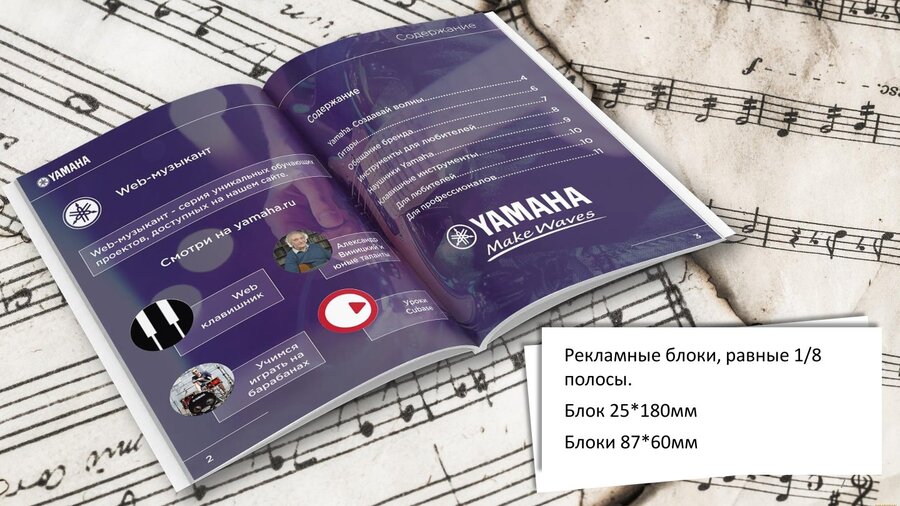
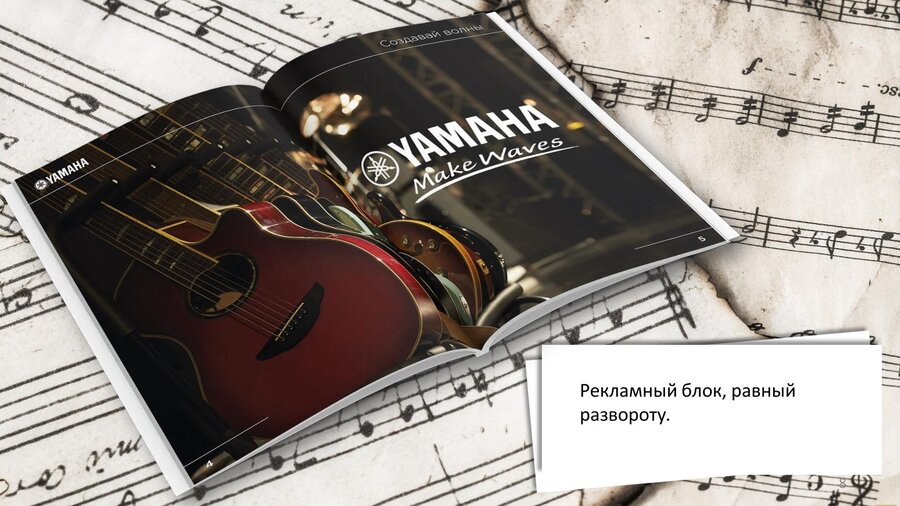
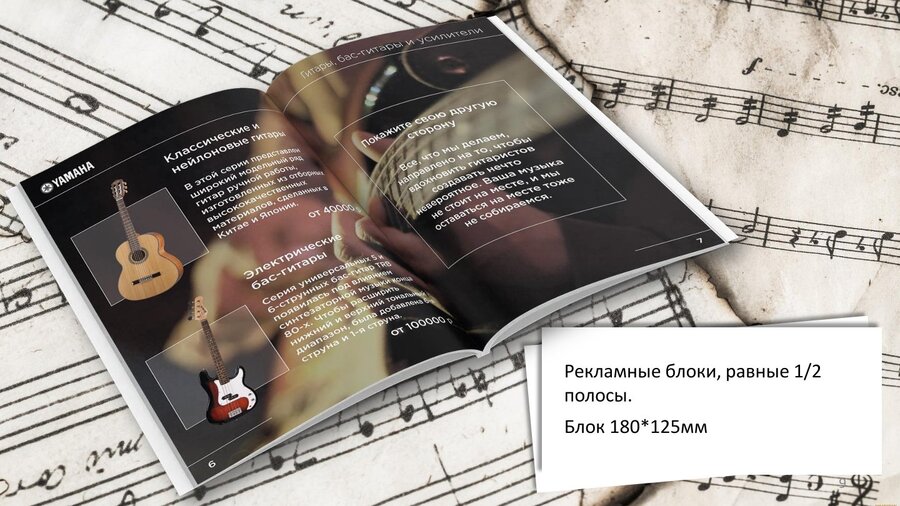
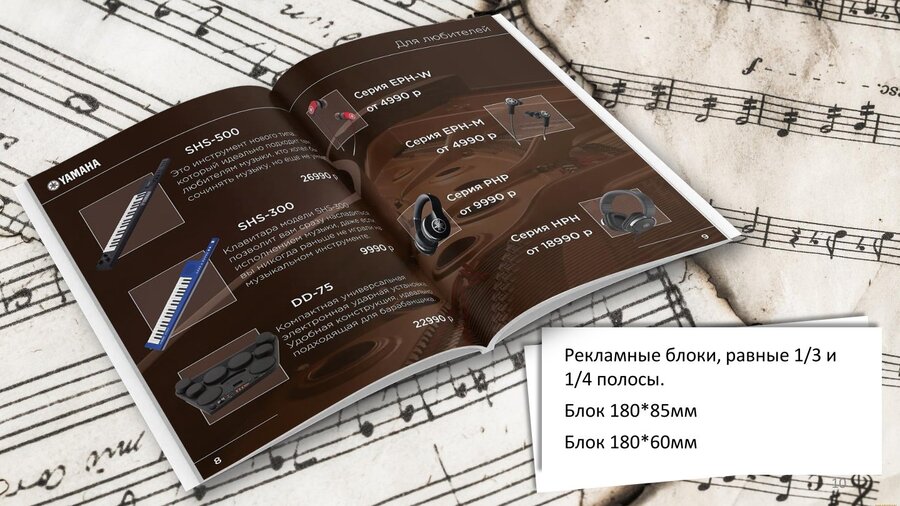
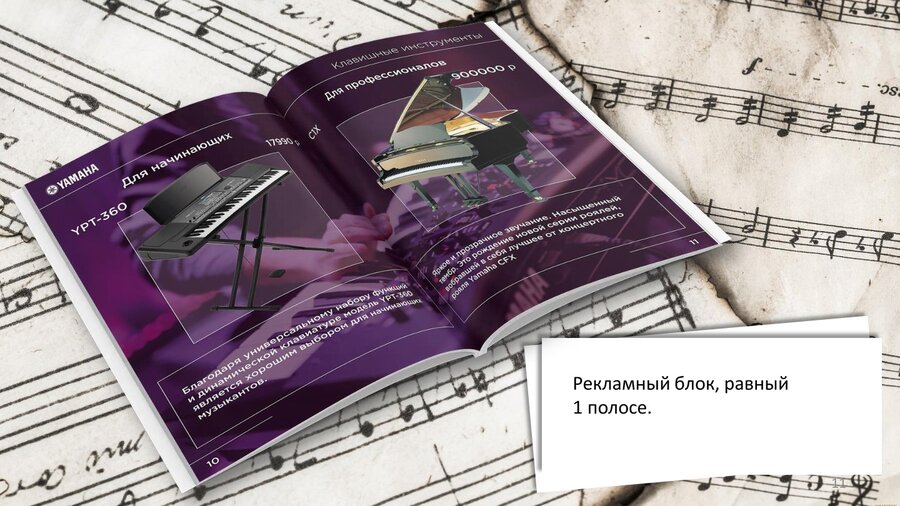
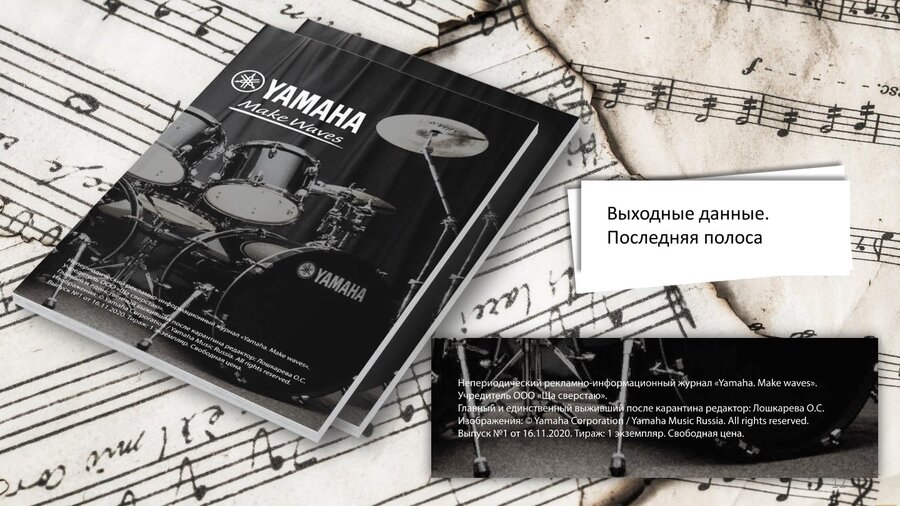
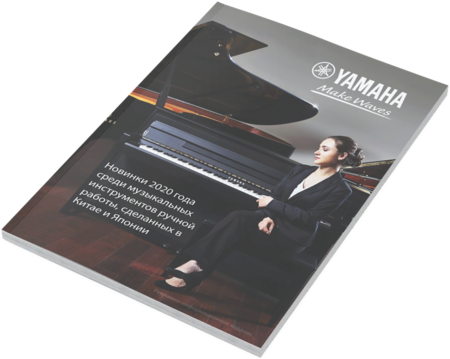
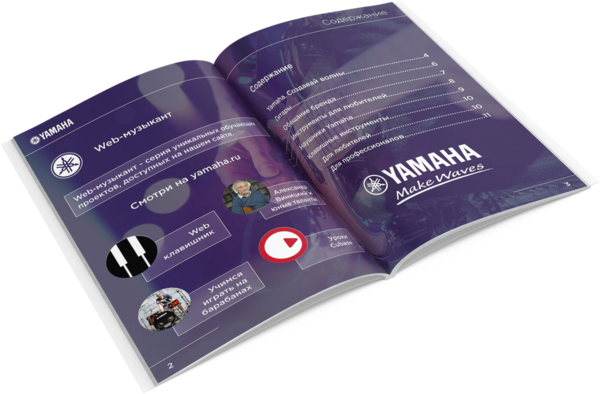
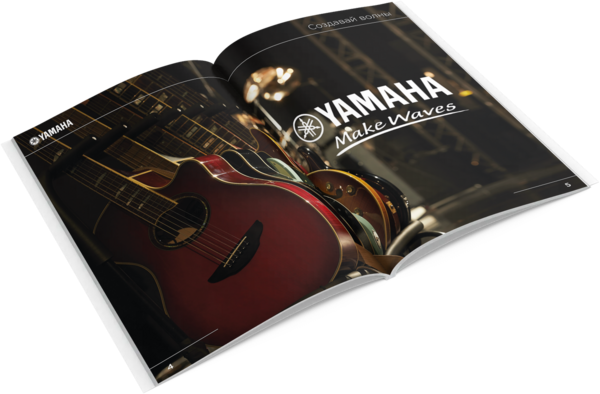
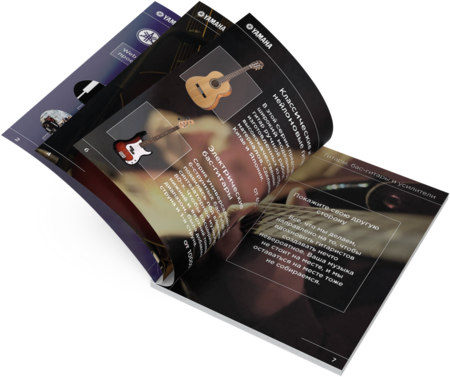
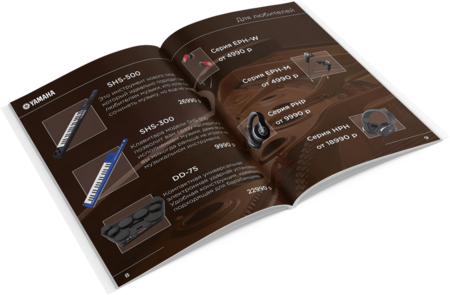
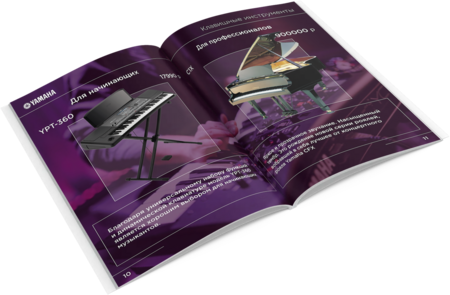
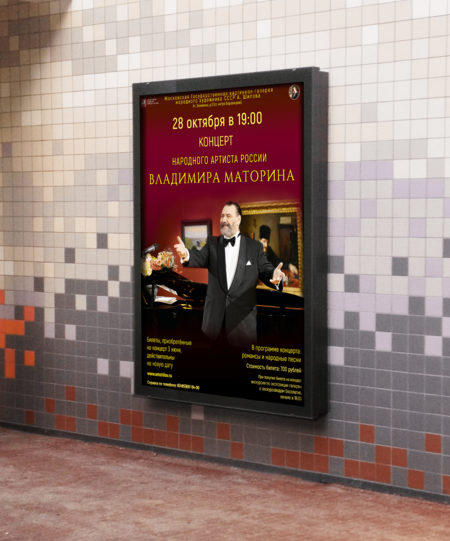
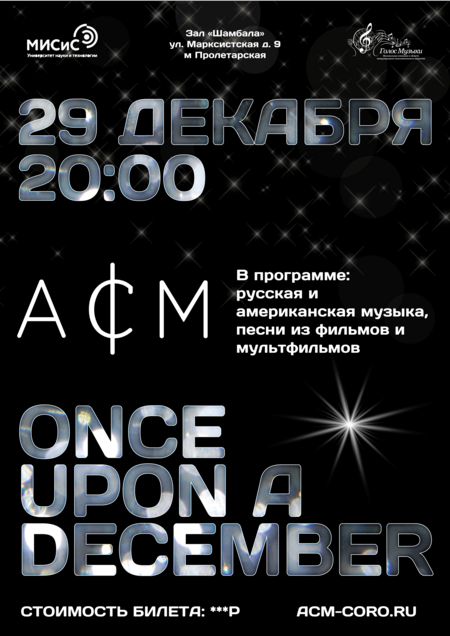
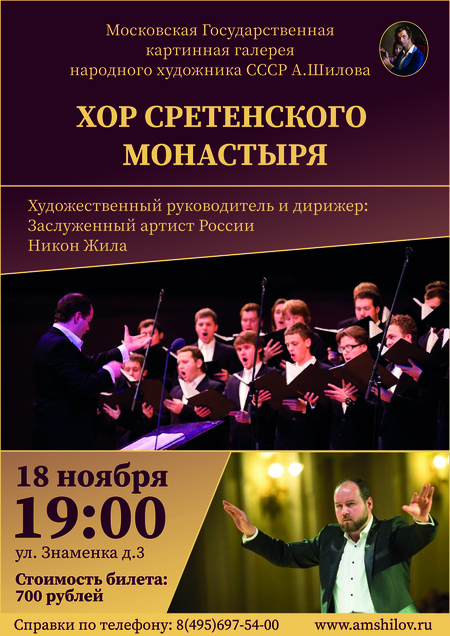
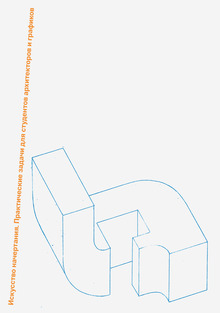
Ольга Кочева создала портфолио абитуриента, демонстрирующее разнообразие проектов в дизайне и творчестве. Проект включает брендбук, журнал продукции, буклеты и афиши, выполненные в рамках учебы и практики.
Автор подготовила тексты для проекта Specimen F-A-T, включающего информацию о тайпфаундри Fedor Abroskin Typefaces FAT. Проект включает пост с описанием тайпфаундри, специализирующейся на акциденции, производстве наборных шрифтов и кастомных заказах.
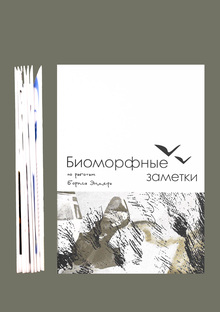
Яна Кравченко создала зин-гармошку, посвящённую творчеству Бориса Эндера — основателя биоморфной абстракции. Проект включает разработки выставочного пространства «Биоморфный луч» и архитектурные проекты, вдохновлённые его идеями.
Авторы подготовили рейтинг инновационной привлекательности мировых городов 2024, включающий более тысячи локаций. Проект впервые представил подробные цифровые иллюстрации, передающие атмосферу мегаполисов будущего.
A joint project of the HSE ART AND DESIGN SCHOOL and the Institute for the Development of Creative Industries, focused on working with Russian regions. The Creative City digital platform is a media outlet that aggregates projects related to territorial branding, a community of professionals, and a service that allows you to create local websites, work with the local identity and popularity of cities and places. Study the map of the Creative City. Get acquainted with the projects that have already been implemented. Add your... Show more
events
travelling
history
art and design
fashion
essays and books
handicrafts
gastronomy
sport
all projects
We use cookies to improve the operation of the HSE website and to enhance its usability. More detailed information on the use of cookies can be fou...
Show more
Press space bar to start a drag.
When dragging you can use the arrow keys to move the item around and escape to cancel.
Some screen readers may require you to be in focus mode or to use your pass through key
Press space bar to start a drag.
When dragging you can use the arrow keys to move the item around and escape to cancel.
Some screen readers may require you to be in focus mode or to use your pass through key
Press space bar to start a drag.
When dragging you can use the arrow keys to move the item around and escape to cancel.
Some screen readers may require you to be in focus mode or to use your pass through key
Press space bar to start a drag.
When dragging you can use the arrow keys to move the item around and escape to cancel.
Some screen readers may require you to be in focus mode or to use your pass through key
Press space bar to start a drag.
When dragging you can use the arrow keys to move the item around and escape to cancel.
Some screen readers may require you to be in focus mode or to use your pass through key
Press space bar to start a drag.
When dragging you can use the arrow keys to move the item around and escape to cancel.
Some screen readers may require you to be in focus mode or to use your pass through key
Press space bar to start a drag.
When dragging you can use the arrow keys to move the item around and escape to cancel.
Some screen readers may require you to be in focus mode or to use your pass through key
Press space bar to start a drag.
When dragging you can use the arrow keys to move the item around and escape to cancel.
Some screen readers may require you to be in focus mode or to use your pass through key
Press space bar to start a drag.
When dragging you can use the arrow keys to move the item around and escape to cancel.
Some screen readers may require you to be in focus mode or to use your pass through key
Press space bar to start a drag.
When dragging you can use the arrow keys to move the item around and escape to cancel.
Some screen readers may require you to be in focus mode or to use your pass through key
Press space bar to start a drag.
When dragging you can use the arrow keys to move the item around and escape to cancel.
Some screen readers may require you to be in focus mode or to use your pass through key
Press space bar to start a drag.
When dragging you can use the arrow keys to move the item around and escape to cancel.
Some screen readers may require you to be in focus mode or to use your pass through key