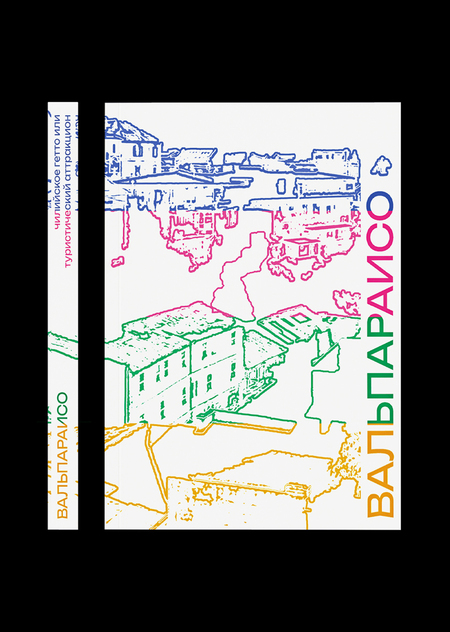
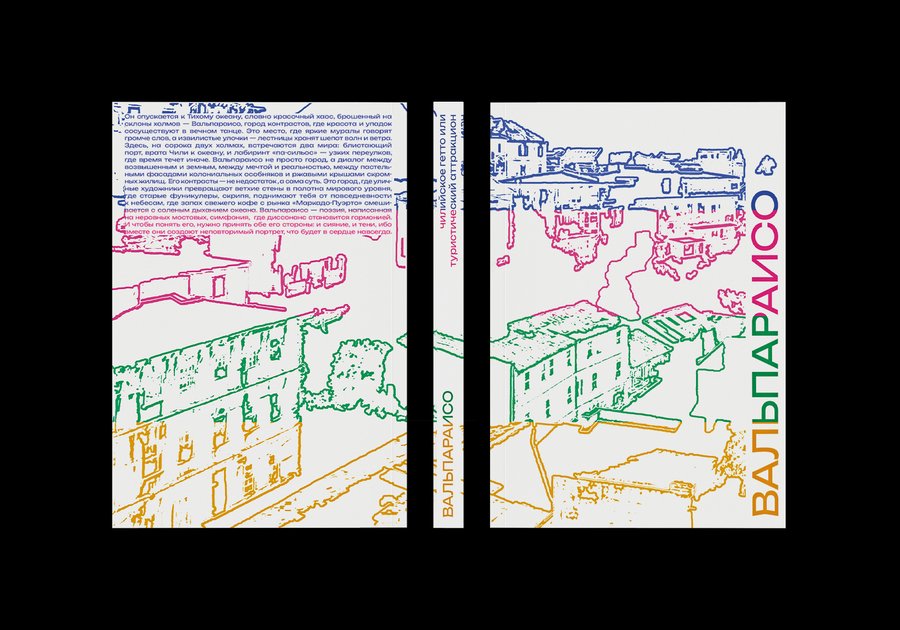
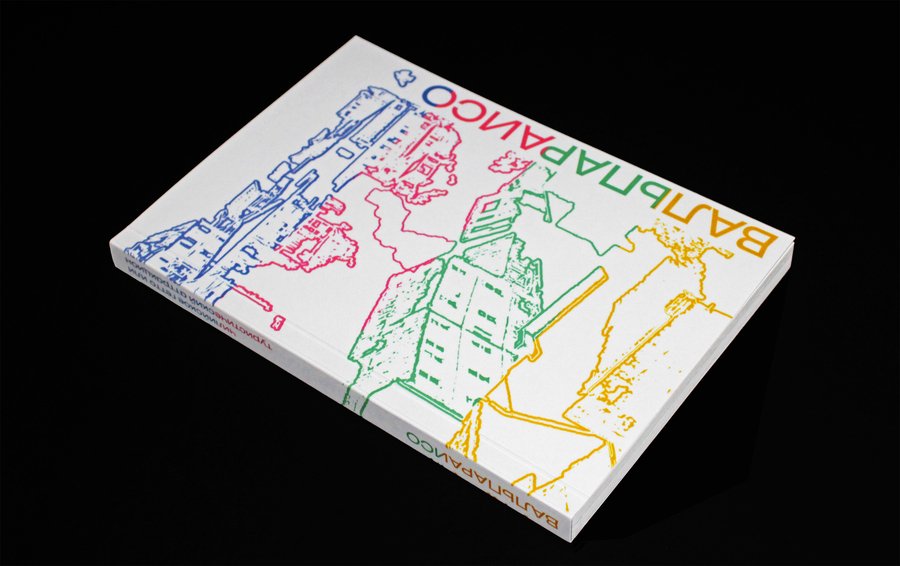
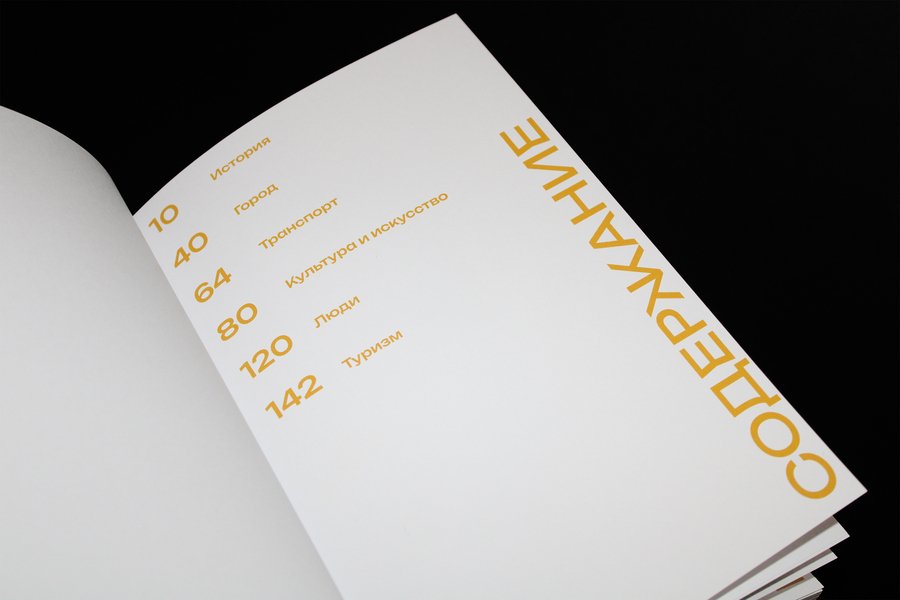
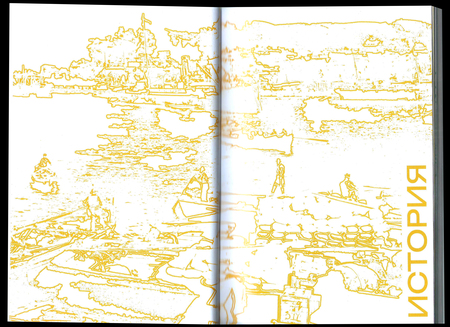
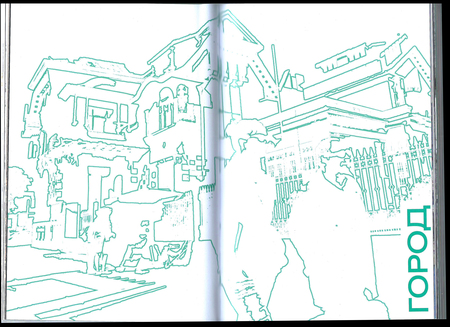
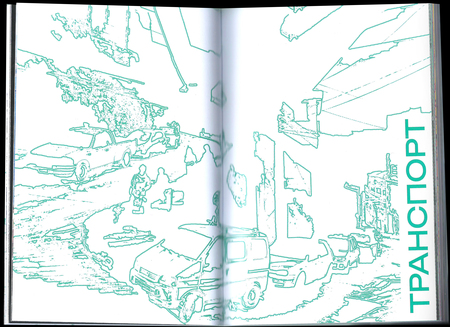
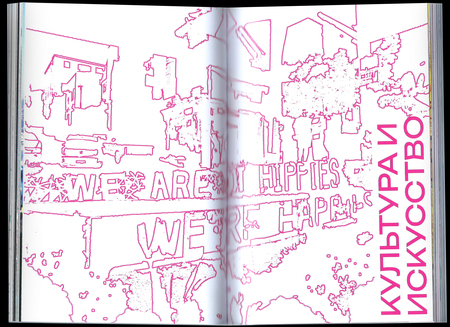
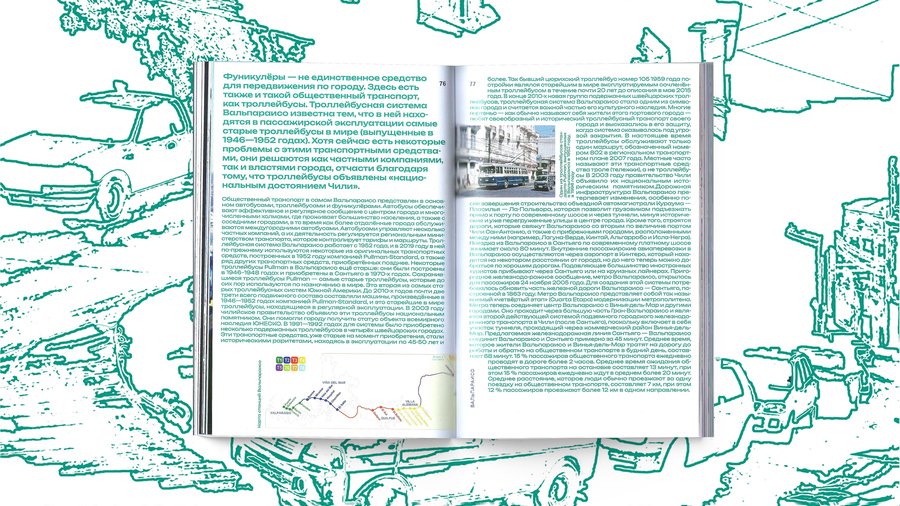
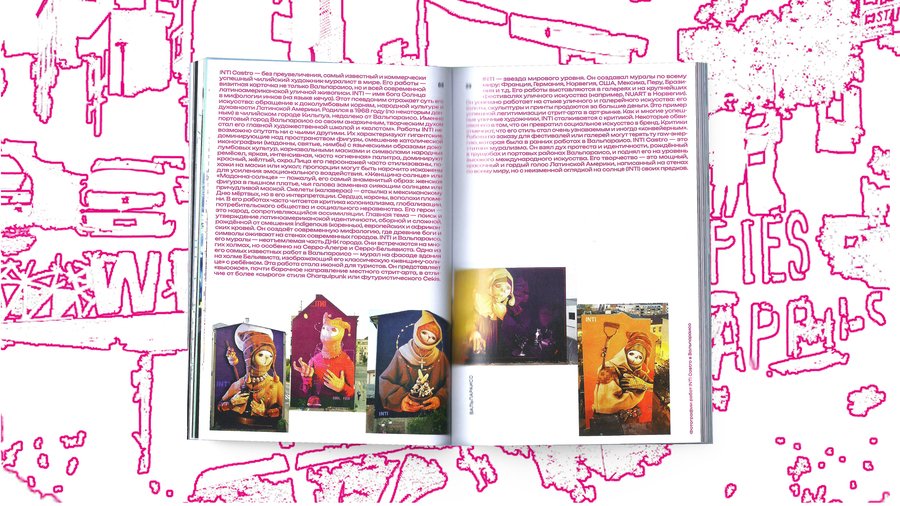
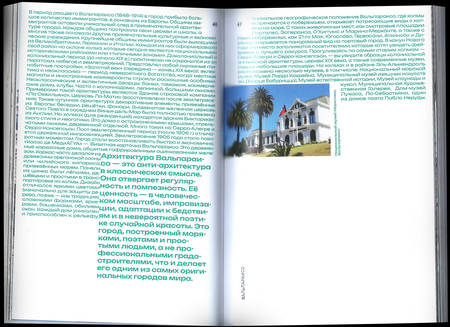
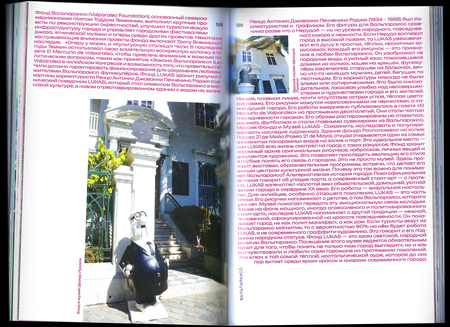
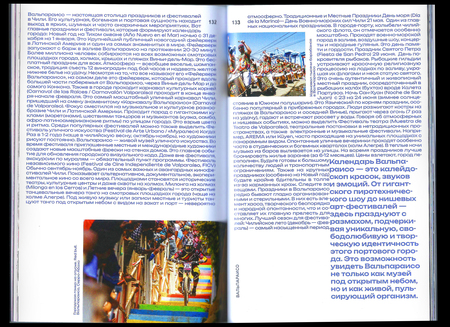
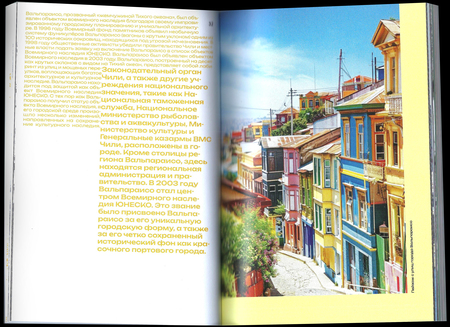
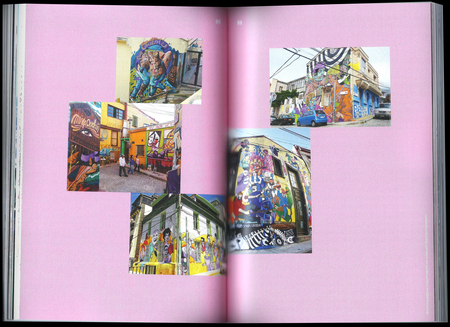
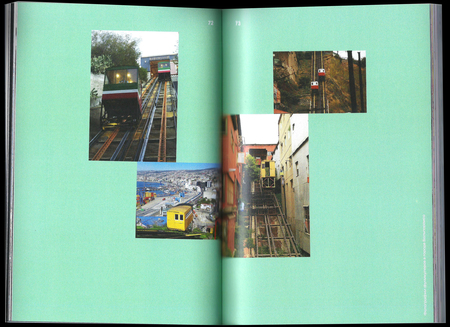
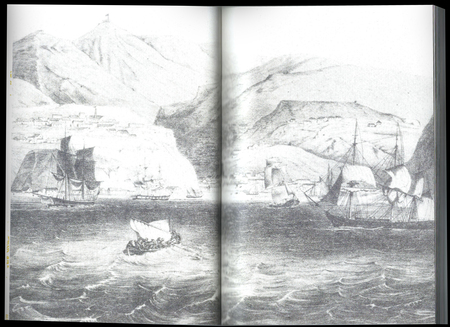
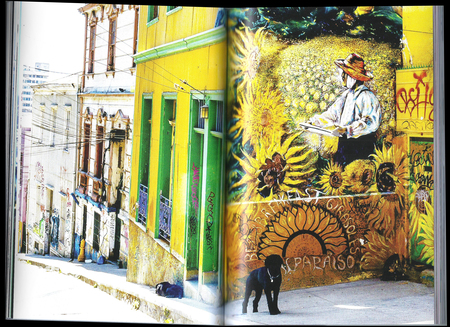
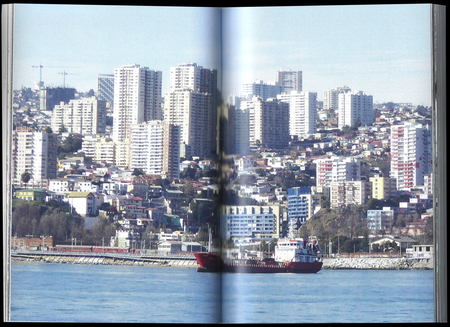
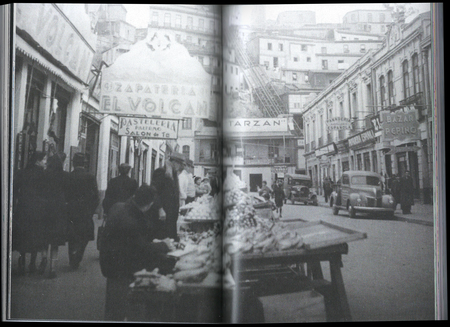
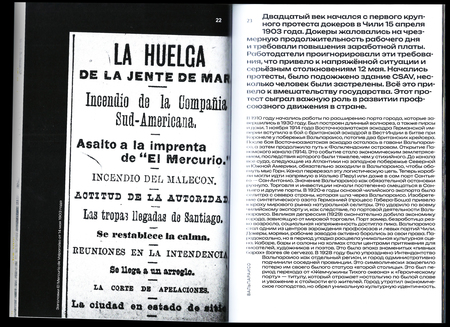
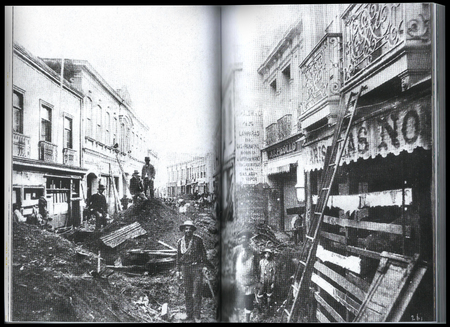
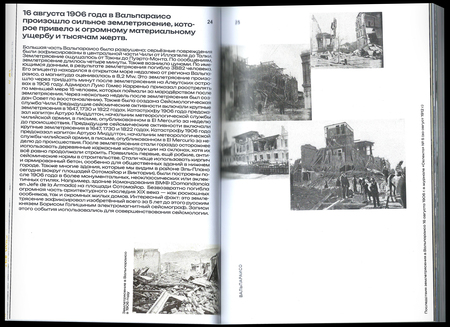
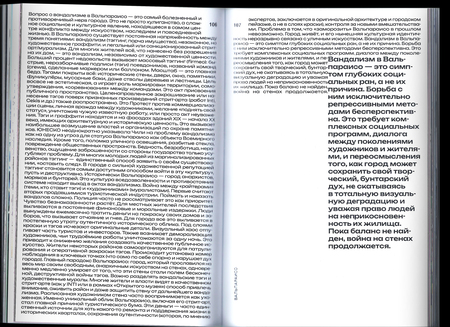
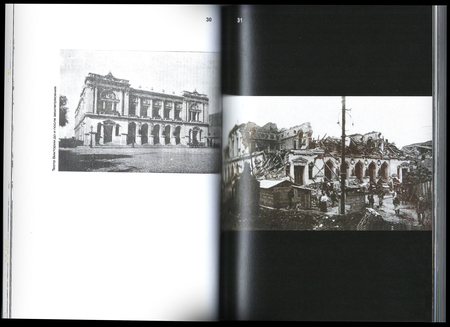
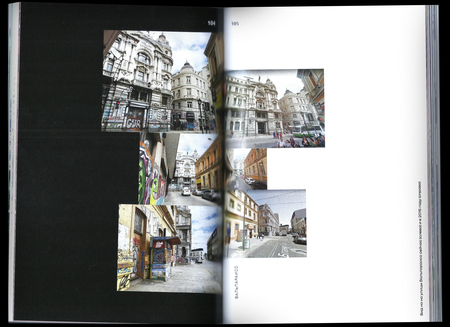
Проект представляет собой книгу-исследование о городе Вальпараисо, где цвет становится главным голосом повествования, а принцип контраста подчеркивает его положительные и негативные аспекты. На цветных страницах говорится о радости жизни и ярких красках города; на монохромных — о тенях, выживании и бедности. Проект не дает однозначных оценок, а предлагает увидеть город целиком — принять его сложность и контрасты как главную ценность.
Исходный размер 3000x2000
0
0
0
0
0
0
0
0
0
Исходный размер 2968x2160
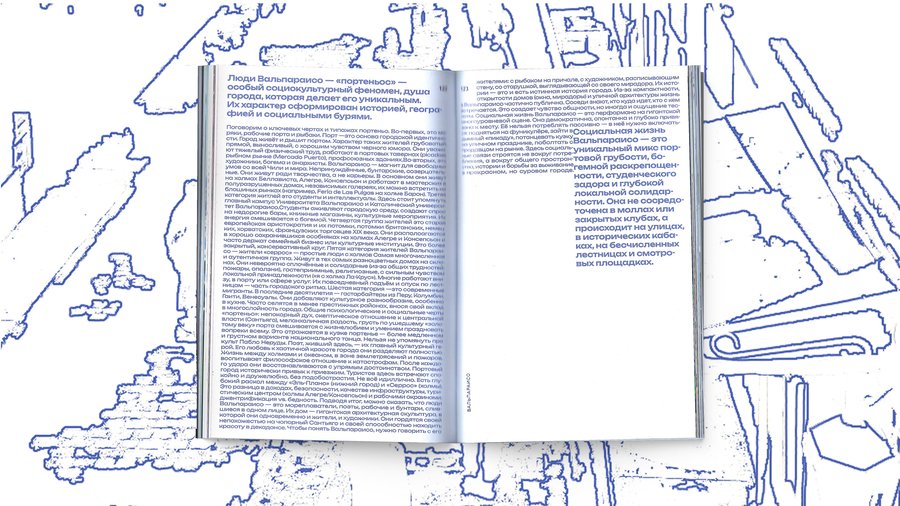
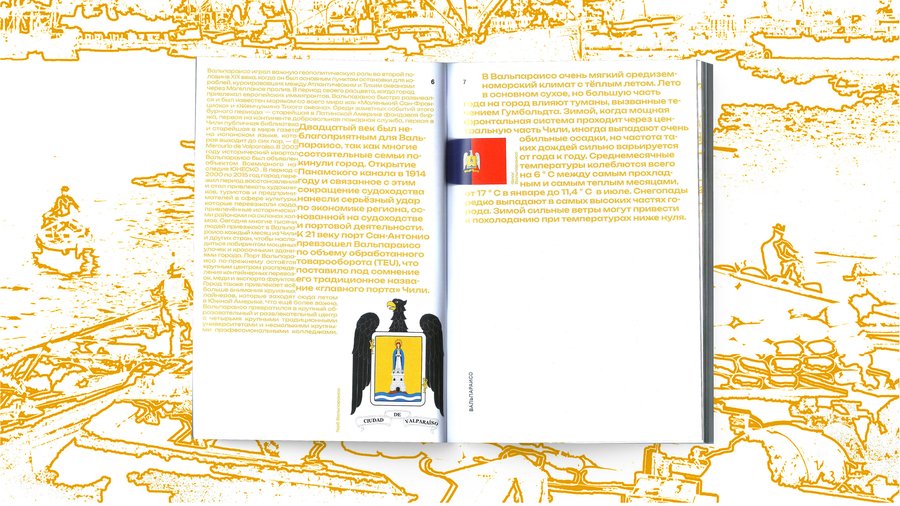
Плотность типографского набора книги продиктована самой атмосферой Вальпараисо, где наблюдается высокий уровень плотности городского населения.
Исходный размер 3000x2000
Исходный размер 2500x992
Исходный размер 2500x992
Фотографии выходят из центра книги и складываются в композиции, повторяющие знаменитые тесные кварталы Вальпараисо.
Исходный размер 3000x2000
Исходный размер 3507x2550
Исходный размер 2968x2160
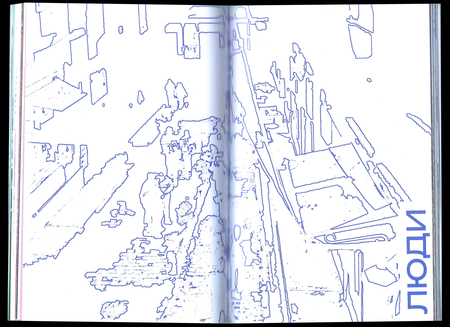
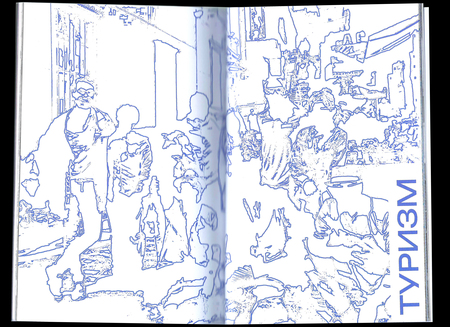
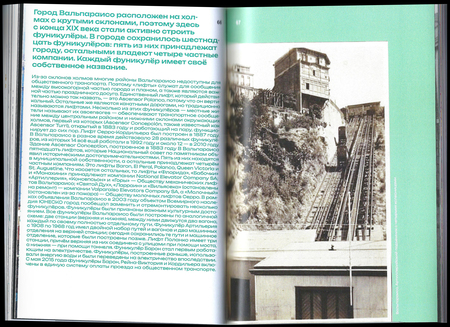
Каждая глава содержит черно-белые страницы, которые перекликаются с цветными по структуре, но также раскрывают город с обратной стороны, более темной и опасной.
Исходный размер 3507x2550
Исходный размер 3507x2550
Исходный размер 3507x2550
Вальпараисо. Чилийское гетто или туристический аттракцион.
Мы используем файлы cookies для улучшения работы сайта НИУ ВШЭ и большего удобства его использования. Более подробную...
Показать больше
Press space bar to start a drag.
When dragging you can use the arrow keys to move the item around and escape to cancel.
Some screen readers may require you to be in focus mode or to use your pass through key
Press space bar to start a drag.
When dragging you can use the arrow keys to move the item around and escape to cancel.
Some screen readers may require you to be in focus mode or to use your pass through key
Press space bar to start a drag.
When dragging you can use the arrow keys to move the item around and escape to cancel.
Some screen readers may require you to be in focus mode or to use your pass through key
Press space bar to start a drag.
When dragging you can use the arrow keys to move the item around and escape to cancel.
Some screen readers may require you to be in focus mode or to use your pass through key
Press space bar to start a drag.
When dragging you can use the arrow keys to move the item around and escape to cancel.
Some screen readers may require you to be in focus mode or to use your pass through key
Press space bar to start a drag.
When dragging you can use the arrow keys to move the item around and escape to cancel.
Some screen readers may require you to be in focus mode or to use your pass through key
Press space bar to start a drag.
When dragging you can use the arrow keys to move the item around and escape to cancel.
Some screen readers may require you to be in focus mode or to use your pass through key
Press space bar to start a drag.
When dragging you can use the arrow keys to move the item around and escape to cancel.
Some screen readers may require you to be in focus mode or to use your pass through key
Press space bar to start a drag.
When dragging you can use the arrow keys to move the item around and escape to cancel.
Some screen readers may require you to be in focus mode or to use your pass through key
Press space bar to start a drag.
When dragging you can use the arrow keys to move the item around and escape to cancel.
Some screen readers may require you to be in focus mode or to use your pass through key
Press space bar to start a drag.
When dragging you can use the arrow keys to move the item around and escape to cancel.
Some screen readers may require you to be in focus mode or to use your pass through key
Press space bar to start a drag.
When dragging you can use the arrow keys to move the item around and escape to cancel.
Some screen readers may require you to be in focus mode or to use your pass through key