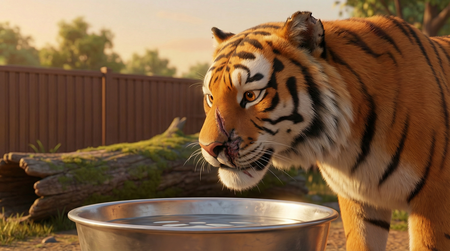
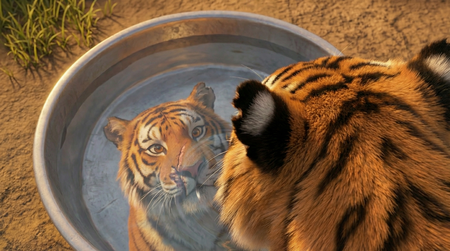
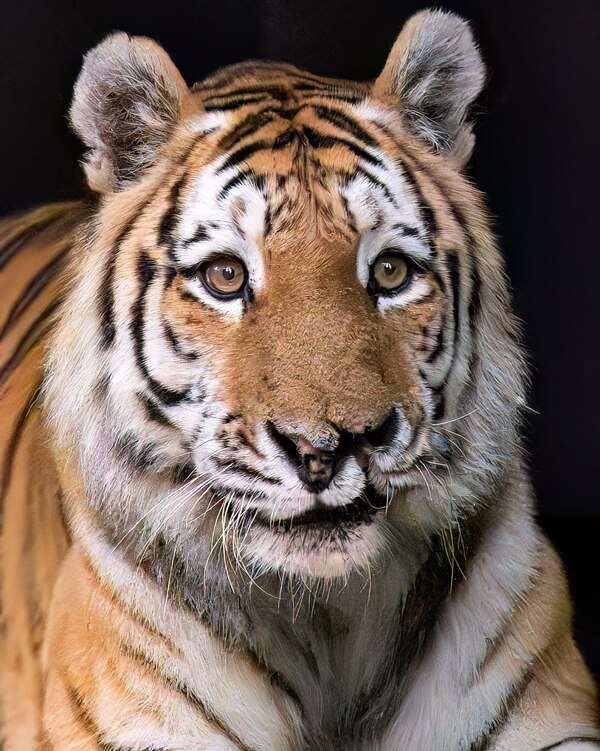
«Тигуан» — 3D-анимационный фильм, основанный на реальной истории амурского тигра.
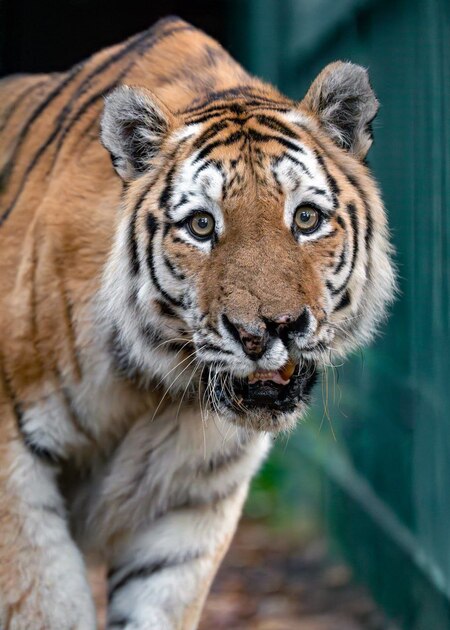
Зимой из тайги к людям вышел тигр в крайне тяжёлом состоянии.
Пуля браконьера лишила его возможности охотиться и навсегда сделала инвалидом. Ему удалось вырваться из капкана и избежать рук преследователей, но жизнь в дикой природе для него закончилась навсегда.
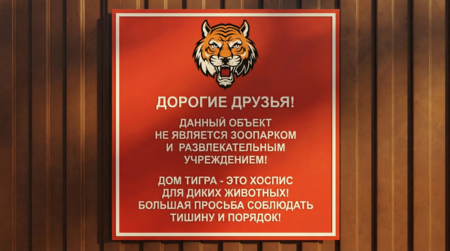
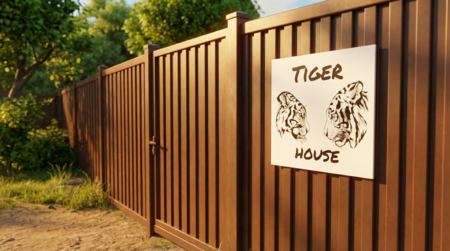
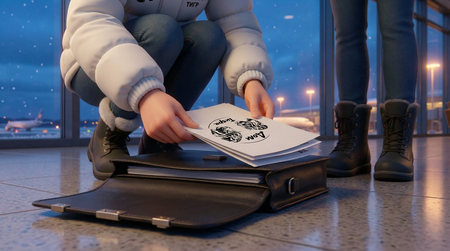
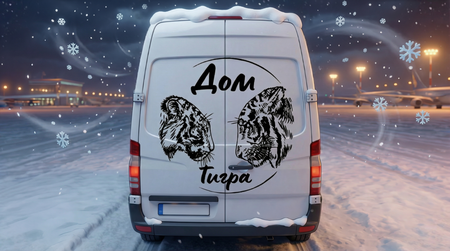
Тигуан был отловлен и передан в хоспис для крупных кошек «Дом тигра» в Ленинградской области, где живёт и по сегодняшний день.
Этот фильм — реконструкция трагедии и размышление о последствиях человеческих действий.
Амурский тигр — сокровище России, символ силы и дикой природы. Но даже самая мощная кошка становится беззащитной перед человеческой жестокостью.
Мы не одни на этой планете.
И ответственность за сохранение её живых жемчужин лежит на нас.
Original size 2752x1536
Original size 2752x1536
Автор: Новиков Роман
Телефон: 8 909 942-78-52
Telegram: @vpanamee
Роман Новиков создал 3D-анимационный фильм «Тигуан» на основе реальной истории амурского тигра, пострадавшего от жестокости человека. Фильм рассказывает о трагедии тигра, который после ранения браконьером был вынужден жить в хосписе в Ленинградской области.
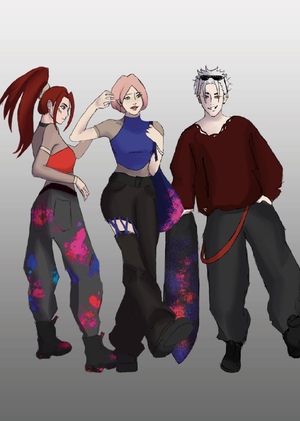
Александра Новикова создала концепты персонажей для проекта «Erode». Проект включает в себя тексты и идеи, основанные на образе разрушающегося мира, коррозии и загрязнённого воздуха.
A joint project of the HSE ART AND DESIGN SCHOOL and the Institute for the Development of Creative Industries, focused on working with Russian regions. The Creative City digital platform is a media outlet that aggregates projects related to territorial branding, a community of professionals, and a service that allows you to create local websites, work with the local identity and popularity of cities and places. Study the map of the Creative City. Get acquainted with the projects that have already been implemented. Add your... Show more
events
travelling
history
art and design
fashion
essays and books
handicrafts
gastronomy
sport
all projects
We use cookies to improve the operation of the HSE website and to enhance its usability. More detailed information on the use of cookies can be fou...
Show more
Press space bar to start a drag.
When dragging you can use the arrow keys to move the item around and escape to cancel.
Some screen readers may require you to be in focus mode or to use your pass through key
Press space bar to start a drag.
When dragging you can use the arrow keys to move the item around and escape to cancel.
Some screen readers may require you to be in focus mode or to use your pass through key
Press space bar to start a drag.
When dragging you can use the arrow keys to move the item around and escape to cancel.
Some screen readers may require you to be in focus mode or to use your pass through key
Press space bar to start a drag.
When dragging you can use the arrow keys to move the item around and escape to cancel.
Some screen readers may require you to be in focus mode or to use your pass through key
Press space bar to start a drag.
When dragging you can use the arrow keys to move the item around and escape to cancel.
Some screen readers may require you to be in focus mode or to use your pass through key
Press space bar to start a drag.
When dragging you can use the arrow keys to move the item around and escape to cancel.
Some screen readers may require you to be in focus mode or to use your pass through key
Press space bar to start a drag.
When dragging you can use the arrow keys to move the item around and escape to cancel.
Some screen readers may require you to be in focus mode or to use your pass through key
Press space bar to start a drag.
When dragging you can use the arrow keys to move the item around and escape to cancel.
Some screen readers may require you to be in focus mode or to use your pass through key
Press space bar to start a drag.
When dragging you can use the arrow keys to move the item around and escape to cancel.
Some screen readers may require you to be in focus mode or to use your pass through key
Press space bar to start a drag.
When dragging you can use the arrow keys to move the item around and escape to cancel.
Some screen readers may require you to be in focus mode or to use your pass through key
Press space bar to start a drag.
When dragging you can use the arrow keys to move the item around and escape to cancel.
Some screen readers may require you to be in focus mode or to use your pass through key
Press space bar to start a drag.
When dragging you can use the arrow keys to move the item around and escape to cancel.
Some screen readers may require you to be in focus mode or to use your pass through key
Press space bar to start a drag.
When dragging you can use the arrow keys to move the item around and escape to cancel.
Some screen readers may require you to be in focus mode or to use your pass through key
Press space bar to start a drag.
When dragging you can use the arrow keys to move the item around and escape to cancel.
Some screen readers may require you to be in focus mode or to use your pass through key
Press space bar to start a drag.
When dragging you can use the arrow keys to move the item around and escape to cancel.
Some screen readers may require you to be in focus mode or to use your pass through key
Press space bar to start a drag.
When dragging you can use the arrow keys to move the item around and escape to cancel.
Some screen readers may require you to be in focus mode or to use your pass through key