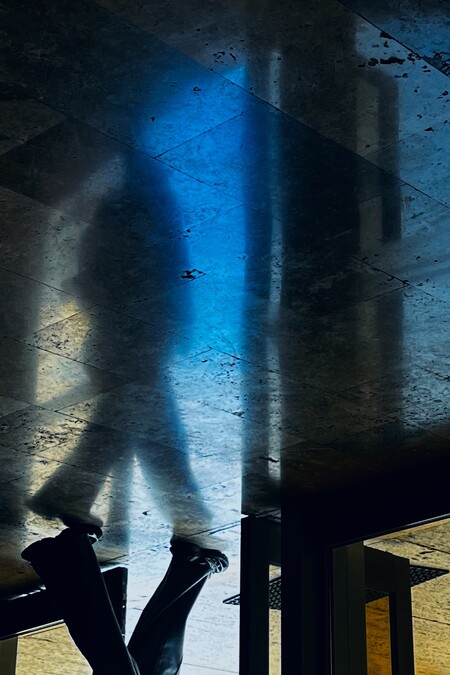
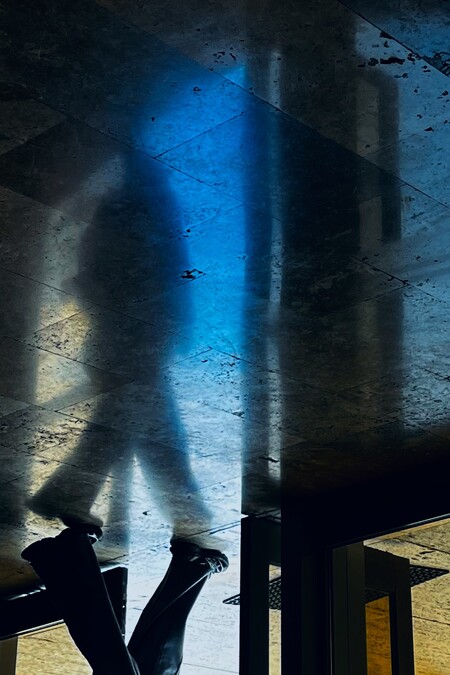
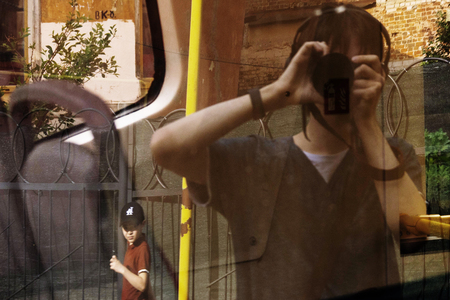
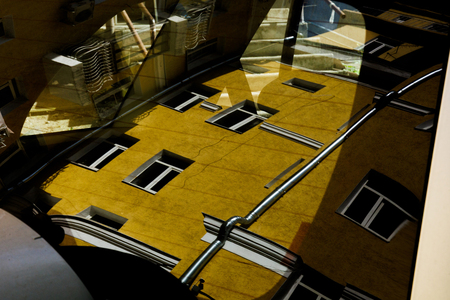
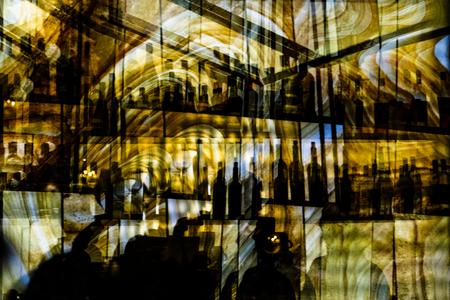
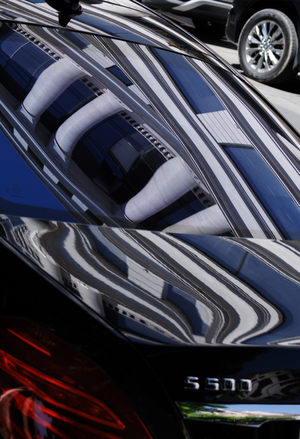
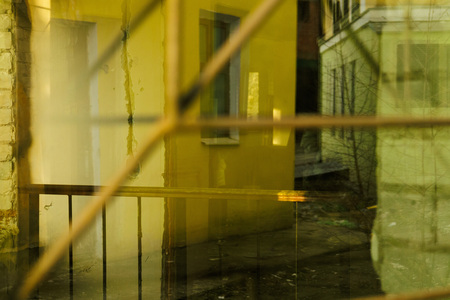
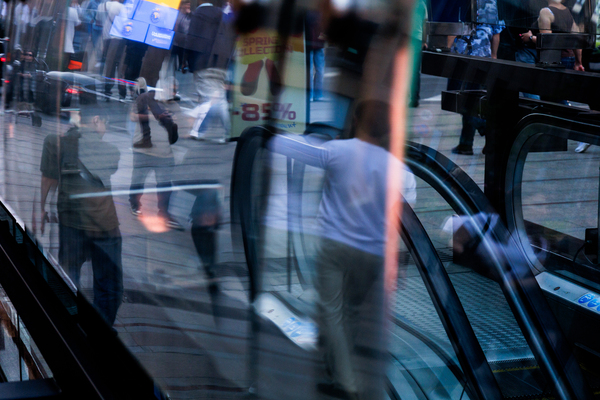
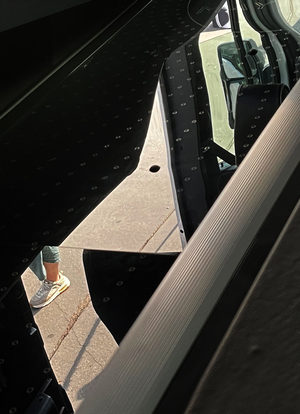
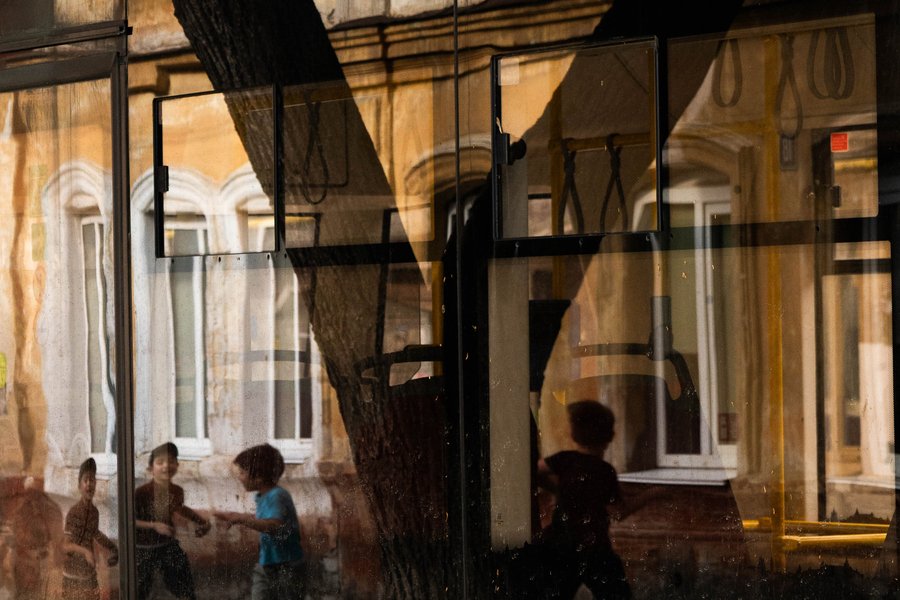
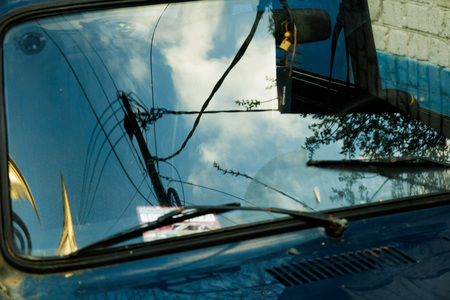
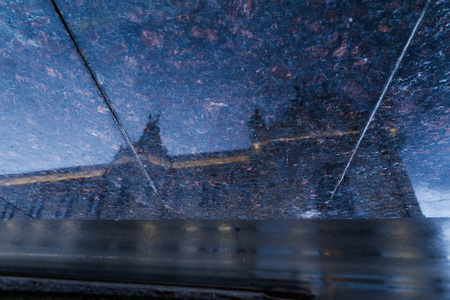
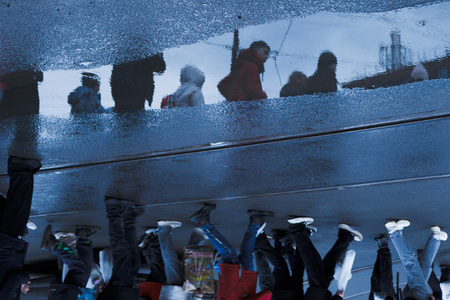
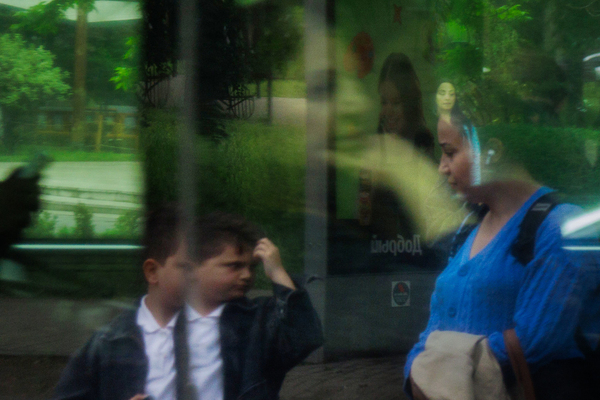
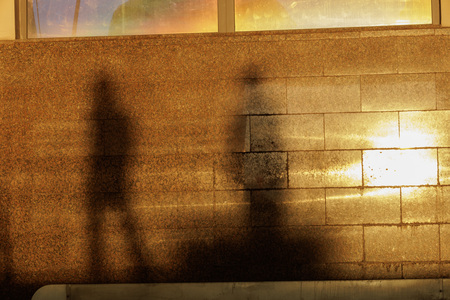
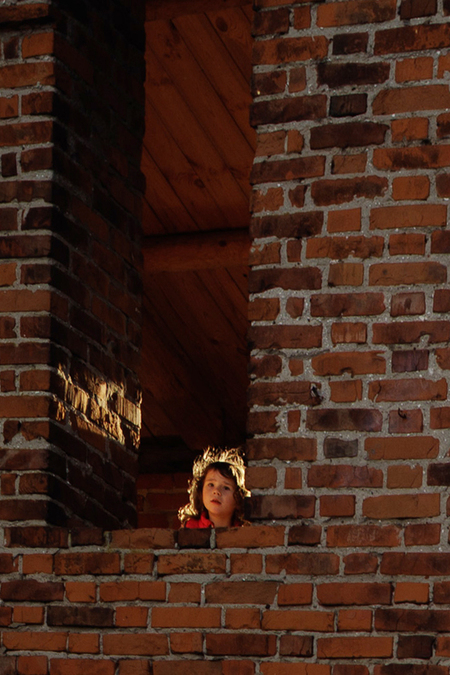
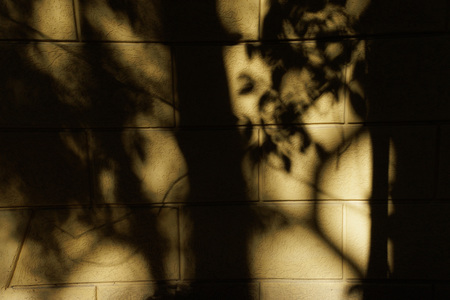
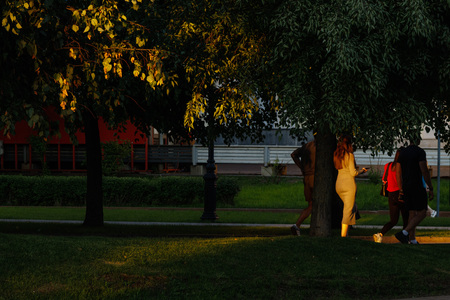
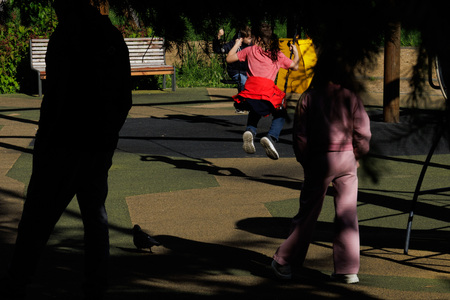
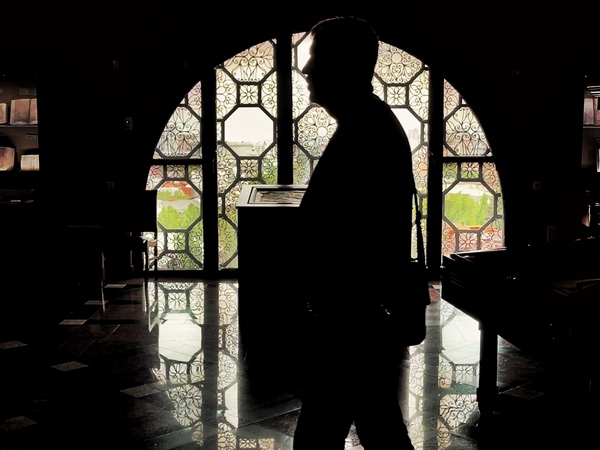
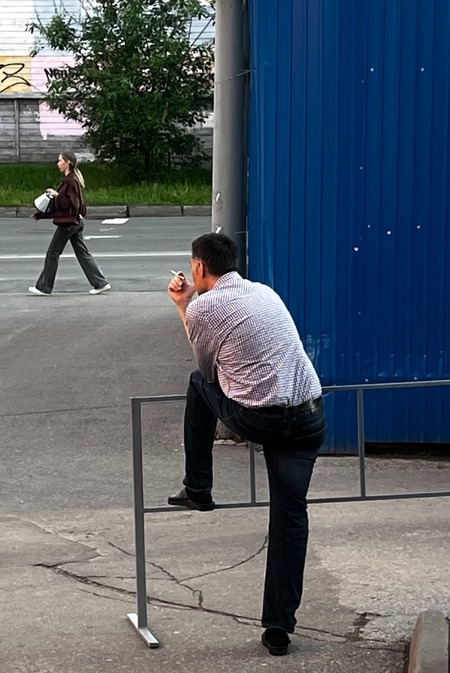
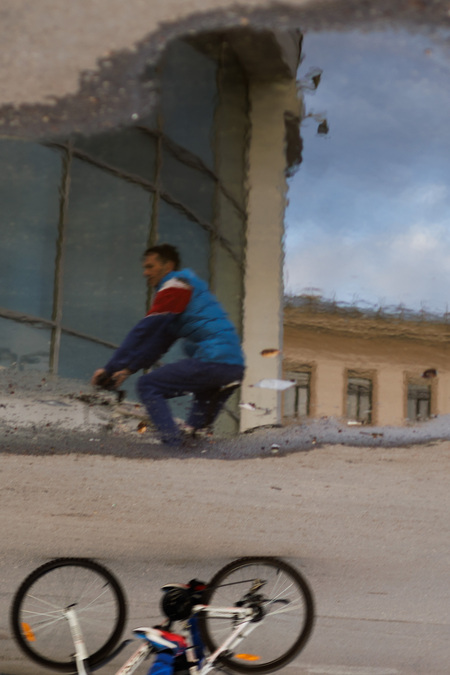
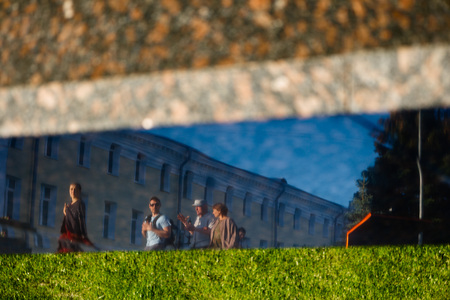
In photography, I have always been drawn to the «caught moment”—the serendipity of the shot. I try to find what is usually unseen, to capture something transcendent, something unnoticed by the everyday eye.
For me, reflection embodies this. Refractions can layer multiple planes of reality, alter an object, lend it an unconventional form, duplicate items, and leave behind their phantoms.
Reflections show objects not as the creator intended them, but they transmit the world through their fractured optics.
Мой проект — это попытка заглянуть в суть городов Золотого кольца, используя их «генетический код» — гербы. В основе серии лежит переосмысление исторических гербов: я переработала их стилистику, сохранив ключевые символы и смыслы, но представив их в современном забавном графическом варианте. Я поставила задачу работать только с цветами, которые присутствуют на гербах городов. Поэтому каждая открытка оформлена исключительно в палитре конкретного герба. Рамки, обрамляющие гербы, отсылают к красоте традиционных наличников — одному из самых выразительных элементов русского декоративного искусства. Поэтому соединение исторического герба и уникальных русских наличников, создают запоминающийся русский образ городов.
Фотопроект «Времена года Золотого кольца» посвящён древним городам России. Показываю красоту, атмосферу, жизнь и природу вокруг нас на фоне чередующихся времен года.
Здравствуйте, меня зовут Дарья Бакус, я иллюстратор и графический дизайнер. Этот проект — серия иллюстраций для открыток, объединённых темой путешествия по Золотому кольцу. В центре внимания — идея уникальности каждого места: у каждого города своё небо, своё настроение и своя история. Вдохновением послужили народные художественные промыслы регионов — их узоры я превратила в облака, парящие над архитектурными пейзажами.
We use cookies to improve the operation of the HSE website and to enhance its usability. More detailed information on the use of cookies can be fou...
Show more
Press space bar to start a drag.
When dragging you can use the arrow keys to move the item around and escape to cancel.
Some screen readers may require you to be in focus mode or to use your pass through key
Press space bar to start a drag.
When dragging you can use the arrow keys to move the item around and escape to cancel.
Some screen readers may require you to be in focus mode or to use your pass through key
Press space bar to start a drag.
When dragging you can use the arrow keys to move the item around and escape to cancel.
Some screen readers may require you to be in focus mode or to use your pass through key
Press space bar to start a drag.
When dragging you can use the arrow keys to move the item around and escape to cancel.
Some screen readers may require you to be in focus mode or to use your pass through key
Press space bar to start a drag.
When dragging you can use the arrow keys to move the item around and escape to cancel.
Some screen readers may require you to be in focus mode or to use your pass through key
Press space bar to start a drag.
When dragging you can use the arrow keys to move the item around and escape to cancel.
Some screen readers may require you to be in focus mode or to use your pass through key
Press space bar to start a drag.
When dragging you can use the arrow keys to move the item around and escape to cancel.
Some screen readers may require you to be in focus mode or to use your pass through key
Press space bar to start a drag.
When dragging you can use the arrow keys to move the item around and escape to cancel.
Some screen readers may require you to be in focus mode or to use your pass through key
Press space bar to start a drag.
When dragging you can use the arrow keys to move the item around and escape to cancel.
Some screen readers may require you to be in focus mode or to use your pass through key
Press space bar to start a drag.
When dragging you can use the arrow keys to move the item around and escape to cancel.
Some screen readers may require you to be in focus mode or to use your pass through key
Press space bar to start a drag.
When dragging you can use the arrow keys to move the item around and escape to cancel.
Some screen readers may require you to be in focus mode or to use your pass through key
Press space bar to start a drag.
When dragging you can use the arrow keys to move the item around and escape to cancel.
Some screen readers may require you to be in focus mode or to use your pass through key
Press space bar to start a drag.
When dragging you can use the arrow keys to move the item around and escape to cancel.
Some screen readers may require you to be in focus mode or to use your pass through key
Press space bar to start a drag.
When dragging you can use the arrow keys to move the item around and escape to cancel.
Some screen readers may require you to be in focus mode or to use your pass through key
Press space bar to start a drag.
When dragging you can use the arrow keys to move the item around and escape to cancel.
Some screen readers may require you to be in focus mode or to use your pass through key
Press space bar to start a drag.
When dragging you can use the arrow keys to move the item around and escape to cancel.
Some screen readers may require you to be in focus mode or to use your pass through key
Press space bar to start a drag.
When dragging you can use the arrow keys to move the item around and escape to cancel.
Some screen readers may require you to be in focus mode or to use your pass through key
Press space bar to start a drag.
When dragging you can use the arrow keys to move the item around and escape to cancel.
Some screen readers may require you to be in focus mode or to use your pass through key