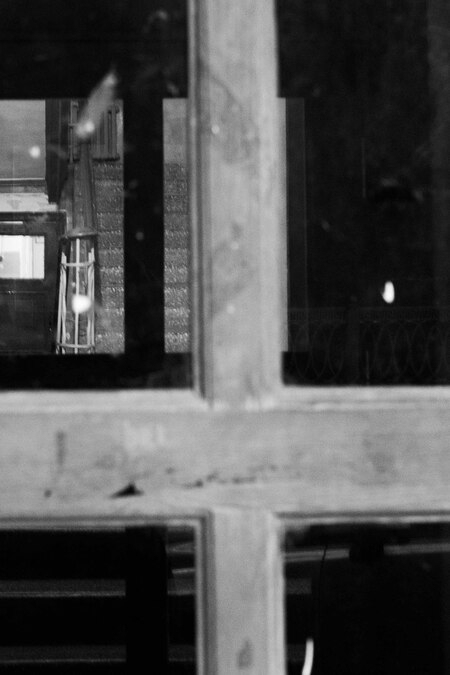
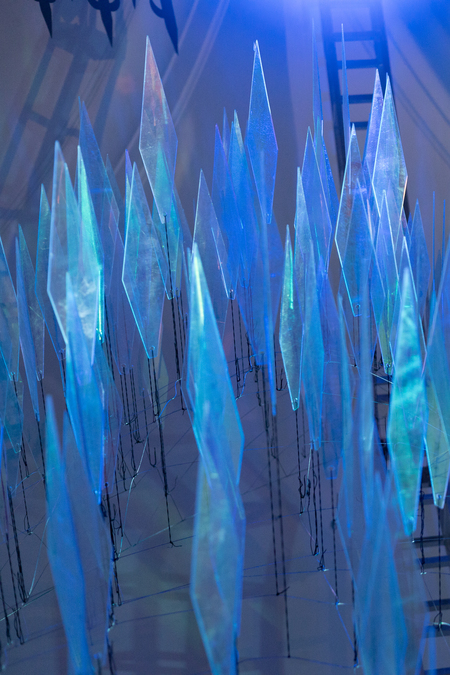
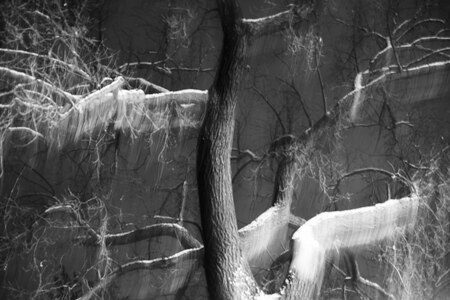
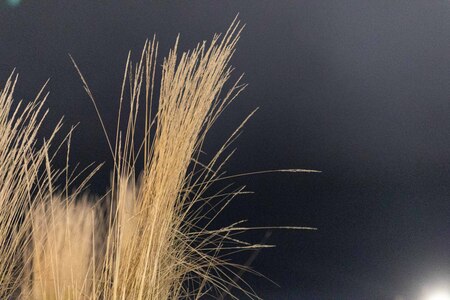
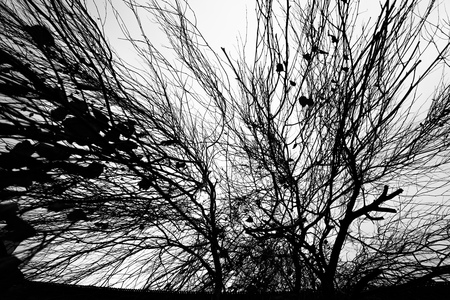
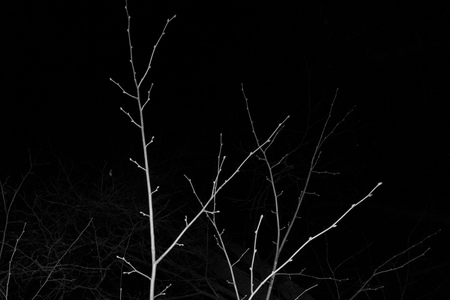
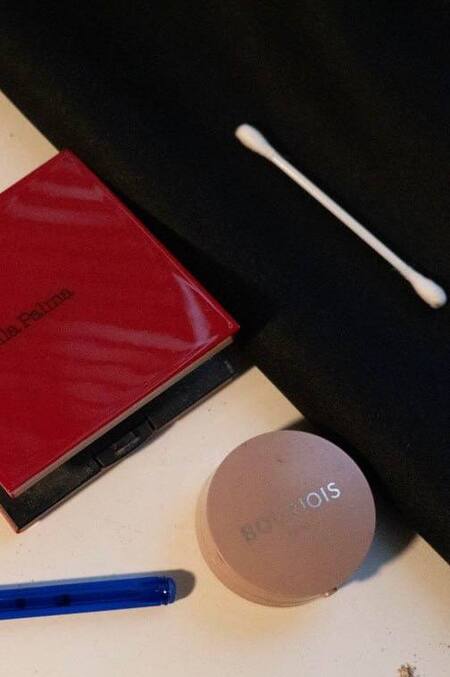
Галина Киселева создала серию снимков, вдохновлённых текстом писательниц Хайди Ханссон и Кэтрин Норберг. Проект исследует культурную значимость холода и его восприятие в контексте глобального потепления.
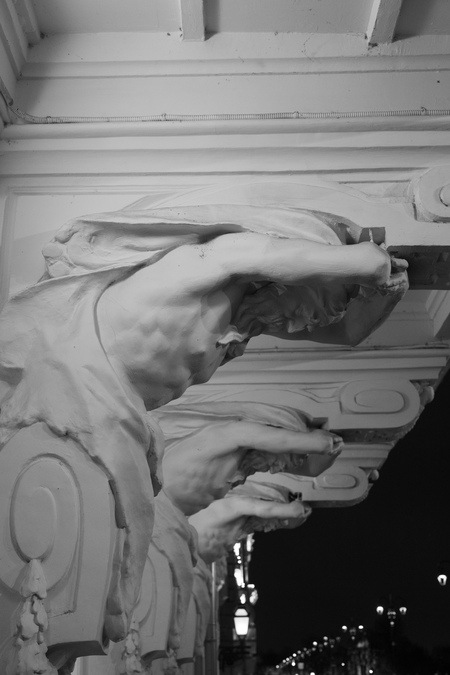
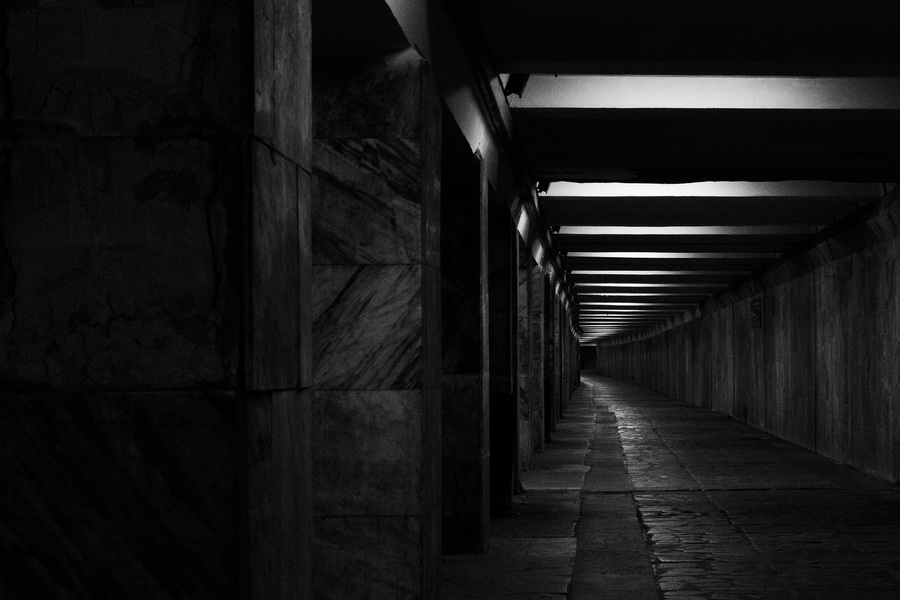
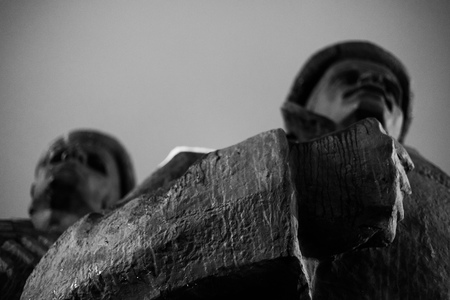
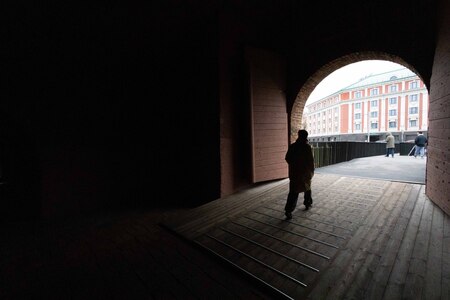
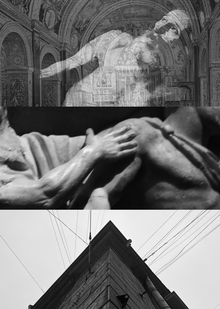
Арина Козлова создала три части текста, объединённые в проект «I. Эффект Стендаля II. Прикосновения III. Ввысь». Каждая часть проекта фокусируется на конкретной теме, такой как культурные слои Эрмитажа, прикосновения как метафора души и контраст человека с архитектурой Петербурга.
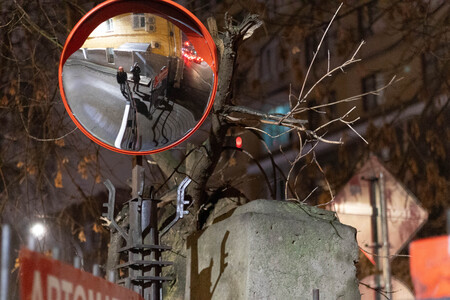
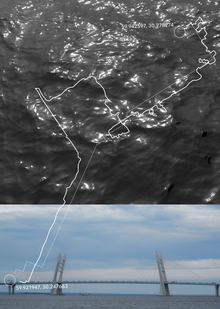
Маргарита Лосева создала перформативную прогулку, вдохновлённую романом Кио Маклир «Птицы Искусство Жизнь: год наблюдений». Проект включает в себя документацию пути, фиксированную с помощью фотографий и GPS-трекера, и отражает переход от заданного маршрута к следованию интуиции.
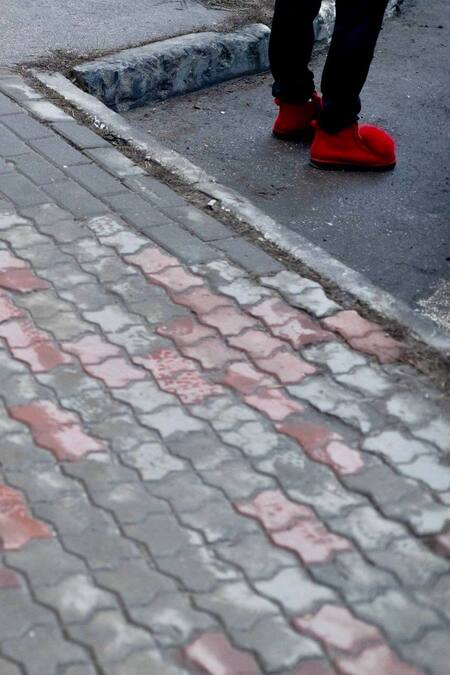
Автор Валерия Загузова создала поэму, в которой обращается к себе через образ океана и его переживания. Проект включает 24 открытки с текстами поэмы и постер с изображениями океана как метафоры принятия себя в разных состояниях.
creativecity.academy
A joint project of the HSE ART AND DESIGN SCHOOL and the Institute for the Development of Creative Industries, focused on working with Russian regions. The Creative City digital platform is a media outlet that aggregates projects related to territorial branding, a community of professionals, and a service that allows you to create local websites, work with the local identity and popularity of cities and places. Study the map of the Creative City. Get acquainted with the projects that have already been implemented. Add your... Show more
events
travelling
history
art and design
fashion
essays and books
handicrafts
gastronomy
sport
all projects
We use cookies to improve the operation of the HSE website and to enhance its usability. More detailed information on the use of cookies can be fou...
Show more
Press space bar to start a drag.
When dragging you can use the arrow keys to move the item around and escape to cancel.
Some screen readers may require you to be in focus mode or to use your pass through key
Press space bar to start a drag.
When dragging you can use the arrow keys to move the item around and escape to cancel.
Some screen readers may require you to be in focus mode or to use your pass through key
Press space bar to start a drag.
When dragging you can use the arrow keys to move the item around and escape to cancel.
Some screen readers may require you to be in focus mode or to use your pass through key
Press space bar to start a drag.
When dragging you can use the arrow keys to move the item around and escape to cancel.
Some screen readers may require you to be in focus mode or to use your pass through key
Press space bar to start a drag.
When dragging you can use the arrow keys to move the item around and escape to cancel.
Some screen readers may require you to be in focus mode or to use your pass through key
Press space bar to start a drag.
When dragging you can use the arrow keys to move the item around and escape to cancel.
Some screen readers may require you to be in focus mode or to use your pass through key
Press space bar to start a drag.
When dragging you can use the arrow keys to move the item around and escape to cancel.
Some screen readers may require you to be in focus mode or to use your pass through key
Press space bar to start a drag.
When dragging you can use the arrow keys to move the item around and escape to cancel.
Some screen readers may require you to be in focus mode or to use your pass through key
Press space bar to start a drag.
When dragging you can use the arrow keys to move the item around and escape to cancel.
Some screen readers may require you to be in focus mode or to use your pass through key
Press space bar to start a drag.
When dragging you can use the arrow keys to move the item around and escape to cancel.
Some screen readers may require you to be in focus mode or to use your pass through key
Press space bar to start a drag.
When dragging you can use the arrow keys to move the item around and escape to cancel.
Some screen readers may require you to be in focus mode or to use your pass through key
Press space bar to start a drag.
When dragging you can use the arrow keys to move the item around and escape to cancel.
Some screen readers may require you to be in focus mode or to use your pass through key