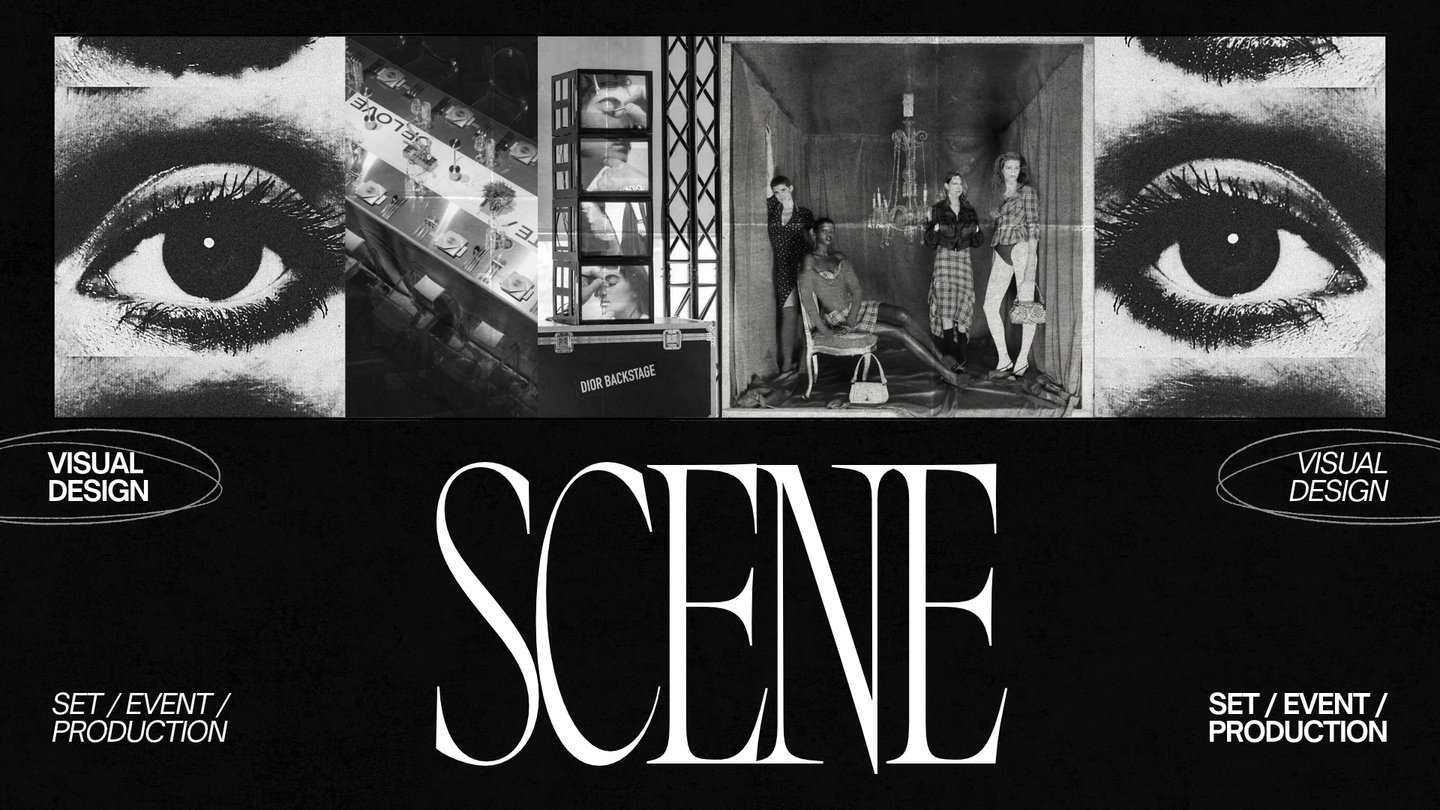
SCENE — visual media about event design and scenography.
✦ MEDIA CONCEPT
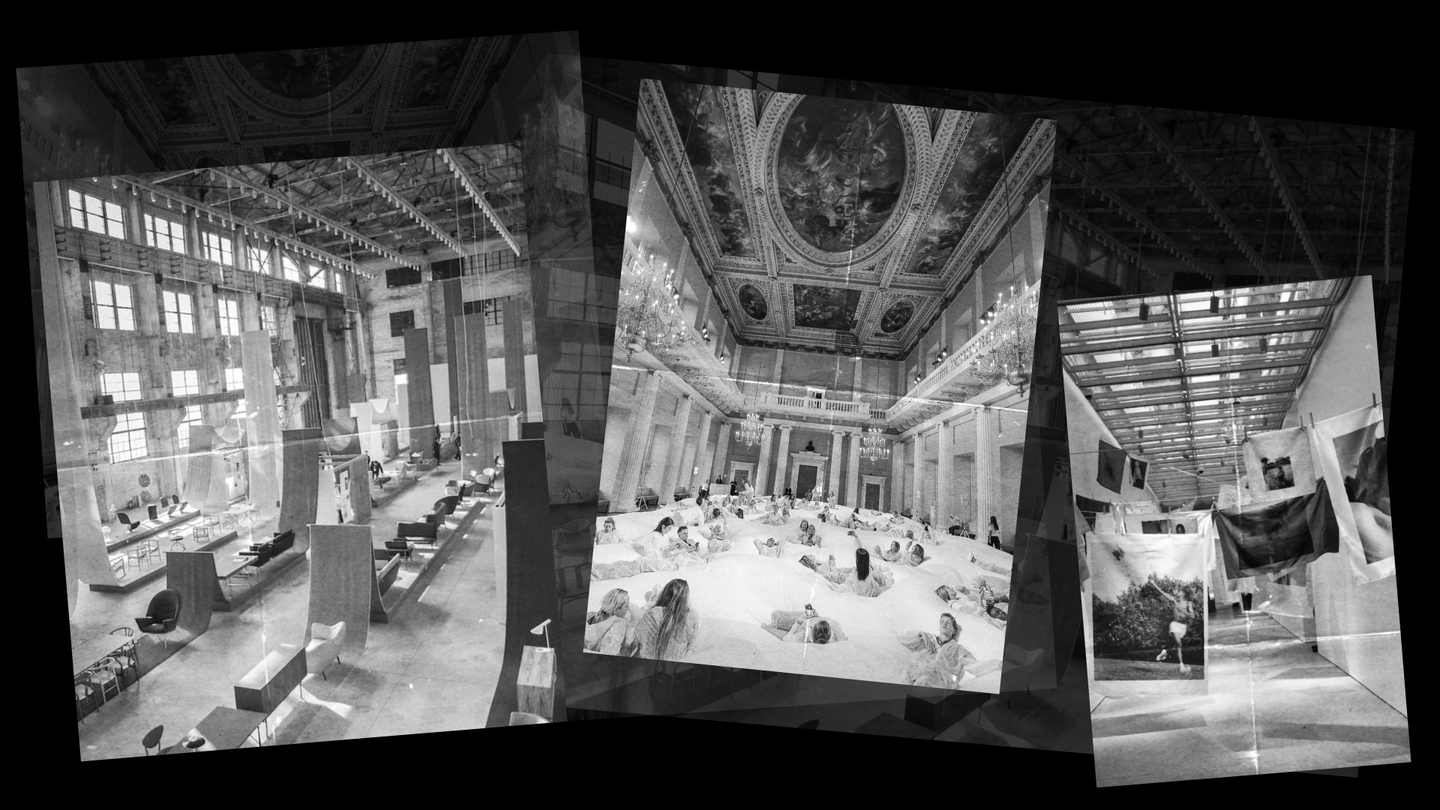
This project explores how event spaces are created and how light, color, materials, set design, and architectural elements shape the visual identity and atmosphere. SCENE examines design not merely as venue decoration, but as a communication tool that helps convey ideas, tell stories, and evoke emotion in the viewer.
The primary goal of this media platform is to make the fields of event design and set design more accessible and understandable to a broad audience, while also serving as a source of inspiration and professional knowledge for both emerging and practicing designers. Our publications dissect real-world projects, current visual trends, creative approaches, and the entire process of designing events.
The content is structured around the principle: «Inspiration → Understanding → Implementation.» First, the reader encounters engaging visual examples; next, they learn about the techniques and solutions underpinning those examples; and finally, they gain knowledge that they can apply to their own work.
Key media focuses include: analyzing scenography and event spaces, working with light and materials, visual research, professional interviews, practical guides, and detailed breakdowns of major events, exhibitions, festivals, brand presentations, and music shows.
The target audience for SCENE includes students and emerging designers, professionals in event and set design, members of creative industries, and anyone interested in contemporary visual culture.
✦ DATA SOURCES FOR MEDIA
To prepare materials, SCENE utilizes several groups of sources. These sources help to find themes, gather visual references, verify project information, and obtain professional expertise.
1. Primary Sources — Information About the Projects Themselves.
This category includes official websites of events, exhibitions, festivals, and brands, portfolios of studios and designers, organizer publications, press releases, and materials from teams involved in creating the events. These are used to study the project’s concept, authorship, staging elements, materials used, and technical solutions. For instance, to analyze concert design, one can refer to the portfolios of the studios that worked on the stage, lighting, and visual content.2. Professional Media and Specialized Publications.
Sources for finding ideas and additional information include publications covering design, architecture, art, fashion, and visual culture: Dezeen, Designboom, ArchDaily, Wallpaper*, and other specialized media. These resources help track new projects, find professional commentary, and analyze current trends in spatial design.
3. Social Media and Visual Platforms.
Platforms like Pinterest, Instagram, and Behance are used to search for visual references, new concepts, interesting projects, and relevant trends. They help in curating collections by theme: light, color, texture, set design, exhibition spaces, and décor. However, social media primarily serves as a tool for discovery and topic exploration, not as the sole validation of facts.4. Expert Sources.
Interviews with production designers, set designers, event designers, architects, decorators, and lighting specialists allow us to gain professional commentary and understand the project creation process from the inside. Such materials are especially valuable for sections featuring practical advice and process breakdowns.
5. Original Editorial Content.
Our supplementary data sources include original observations, photographs, visual research, comparative selections, and analytical breakdowns. These allow SCENE to do more than just recount existing information—they enable us to shape our own editorial perspective and invite the audience to form their own interpretations of the visual solutions.Our source handling principle is straightforward: factual information about creators, dates, projects, and technical solutions is verified using primary or reputable professional sources. All imagery is used while respecting copyright and distribution terms.Phase 3. Analysis and Content Formulation
Machine Processing: Neural networks can assist in extracting keywords, grouping materials by theme, drafting article structures, generating image descriptions, and suggesting title options.Human Processing: The author independently analyzes the visual solutions, explains the role of light, color, materials, and space, forms conclusions, and defines the core message of the publication. Ultimately, the human dictates the authorial interpretation and the editorial style of SCENE.Phase 4. Content Preparation
Machine processing: Automation tools can assist with interview transcription, subtitle creation, spell-checking, drafting initial texts, and reformatting materials for various platforms.
Human processing: The editor refines the text, reviews video and audio scripts, selects imagery, structures the publication’s composition, and ensures a consistent visual style across all media.
Stage 5. Publication and Results Analysis
Machine processing: delayed posting services, automatic publication formatting, collection of views, reach, reaction, and click-through statistics.
Human processing: the editorial team decides on publication, verifies the final material, analyzes audience feedback, and adjusts the future thematic plan.
✦ DATA SCHEMA
Working with data in SCENE is structured as a sequential process: from searching for information and gathering visual materials to verifying, analyzing, and publishing the final content. While some operations can be automated, editorial judgment, the interpretation of visual decisions, and final review remain human tasks.
Phase 1. Topic Research and Material Curation
Machine Processing: Automated searching for new publications on specialized websites, gathering links, images, project titles, dates, author names, and other publicly available information. Search tools help locate materials using keywords such as event design, set design, scenography, exhibition design, and stage design.
Human Curation: The editor selects the most compelling topics, assesses their alignment with the SCENE concept, determines the material’s potential value to the audience, and selects appropriate visual examples.
Phase 2. Information Structuring and Verification
Machine processing: automatic text extraction from sources, creation of summaries, Optical Character Recognition (OCR), transcription of audio and video, sorting materials into thematic categories.
Human processing: an editor verifies the accuracy of the information, clarifies author names and project titles, cross-references data from different sources, and excludes unverified details.
What data does the media process?
For ease of use, all found materials can be organized into a unified database. Each entry contains the project title, category, date, location, author or studio name, concept description, materials and technologies used, source links, images, and verification status.
This approach allows for quick retrieval of information for future publications, facilitates the connection of similar projects, and helps form thematic collections for various SCENE sections.
✦ GUIDELINES
To optimize its editorial workflow, SCENE utilizes automated tools across the stages of content sourcing, processing, preparation, and distribution. These tools are designed to reduce time spent on routine tasks, systematize information, and help the editorial team manage a larger volume of materials. However, automation must never replace authorial analysis or visual thinking.
1. Information Sourcing and Monitoring — Feedly, Google Alerts.
These services are used to track new publications on specialized websites, the appearance of interesting projects, exhibitions, festivals, and events. Thematic keywords are used for searching: event design, set design, scenography, stage design, exhibition design. Found materials are compiled into a master list for subsequent selection by the editor.
Usage Guidelines: Automated searching is for identifying potentially interesting topics. Before using any material, you must navigate to the original source, verify the timeliness of the information, and confirm that the project aligns with the media’s theme.
2. Data Organization — Notion, Google Sheets.
These tools are used to build a centralized project database, store links, categorize materials, and track the editorial workflow. For every project, we record the title, author or studio, date, category, description, source of information, links to visual assets, and verification status.
Usage Guidelines: All discovered materials must be stored within a single, consistent structure. It is necessary to cite the primary source, flag unverified data, and update the material’s status as it progresses.
3. Text Generation — ChatGPT.
The neural network is used as an assistive tool for creating drafts, structuring articles, generating headlines, summarizing and adapting text, and preparing interview questions. It can help systematize information and extract key theses from large textual materials.
Usage guidelines: the neural network is not a standalone source of facts. All names, dates, project titles, and technical details must be manually verified. Generated texts must undergo editorial review and be supplemented with original analysis. Neural network outputs cannot be published without verification.