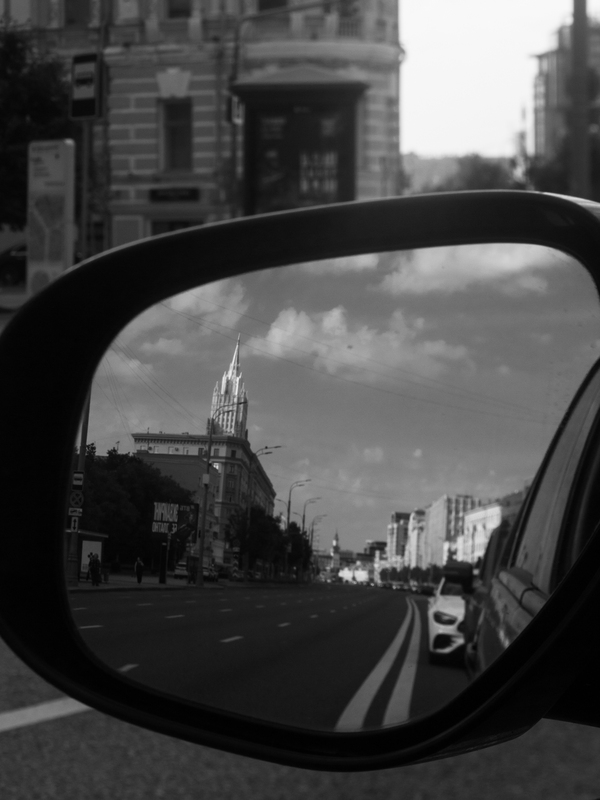
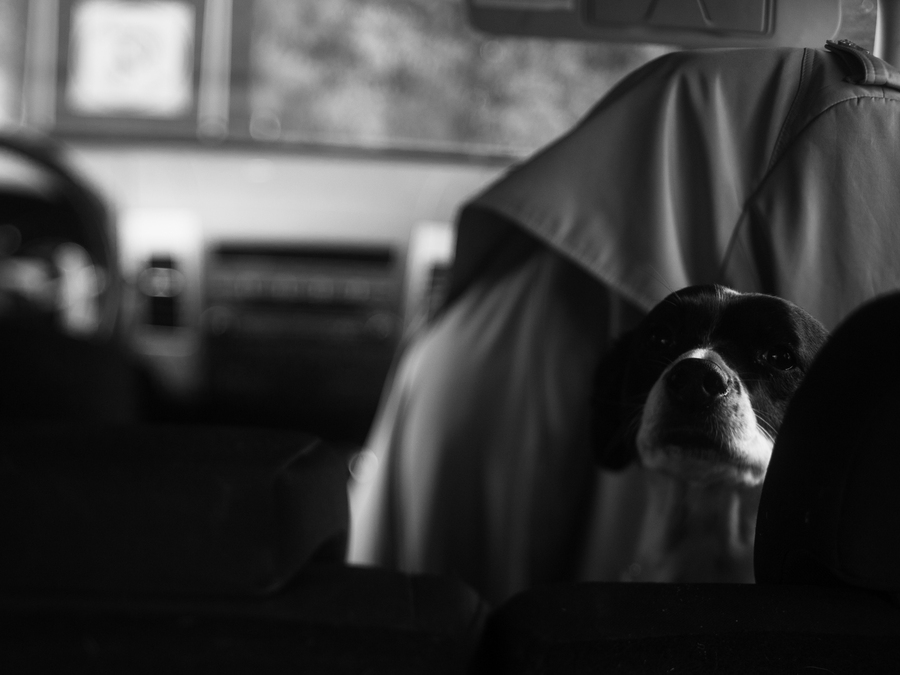
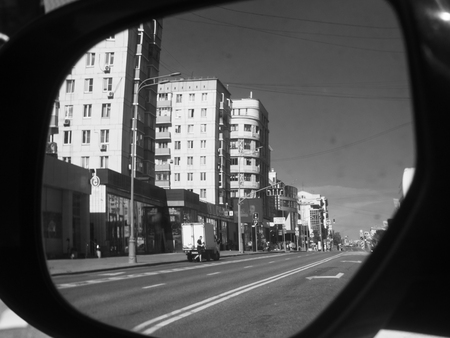
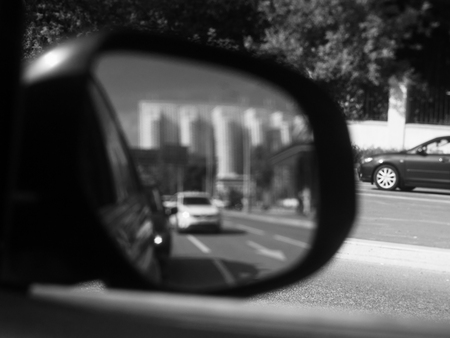
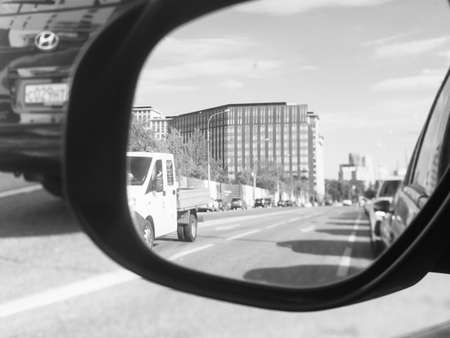
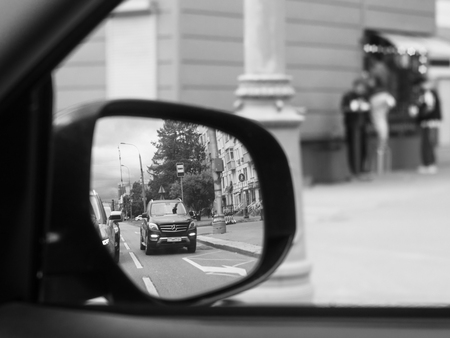
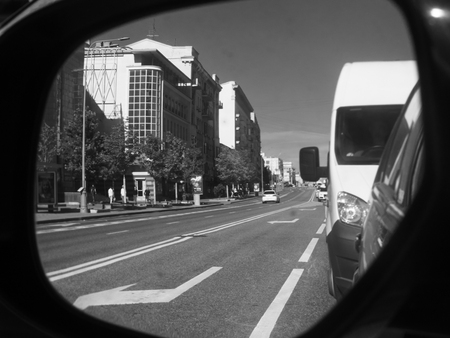
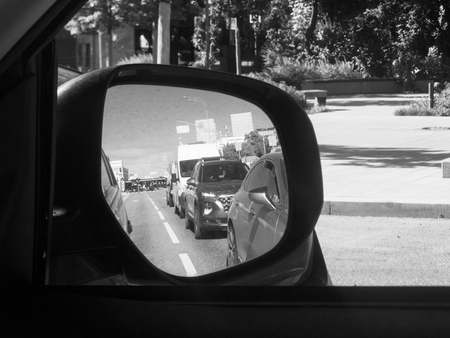
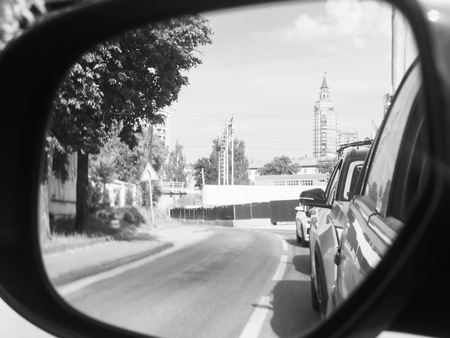
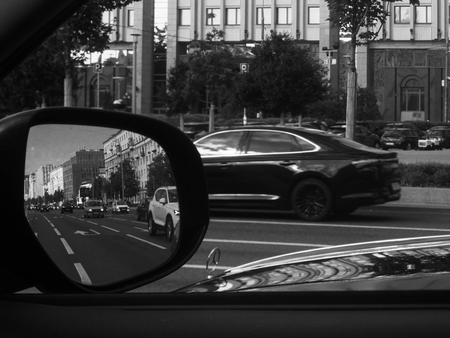
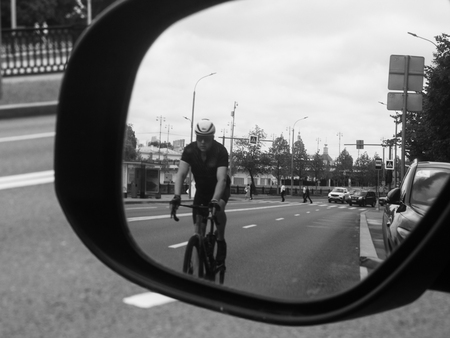
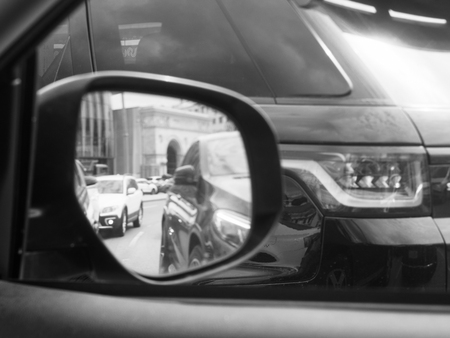
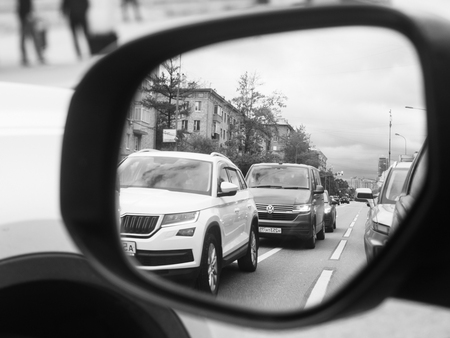
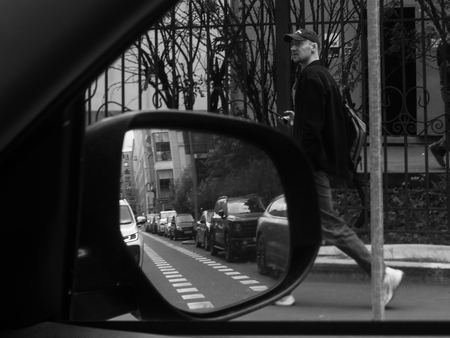
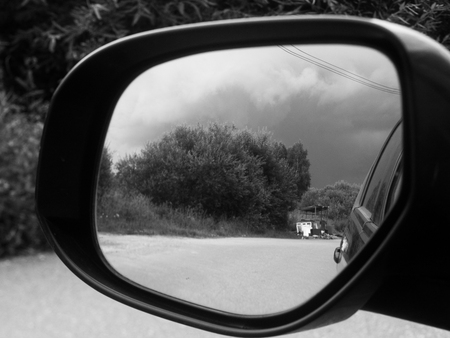
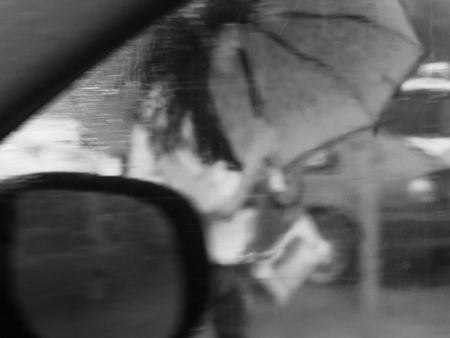
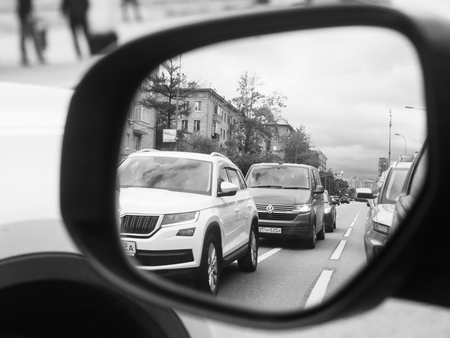
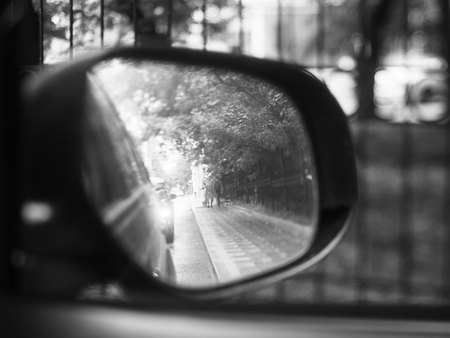
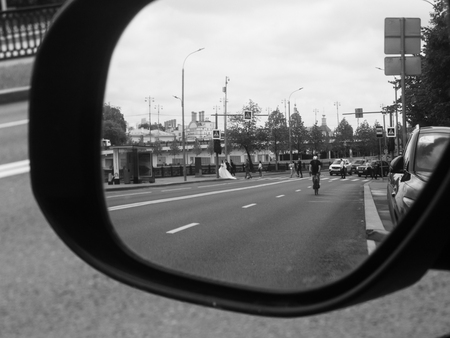
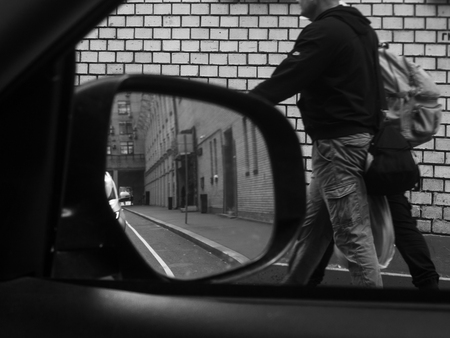
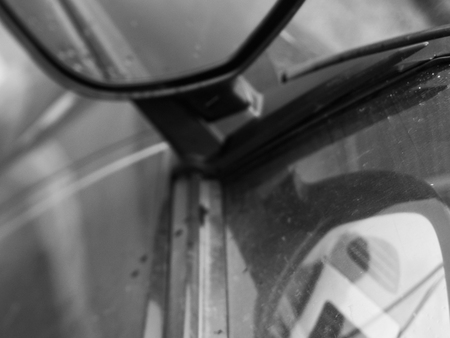
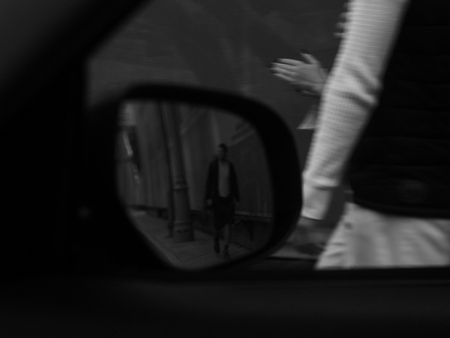
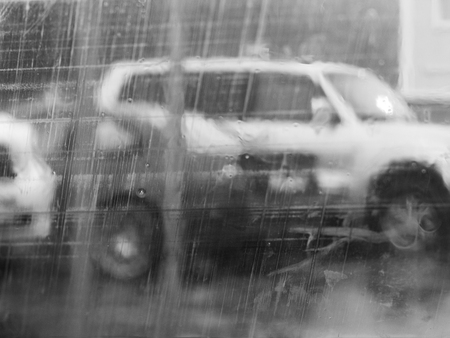
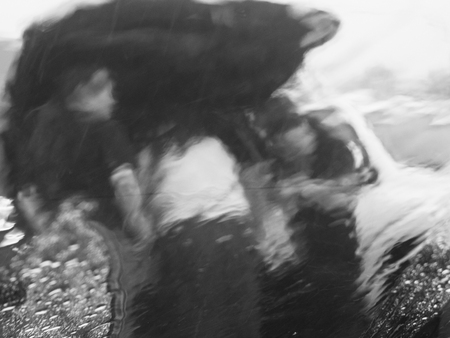
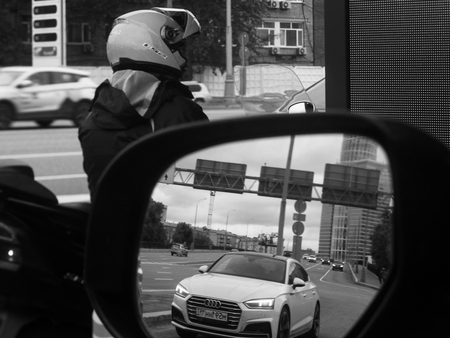
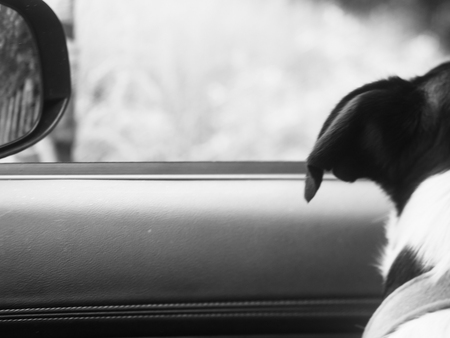
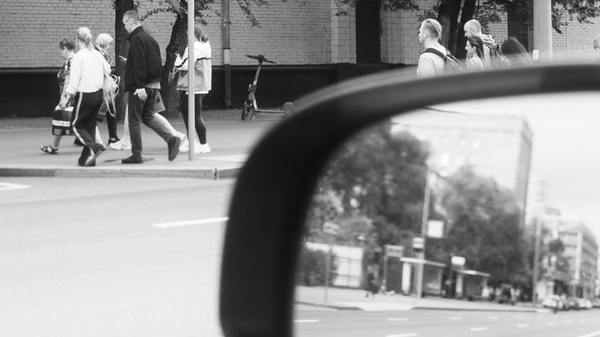
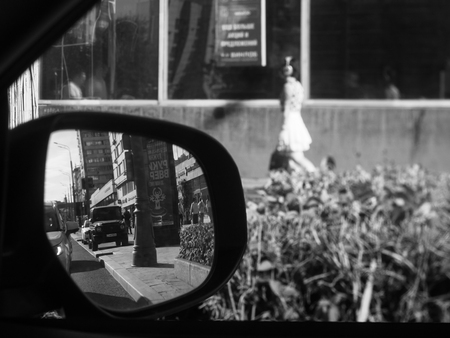
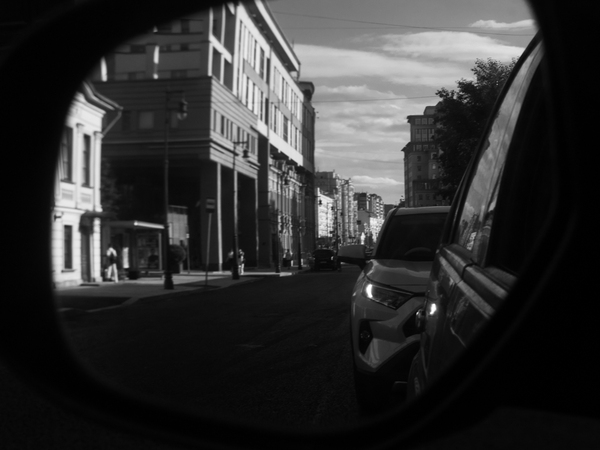
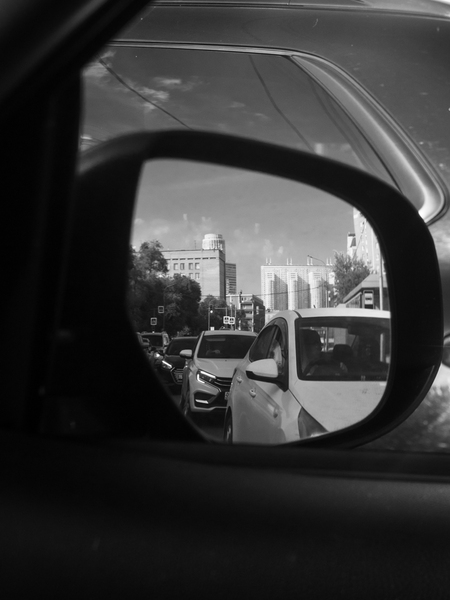
Город в зеркалах автомобиля — это город, на который не смотрят. Его не выбирает водитель, в него не вглядываются пассажиры, с ним не вступают в отношения. Он тянется сбоку, как фон к трафику, как визуальный шум, поток неразличимых фасадов, светофоров, перекрёстков, остановок, чужих машин. Из салона он кажется тотальным, но необязательным: декорация, которая меняется, пока ты перемещаешься из одной обязательной точки в другую. Из дома — на работу. С работы — домой. Через весь мегаполис, через пробки, через одни и те же маршруты. Город за окном превращается в пятно, в мельтешение, в цветовую массу без деталей. Отражение в зеркале смешивается с тем, что снаружи: оптический шум становится нормой зрения.
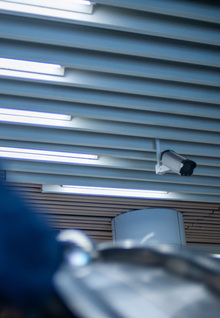
Что такое пространство? Пространство есть то, где что-либо может произойти. Оно необходимое условие существования любого объекта и одновременно отражение того, что и кто его наполняет. Поэтому взгляд на пространство для меня сопоставим взгляду на жизнь. Как фотографа меня интересует физика и суть пространств. Я снимаю их по ходу жизни и собираю в дневник, отмечая даты и оставляя личные заметки, так что кадры складываются в некий калейдоскопический архив. Я думаю что такой работе выкристаллизовывается социальный пейзаж, увиденный через личную, дневниковую оптику, ведь в нём проступают дух времени, характер места, общество и я сам. Здесь я представил «выжимку» из своего дневника
Мы используем файлы cookies для улучшения работы сайта НИУ ВШЭ и большего удобства его использования. Более подробную...
Показать больше
Press space bar to start a drag.
When dragging you can use the arrow keys to move the item around and escape to cancel.
Some screen readers may require you to be in focus mode or to use your pass through key
Press space bar to start a drag.
When dragging you can use the arrow keys to move the item around and escape to cancel.
Some screen readers may require you to be in focus mode or to use your pass through key
Press space bar to start a drag.
When dragging you can use the arrow keys to move the item around and escape to cancel.
Some screen readers may require you to be in focus mode or to use your pass through key
Press space bar to start a drag.
When dragging you can use the arrow keys to move the item around and escape to cancel.
Some screen readers may require you to be in focus mode or to use your pass through key
Press space bar to start a drag.
When dragging you can use the arrow keys to move the item around and escape to cancel.
Some screen readers may require you to be in focus mode or to use your pass through key
Press space bar to start a drag.
When dragging you can use the arrow keys to move the item around and escape to cancel.
Some screen readers may require you to be in focus mode or to use your pass through key
Press space bar to start a drag.
When dragging you can use the arrow keys to move the item around and escape to cancel.
Some screen readers may require you to be in focus mode or to use your pass through key
Press space bar to start a drag.
When dragging you can use the arrow keys to move the item around and escape to cancel.
Some screen readers may require you to be in focus mode or to use your pass through key
Press space bar to start a drag.
When dragging you can use the arrow keys to move the item around and escape to cancel.
Some screen readers may require you to be in focus mode or to use your pass through key
Press space bar to start a drag.
When dragging you can use the arrow keys to move the item around and escape to cancel.
Some screen readers may require you to be in focus mode or to use your pass through key
Press space bar to start a drag.
When dragging you can use the arrow keys to move the item around and escape to cancel.
Some screen readers may require you to be in focus mode or to use your pass through key
Press space bar to start a drag.
When dragging you can use the arrow keys to move the item around and escape to cancel.
Some screen readers may require you to be in focus mode or to use your pass through key
Press space bar to start a drag.
When dragging you can use the arrow keys to move the item around and escape to cancel.
Some screen readers may require you to be in focus mode or to use your pass through key
Press space bar to start a drag.
When dragging you can use the arrow keys to move the item around and escape to cancel.
Some screen readers may require you to be in focus mode or to use your pass through key