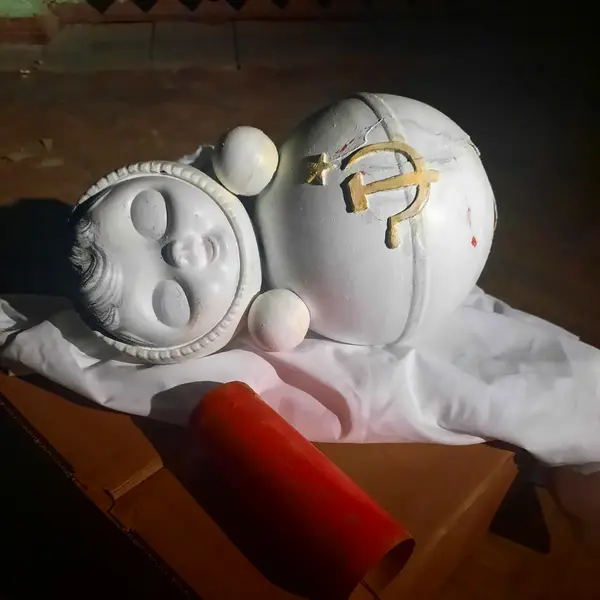
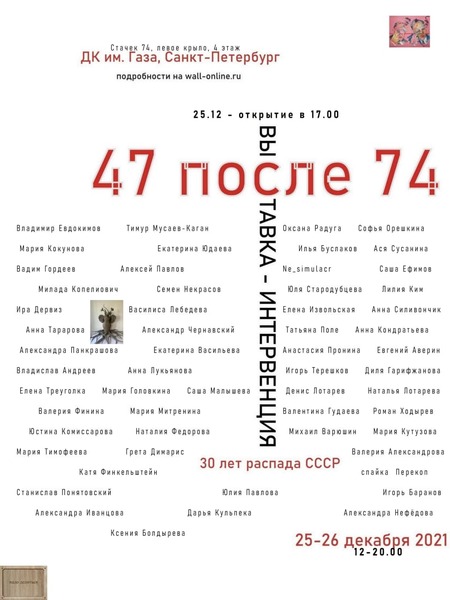
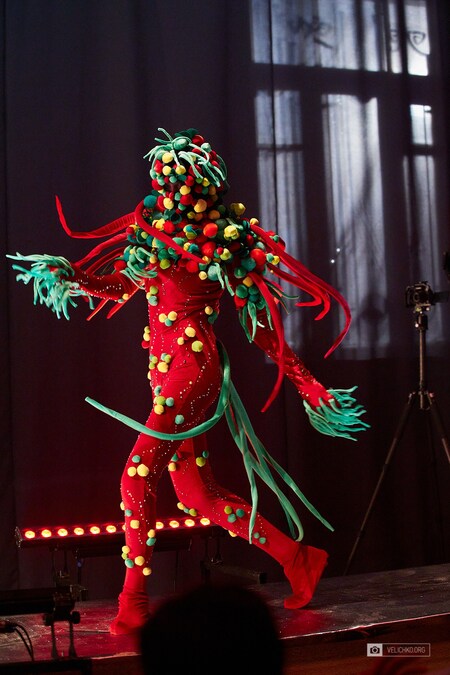
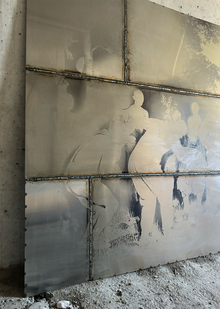
Неваляшка… как символ стойкости и нерушимости, которая была в каждой семье. По традиции «снеговик» был выкрашен в красный цвет, имел грузик позволяющий игрушке возвращаться на свое привычное место, так же внутри игрушки было устройство, издающее звук. Это был «оловяный соладатик», который никогда не мог пасть и как только он был задет, то издавал узнаваемый звон и постепенно приходил в неподвижное положение. «Нельзя назвать какую-то одну причину, погубившую СССР. Но если что-то и нанесло по настоящему удар, то это были хаотичные реформы, перестроенной эпохи. Все они проводились без какого-либо продумывания последствий, без учёта реальной обстановки. Каждая реформа — походку пьяного: Шаг влево, шаг вправо, два вперед и три назад. Свалилось то, что покачивалось из стороны в сторону и так долго стояло. Механизм перестал работать. Звуки играющие на заднем плане символизирует те самые реформы, которые ещё слышны, их я вынула из игрушки, достала механизм и записала узнаваемую мелодию, именно она играла непрерывно всю выставку. Грузик же, державший игрушку, был одним целым с поющим сердцем, его я покрасила в красный и разместила рядом с мёртвым телом.
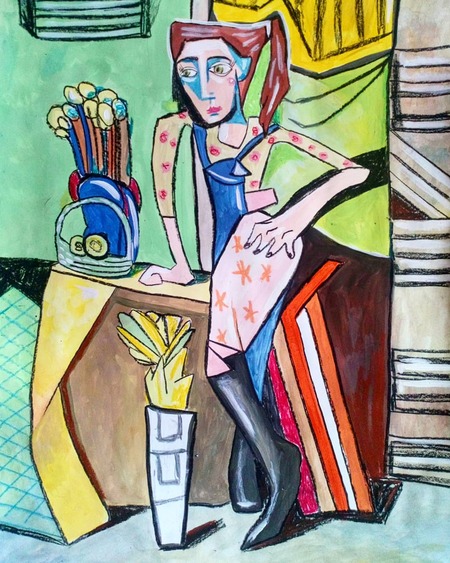
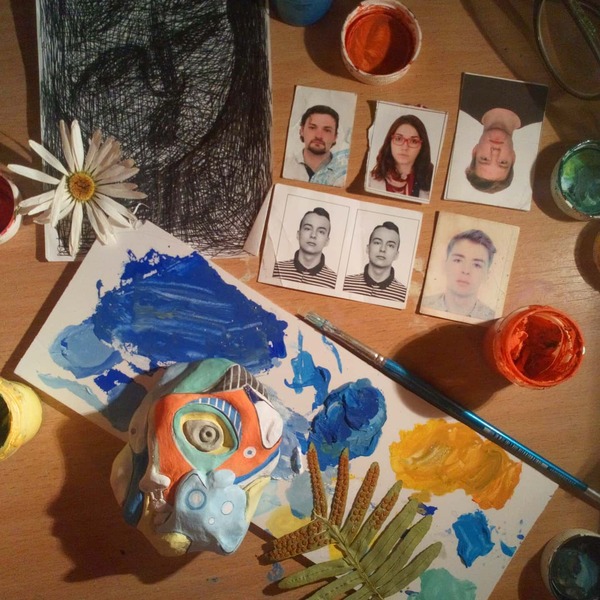
Графика и живопись
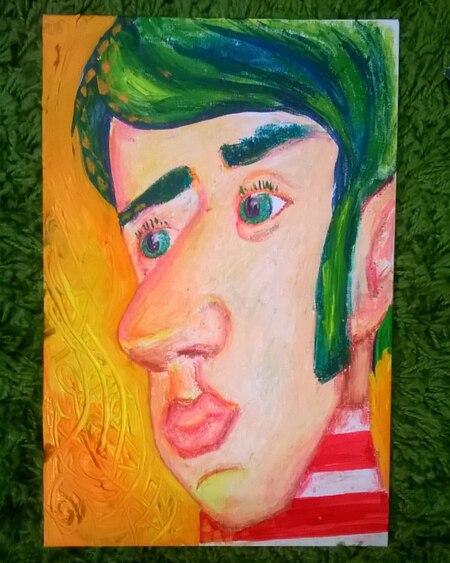
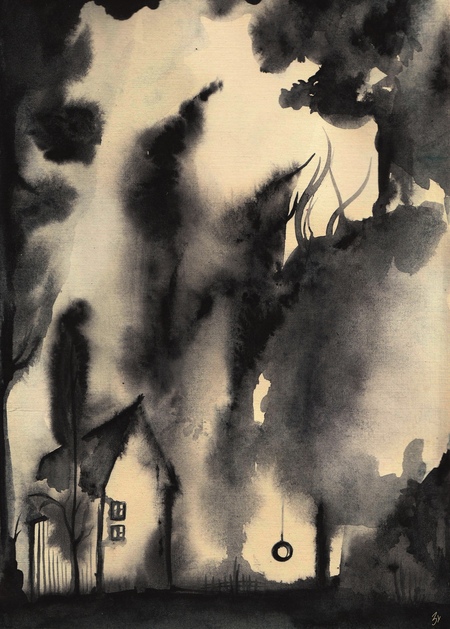
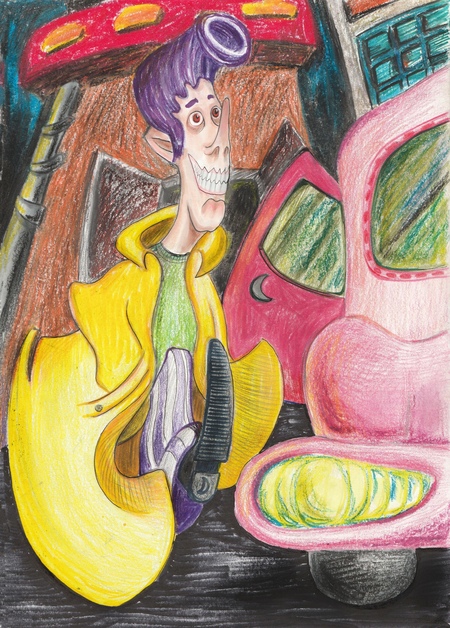
«Сирота» и «Бакенбарды»
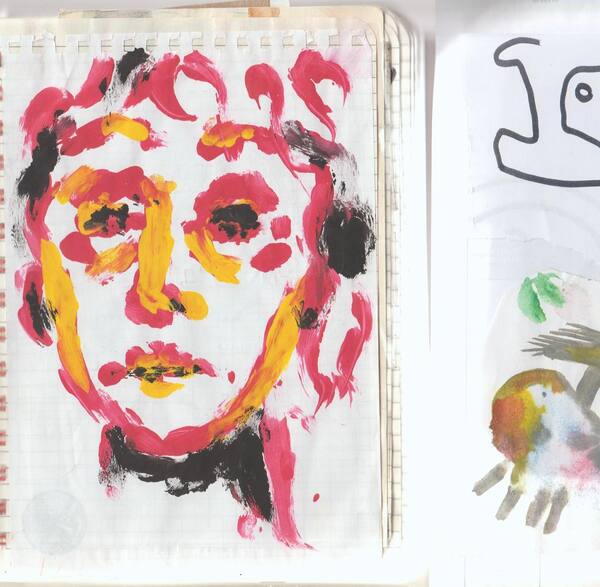
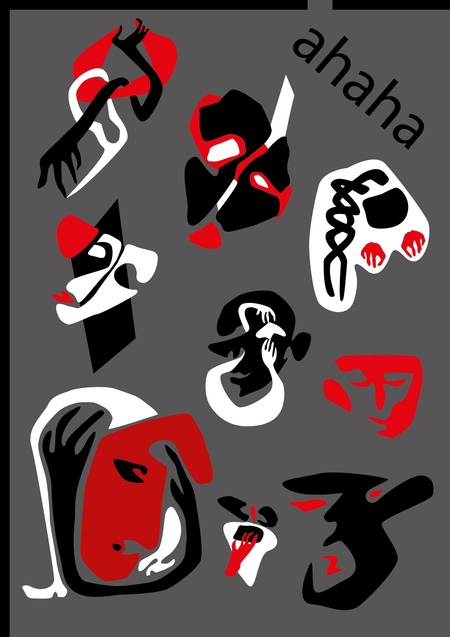
«Рожи»
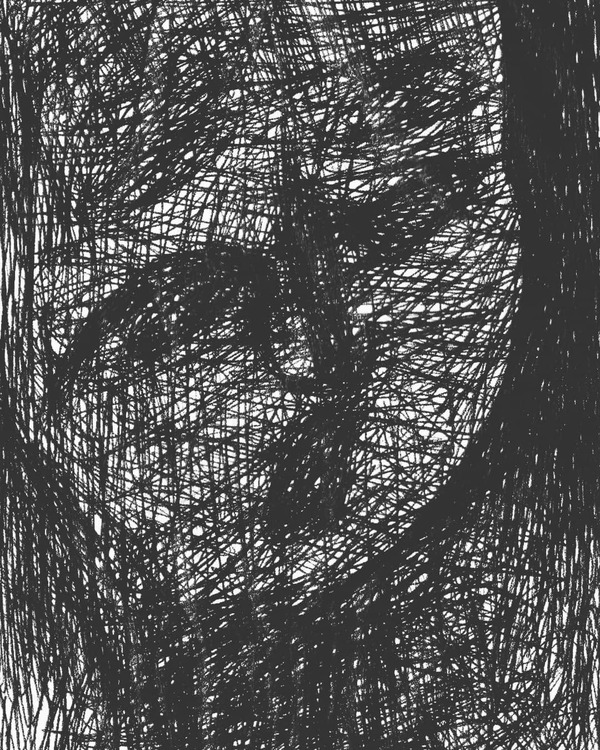
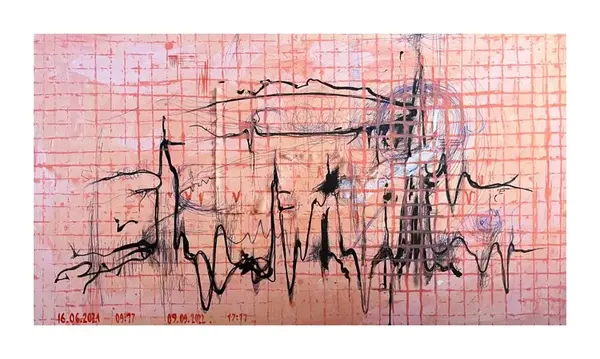
«Пульс второго месяца»
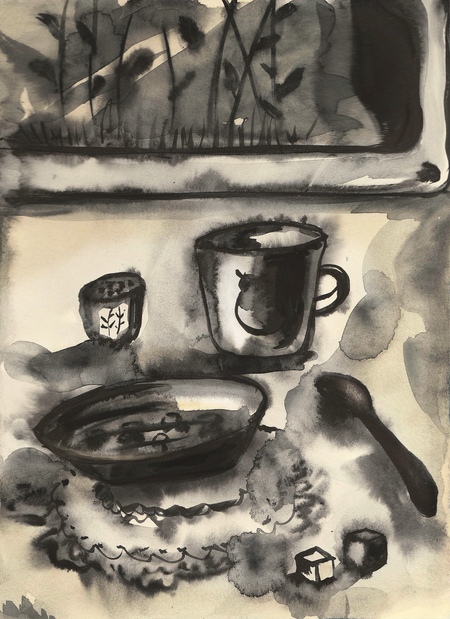
«Молочная сентиментальность»
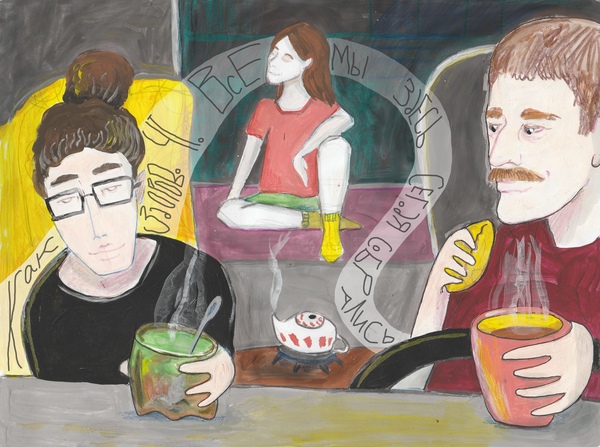
«Разговор о важном»
Иллюстрация к книге Стивена Кинга и набросок из жизни
«Геометрия» и «Девочка и ветер»
Сторонние проекты
Исходный размер 1280x427
Выставка «Казаки-Родина»
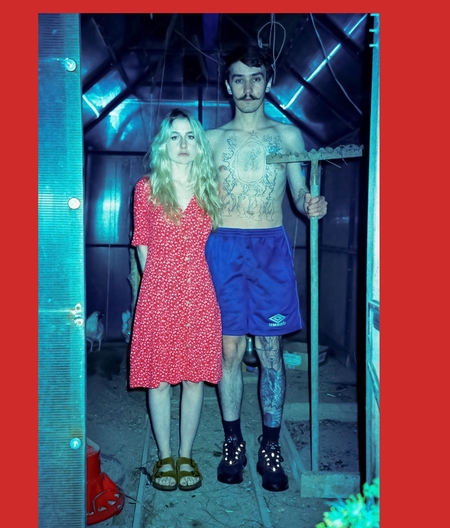
Перфиннале в галере Солянка. Я в качестве модели для работ Аллы Перовой
Мы используем файлы cookies для улучшения работы сайта НИУ ВШЭ и большего удобства его использования. Более подробную...
Показать больше
Press space bar to start a drag.
When dragging you can use the arrow keys to move the item around and escape to cancel.
Some screen readers may require you to be in focus mode or to use your pass through key
Press space bar to start a drag.
When dragging you can use the arrow keys to move the item around and escape to cancel.
Some screen readers may require you to be in focus mode or to use your pass through key
Press space bar to start a drag.
When dragging you can use the arrow keys to move the item around and escape to cancel.
Some screen readers may require you to be in focus mode or to use your pass through key
Press space bar to start a drag.
When dragging you can use the arrow keys to move the item around and escape to cancel.
Some screen readers may require you to be in focus mode or to use your pass through key
Press space bar to start a drag.
When dragging you can use the arrow keys to move the item around and escape to cancel.
Some screen readers may require you to be in focus mode or to use your pass through key
Press space bar to start a drag.
When dragging you can use the arrow keys to move the item around and escape to cancel.
Some screen readers may require you to be in focus mode or to use your pass through key
Press space bar to start a drag.
When dragging you can use the arrow keys to move the item around and escape to cancel.
Some screen readers may require you to be in focus mode or to use your pass through key
Press space bar to start a drag.
When dragging you can use the arrow keys to move the item around and escape to cancel.
Some screen readers may require you to be in focus mode or to use your pass through key
Press space bar to start a drag.
When dragging you can use the arrow keys to move the item around and escape to cancel.
Some screen readers may require you to be in focus mode or to use your pass through key
Press space bar to start a drag.
When dragging you can use the arrow keys to move the item around and escape to cancel.
Some screen readers may require you to be in focus mode or to use your pass through key
Press space bar to start a drag.
When dragging you can use the arrow keys to move the item around and escape to cancel.
Some screen readers may require you to be in focus mode or to use your pass through key
Press space bar to start a drag.
When dragging you can use the arrow keys to move the item around and escape to cancel.
Some screen readers may require you to be in focus mode or to use your pass through key
Press space bar to start a drag.
When dragging you can use the arrow keys to move the item around and escape to cancel.
Some screen readers may require you to be in focus mode or to use your pass through key
Press space bar to start a drag.
When dragging you can use the arrow keys to move the item around and escape to cancel.
Some screen readers may require you to be in focus mode or to use your pass through key
Press space bar to start a drag.
When dragging you can use the arrow keys to move the item around and escape to cancel.
Some screen readers may require you to be in focus mode or to use your pass through key
Press space bar to start a drag.
When dragging you can use the arrow keys to move the item around and escape to cancel.
Some screen readers may require you to be in focus mode or to use your pass through key
Press space bar to start a drag.
When dragging you can use the arrow keys to move the item around and escape to cancel.
Some screen readers may require you to be in focus mode or to use your pass through key
Press space bar to start a drag.
When dragging you can use the arrow keys to move the item around and escape to cancel.
Some screen readers may require you to be in focus mode or to use your pass through key
Press space bar to start a drag.
When dragging you can use the arrow keys to move the item around and escape to cancel.
Some screen readers may require you to be in focus mode or to use your pass through key
Press space bar to start a drag.
When dragging you can use the arrow keys to move the item around and escape to cancel.
Some screen readers may require you to be in focus mode or to use your pass through key
Press space bar to start a drag.
When dragging you can use the arrow keys to move the item around and escape to cancel.
Some screen readers may require you to be in focus mode or to use your pass through key