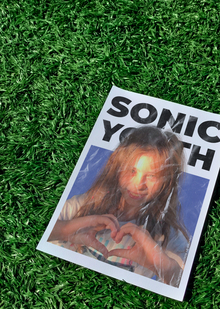
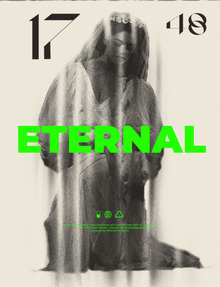
это собрание плакатов, которые я успела сделать для проектов в вышку, с краткими описаниями что к чему. почему «плакаты из класса 101»? 101 — класс, с которого всё начинается, это твои первые шаги, вырастающие в опыт и умения.
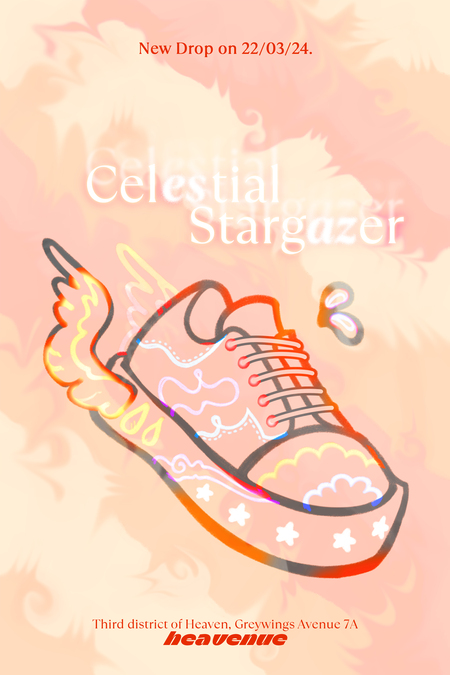
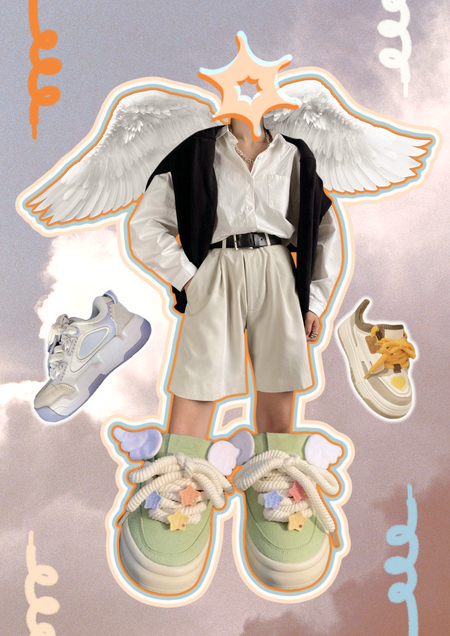
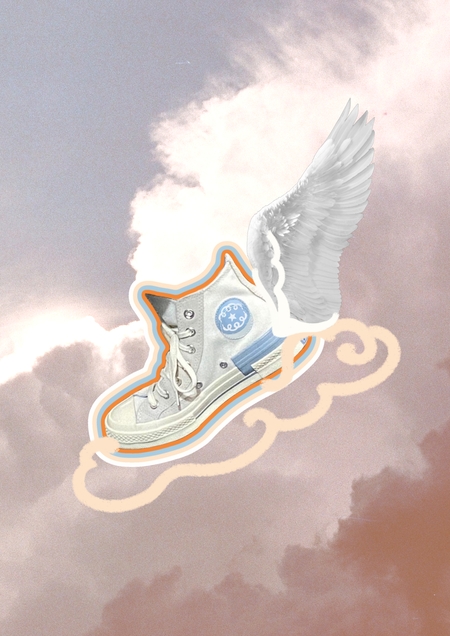
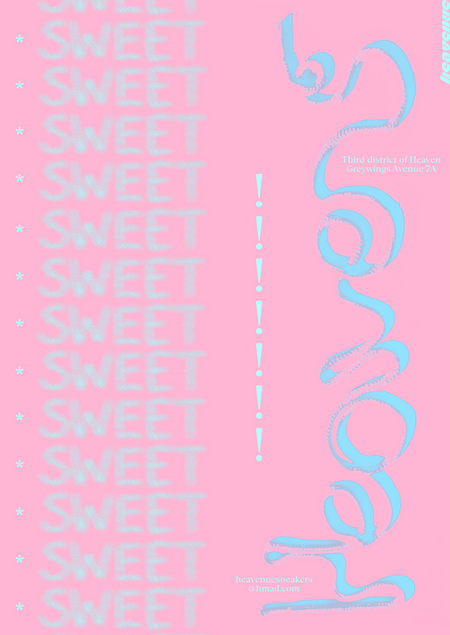
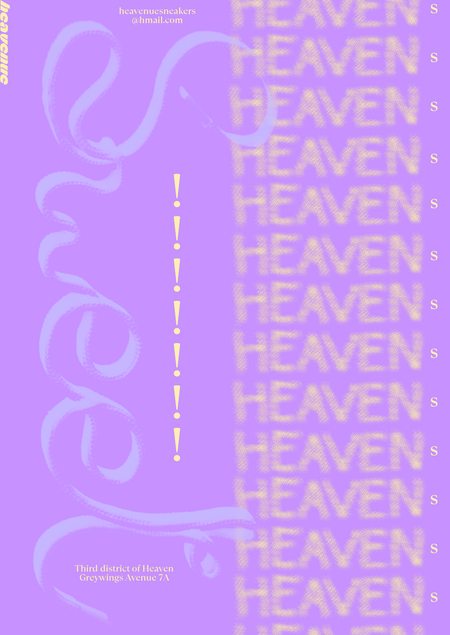
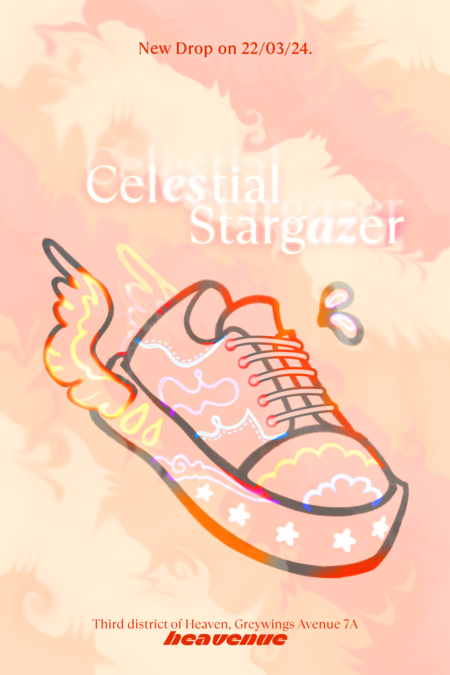
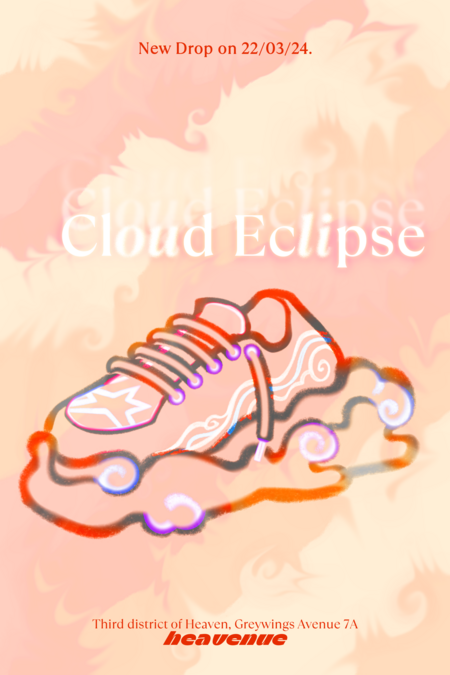
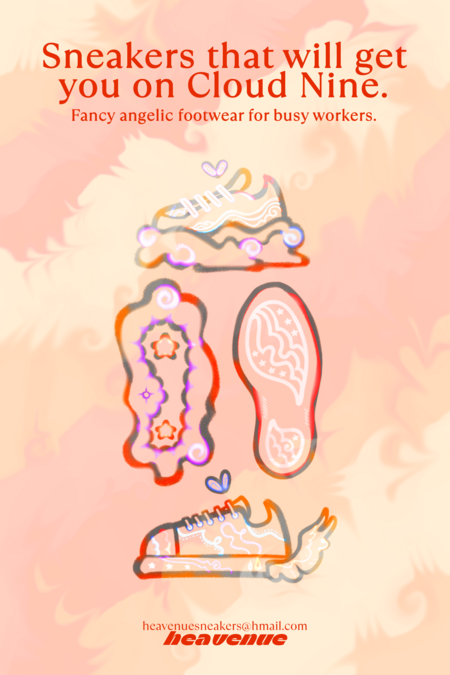
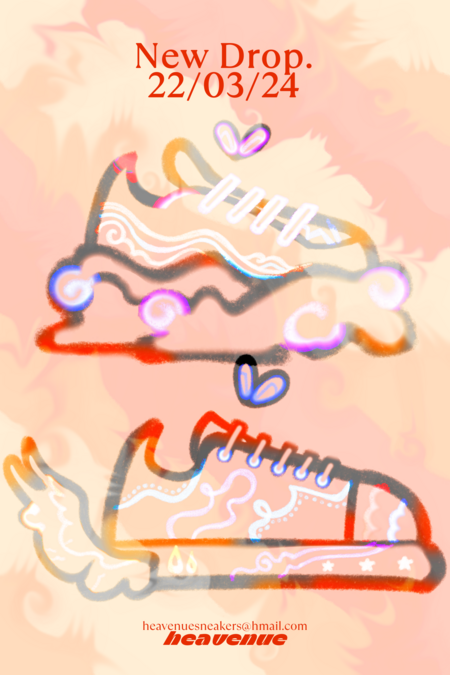
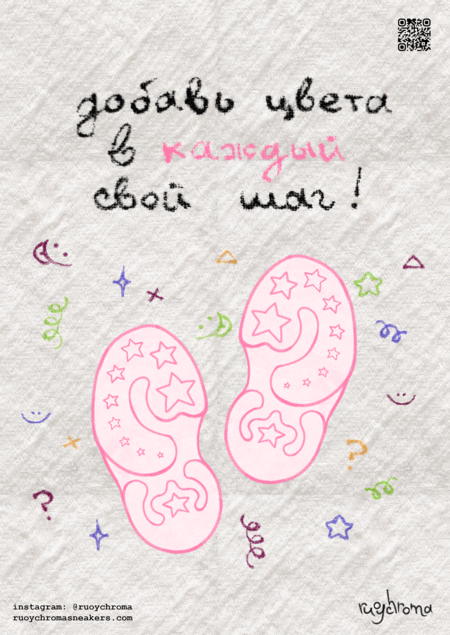
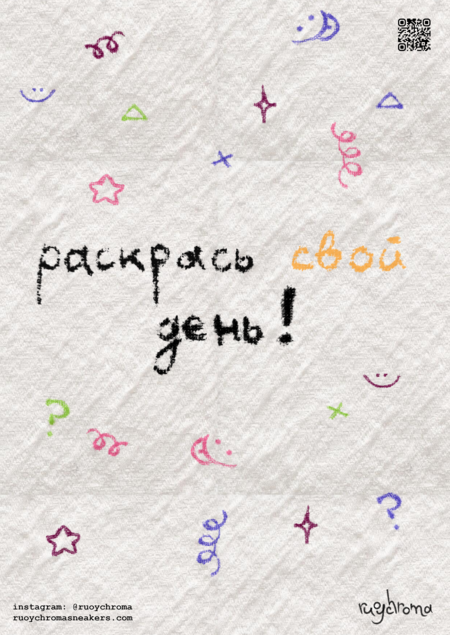
несколько серий плакатов для вымышленного бренда кроссовок для ангелов. коллажи, иллюстрации, разные техники, всё здесь.
графический образ и обложка
образы покупателей
Original size 2480x3500
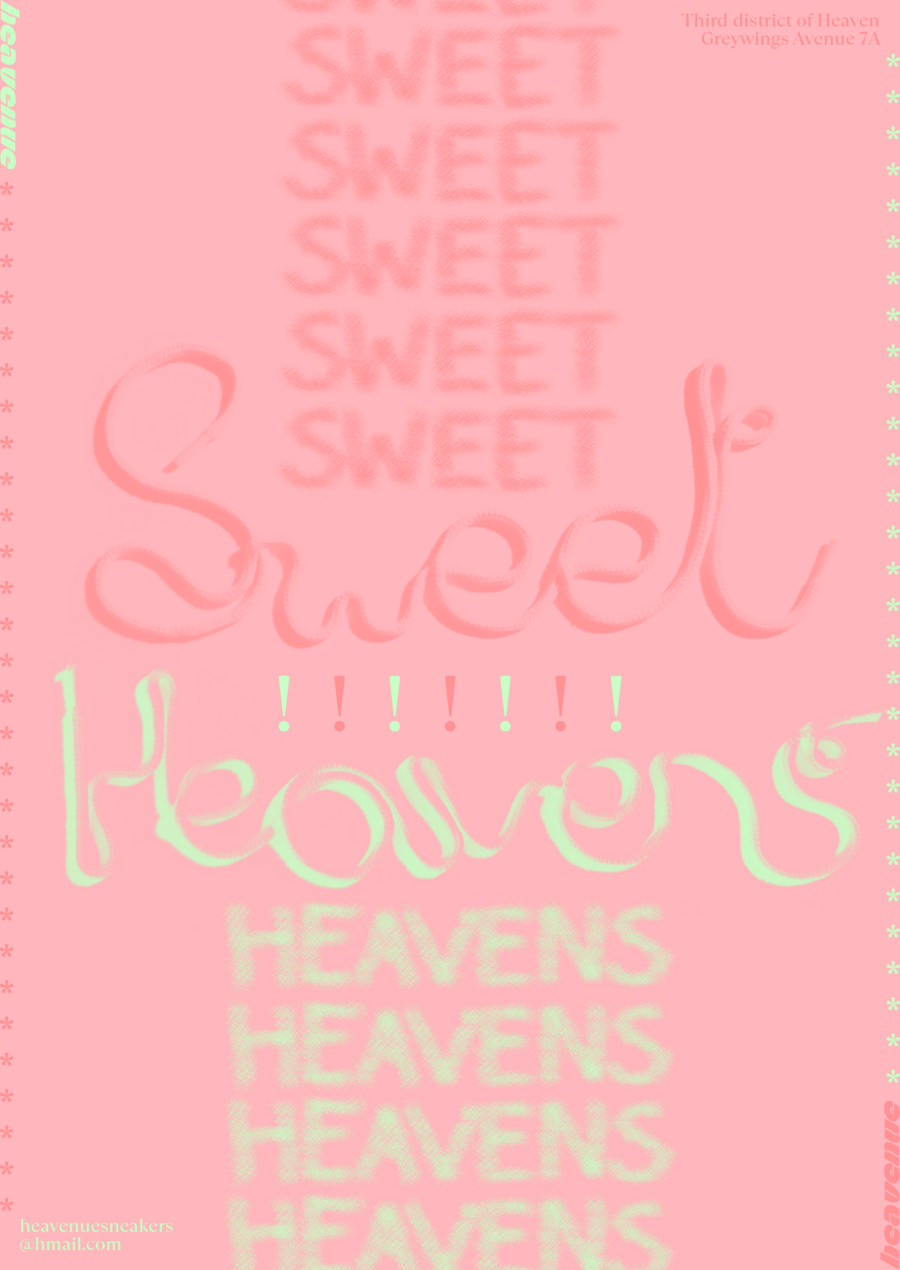
слова в этой серии плакатов выведены реальным шнурком
Original size 3335x5000
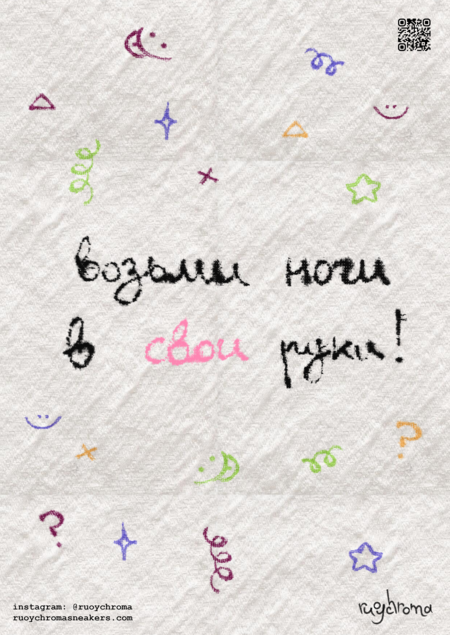
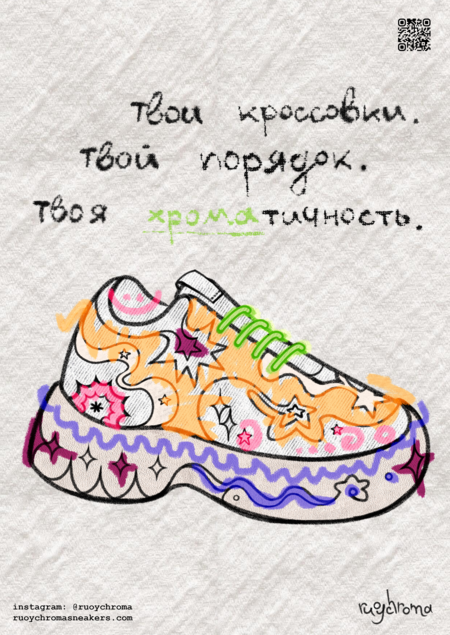
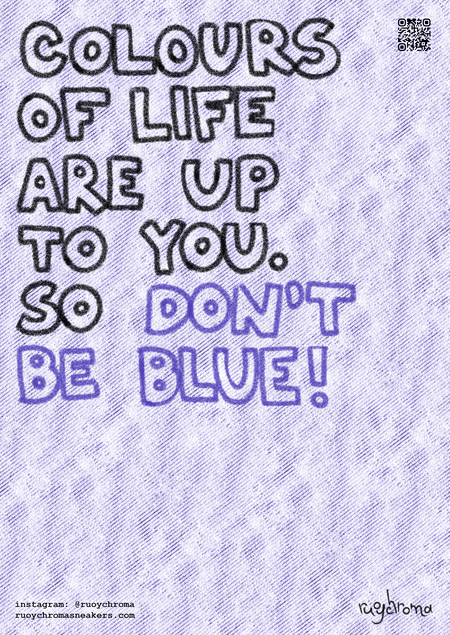
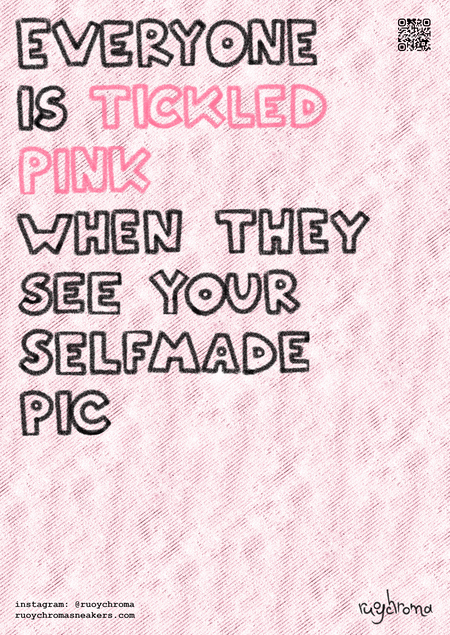
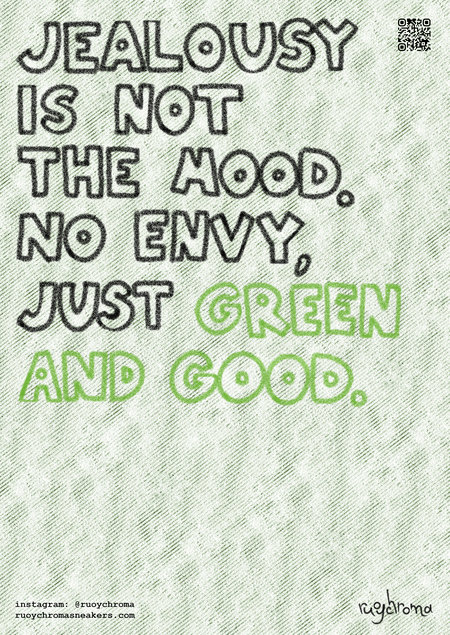
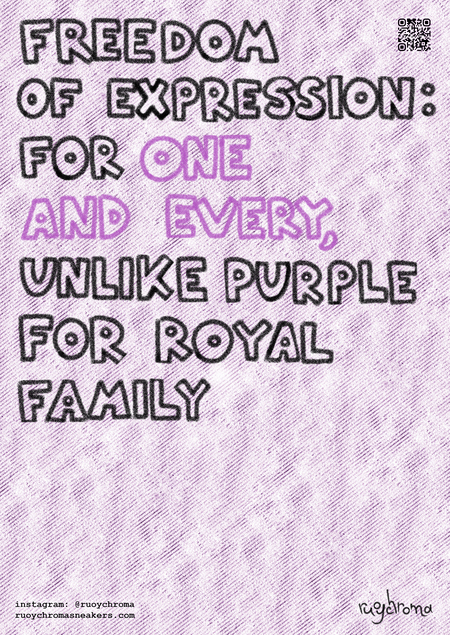
затем бренд кроссовок стал не для ангелов, а для кастомизации, всеми, кто захочет.
надписи сделаны по ткани вручную
Original size 2480x3500
Original size 4896x3264
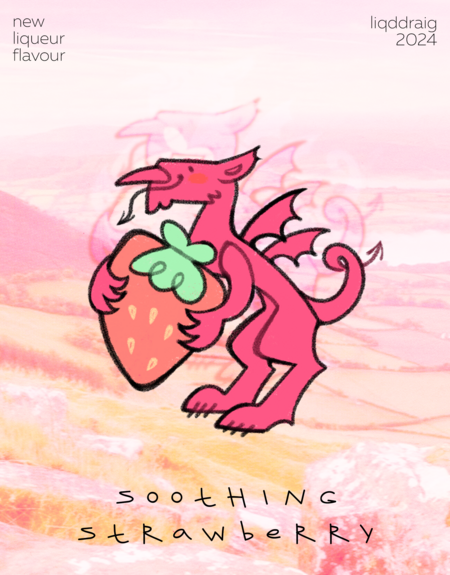
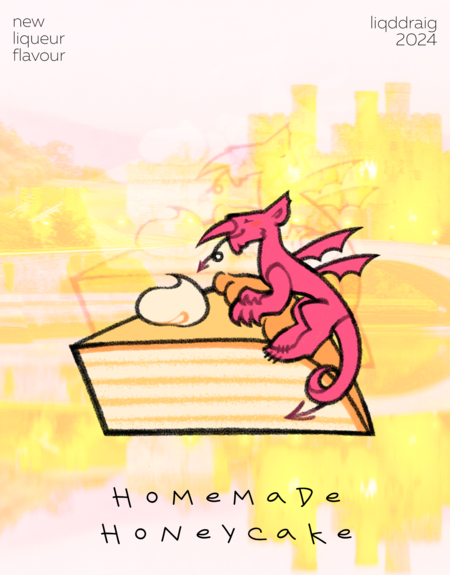
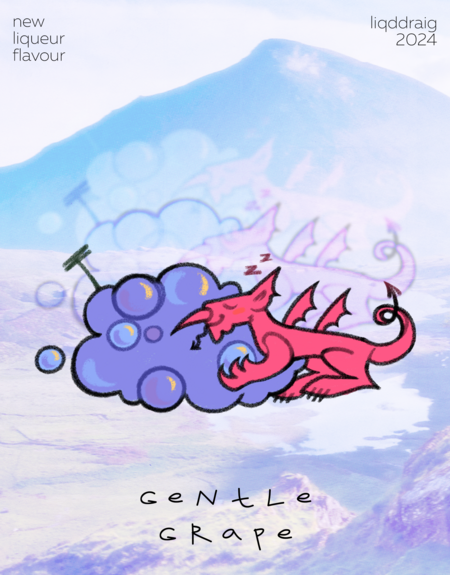
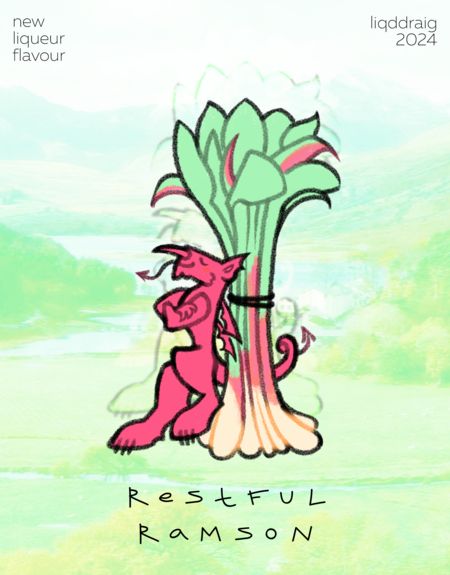
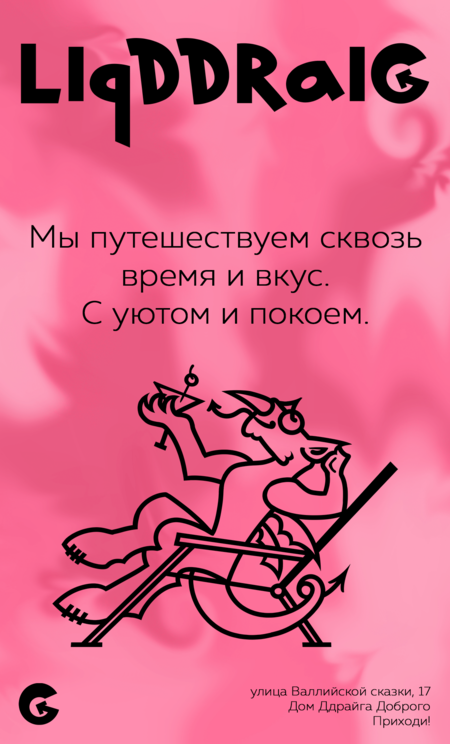
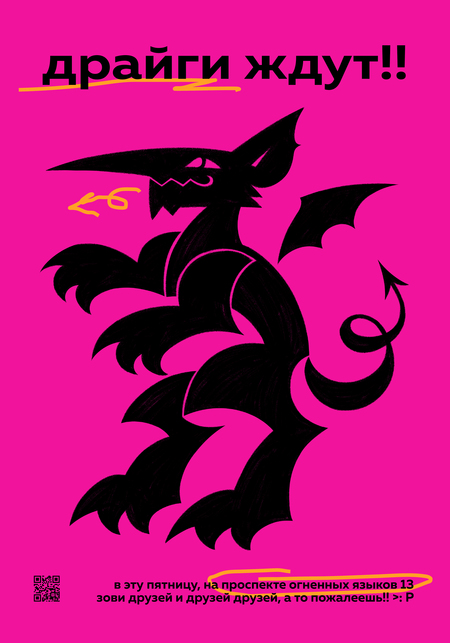
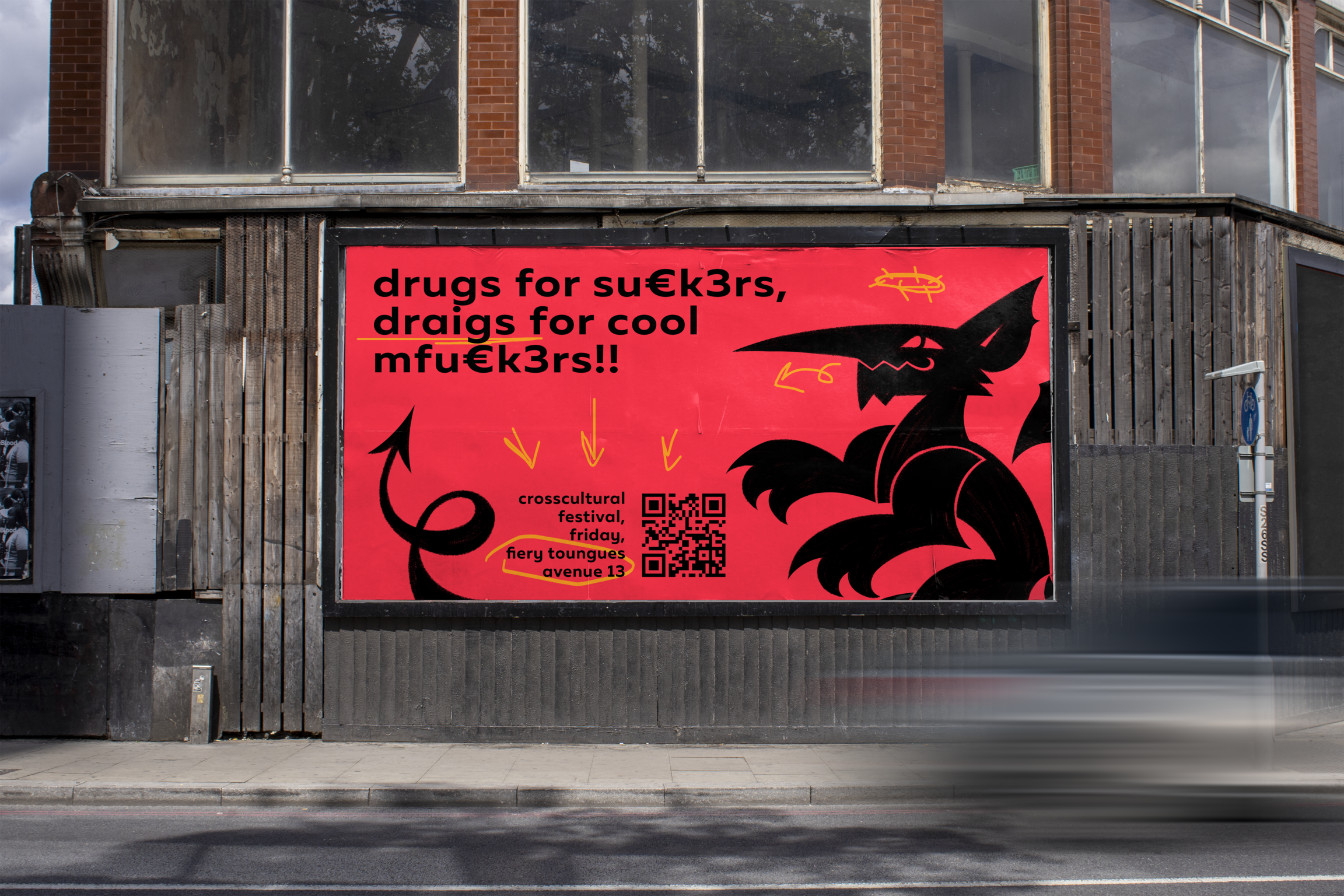
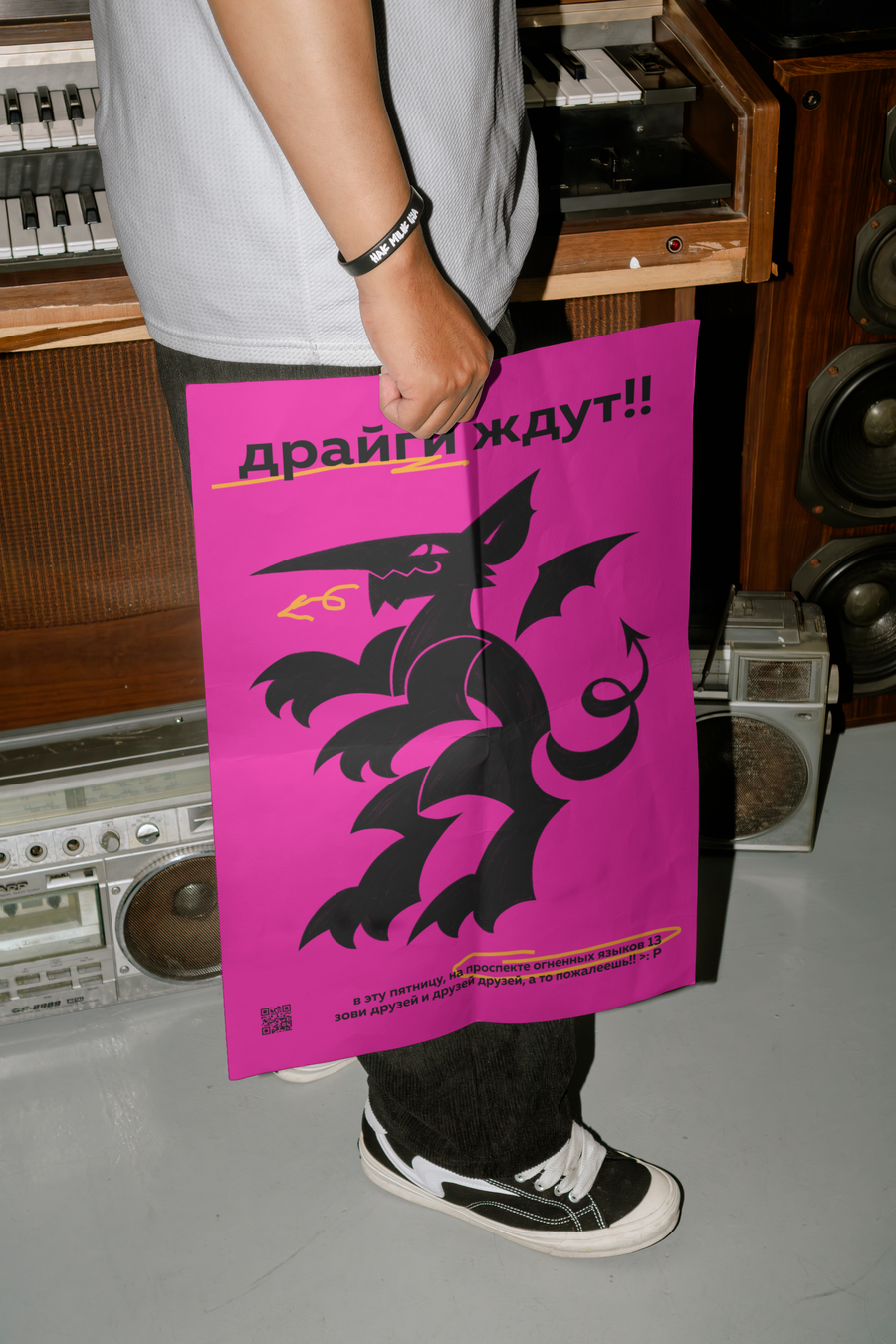
ликёрный бренд из уэльса, где маскот — валлийский дракон. яркие цвета уходят от строгости тех же классических виски с содовой, создавая более игривый и расслабленный образ.
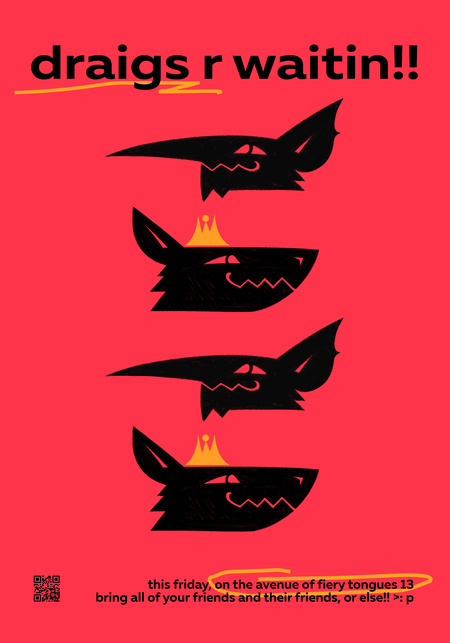
а затем бренд превратился в дерзкий и задорный кросскультурный фестиваль казани и уэльса. он бы понравился всем, кто обожает драконов и хочет узнать больше о казанском зиланте и валлийском и-драйг гохе!!
A joint project of the HSE ART AND DESIGN SCHOOL and the Institute for the Development of Creative Industries, focused on working with Russian regions. The Creative City digital platform is a media outlet that aggregates projects related to territorial branding, a community of professionals, and a service that allows you to create local websites, work with the local identity and popularity of cities and places. Study the map of the Creative City. Get acquainted with the projects that have already been implemented. Add your own projects and stories.
Showcase your creative potential by developing projects that tell the story of art or design in your region. Explore the nature of contemporary art, murals, installations, and spatial design that create a unique atmosphere and engage residents in the cultural life of the city.
events
travelling
history
art and design
fashion
essays and books
handicrafts
gastronomy
sport
all projects
Show more
We use cookies to improve the operation of the HSE website and to enhance its usability. More detailed information on the use of cookies can be fou...
Show more
Press space bar to start a drag.
When dragging you can use the arrow keys to move the item around and escape to cancel.
Some screen readers may require you to be in focus mode or to use your pass through key
Press space bar to start a drag.
When dragging you can use the arrow keys to move the item around and escape to cancel.
Some screen readers may require you to be in focus mode or to use your pass through key
Press space bar to start a drag.
When dragging you can use the arrow keys to move the item around and escape to cancel.
Some screen readers may require you to be in focus mode or to use your pass through key
Press space bar to start a drag.
When dragging you can use the arrow keys to move the item around and escape to cancel.
Some screen readers may require you to be in focus mode or to use your pass through key
Press space bar to start a drag.
When dragging you can use the arrow keys to move the item around and escape to cancel.
Some screen readers may require you to be in focus mode or to use your pass through key
Press space bar to start a drag.
When dragging you can use the arrow keys to move the item around and escape to cancel.
Some screen readers may require you to be in focus mode or to use your pass through key
Press space bar to start a drag.
When dragging you can use the arrow keys to move the item around and escape to cancel.
Some screen readers may require you to be in focus mode or to use your pass through key
Press space bar to start a drag.
When dragging you can use the arrow keys to move the item around and escape to cancel.
Some screen readers may require you to be in focus mode or to use your pass through key
Press space bar to start a drag.
When dragging you can use the arrow keys to move the item around and escape to cancel.
Some screen readers may require you to be in focus mode or to use your pass through key
Press space bar to start a drag.
When dragging you can use the arrow keys to move the item around and escape to cancel.
Some screen readers may require you to be in focus mode or to use your pass through key
Press space bar to start a drag.
When dragging you can use the arrow keys to move the item around and escape to cancel.
Some screen readers may require you to be in focus mode or to use your pass through key
Press space bar to start a drag.
When dragging you can use the arrow keys to move the item around and escape to cancel.
Some screen readers may require you to be in focus mode or to use your pass through key
Press space bar to start a drag.
When dragging you can use the arrow keys to move the item around and escape to cancel.
Some screen readers may require you to be in focus mode or to use your pass through key