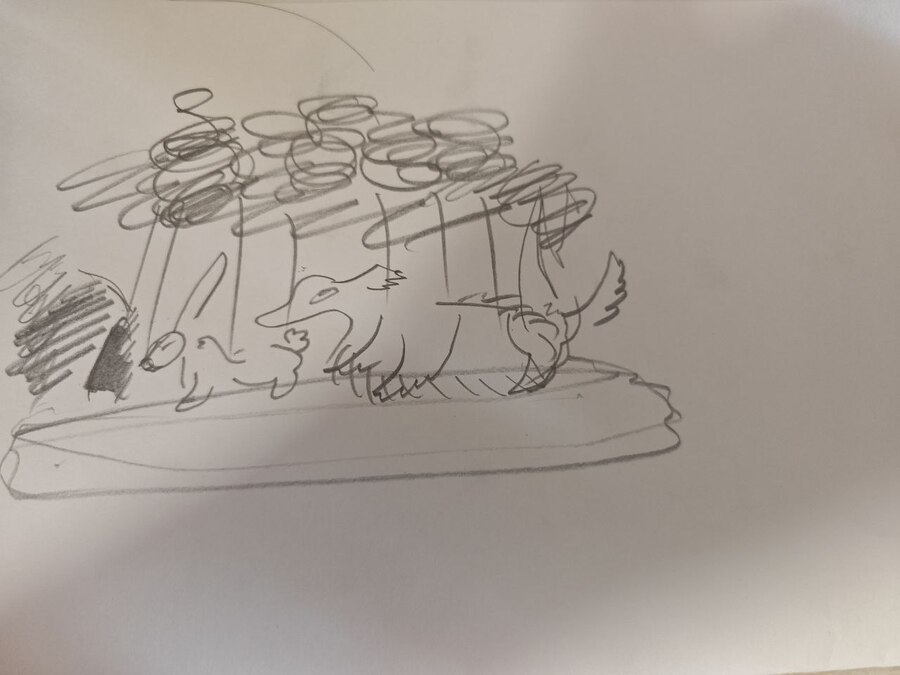
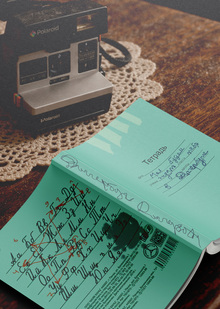
В основе проекта «Осязаемые линии» лежит личная история. Автор исходных набросков — мой дедушка, в прошлом профессиональный художник, который сейчас полностью потерял зрение. Но он не перестал творить: теперь он рисует свои картины во снах.
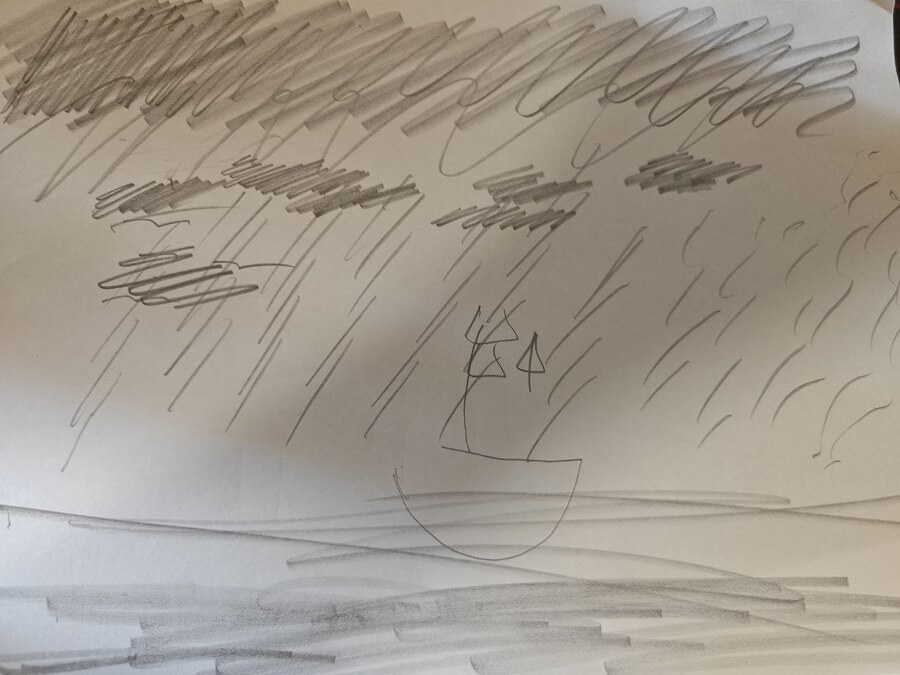
Наброски, с которыми я работаю — это его попытка перенести приснившиеся образы на бумагу. Поскольку у него нет визуального контроля, эти рисунки очень условны. Это не чертежи, а следы воспоминаний о форме.
Переводить эти наброски в обычную живопись — значит исказить их суть. Классическая нейросетевая иллюстрация опирается исключительно на зрение: свет, цвет, перспективу. Но мир незрячего художника строится иначе — через осязание, форму и физическое присутствие в пространстве.
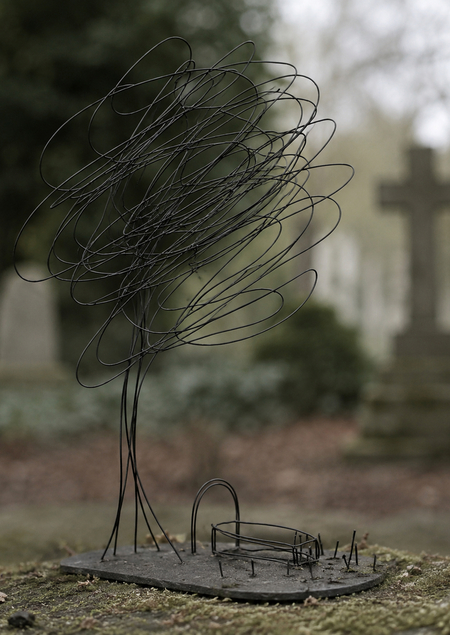
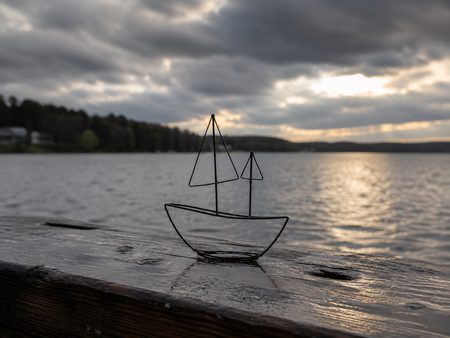
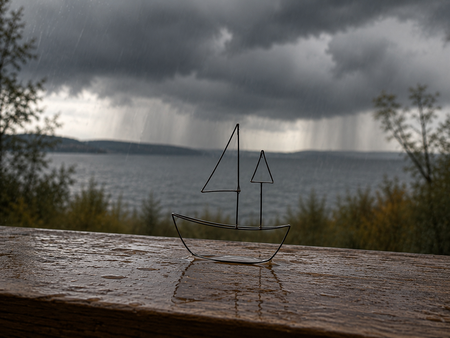
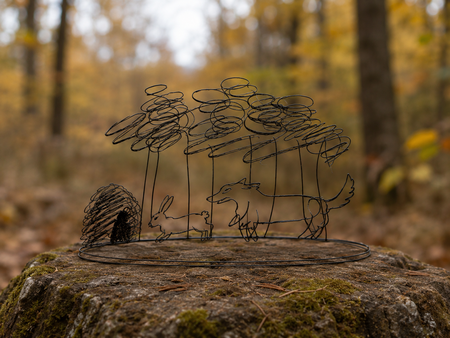
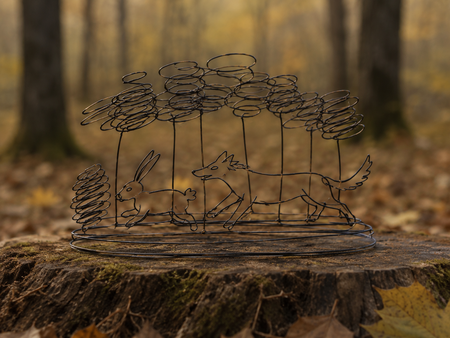
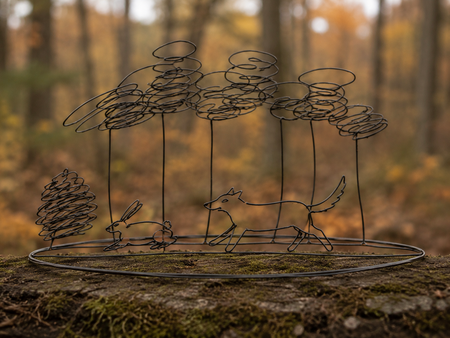
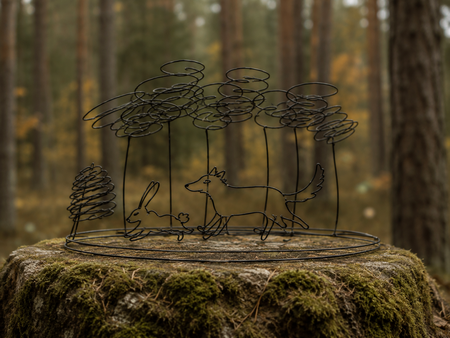
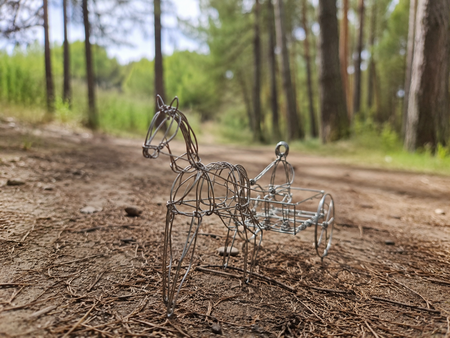
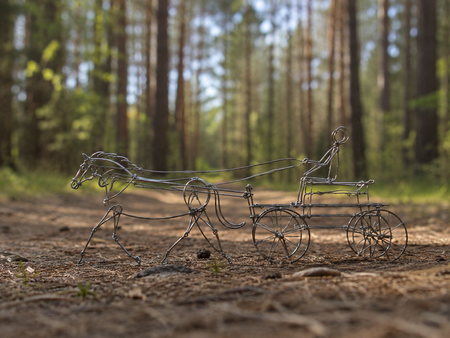
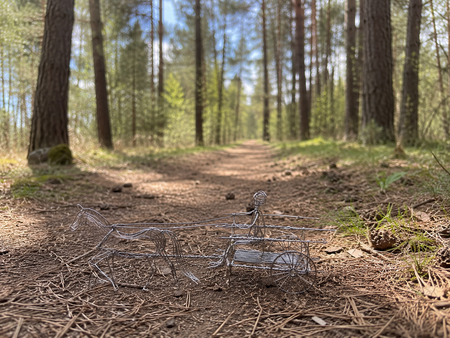
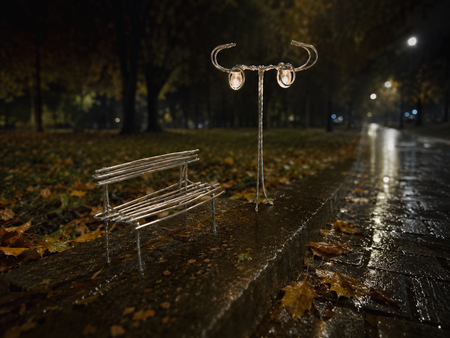
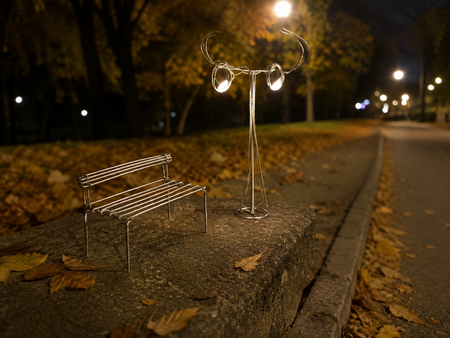
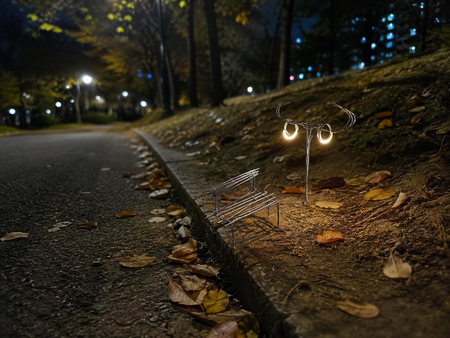
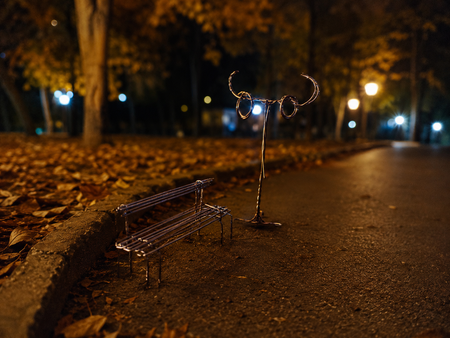
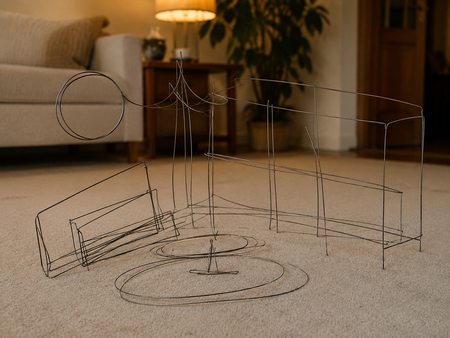
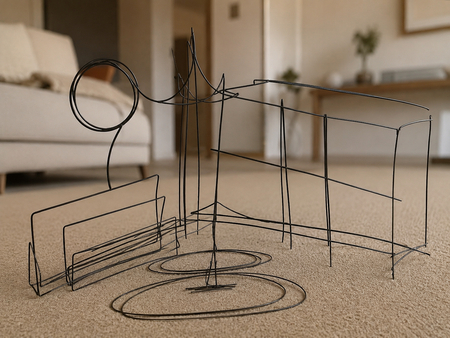
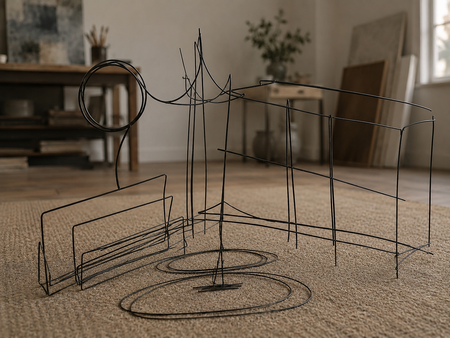
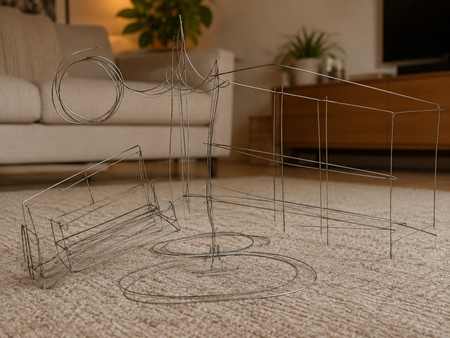
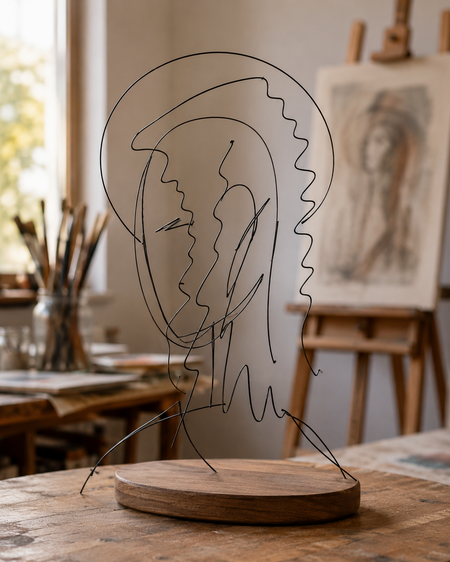
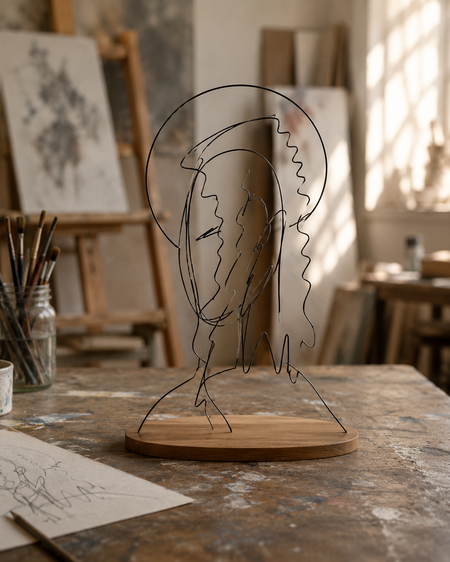
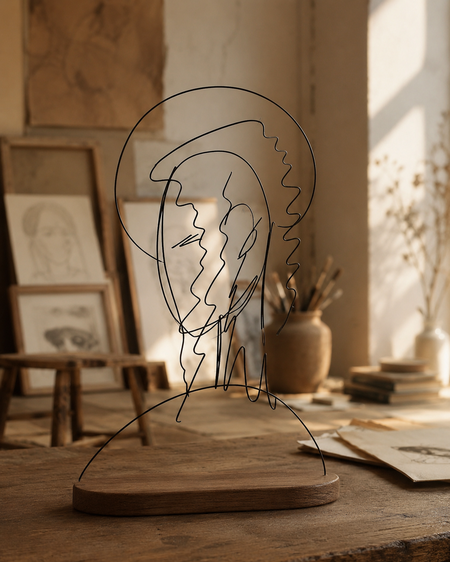
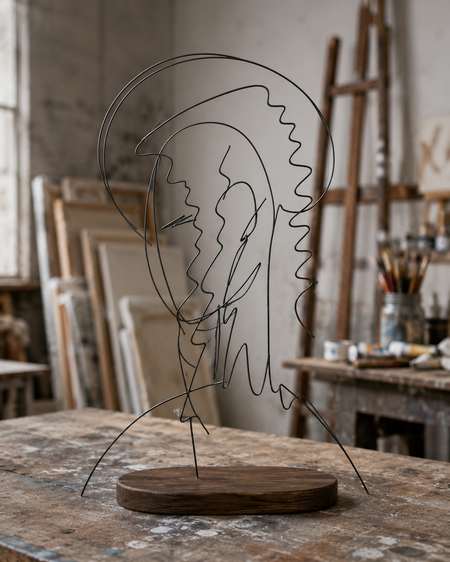
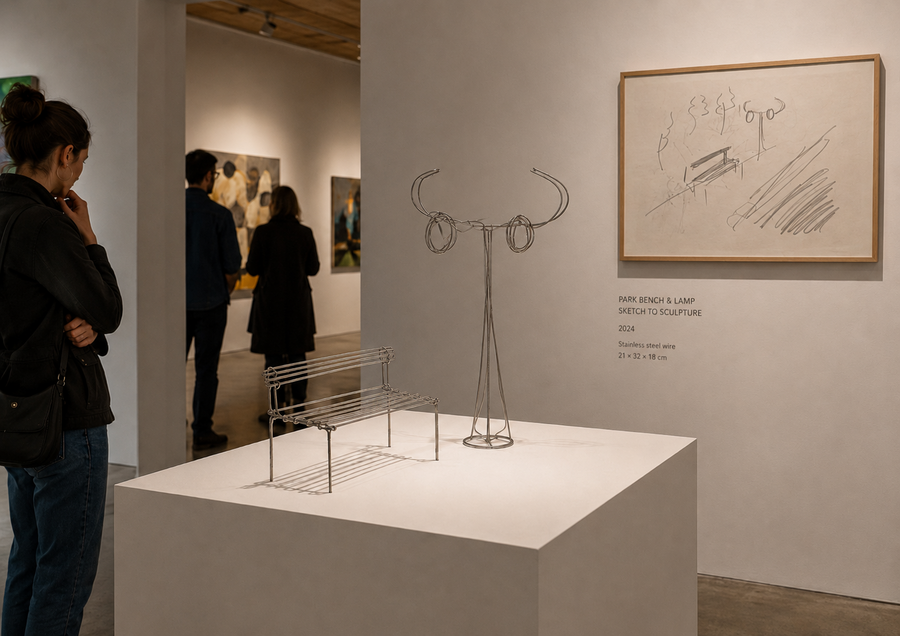
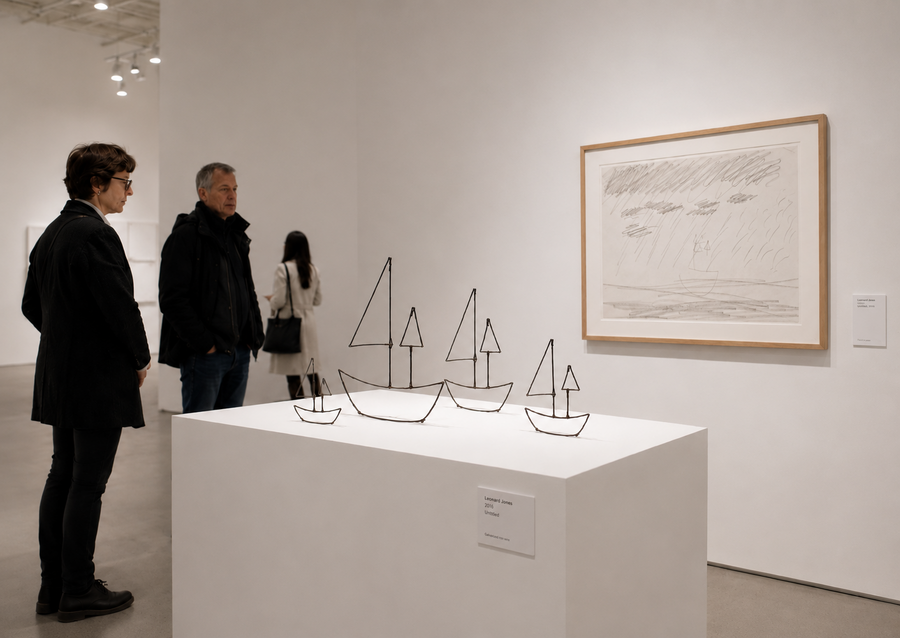
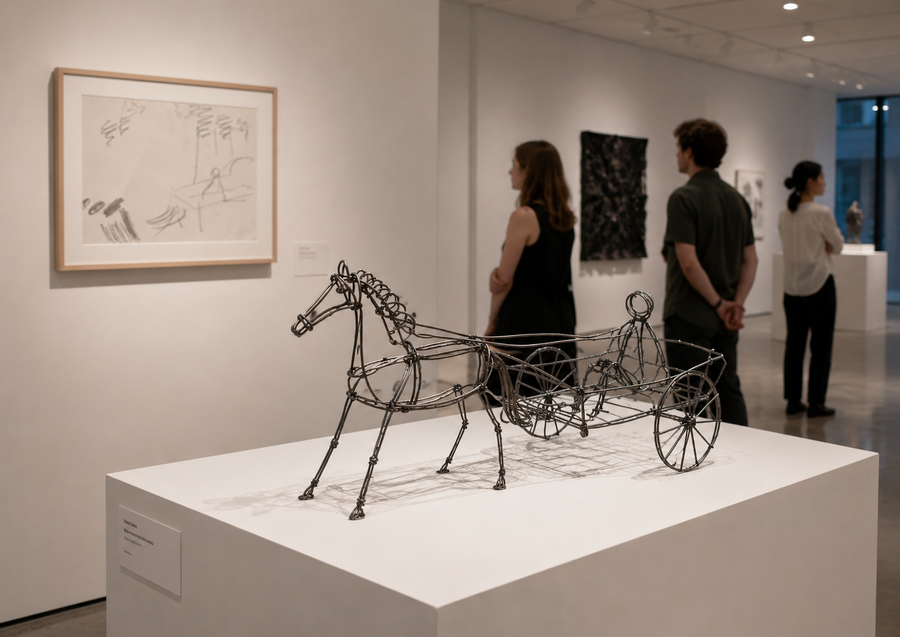
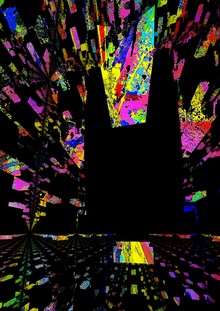
Поэтому концепция строится на переводе карандашной линии
в проволоку. И хотя в финале получается плоское цифровое изображение, оно работает как проекция материального объекта. Проволока передает саму идею осязаемости и телесного опыта.
Процесс создания
Технический процесс генерации строится
на синергии двух элементов: нарисованных художником зарисовок и его личного вербального описания того, что именно хотелось изобразить.
Набросок задает пластику, ритм
и композиционный костяк сцены, а текст раскрывает смысловое наполнение
и контекст образа.
Мы используем файлы cookies для улучшения работы сайта НИУ ВШЭ и большего удобства его использования. Более подробную...
Показать больше
Press space bar to start a drag.
When dragging you can use the arrow keys to move the item around and escape to cancel.
Some screen readers may require you to be in focus mode or to use your pass through key
Press space bar to start a drag.
When dragging you can use the arrow keys to move the item around and escape to cancel.
Some screen readers may require you to be in focus mode or to use your pass through key
Press space bar to start a drag.
When dragging you can use the arrow keys to move the item around and escape to cancel.
Some screen readers may require you to be in focus mode or to use your pass through key
Press space bar to start a drag.
When dragging you can use the arrow keys to move the item around and escape to cancel.
Some screen readers may require you to be in focus mode or to use your pass through key
Press space bar to start a drag.
When dragging you can use the arrow keys to move the item around and escape to cancel.
Some screen readers may require you to be in focus mode or to use your pass through key
Press space bar to start a drag.
When dragging you can use the arrow keys to move the item around and escape to cancel.
Some screen readers may require you to be in focus mode or to use your pass through key
Press space bar to start a drag.
When dragging you can use the arrow keys to move the item around and escape to cancel.
Some screen readers may require you to be in focus mode or to use your pass through key
Press space bar to start a drag.
When dragging you can use the arrow keys to move the item around and escape to cancel.
Some screen readers may require you to be in focus mode or to use your pass through key
Press space bar to start a drag.
When dragging you can use the arrow keys to move the item around and escape to cancel.
Some screen readers may require you to be in focus mode or to use your pass through key
Press space bar to start a drag.
When dragging you can use the arrow keys to move the item around and escape to cancel.
Some screen readers may require you to be in focus mode or to use your pass through key
Press space bar to start a drag.
When dragging you can use the arrow keys to move the item around and escape to cancel.
Some screen readers may require you to be in focus mode or to use your pass through key
Press space bar to start a drag.
When dragging you can use the arrow keys to move the item around and escape to cancel.
Some screen readers may require you to be in focus mode or to use your pass through key