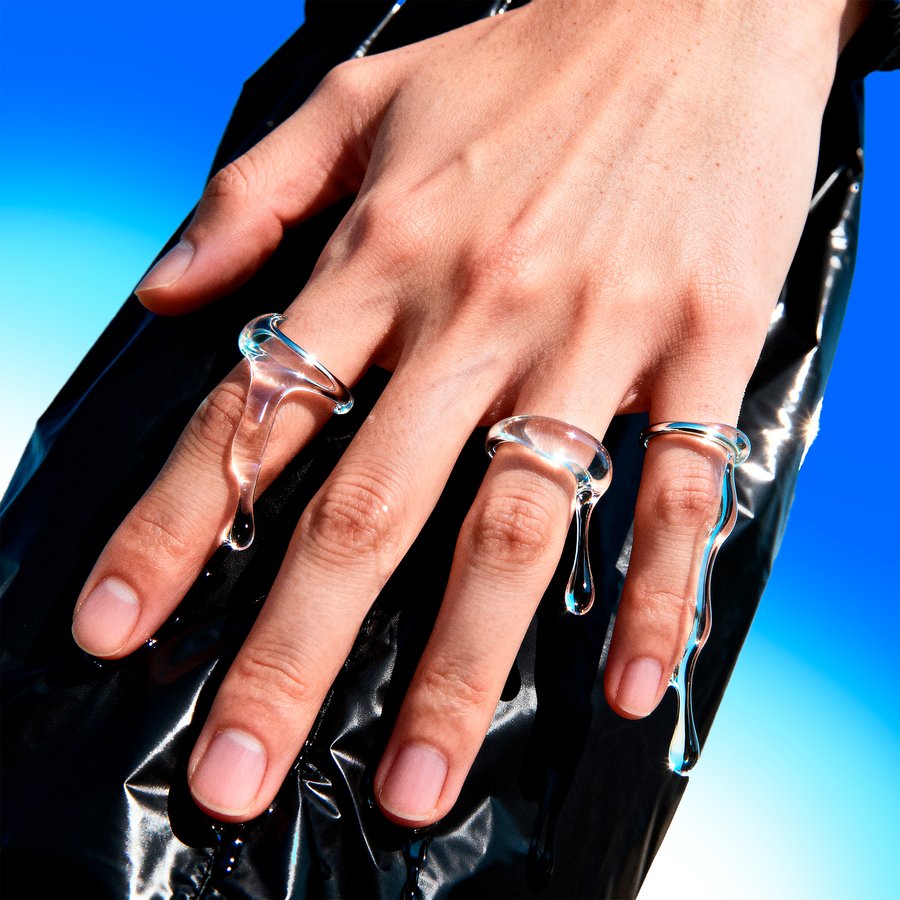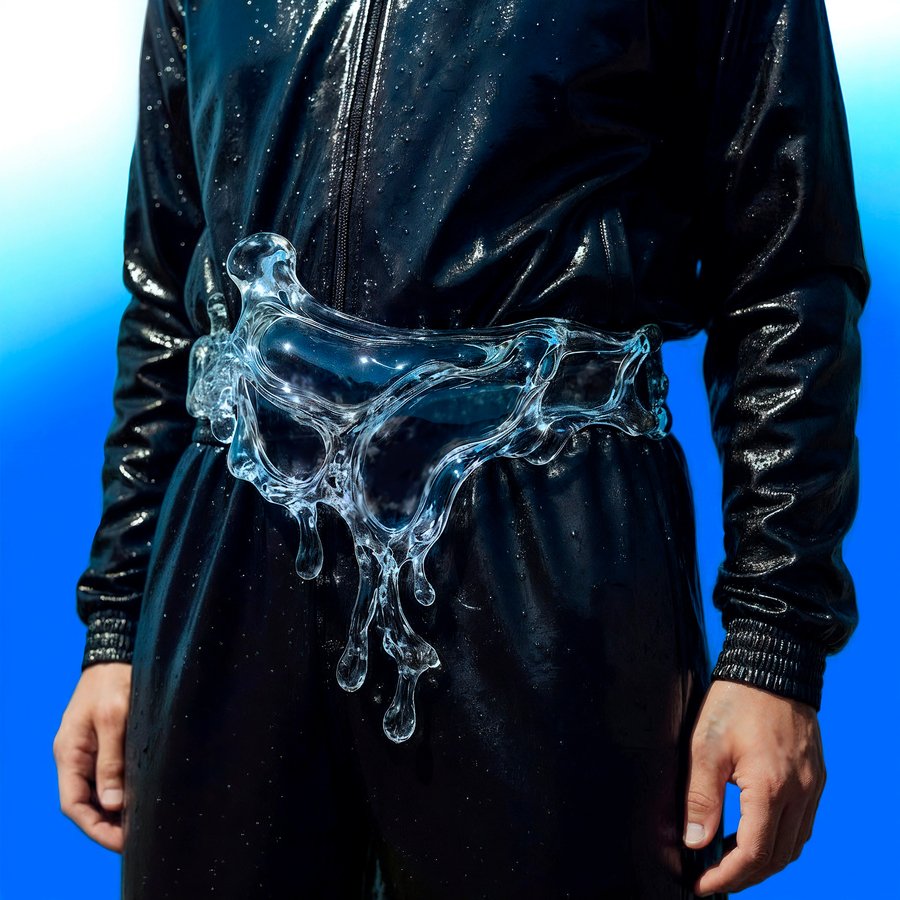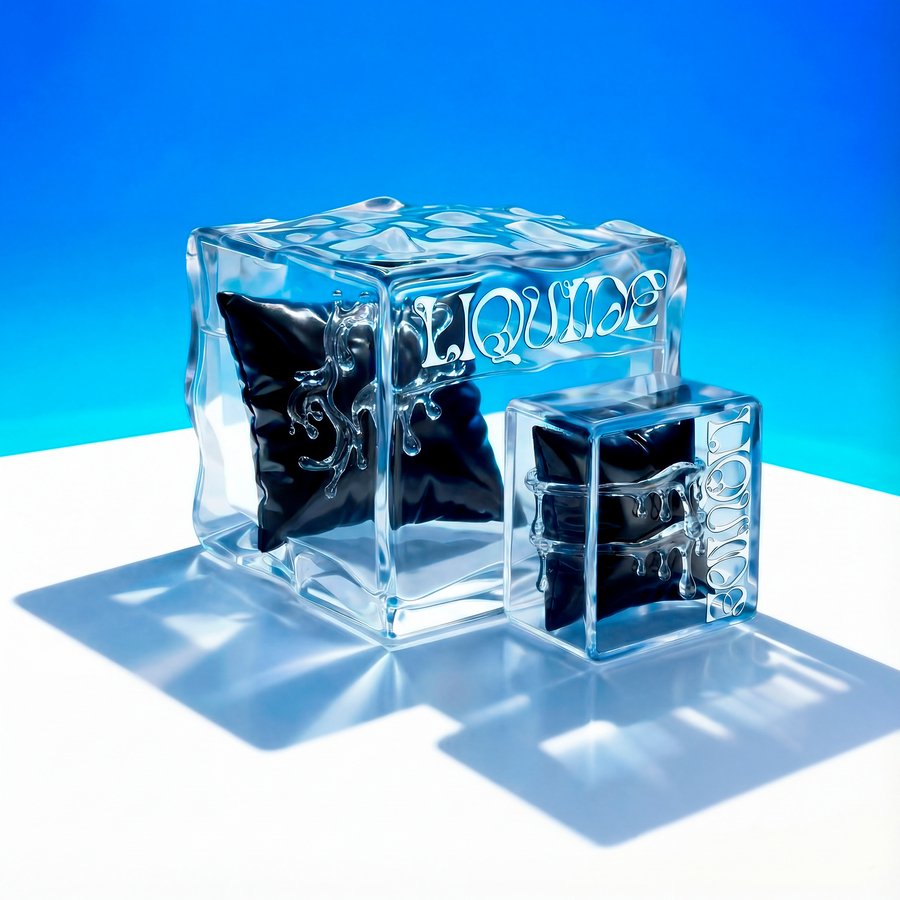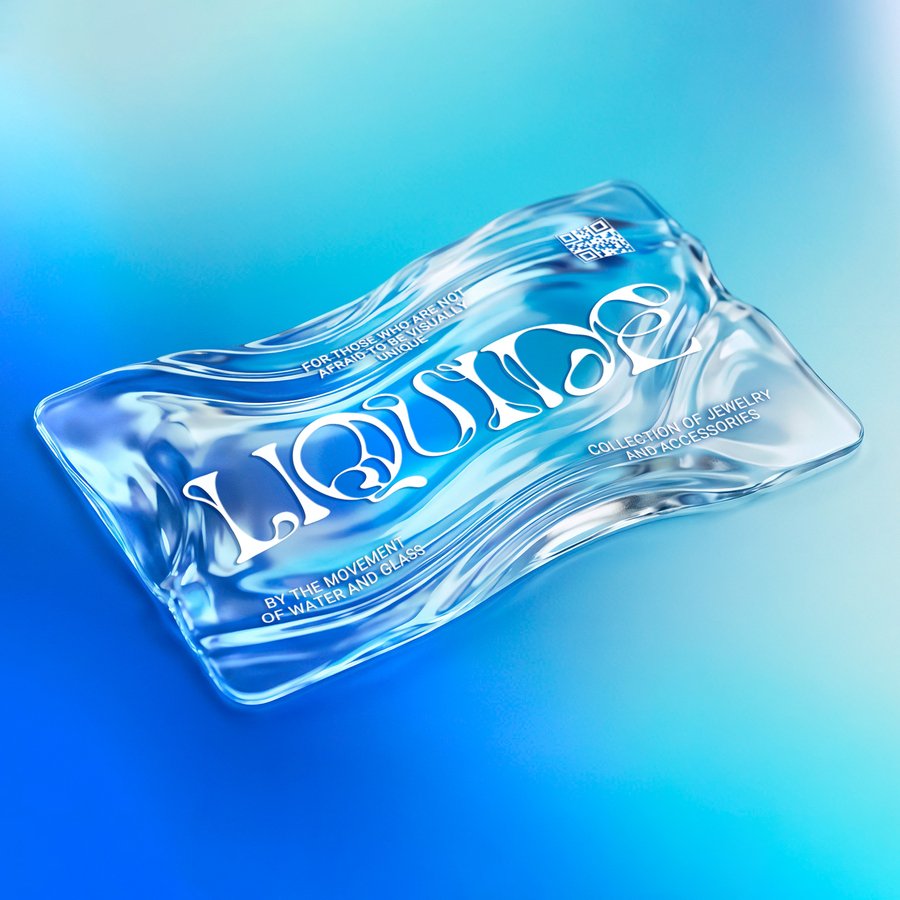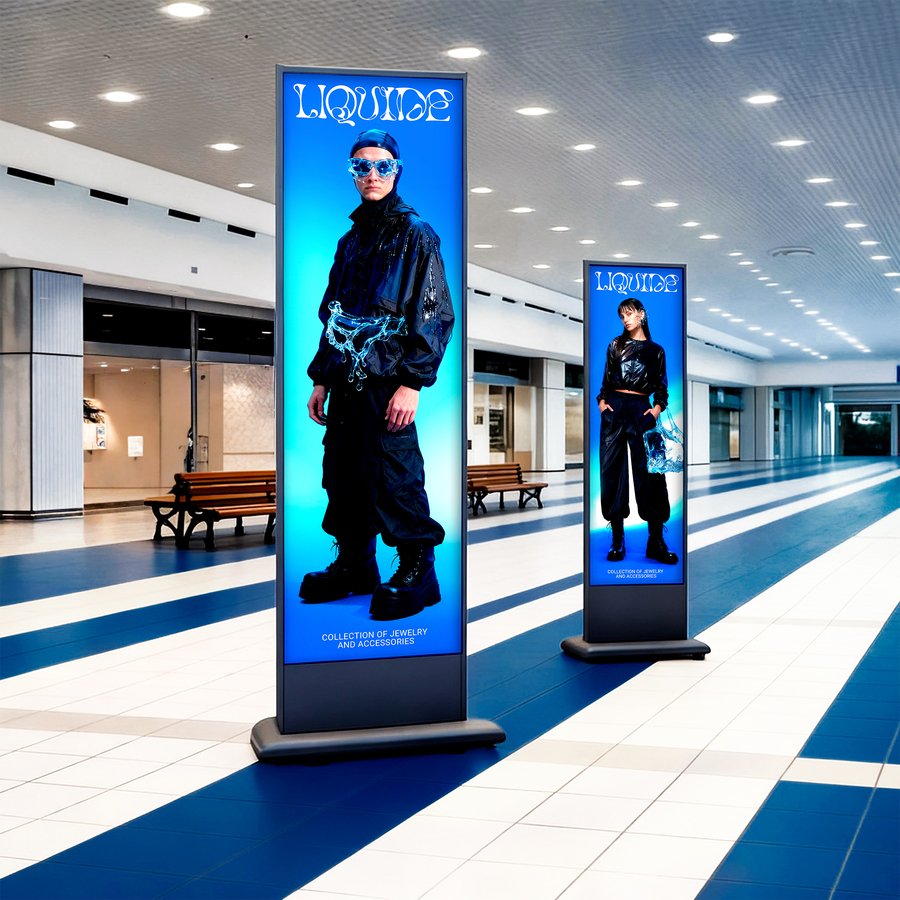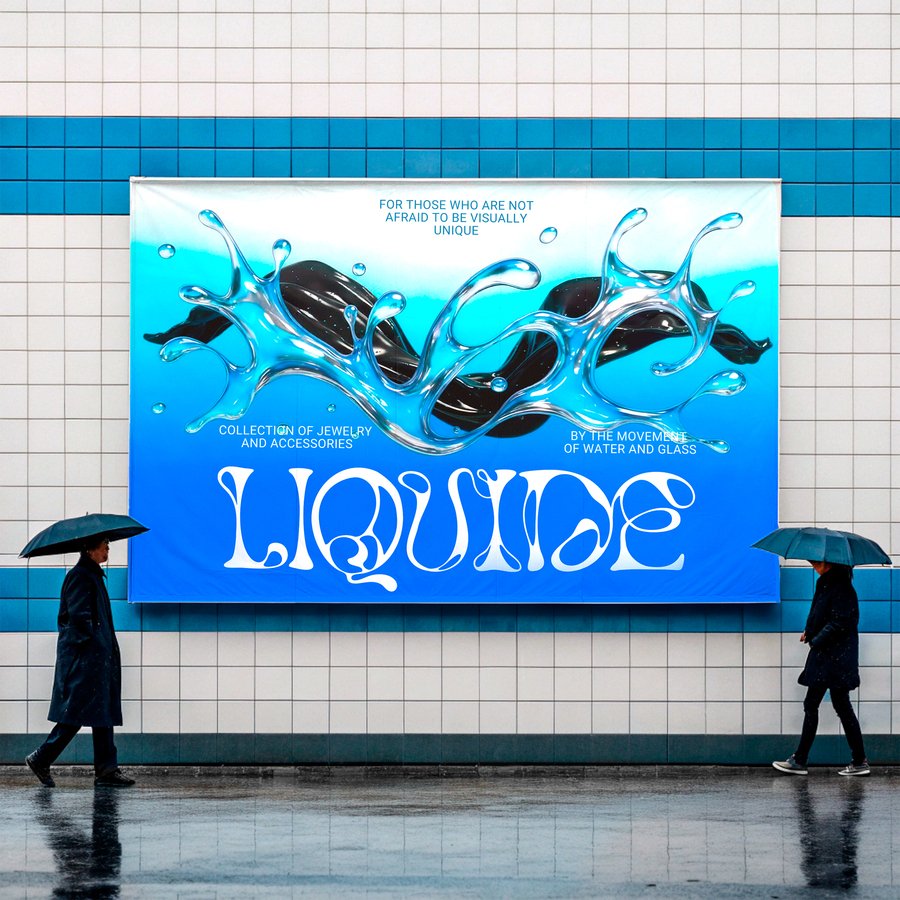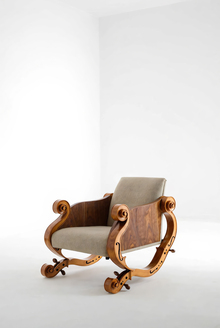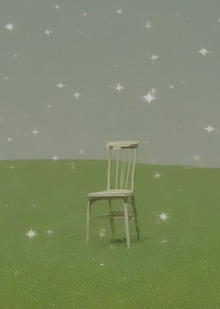
LIQUIDE — это коллекция из 10 аксессуаров: браслетов, колец, серёжек, очков и сумок. Визуальный язык коллекции основан на образе воды, застывшей между движением и покоем. В рамках проекта также разработаны упаковки для аксессуаров, промо-материалы и визуализации шоурумов.

АКСЕССУАРЫ
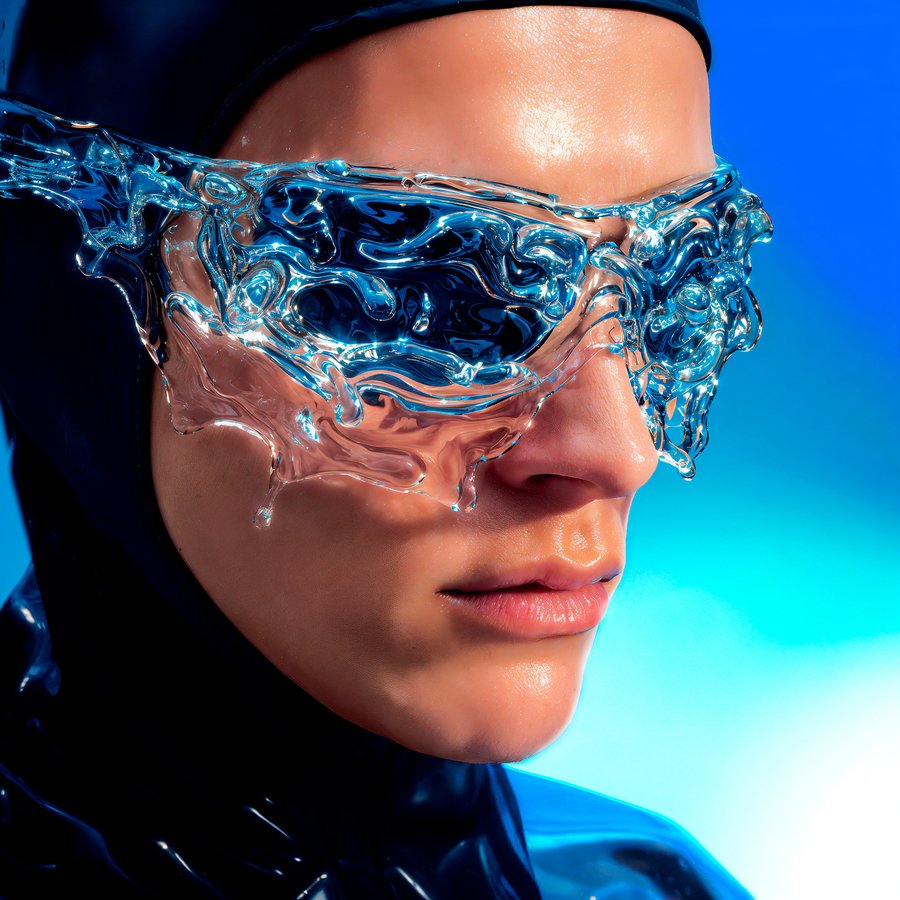
Очки — Midjourney; кафф — Nano Banana
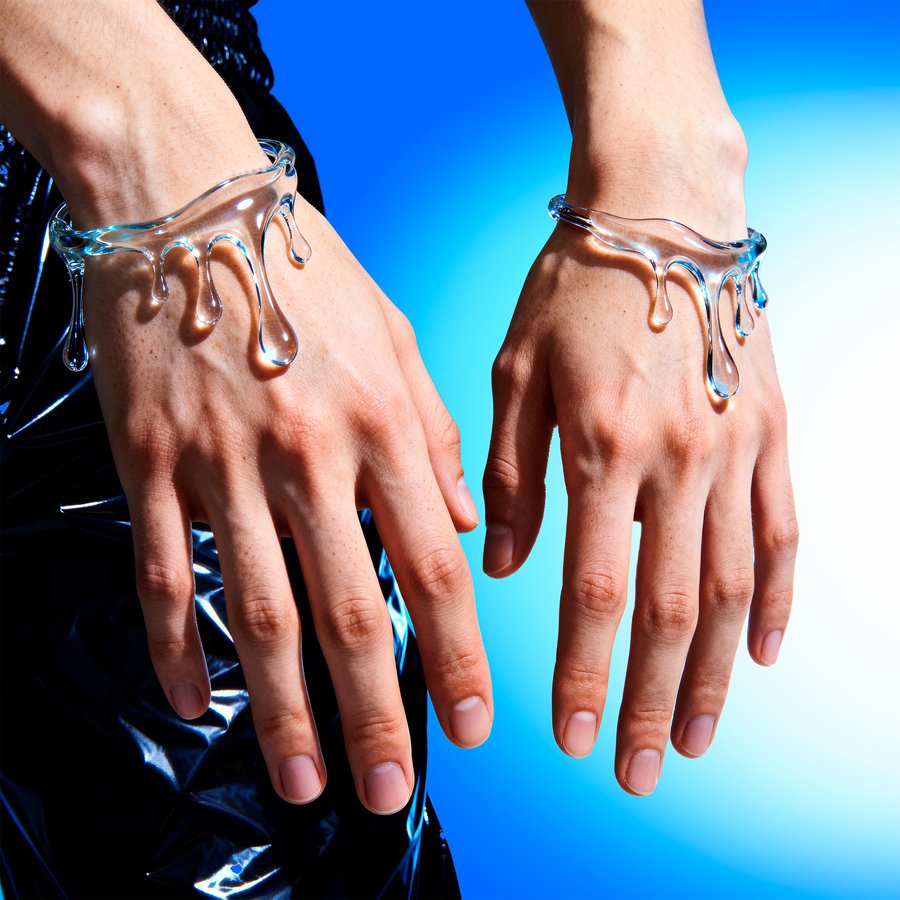
Браслет — Lucid Realism; серьги — GPT Image
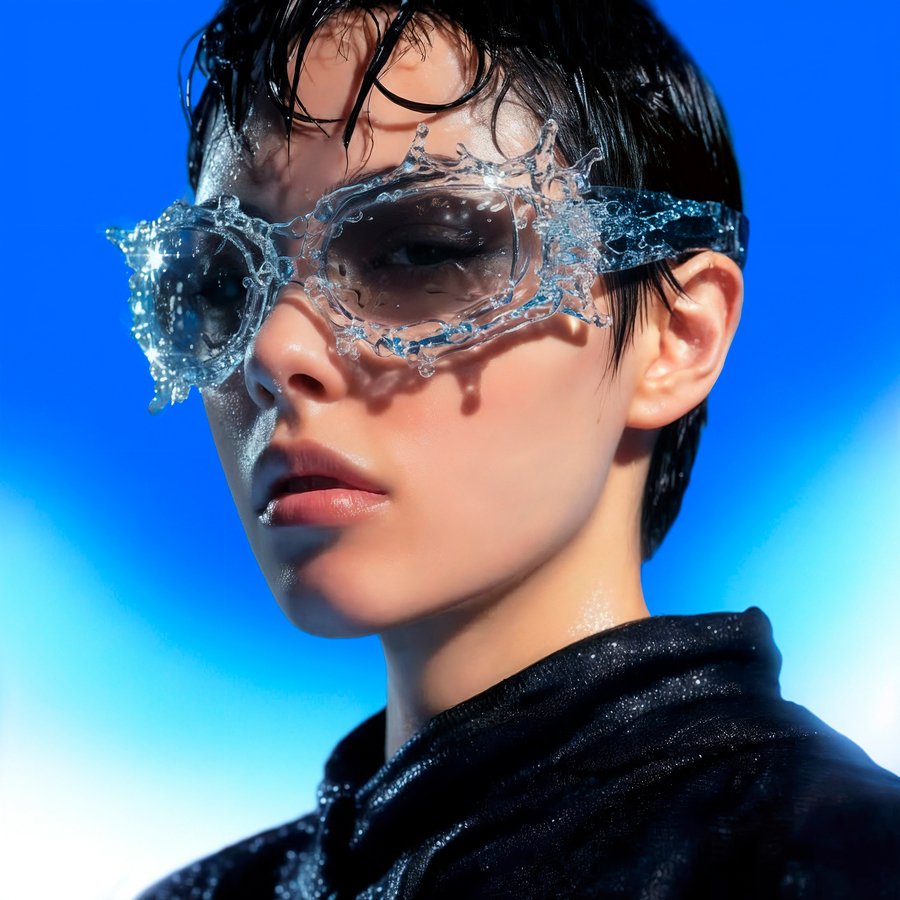
Очки — Midjourney; кольца — Lucid Realism
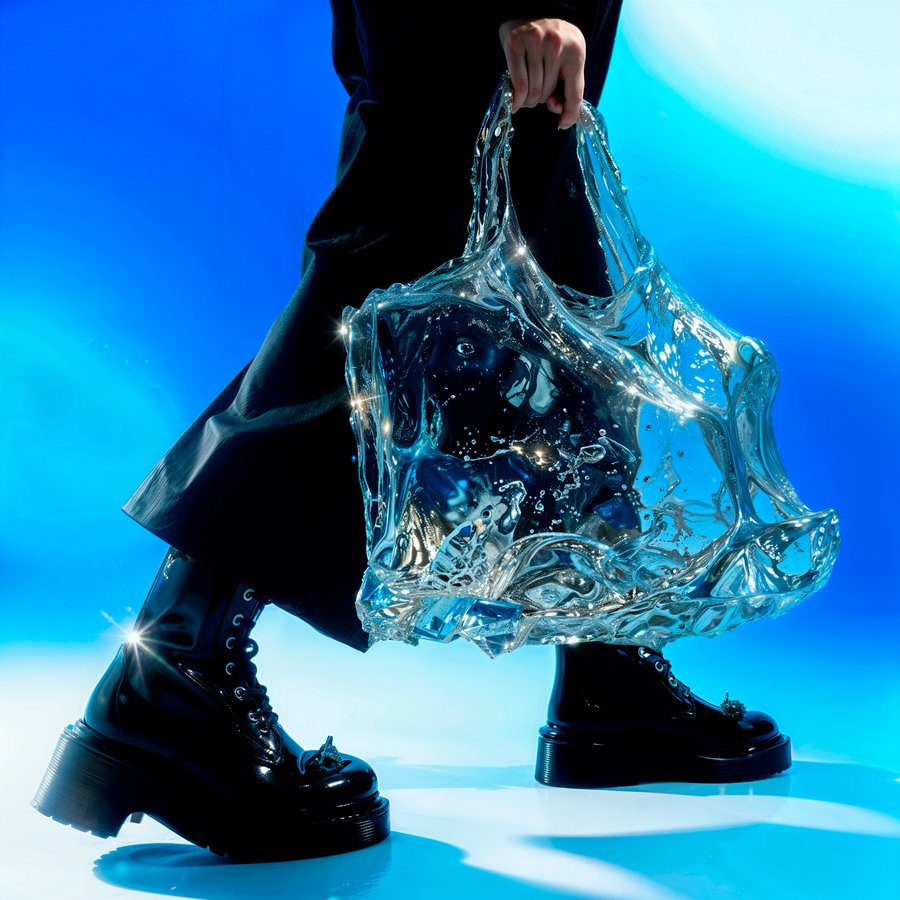
Сумка — Midjourney; сумка-барсетка — GPT Image
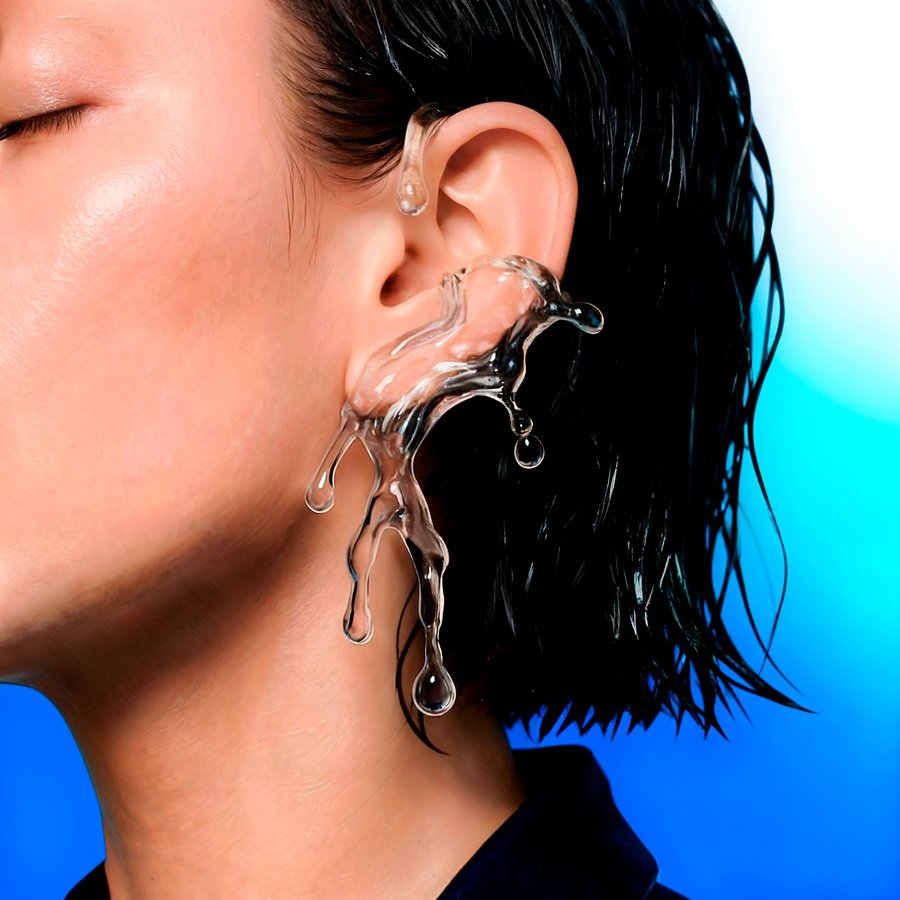
Каффы — Nano Banana
ЭТАПЫ ПРОИЗВОДСТВА
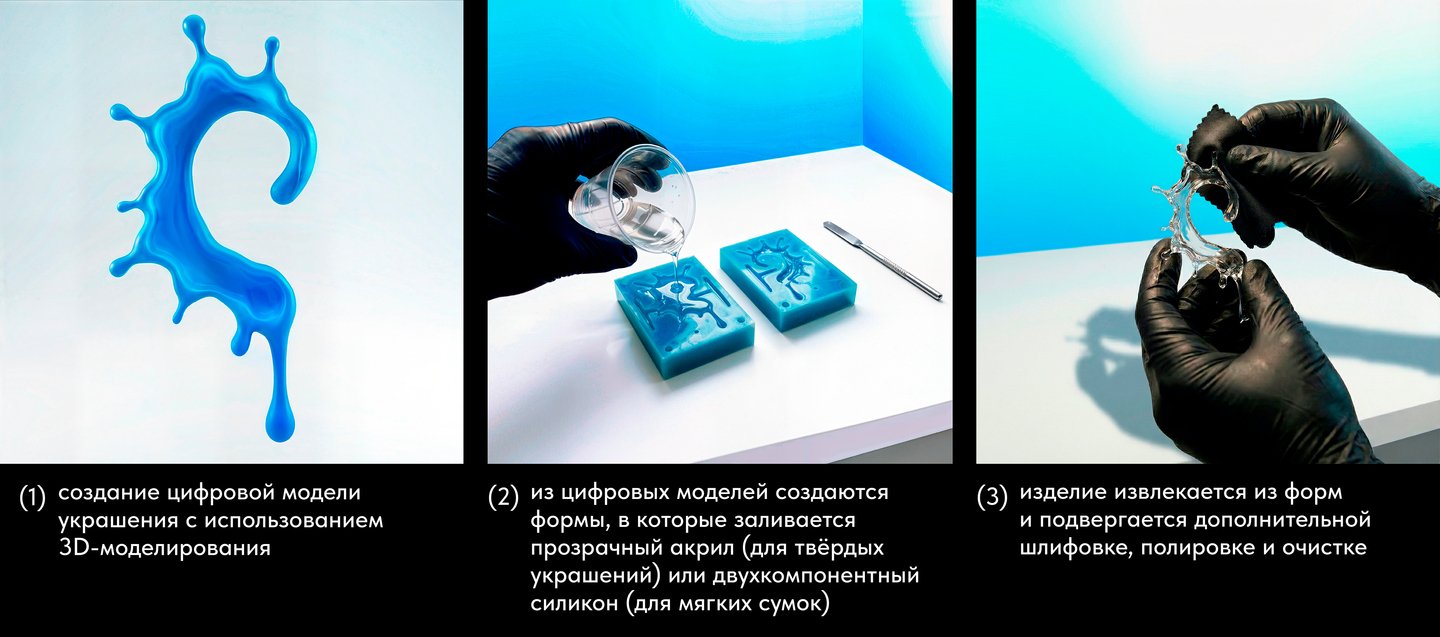
Original size 3999x1768
ТИПОГРАФИКА/КОЛОРИСТИКА
Original size 3000x843
Логотип с уникальным шрифтом — Nano Banana Pro
Original size 3000x833
Roboto Regular — шрифт для мелкой типографики.
Цветовая палитра — Adobe Color
We use cookies to improve the operation of the HSE website and to enhance its usability. More detailed information on the use of cookies can be fou...
Show more
Press space bar to start a drag.
When dragging you can use the arrow keys to move the item around and escape to cancel.
Some screen readers may require you to be in focus mode or to use your pass through key
Press space bar to start a drag.
When dragging you can use the arrow keys to move the item around and escape to cancel.
Some screen readers may require you to be in focus mode or to use your pass through key
Press space bar to start a drag.
When dragging you can use the arrow keys to move the item around and escape to cancel.
Some screen readers may require you to be in focus mode or to use your pass through key
Press space bar to start a drag.
When dragging you can use the arrow keys to move the item around and escape to cancel.
Some screen readers may require you to be in focus mode or to use your pass through key
Press space bar to start a drag.
When dragging you can use the arrow keys to move the item around and escape to cancel.
Some screen readers may require you to be in focus mode or to use your pass through key
Press space bar to start a drag.
When dragging you can use the arrow keys to move the item around and escape to cancel.
Some screen readers may require you to be in focus mode or to use your pass through key
Press space bar to start a drag.
When dragging you can use the arrow keys to move the item around and escape to cancel.
Some screen readers may require you to be in focus mode or to use your pass through key
Press space bar to start a drag.
When dragging you can use the arrow keys to move the item around and escape to cancel.
Some screen readers may require you to be in focus mode or to use your pass through key
Press space bar to start a drag.
When dragging you can use the arrow keys to move the item around and escape to cancel.
Some screen readers may require you to be in focus mode or to use your pass through key