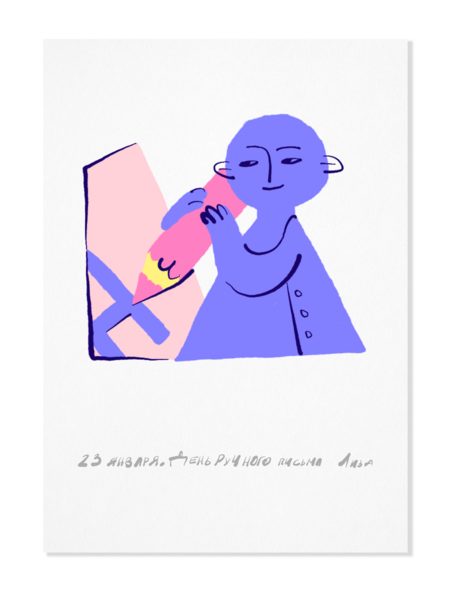
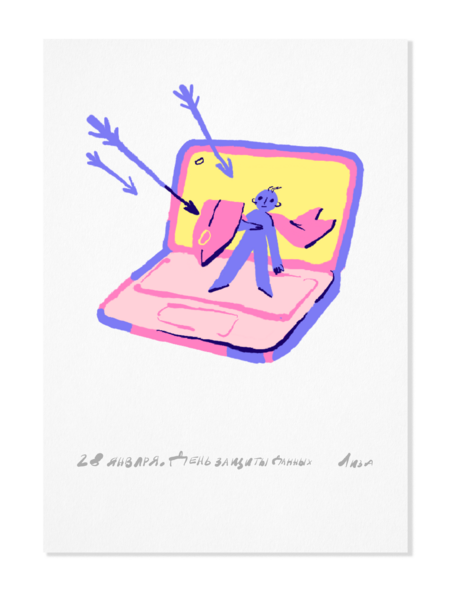
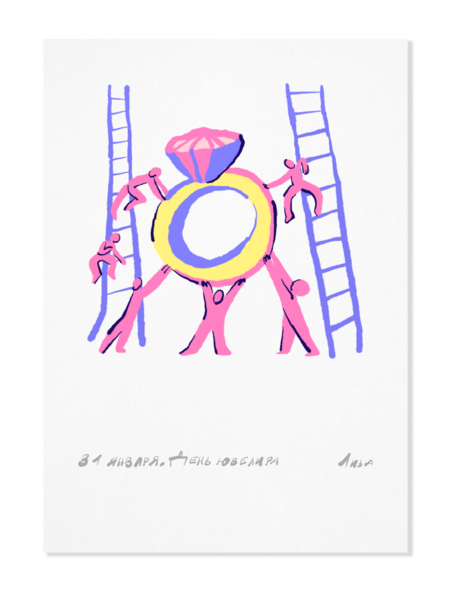
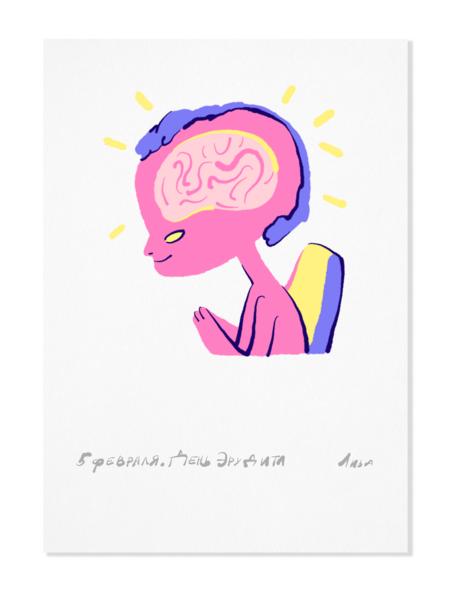
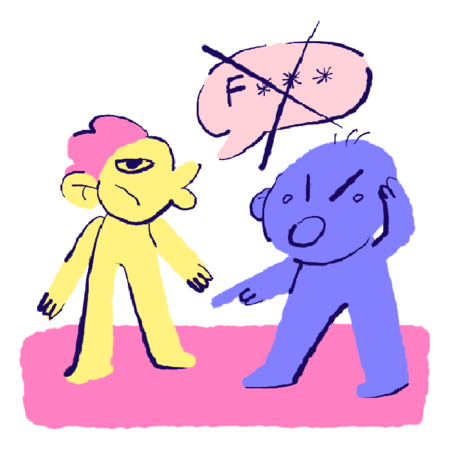
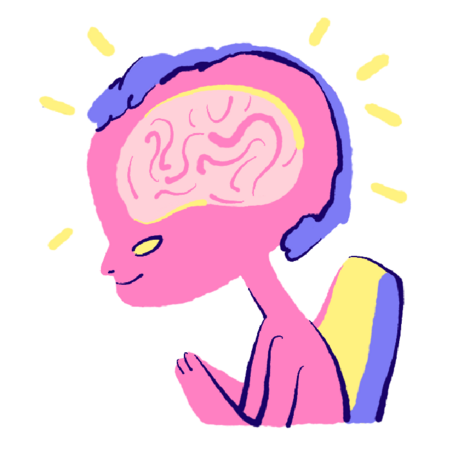
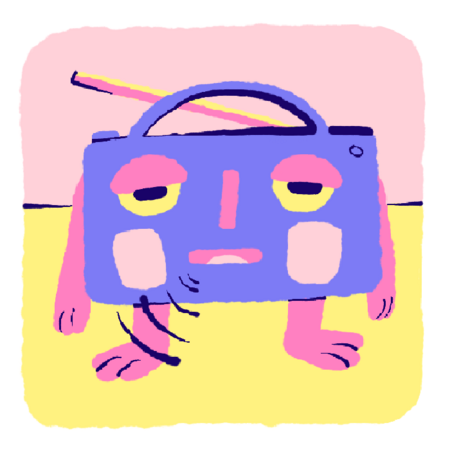
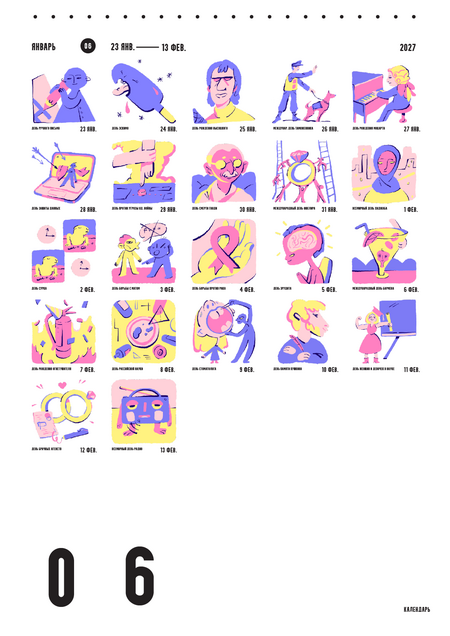
Серия из 22 иллюстраций, встроенных в календарь и последовательно распределённых по его структуре с 23 января по 13 февраля. Главная задача проекта — поддержать серийность, находя лёгкую и точную метафорическую интонацию для каждого образа.
23 января — День ручного письма, 24 января — День эскимо
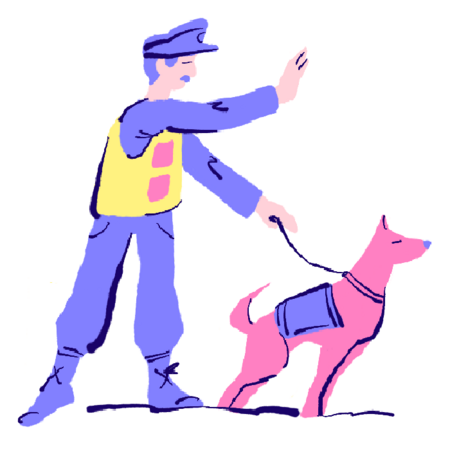
25 января — День рождения Высоцкого, 26 января — День таможенника
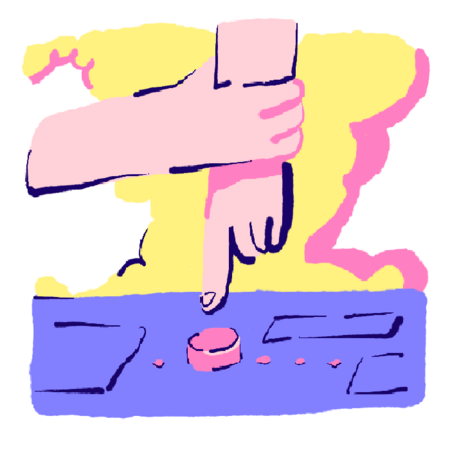
27 января — День Моцарта, 28 января — День защиты данных
29 января — День борьбы с угрозой ядерной войны, 30 января — День памяти Ганди
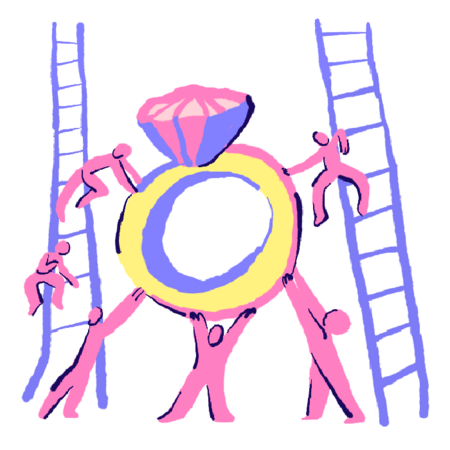
31 января — Международный день ювелира, 1 февраля — День хиджаба
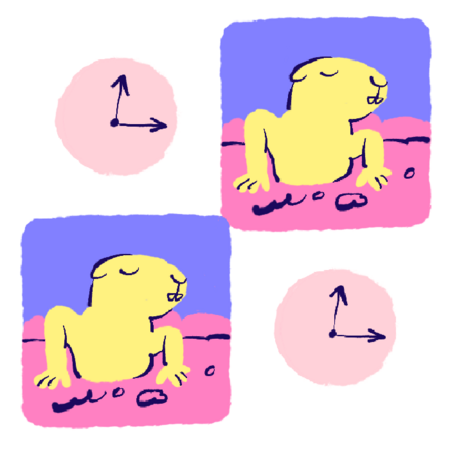
2 февраля — День сурка, 3 февраля — День борьбы с ненормативной лексикой
4 февраля — День борьбы с раком, 5 февраля — День эрудита
6 февраля — День бармена, 7 февраля — День рождения огнетушителя
8 февраля — День стоматолога, 9 февраля — День российской науки
10 февраля — День памяти Пушкина, 11 февраля — День женщин в науке
12 февраля — День брачных агенств, 13 февраля — День радио
Мы используем файлы cookies для улучшения работы сайта НИУ ВШЭ и большего удобства его использования. Более подробную...
Показать больше
Press space bar to start a drag.
When dragging you can use the arrow keys to move the item around and escape to cancel.
Some screen readers may require you to be in focus mode or to use your pass through key
Press space bar to start a drag.
When dragging you can use the arrow keys to move the item around and escape to cancel.
Some screen readers may require you to be in focus mode or to use your pass through key
Press space bar to start a drag.
When dragging you can use the arrow keys to move the item around and escape to cancel.
Some screen readers may require you to be in focus mode or to use your pass through key
Press space bar to start a drag.
When dragging you can use the arrow keys to move the item around and escape to cancel.
Some screen readers may require you to be in focus mode or to use your pass through key
Press space bar to start a drag.
When dragging you can use the arrow keys to move the item around and escape to cancel.
Some screen readers may require you to be in focus mode or to use your pass through key
Press space bar to start a drag.
When dragging you can use the arrow keys to move the item around and escape to cancel.
Some screen readers may require you to be in focus mode or to use your pass through key
Press space bar to start a drag.
When dragging you can use the arrow keys to move the item around and escape to cancel.
Some screen readers may require you to be in focus mode or to use your pass through key
Press space bar to start a drag.
When dragging you can use the arrow keys to move the item around and escape to cancel.
Some screen readers may require you to be in focus mode or to use your pass through key
Press space bar to start a drag.
When dragging you can use the arrow keys to move the item around and escape to cancel.
Some screen readers may require you to be in focus mode or to use your pass through key
Press space bar to start a drag.
When dragging you can use the arrow keys to move the item around and escape to cancel.
Some screen readers may require you to be in focus mode or to use your pass through key
Press space bar to start a drag.
When dragging you can use the arrow keys to move the item around and escape to cancel.
Some screen readers may require you to be in focus mode or to use your pass through key
Press space bar to start a drag.
When dragging you can use the arrow keys to move the item around and escape to cancel.
Some screen readers may require you to be in focus mode or to use your pass through key
Press space bar to start a drag.
When dragging you can use the arrow keys to move the item around and escape to cancel.
Some screen readers may require you to be in focus mode or to use your pass through key
Press space bar to start a drag.
When dragging you can use the arrow keys to move the item around and escape to cancel.
Some screen readers may require you to be in focus mode or to use your pass through key