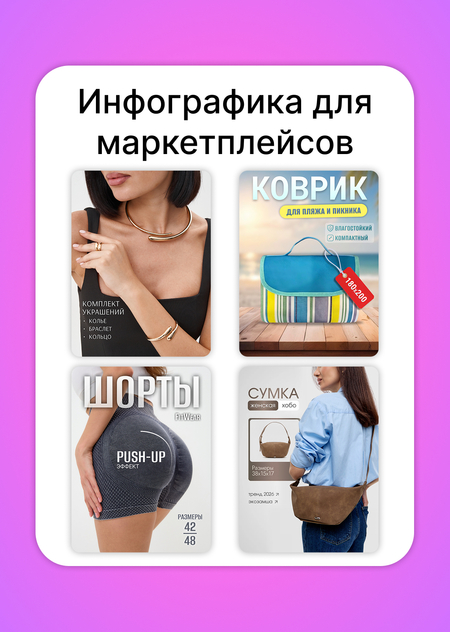
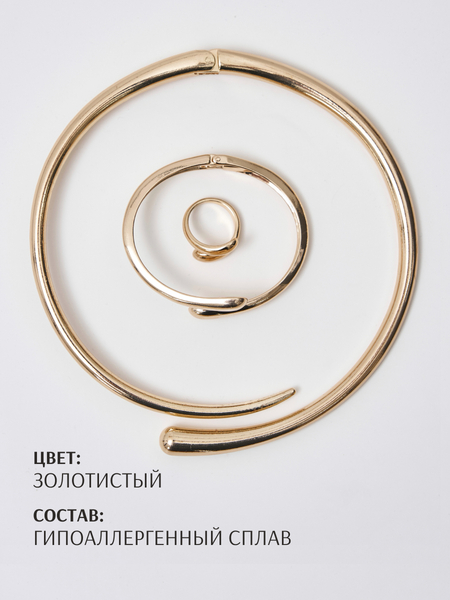
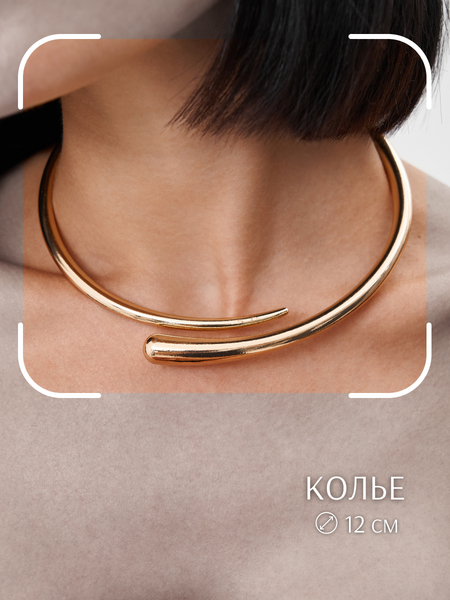
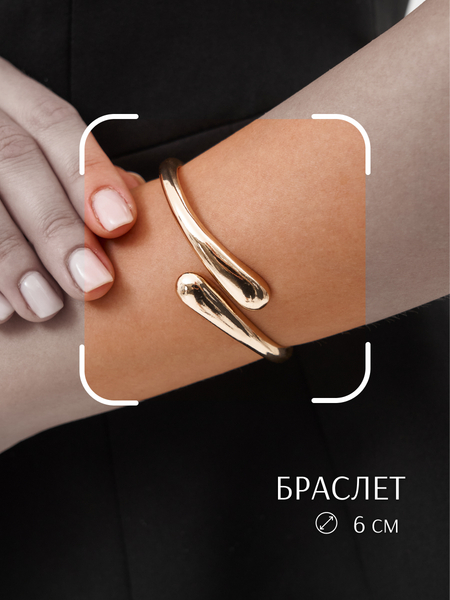
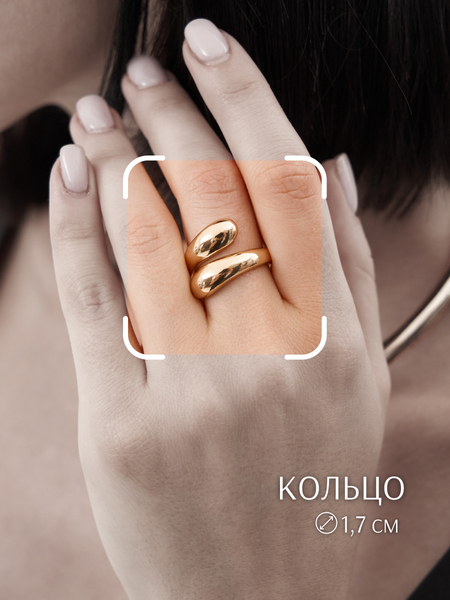
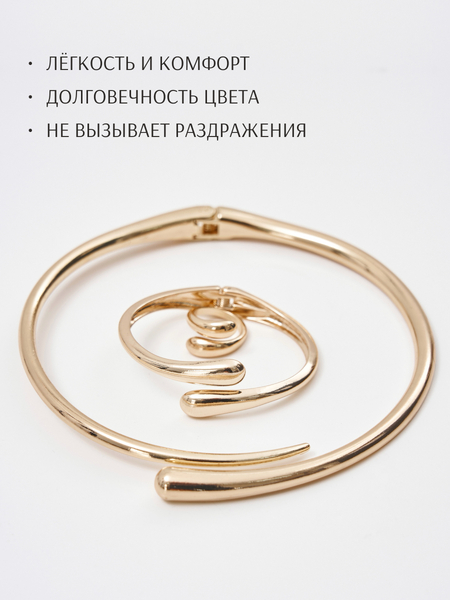
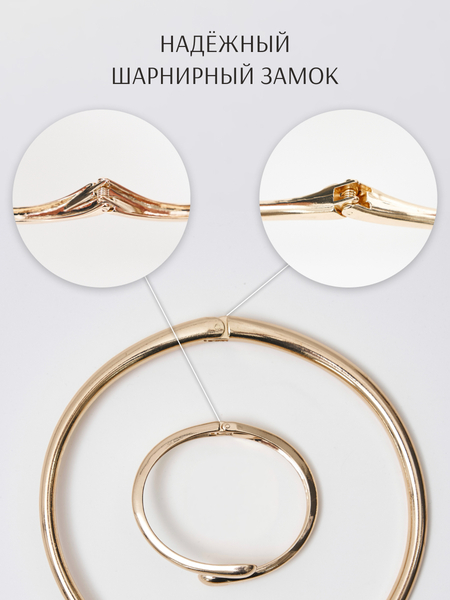
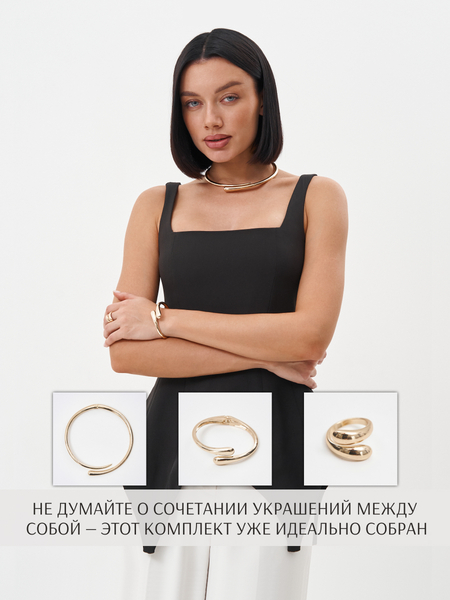
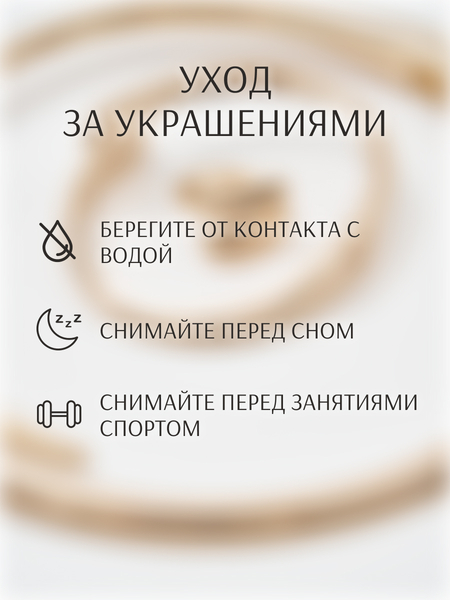
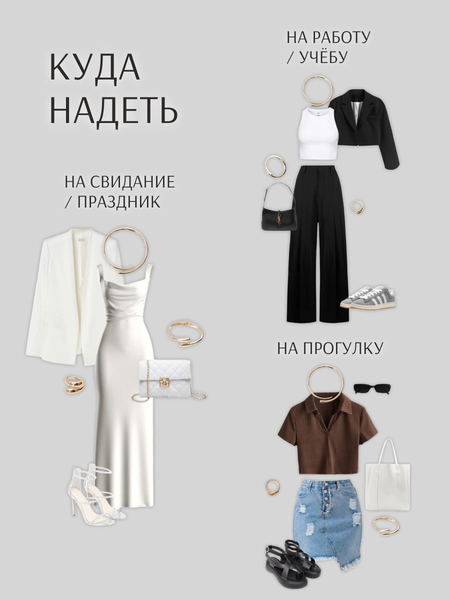
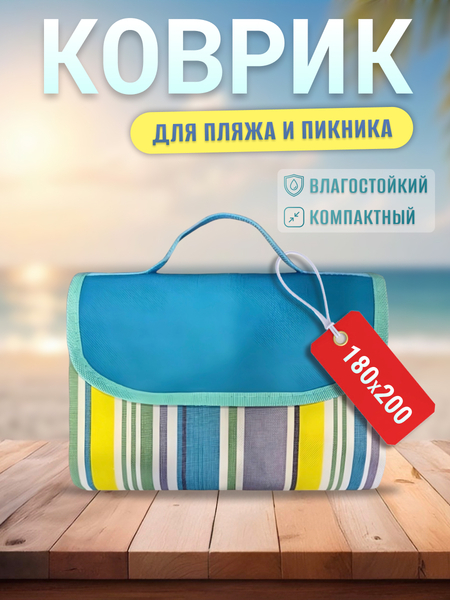
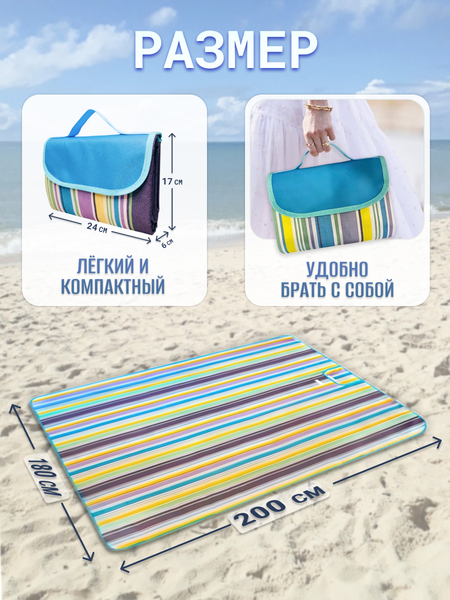
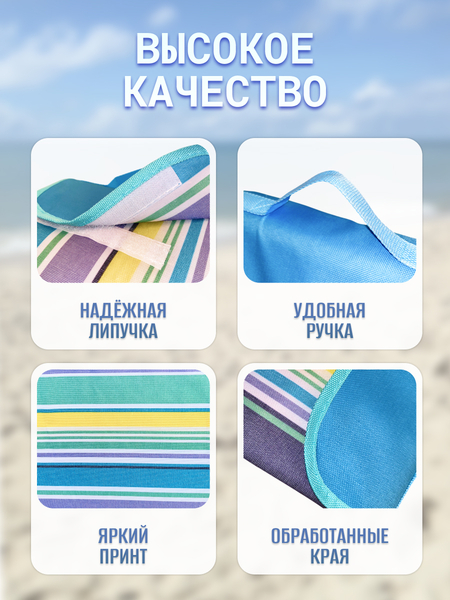
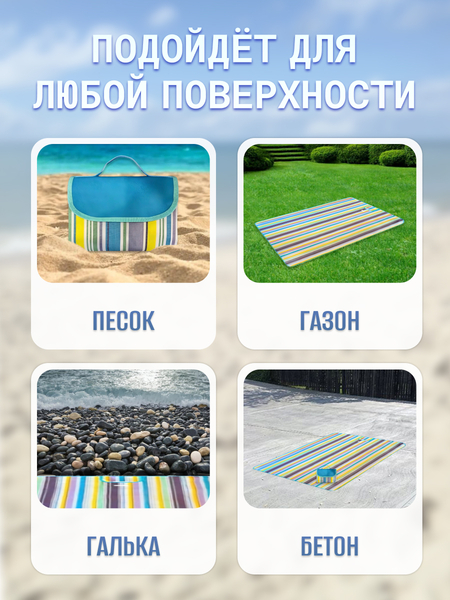
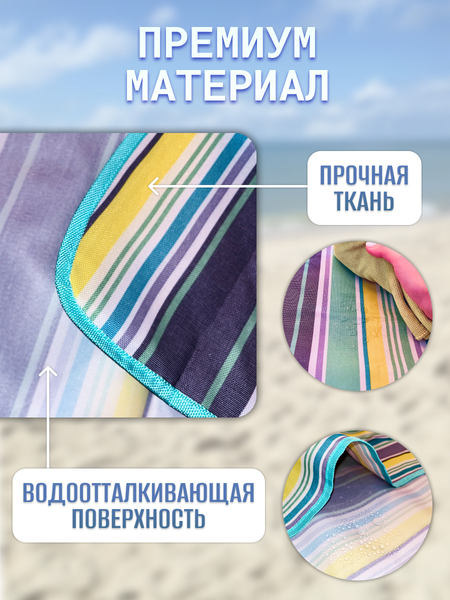
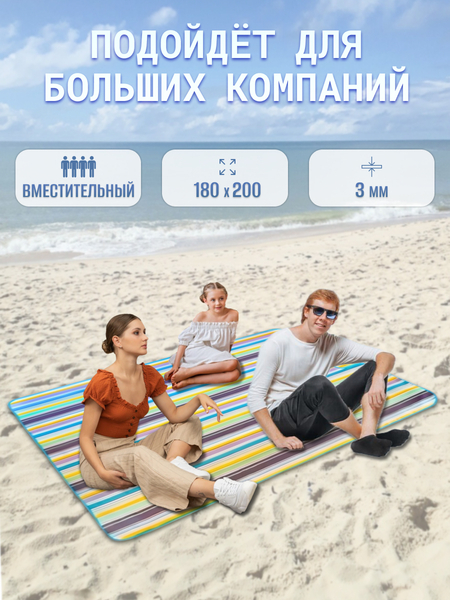
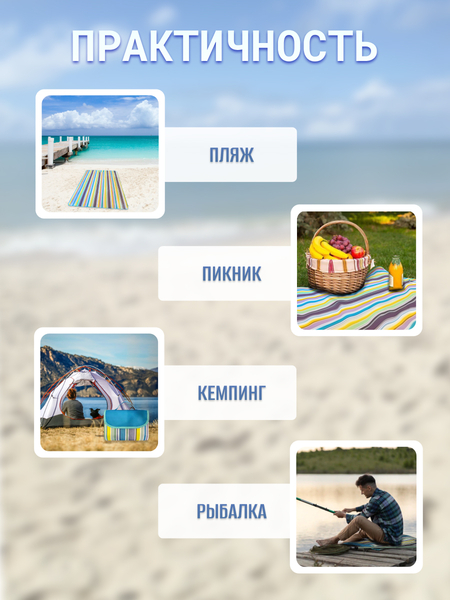
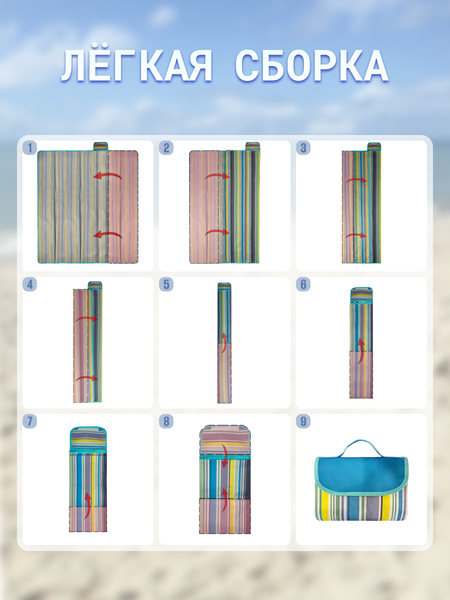
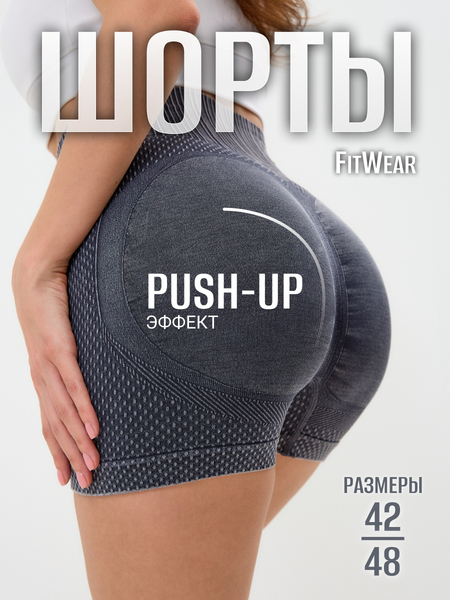
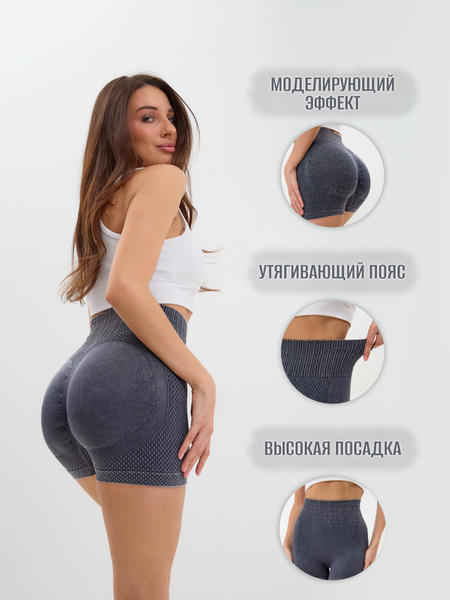
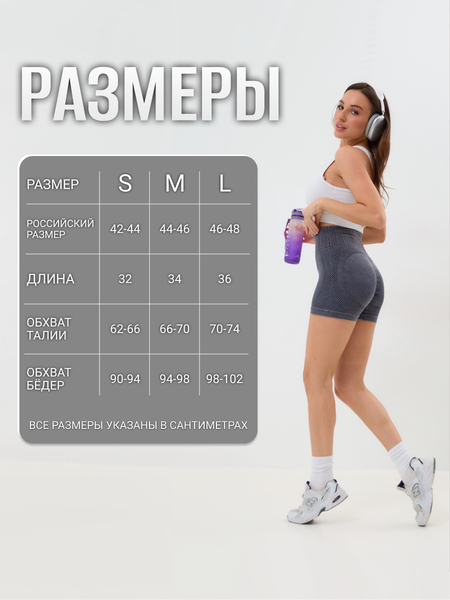
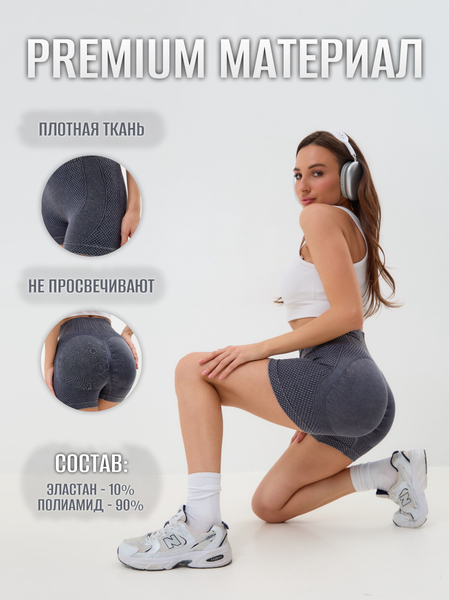
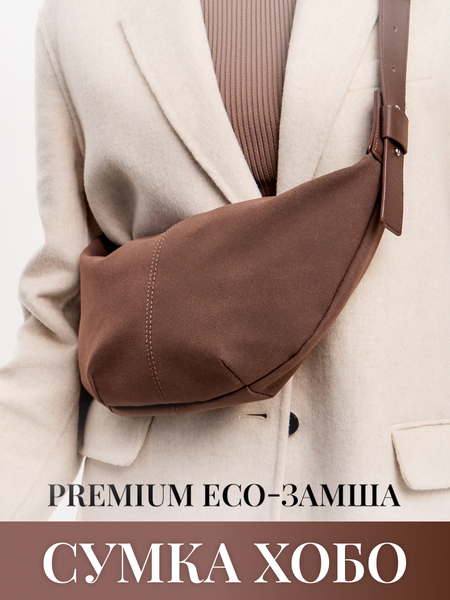
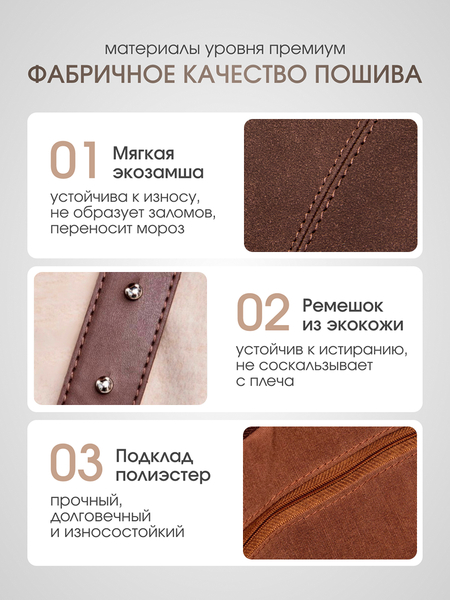
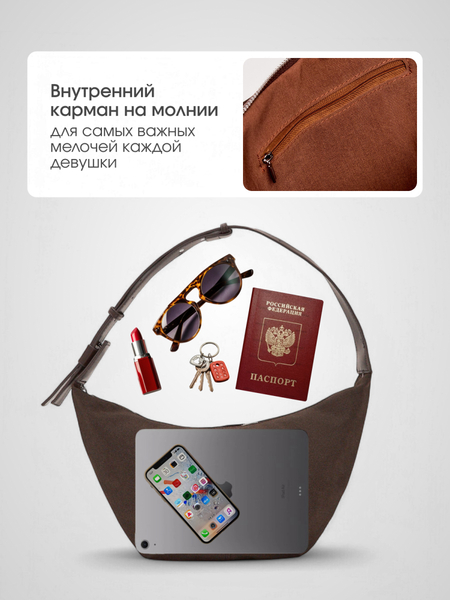
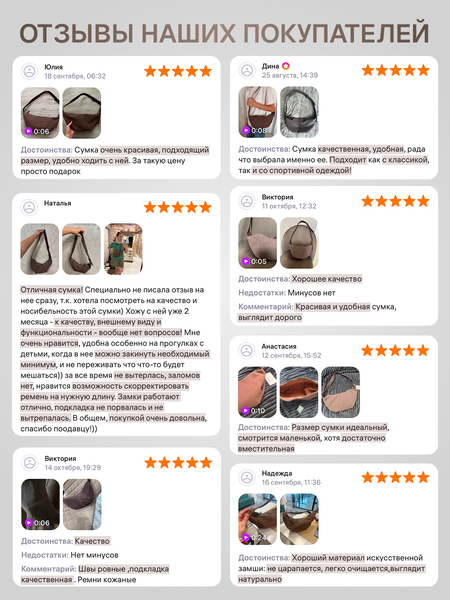
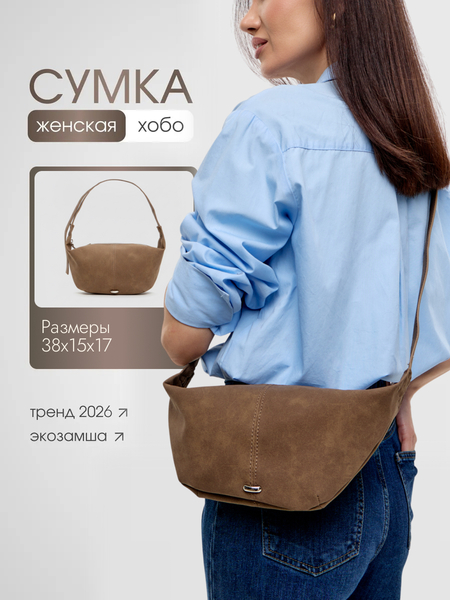
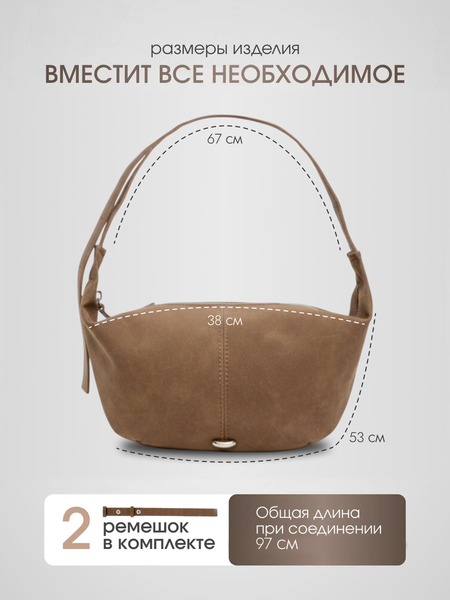
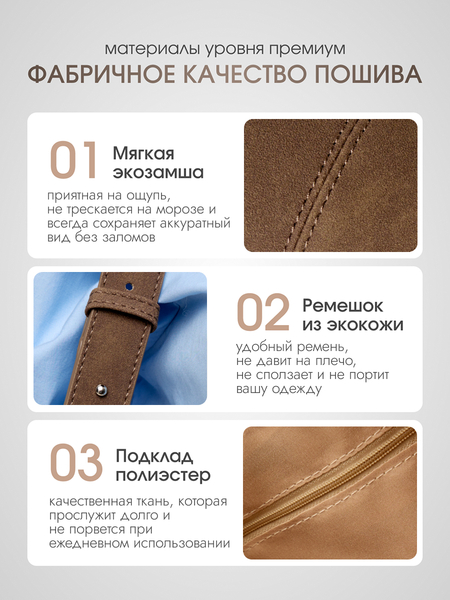
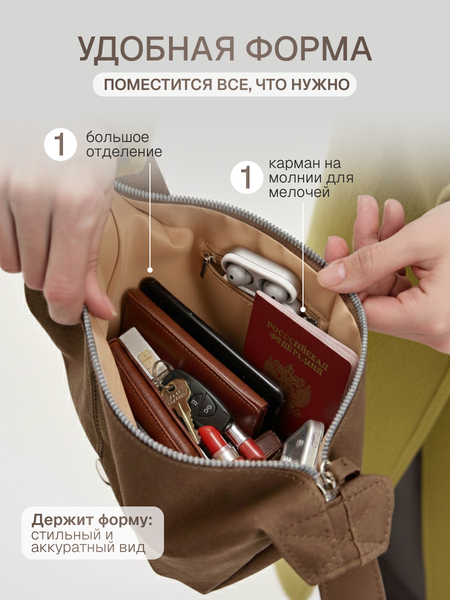
Серия визуальных карточек товаров разработана на фрилансе в рамках коммерческого сотрудничества с несколькими продавцами маркетплейса Wildberries. В проекте я выступаю в роли дизайнера инфографики: отвечала за композицию, вёрстку, типографику, расстановку визуальных акцентов и структурирование ключевых преимуществ продукции. Цель работы — создать привлекательный и продающий визуал, который выделяет товар среди конкурентов в ленте и наглядно доносит характеристики до покупателя. Все разработанные материалы успешно интегрированы в действующие карточки товаров на Wildberries, а моя работа подтверждена положительным отзывом продавца.
Моя инфографика в разделе «О товаре» -> «Смотреть полностью»
Отзыв о моей работе от продавца Анастасии (комплект бижутерии)
Хочу выразить благодарность за профессионализм и ответственный подход к работе! За время сотрудничества особенно отметила следующие качества:✔ Исполнительность — все задачи выполняются четко, в срок и без лишних напоминаний. ✔ Инициативность — не просто следует инструкциям, а предлагает улучшения, а иногда делает даже больше, чем поставлено в задаче. Это ценно! ✔ Оперативность — быстро отвечает на вопросы, решает возникающие вопросы без задержек. ✔ Глубокие знания — в некоторых моментах разбирается даже лучше меня, что очень помогает в работе. ✔ Стремление развиваться — видно, что хочет расти в профессии, и это отражается на качестве работы.Очень приятно работать с таким проактивным и надежным специалистом. Рекомендую и надеюсь на дальнейшее продуктивное сотрудничество!Дата: 08.05.2025
Мы используем файлы cookies для улучшения работы сайта НИУ ВШЭ и большего удобства его использования. Более подробную...
Показать больше
Press space bar to start a drag.
When dragging you can use the arrow keys to move the item around and escape to cancel.
Some screen readers may require you to be in focus mode or to use your pass through key
Press space bar to start a drag.
When dragging you can use the arrow keys to move the item around and escape to cancel.
Some screen readers may require you to be in focus mode or to use your pass through key
Press space bar to start a drag.
When dragging you can use the arrow keys to move the item around and escape to cancel.
Some screen readers may require you to be in focus mode or to use your pass through key
Press space bar to start a drag.
When dragging you can use the arrow keys to move the item around and escape to cancel.
Some screen readers may require you to be in focus mode or to use your pass through key
Press space bar to start a drag.
When dragging you can use the arrow keys to move the item around and escape to cancel.
Some screen readers may require you to be in focus mode or to use your pass through key
Press space bar to start a drag.
When dragging you can use the arrow keys to move the item around and escape to cancel.
Some screen readers may require you to be in focus mode or to use your pass through key
Press space bar to start a drag.
When dragging you can use the arrow keys to move the item around and escape to cancel.
Some screen readers may require you to be in focus mode or to use your pass through key
Press space bar to start a drag.
When dragging you can use the arrow keys to move the item around and escape to cancel.
Some screen readers may require you to be in focus mode or to use your pass through key
Press space bar to start a drag.
When dragging you can use the arrow keys to move the item around and escape to cancel.
Some screen readers may require you to be in focus mode or to use your pass through key
Press space bar to start a drag.
When dragging you can use the arrow keys to move the item around and escape to cancel.
Some screen readers may require you to be in focus mode or to use your pass through key
Press space bar to start a drag.
When dragging you can use the arrow keys to move the item around and escape to cancel.
Some screen readers may require you to be in focus mode or to use your pass through key
Press space bar to start a drag.
When dragging you can use the arrow keys to move the item around and escape to cancel.
Some screen readers may require you to be in focus mode or to use your pass through key
Press space bar to start a drag.
When dragging you can use the arrow keys to move the item around and escape to cancel.
Some screen readers may require you to be in focus mode or to use your pass through key
Press space bar to start a drag.
When dragging you can use the arrow keys to move the item around and escape to cancel.
Some screen readers may require you to be in focus mode or to use your pass through key
Press space bar to start a drag.
When dragging you can use the arrow keys to move the item around and escape to cancel.
Some screen readers may require you to be in focus mode or to use your pass through key
Press space bar to start a drag.
When dragging you can use the arrow keys to move the item around and escape to cancel.
Some screen readers may require you to be in focus mode or to use your pass through key