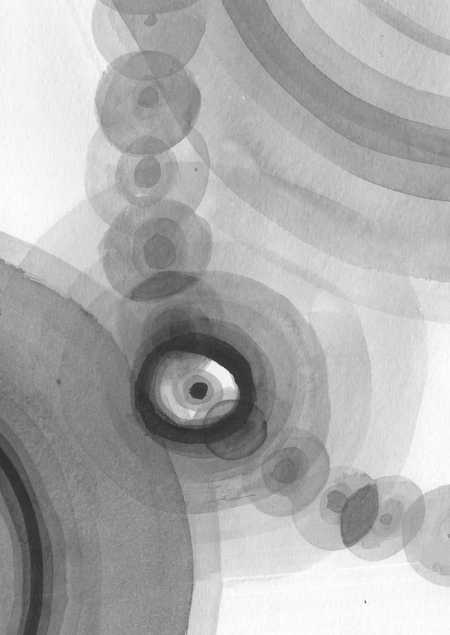
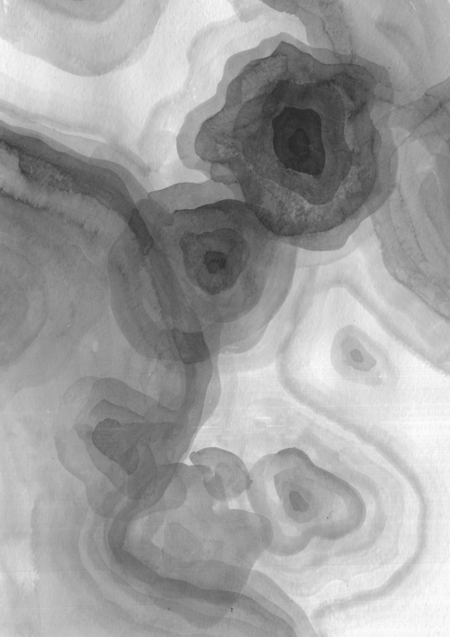
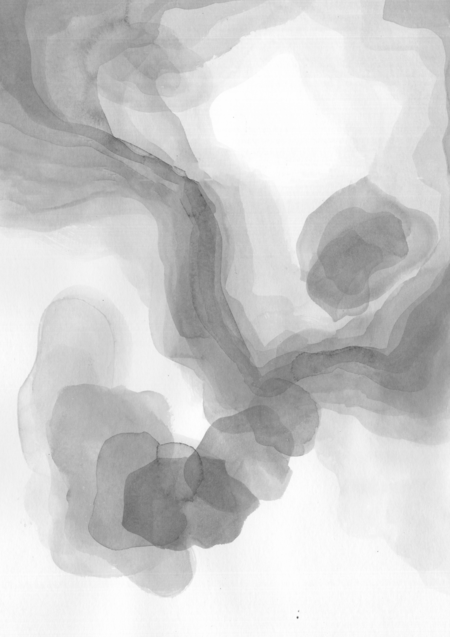
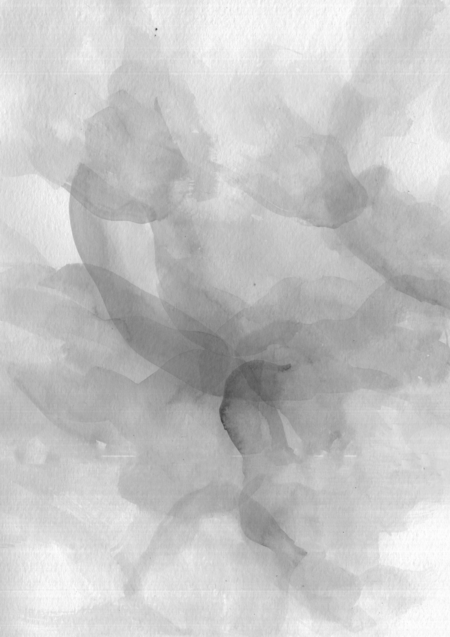
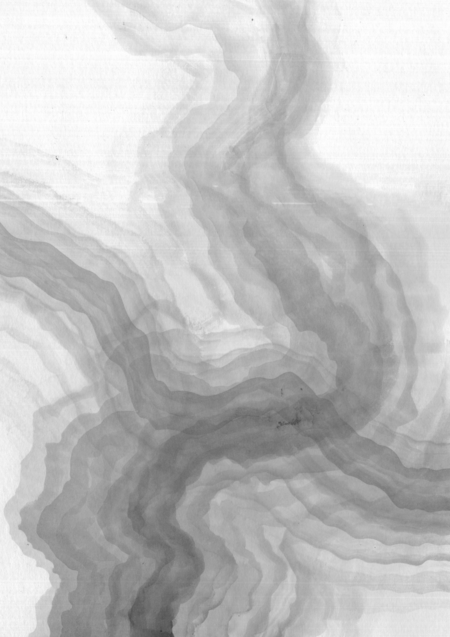
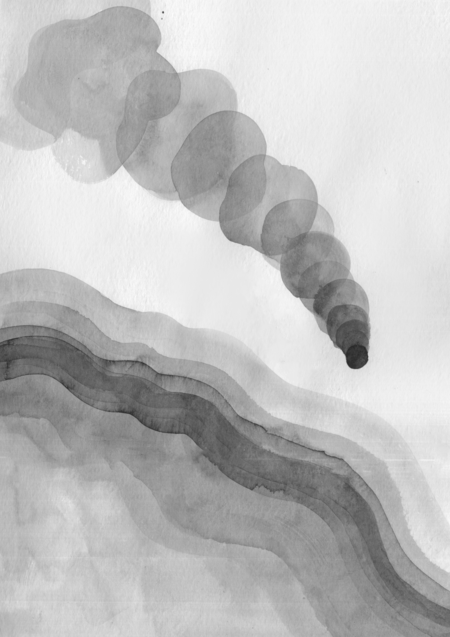
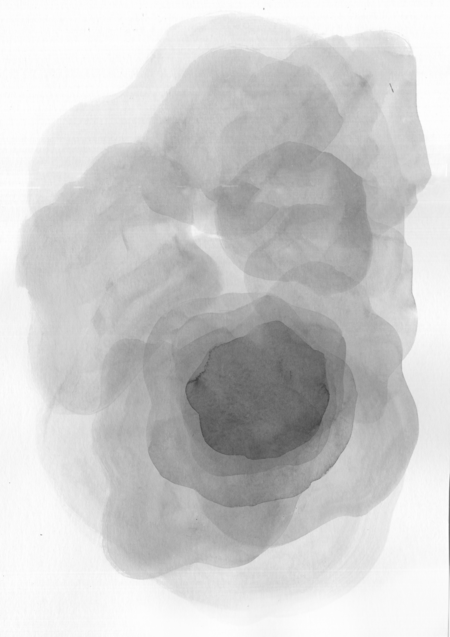
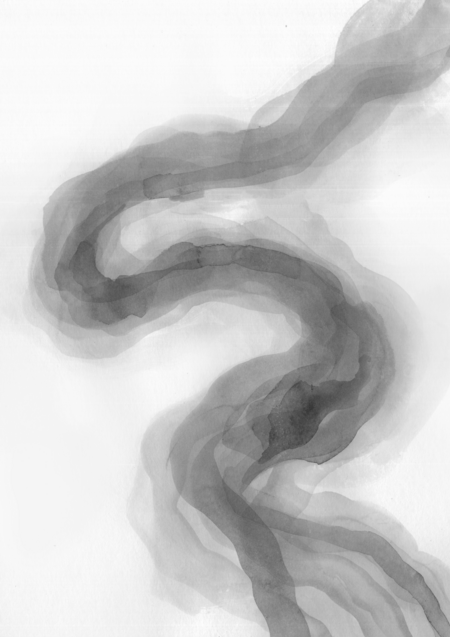
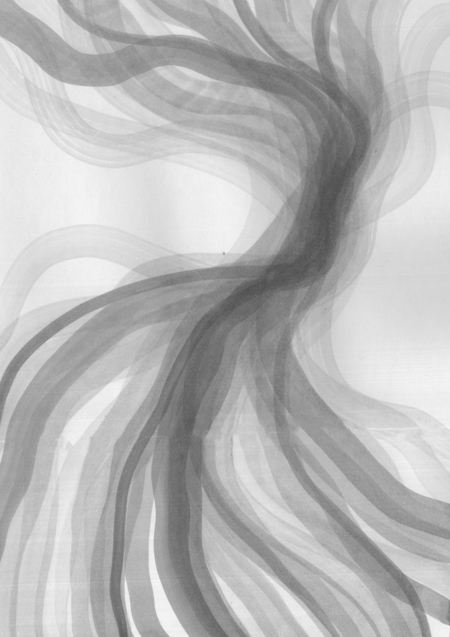
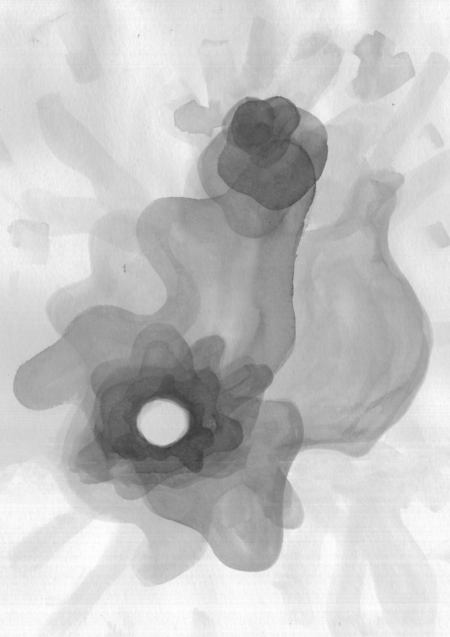
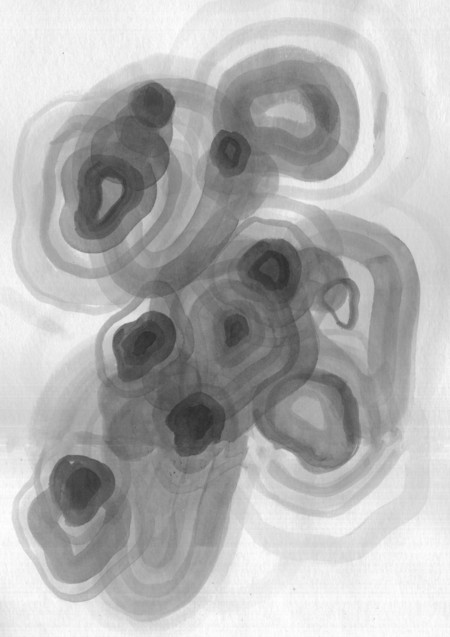
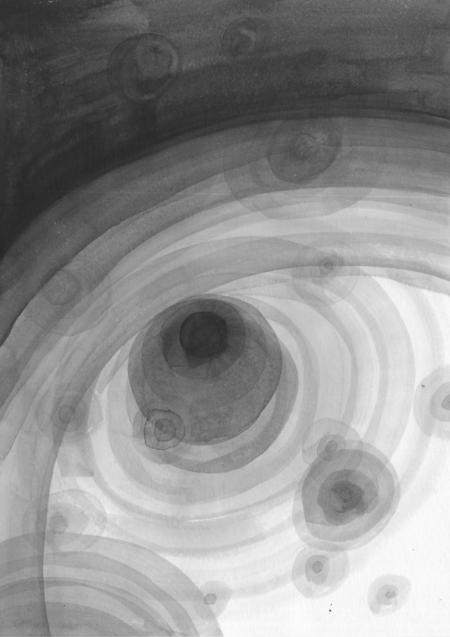
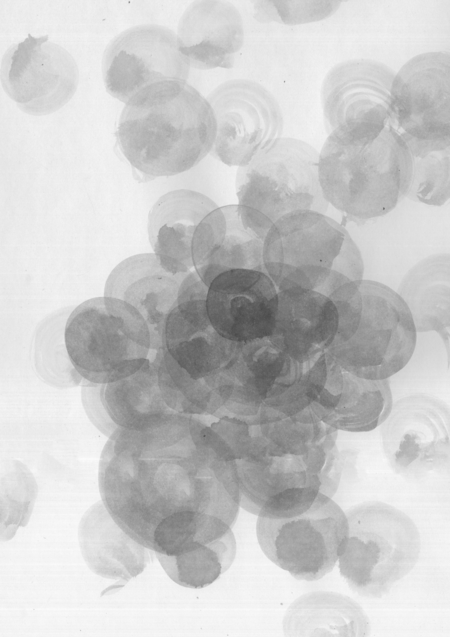
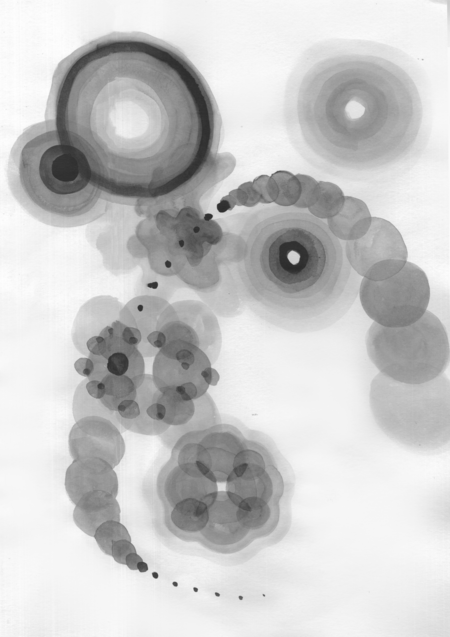
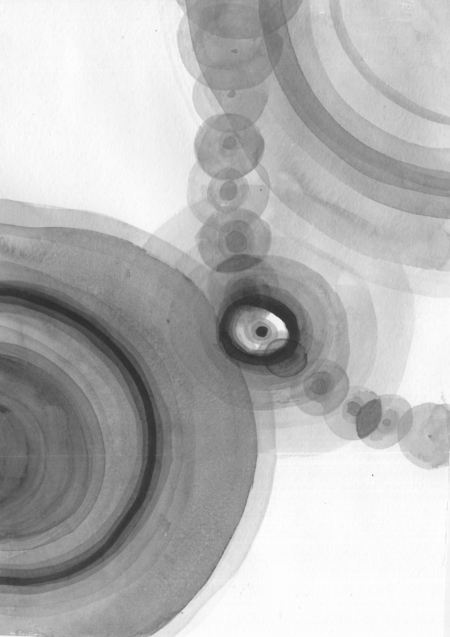
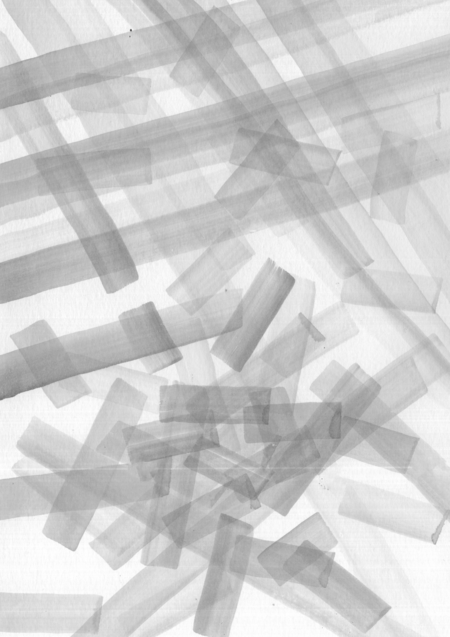
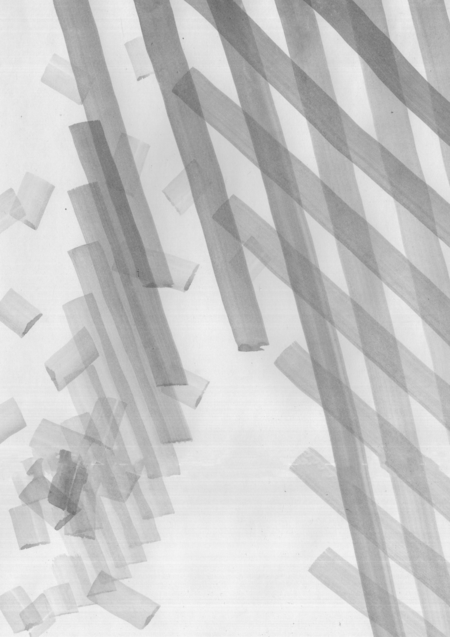
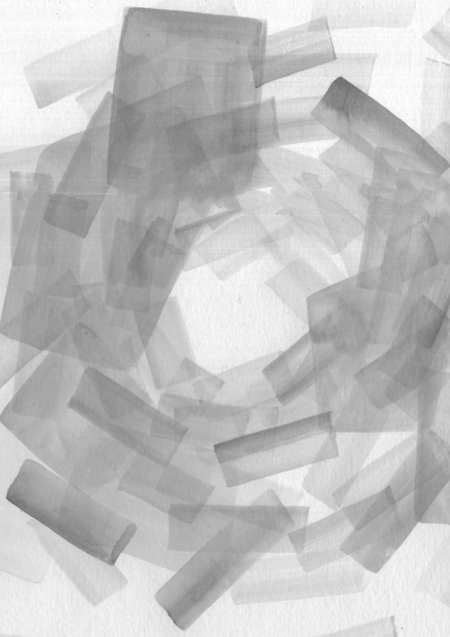
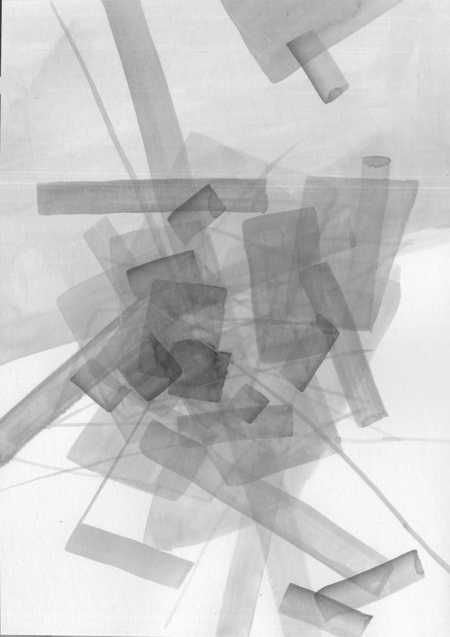
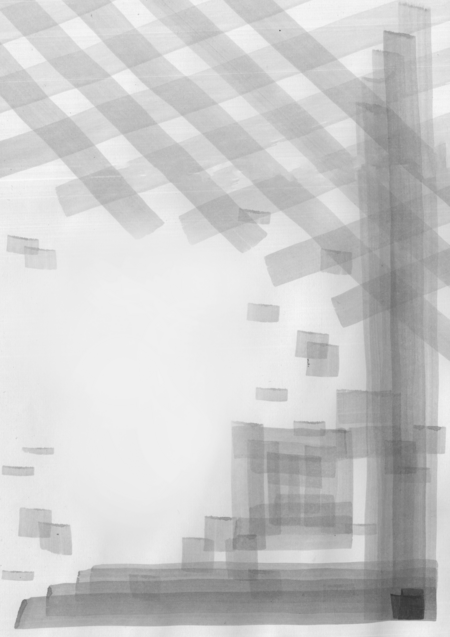
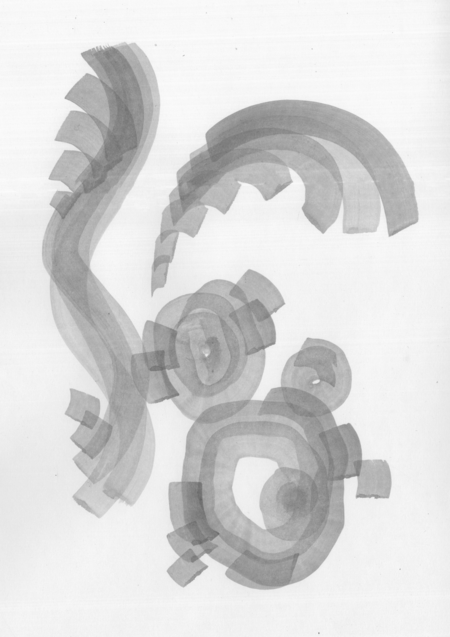
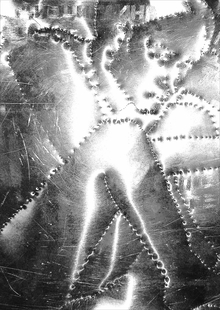
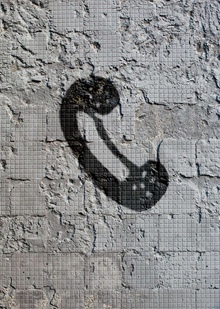
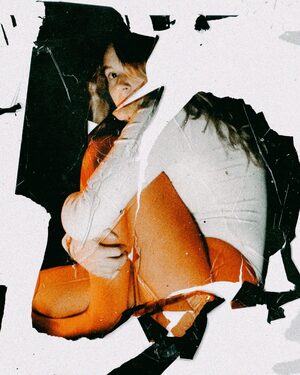
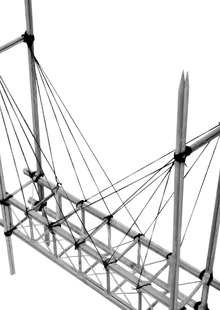
Целью этого проекта было исследовать потенциал туши в передаче прозрачности, я экспериментировала с техниками наложения туши слоями, чтобы добиться различных эффектов и тонких изменений тона.
Но самым главным принципом работы над серией иллюстраций было получение удовольствия от наблюдения за процессом наложения туши, когда краски эффектно наслаиваются друг на друга.
В процессе работы над серией я поняла, что техника выполнения сильно зависит от типа бумаги:
На гладкой, менее фактурной поверхности тушь быстро высыхает, что позволяет легко создавать четкие, геометричные линии и тонкие штрихи,
но заполнение больших плоскостей становится почти невозможным. Так, в некоторых работах я адаптировала стиль в зависимости от свойств выбранной бумаги.
Мы используем файлы cookies для улучшения работы сайта НИУ ВШЭ и большего удобства его использования. Более подробную...
Показать больше
Press space bar to start a drag.
When dragging you can use the arrow keys to move the item around and escape to cancel.
Some screen readers may require you to be in focus mode or to use your pass through key
Press space bar to start a drag.
When dragging you can use the arrow keys to move the item around and escape to cancel.
Some screen readers may require you to be in focus mode or to use your pass through key
Press space bar to start a drag.
When dragging you can use the arrow keys to move the item around and escape to cancel.
Some screen readers may require you to be in focus mode or to use your pass through key
Press space bar to start a drag.
When dragging you can use the arrow keys to move the item around and escape to cancel.
Some screen readers may require you to be in focus mode or to use your pass through key
Press space bar to start a drag.
When dragging you can use the arrow keys to move the item around and escape to cancel.
Some screen readers may require you to be in focus mode or to use your pass through key
Press space bar to start a drag.
When dragging you can use the arrow keys to move the item around and escape to cancel.
Some screen readers may require you to be in focus mode or to use your pass through key
Press space bar to start a drag.
When dragging you can use the arrow keys to move the item around and escape to cancel.
Some screen readers may require you to be in focus mode or to use your pass through key
Press space bar to start a drag.
When dragging you can use the arrow keys to move the item around and escape to cancel.
Some screen readers may require you to be in focus mode or to use your pass through key
Press space bar to start a drag.
When dragging you can use the arrow keys to move the item around and escape to cancel.
Some screen readers may require you to be in focus mode or to use your pass through key
Press space bar to start a drag.
When dragging you can use the arrow keys to move the item around and escape to cancel.
Some screen readers may require you to be in focus mode or to use your pass through key