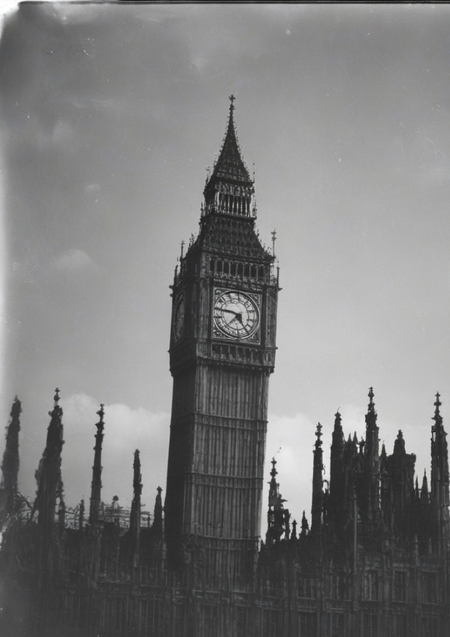
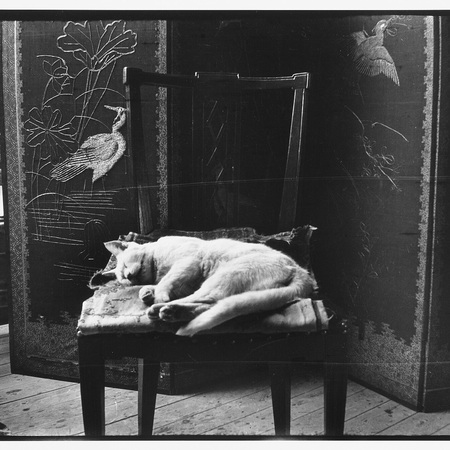
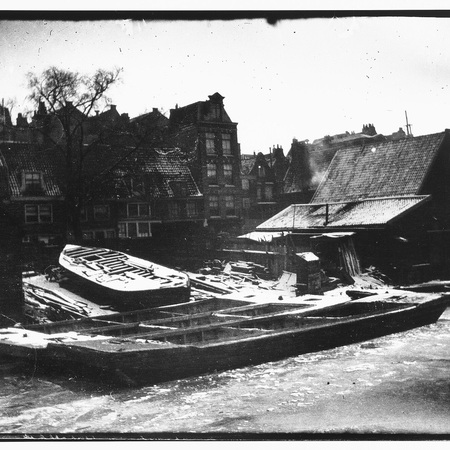
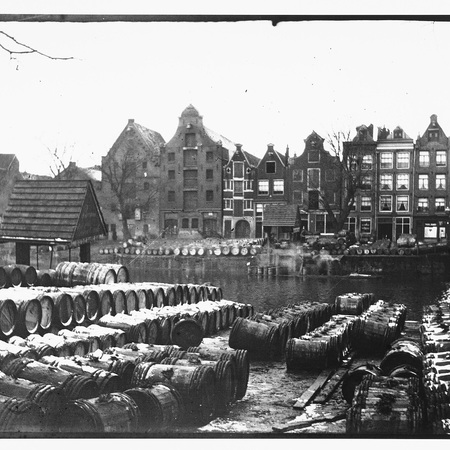
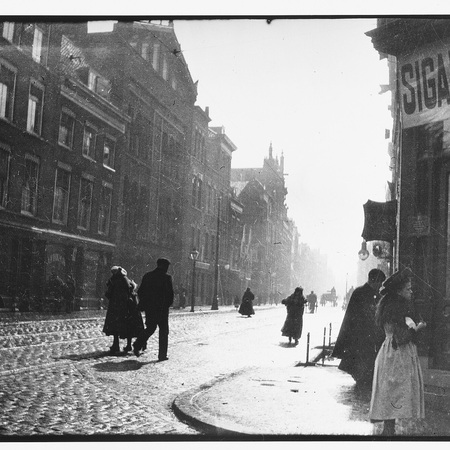
Эксперимент по обучению генеративной нейросети воспроизводить визуальный язык классической чёрно-белой плёночной фотографии. Исследование возможности сохранения аналоговой эстетики при генерации новых сюжетов с помощью Stable Diffusion XL.
Исходные изображения для обучения
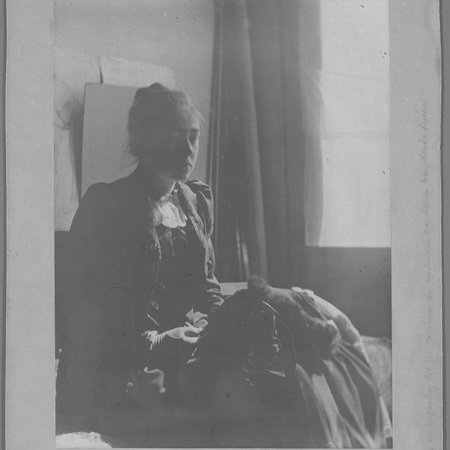
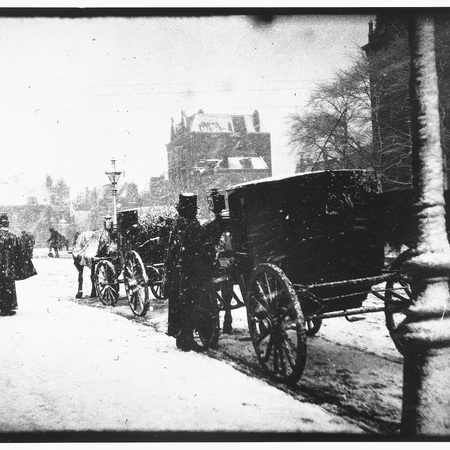
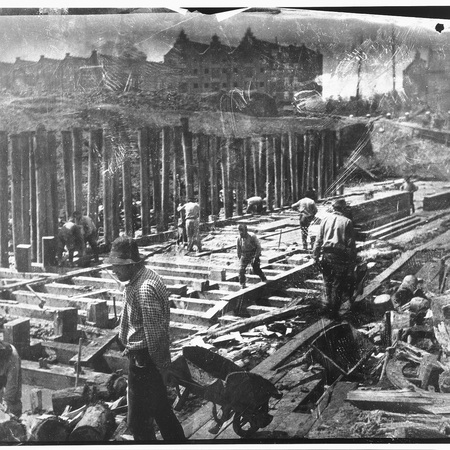
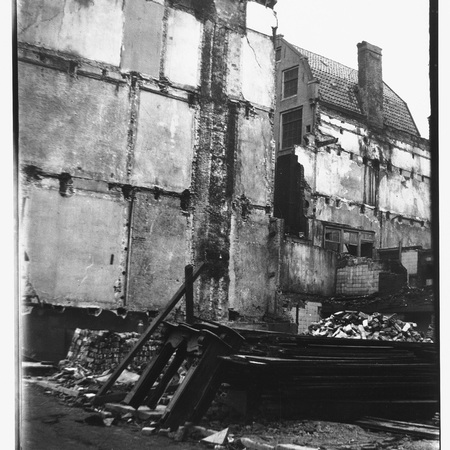
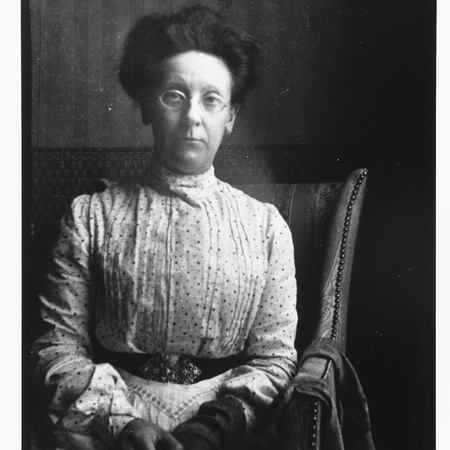
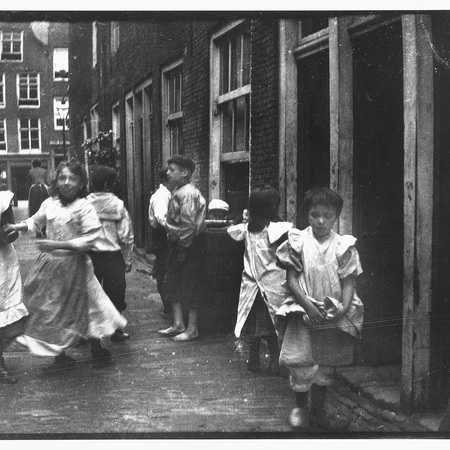
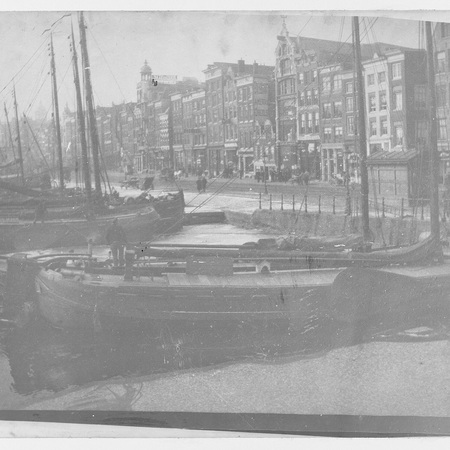
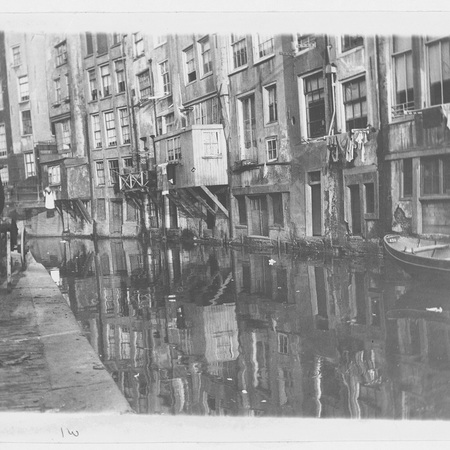
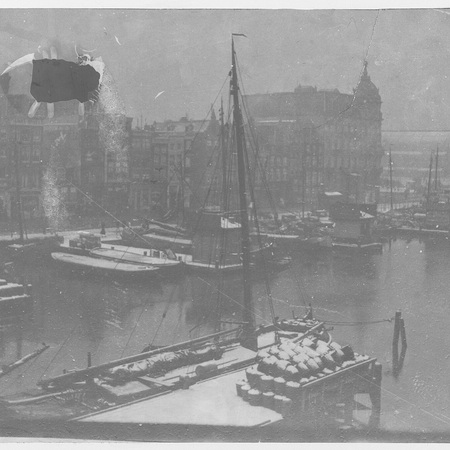
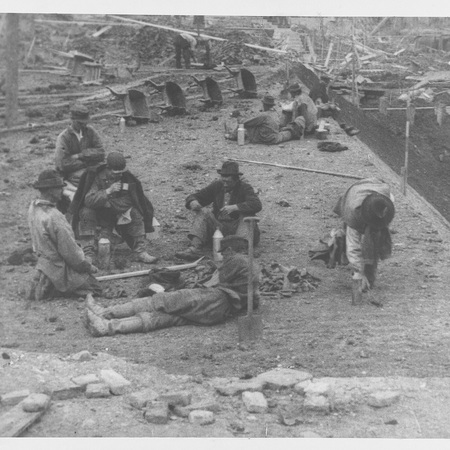
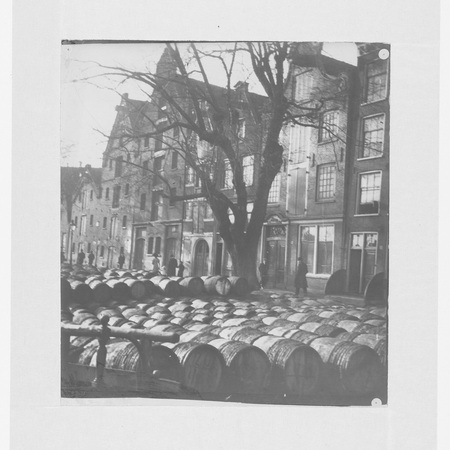
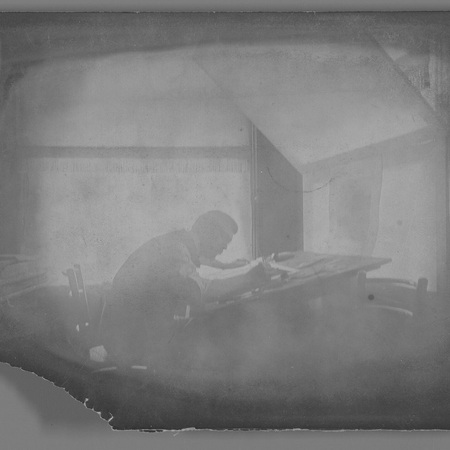
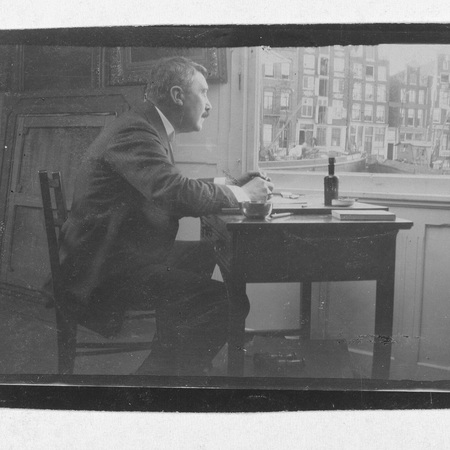
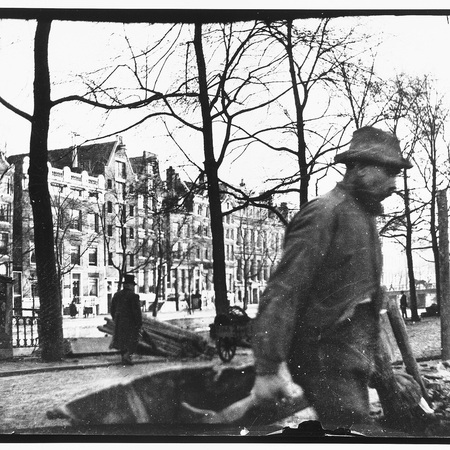
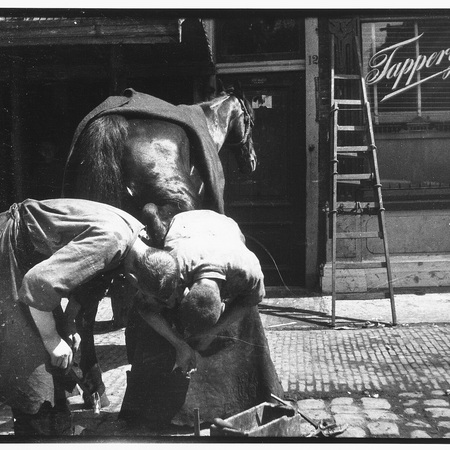
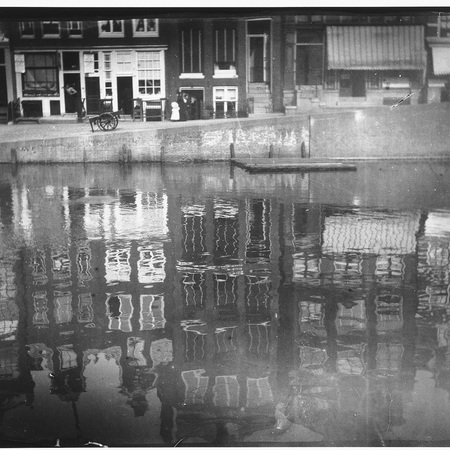
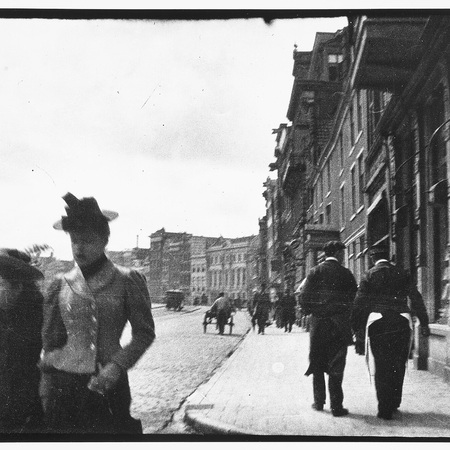
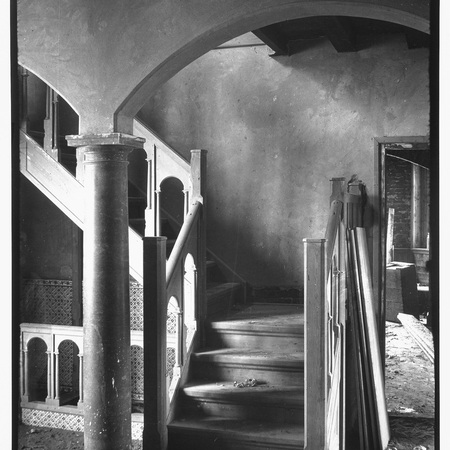
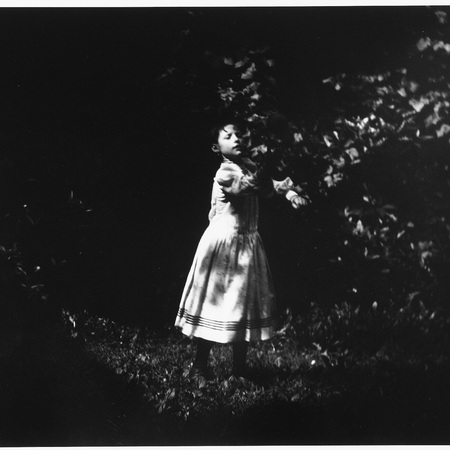
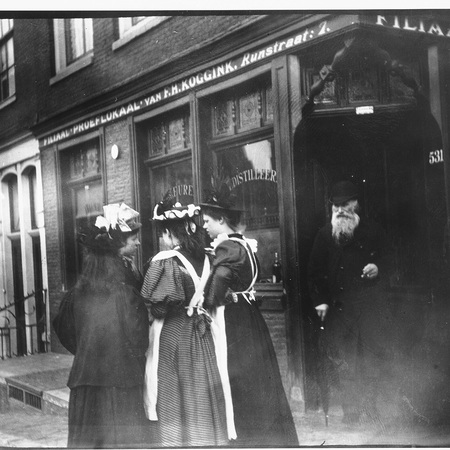
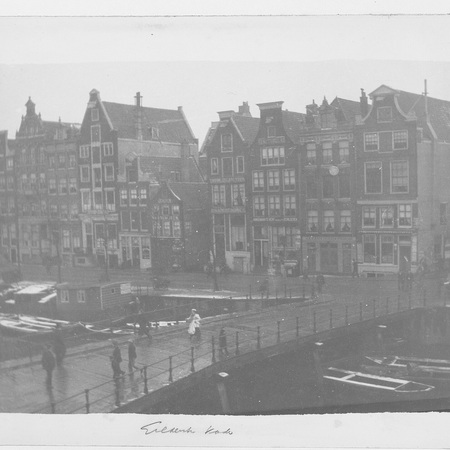
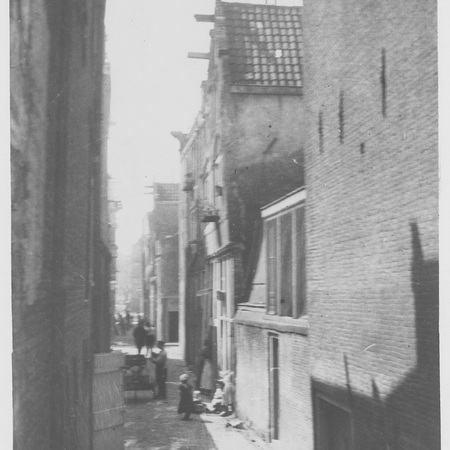
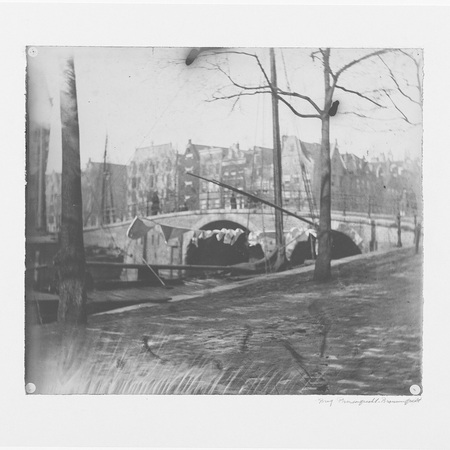
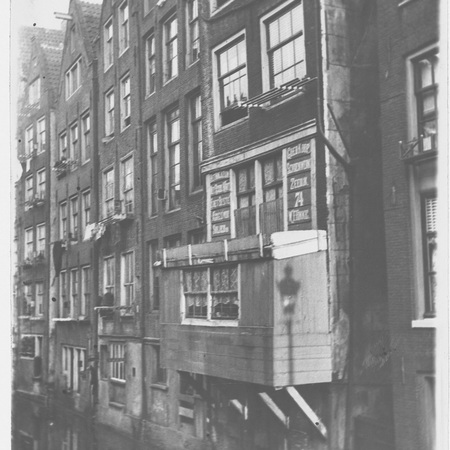
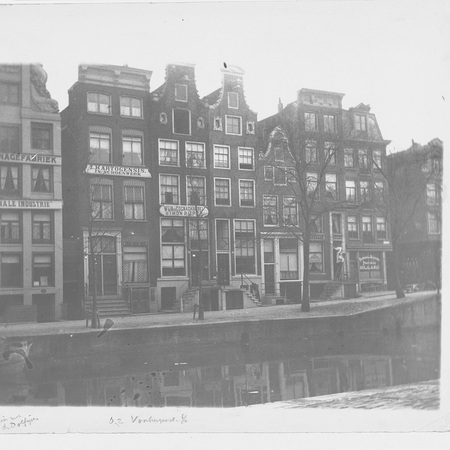
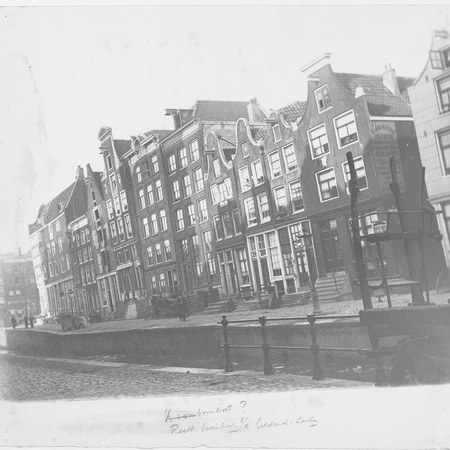
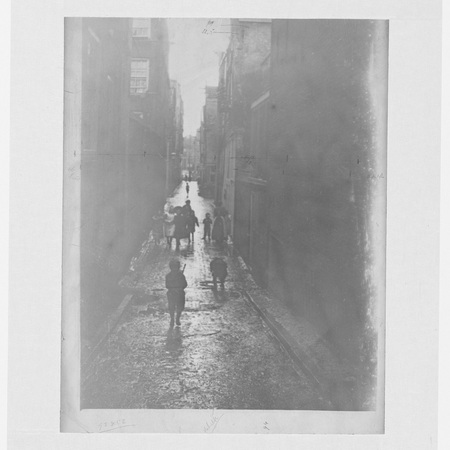
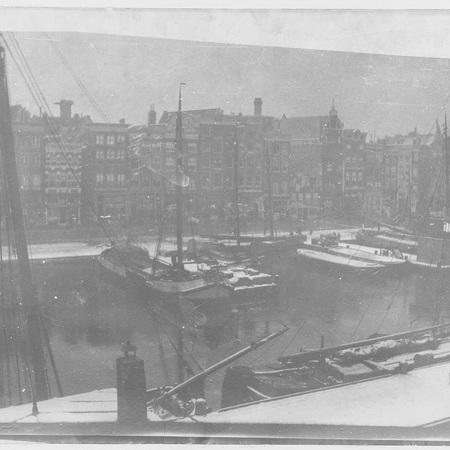
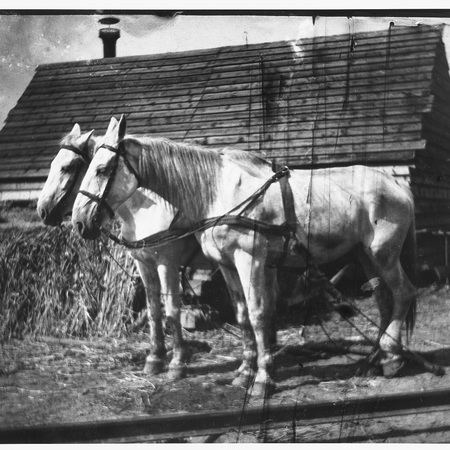
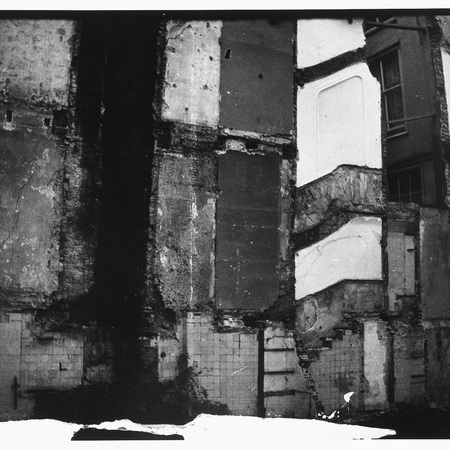
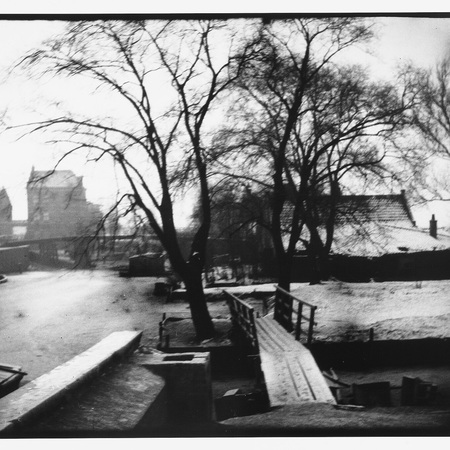
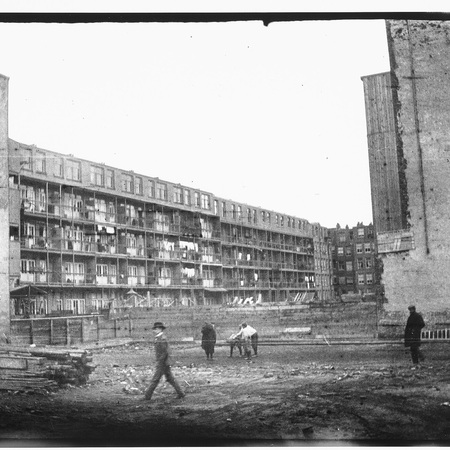
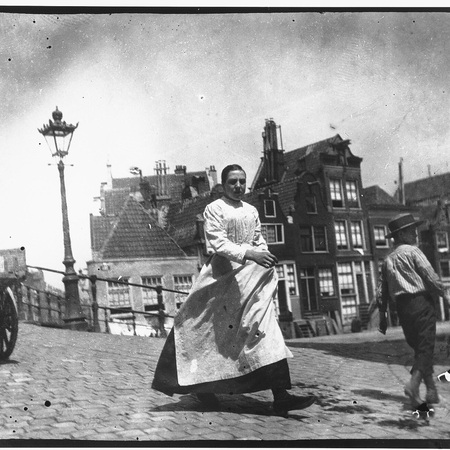
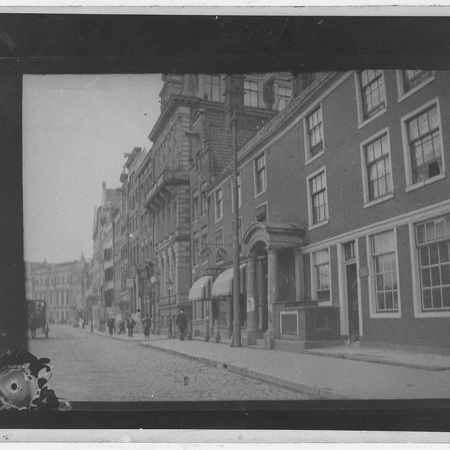
Для обучения нашей модели я выбрала архивные фотографии George Hendrik Breitner из коллекции Рейксмюсеума. Это настоящие аналоговые снимки конца XIX — начала XX века с характерной мягкостью оптики, тональными переходами и фотографической фактурой.
Результирующая серия изображений
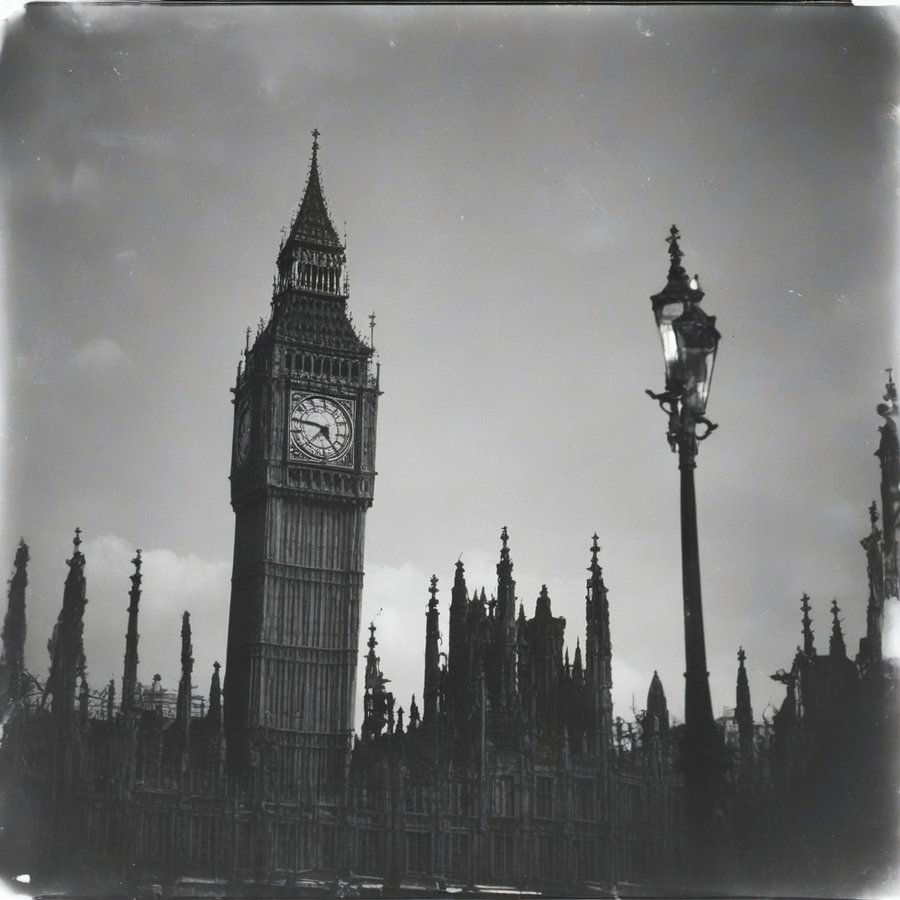
В итоговую серию вошли изображения, созданные по текстовым запросам:1. Лондон Биг-Бэн — outside photo in analog_bw, Big-Ben London.2. Вариация архитектурного сюжета — outside photo in analog_bw, old houses_05.3. Египетские пирамиды — outside photo in analog_bw, pyramids egypt.4. Вариация изображения пирамид — outside photo in analog_bw, pyramids egypt_05.5. Лесной пейзаж — outside photo in analog_bw, forest.6. Пшеничное поле — outside photo in analog_bw, wheat fields.7. Три берёзы в поле — outside photo in analog_bw, three birch trees in the fields.8. Архитектура Исаакиевского собора —outside photo in analog_bw, St. Isaac’s Cathedral, Saint-petersburg.
Мы используем файлы cookies для улучшения работы сайта НИУ ВШЭ и большего удобства его использования. Более подробную...
Показать больше
Press space bar to start a drag.
When dragging you can use the arrow keys to move the item around and escape to cancel.
Some screen readers may require you to be in focus mode or to use your pass through key
Press space bar to start a drag.
When dragging you can use the arrow keys to move the item around and escape to cancel.
Some screen readers may require you to be in focus mode or to use your pass through key
Press space bar to start a drag.
When dragging you can use the arrow keys to move the item around and escape to cancel.
Some screen readers may require you to be in focus mode or to use your pass through key
Press space bar to start a drag.
When dragging you can use the arrow keys to move the item around and escape to cancel.
Some screen readers may require you to be in focus mode or to use your pass through key
Press space bar to start a drag.
When dragging you can use the arrow keys to move the item around and escape to cancel.
Some screen readers may require you to be in focus mode or to use your pass through key
Press space bar to start a drag.
When dragging you can use the arrow keys to move the item around and escape to cancel.
Some screen readers may require you to be in focus mode or to use your pass through key
Press space bar to start a drag.
When dragging you can use the arrow keys to move the item around and escape to cancel.
Some screen readers may require you to be in focus mode or to use your pass through key
Press space bar to start a drag.
When dragging you can use the arrow keys to move the item around and escape to cancel.
Some screen readers may require you to be in focus mode or to use your pass through key
Press space bar to start a drag.
When dragging you can use the arrow keys to move the item around and escape to cancel.
Some screen readers may require you to be in focus mode or to use your pass through key
Press space bar to start a drag.
When dragging you can use the arrow keys to move the item around and escape to cancel.
Some screen readers may require you to be in focus mode or to use your pass through key
Press space bar to start a drag.
When dragging you can use the arrow keys to move the item around and escape to cancel.
Some screen readers may require you to be in focus mode or to use your pass through key
Press space bar to start a drag.
When dragging you can use the arrow keys to move the item around and escape to cancel.
Some screen readers may require you to be in focus mode or to use your pass through key
Press space bar to start a drag.
When dragging you can use the arrow keys to move the item around and escape to cancel.
Some screen readers may require you to be in focus mode or to use your pass through key
Press space bar to start a drag.
When dragging you can use the arrow keys to move the item around and escape to cancel.
Some screen readers may require you to be in focus mode or to use your pass through key
Press space bar to start a drag.
When dragging you can use the arrow keys to move the item around and escape to cancel.
Some screen readers may require you to be in focus mode or to use your pass through key
Press space bar to start a drag.
When dragging you can use the arrow keys to move the item around and escape to cancel.
Some screen readers may require you to be in focus mode or to use your pass through key
Press space bar to start a drag.
When dragging you can use the arrow keys to move the item around and escape to cancel.
Some screen readers may require you to be in focus mode or to use your pass through key
Press space bar to start a drag.
When dragging you can use the arrow keys to move the item around and escape to cancel.
Some screen readers may require you to be in focus mode or to use your pass through key
Press space bar to start a drag.
When dragging you can use the arrow keys to move the item around and escape to cancel.
Some screen readers may require you to be in focus mode or to use your pass through key