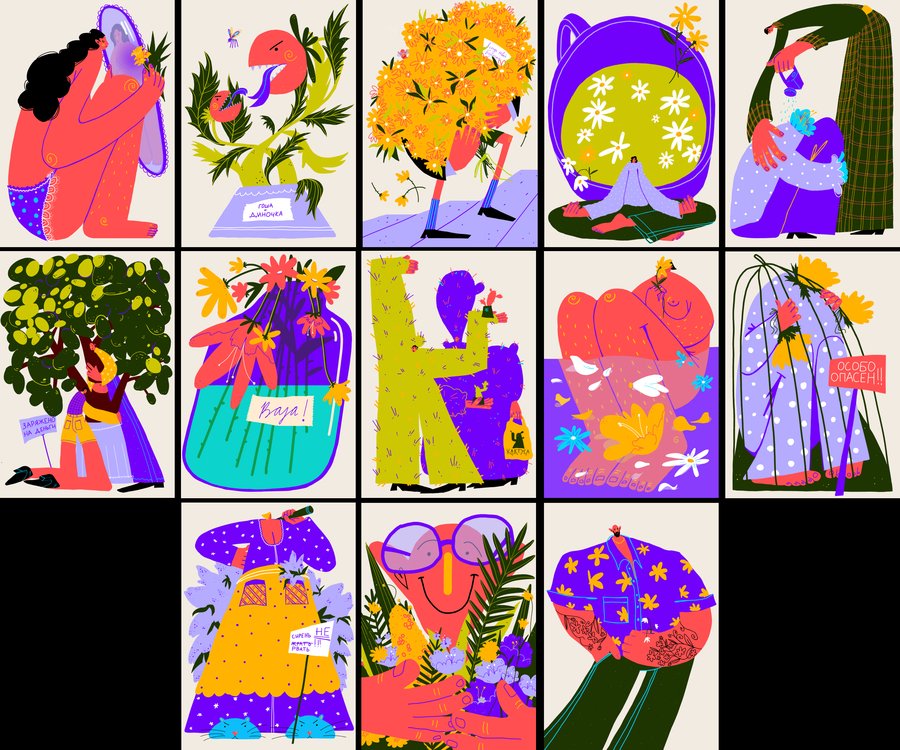
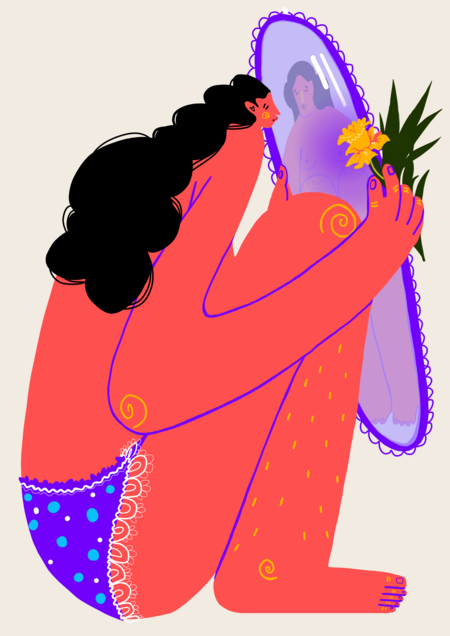
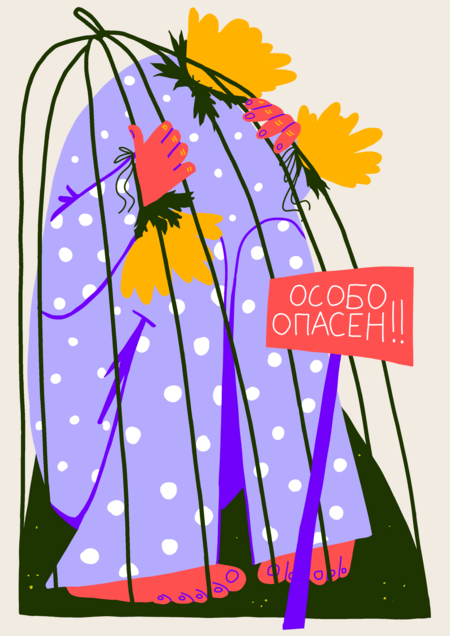
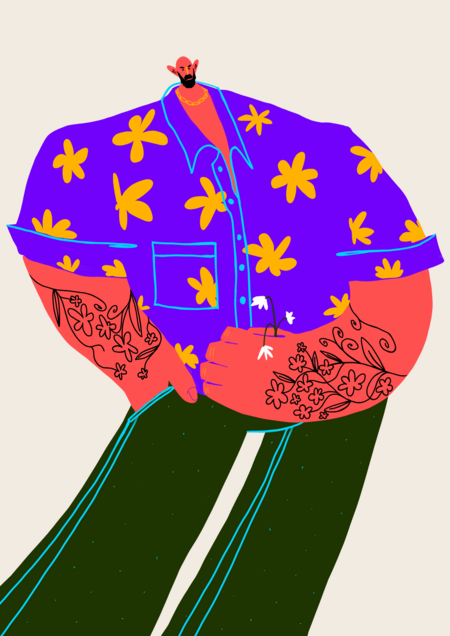
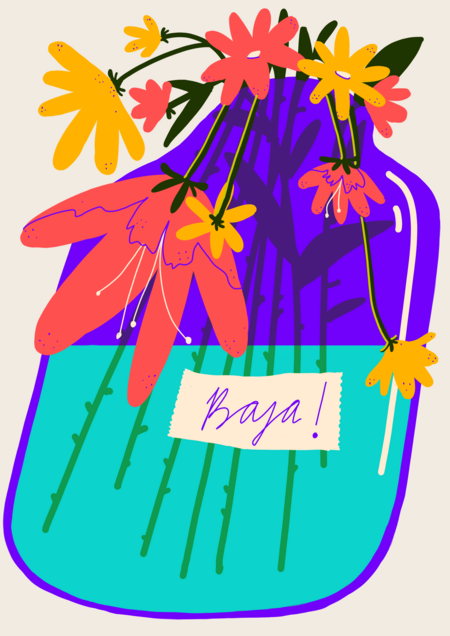
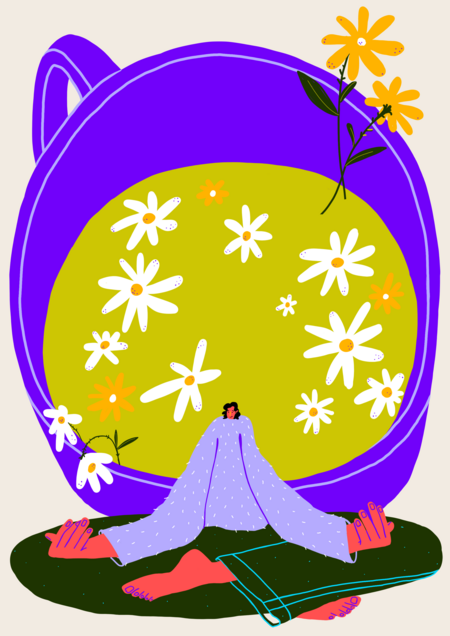
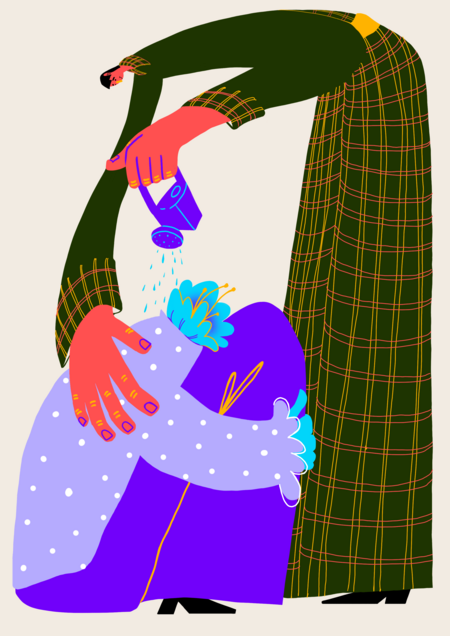
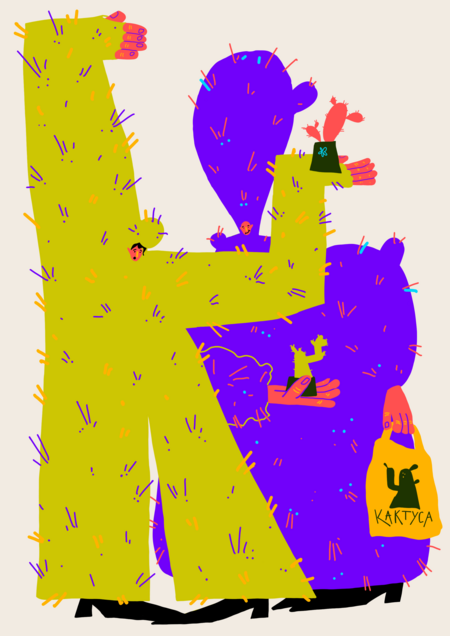
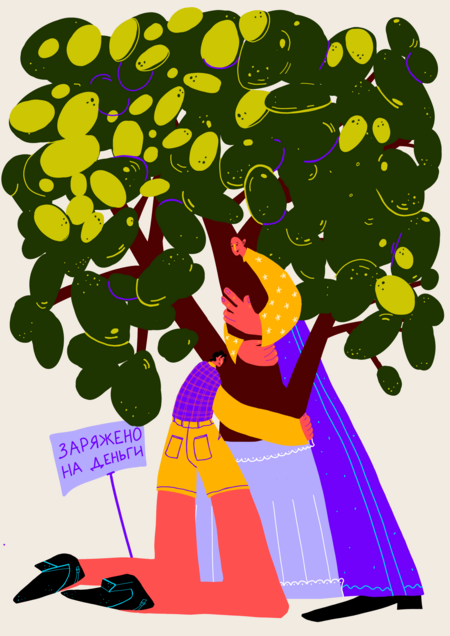
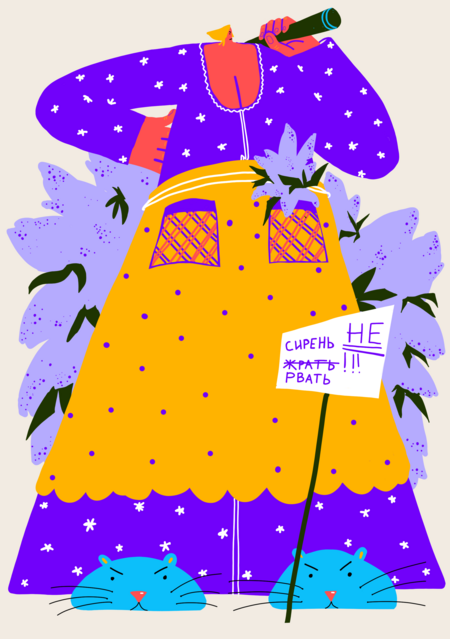
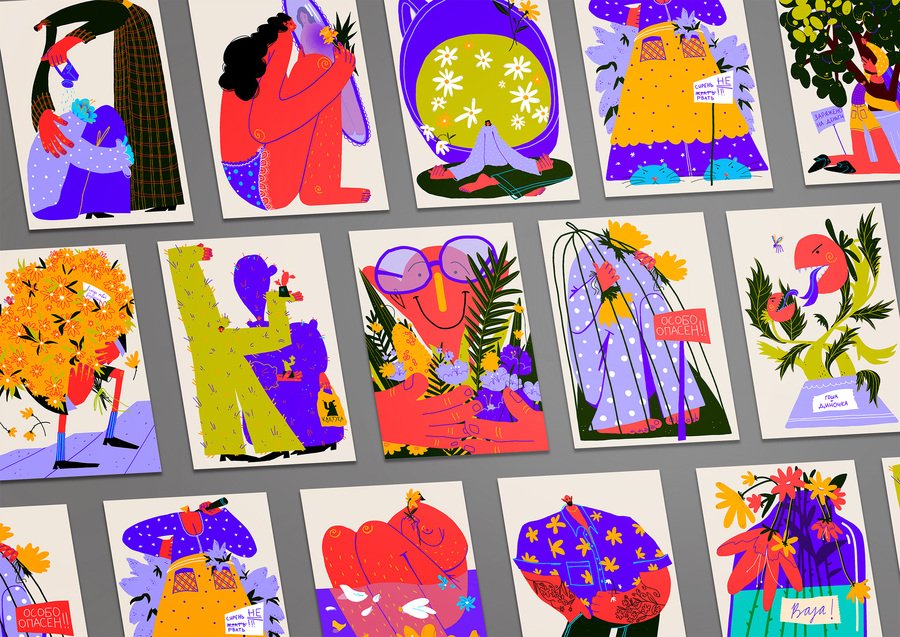
Иллюстративная айдентика, созданная для цветочного магазина «Дикий цветник». В серию входит 13 ярких динамичных иллюстраций, в основе сюжета которых абсурдные вымышленные праздники, связанные с цветами.
Original size 2725x2270
Связанные карточки | 2
День милого цветка; Нарциссов день
Связанные карточки | 2
День безумного флориста; День божьих одуванчиков
Связанные карточки | 2
День цветочного принта; День «Банка тоже ваза!»
Связанные карточки | 2
День успокоительной ромашки; День взаимополивания
Связанные карточки | 2
День карнавальных кактусов; День завядшего букета
Связанные карточки | 2
День поклонения денежному дереву; День брутальных ухажеров
Полина Старыгина создала иллюстративную айдентику для цветочного магазина «Дикий цветник». Проект включает 13 ярких и динамичных иллюстраций, основанных на абсурдных вымышленных праздниках, связанных с цветами.
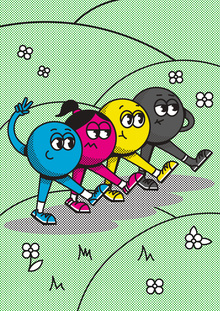
Юлия Сляднева создала серию из 13 иллюстраций для проекта CMYK, объединяющего кофе и печать в юмористической форме. Проект использует цветовую модель CMYK и технику халфтон для создания текстуры, напоминающей отпечатанное изображение.
Лана Поваляева создала проект «Сезон танцев в ОАО «Автосервис» 24/7», сочетающий ремонтирование машин и танцы в неожиданном месте. Проект включает тексты, описывающие атмосферу, где шум дрелей и запах бензина смешиваются с вальсом и музыкой.
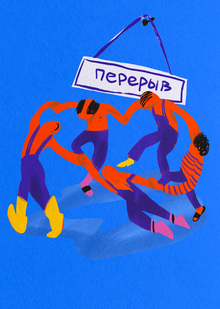
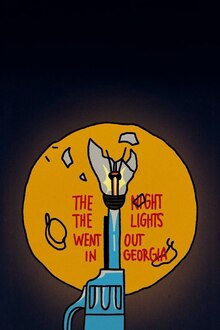
Яфа Сасунова создала серию из 13 открыток под названием «Громкие образы». Эти открытки придуманы к воображаемым праздникам в виниловом магазине-кафе «33 оборота».
creativecity.academy
A joint project of the HSE ART AND DESIGN SCHOOL and the Institute for the Development of Creative Industries, focused on working with Russian regions. The Creative City digital platform is a media outlet that aggregates projects related to territorial branding, a community of professionals, and a service that allows you to create local websites, work with the local identity and popularity of cities and places. Study the map of the Creative City. Get acquainted with the projects that have already been implemented. Add your... Show more
We use cookies to improve the operation of the HSE website and to enhance its usability. More detailed information on the use of cookies can be fou...
Show more
Press space bar to start a drag.
When dragging you can use the arrow keys to move the item around and escape to cancel.
Some screen readers may require you to be in focus mode or to use your pass through key
Press space bar to start a drag.
When dragging you can use the arrow keys to move the item around and escape to cancel.
Some screen readers may require you to be in focus mode or to use your pass through key
Press space bar to start a drag.
When dragging you can use the arrow keys to move the item around and escape to cancel.
Some screen readers may require you to be in focus mode or to use your pass through key
Press space bar to start a drag.
When dragging you can use the arrow keys to move the item around and escape to cancel.
Some screen readers may require you to be in focus mode or to use your pass through key
Press space bar to start a drag.
When dragging you can use the arrow keys to move the item around and escape to cancel.
Some screen readers may require you to be in focus mode or to use your pass through key
Press space bar to start a drag.
When dragging you can use the arrow keys to move the item around and escape to cancel.
Some screen readers may require you to be in focus mode or to use your pass through key
Press space bar to start a drag.
When dragging you can use the arrow keys to move the item around and escape to cancel.
Some screen readers may require you to be in focus mode or to use your pass through key