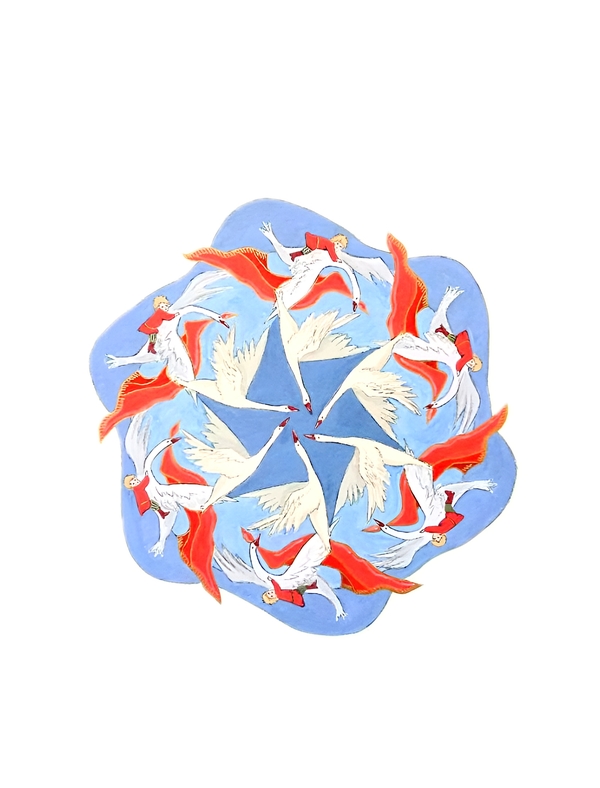
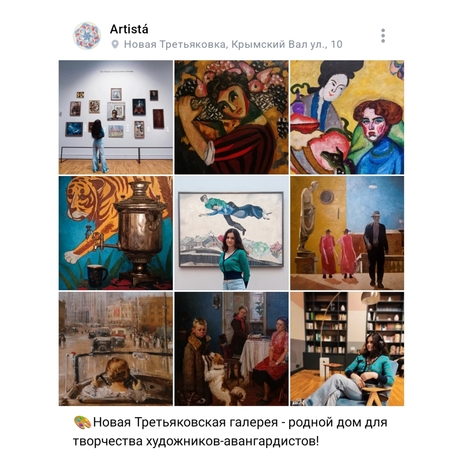
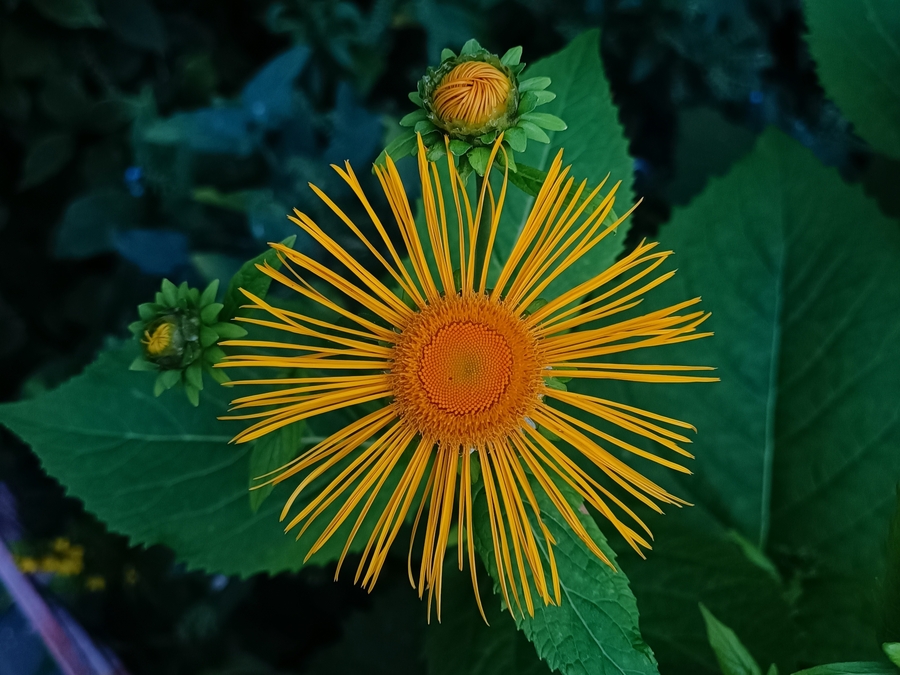
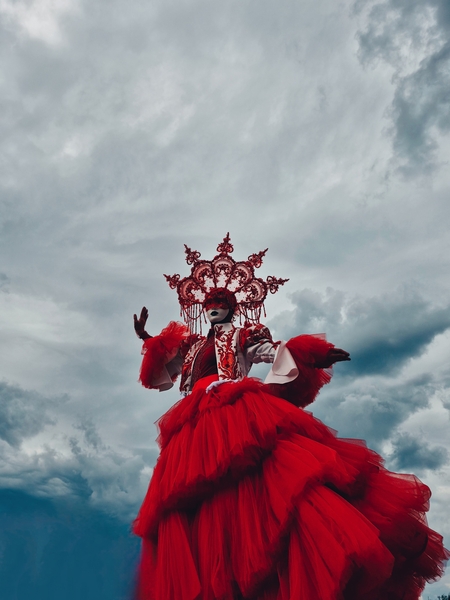
Artistá (с исп. художница) — авторский мобильный фотопроект и творческая платформа на базе сообщества «ВКонтакте», объединяющая визуальную практику, культурную навигацию и генерацию творческих идей. Проект ведётся одним автором и функционирует, как публичный дневник наблюдения, исследования и вдохновения.
Концепция
Artistá строится на одном убеждении: способность художественно видеть — это навык, а не талант. И этот навык тренируется везде: на улице по дороге домой, в музейном зале, в момент, когда ты решаешь не просто посмотреть, а сделать.
Original size 2560x1920
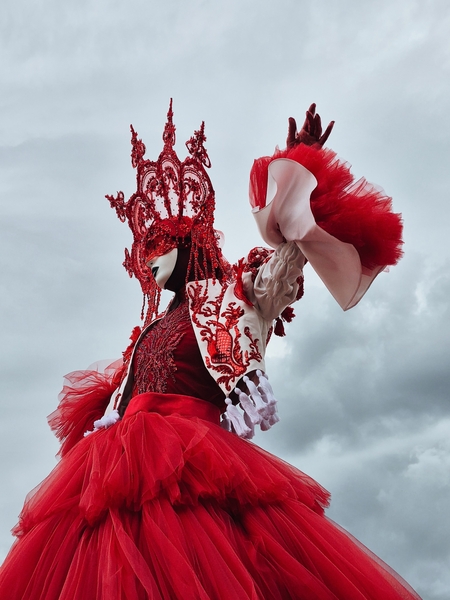
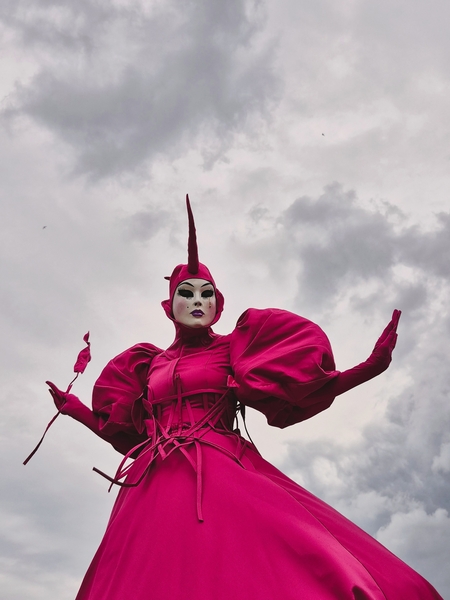
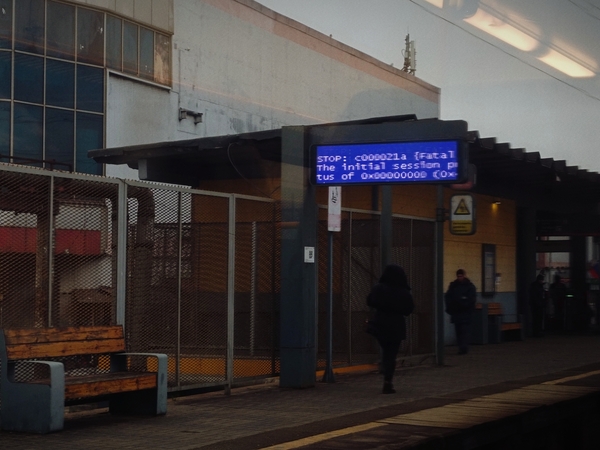
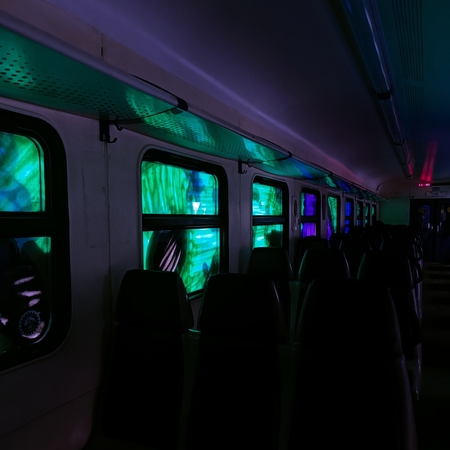
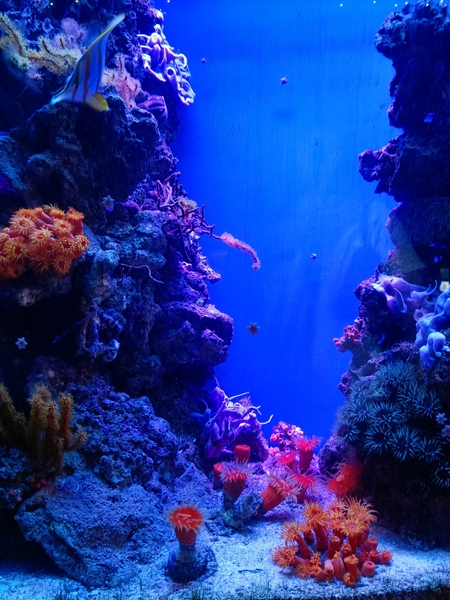
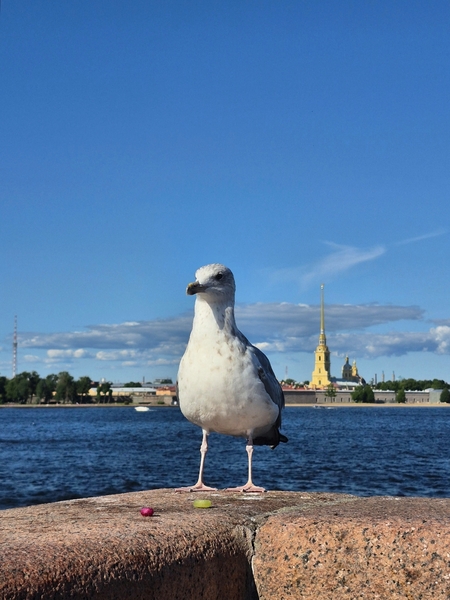
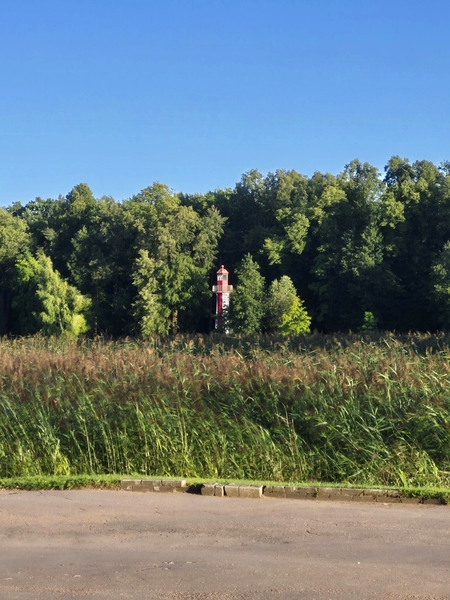
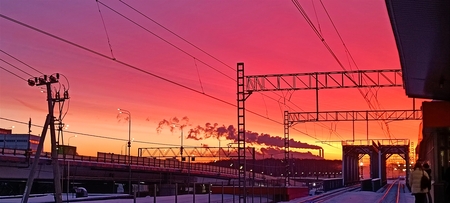
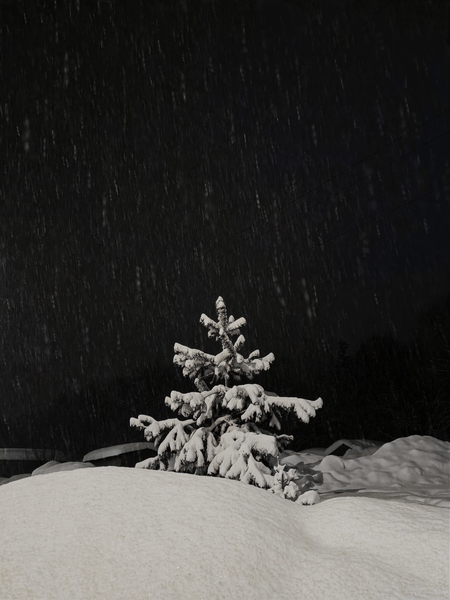
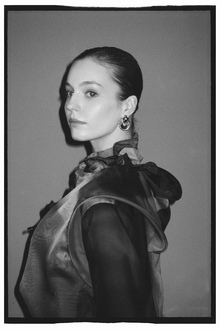
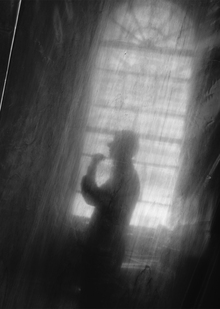
Только мобильная съёмка, без ИИ, без профессиональной оптики. Проект фиксирует красоту, существующую в текущий момент времени. Порой, в один миг.
Структура
Artistá включает три направления, работающие как единая система:
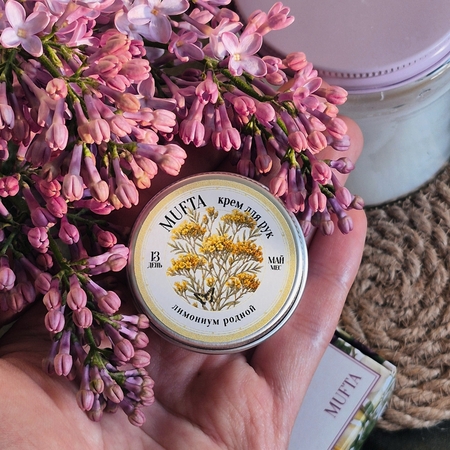
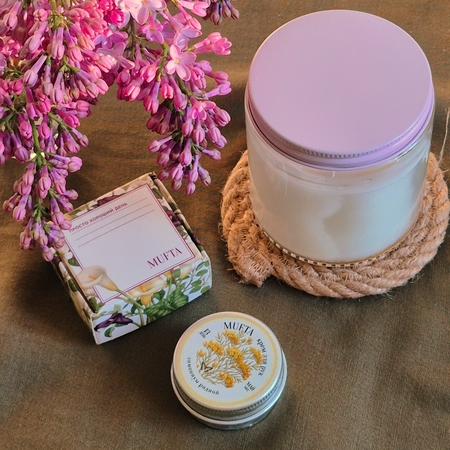
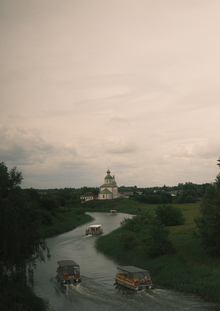
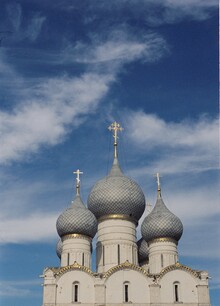
«Малые города большой реки» Что это значит? Это малые города расположенные на большой реке Волга, по её сторонам и устьям. Часто ли мы отправляемся в путешествие по Золотому кольцу малых городов? Зачастую туристический маршрут мы строим по большим городам, атмосферным и очень красивым, с глубокой историей и большой значимостью. В малые города мы можем заглянуть не надолго, как бы по пути, не закладывая на них большего внимания и времени. А ведь малые города достойны быть увиденными и услышанными на уровне больших городов. Там идёт своя жизнь, своя смена времени года, свои, не менее значимые достопримечательности, а история малого города может конкурировать с большими городами, а какая там сувенирная продукция! Просто загляденье. Давайте заглянем?
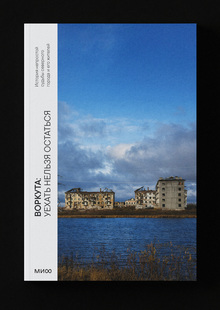
Представленная серия является частью долгосрочного документального проекта, посвященного исторической памяти и ландшафту России.
creativecity.academy
A joint project of the HSE ART AND DESIGN SCHOOL and the Institute for the Development of Creative Industries, focused on working with Russian regions. The Creative City digital platform is a media outlet that aggregates projects related to territorial branding, a community of professionals, and a service that allows you to create local websites, work with the local identity and popularity of cities and places. Study the map of the Creative City. Get acquainted with the projects that have already been implemented. Add your... Show more
We use cookies to improve the operation of the HSE website and to enhance its usability. More detailed information on the use of cookies can be fou...
Show more
Press space bar to start a drag.
When dragging you can use the arrow keys to move the item around and escape to cancel.
Some screen readers may require you to be in focus mode or to use your pass through key
Press space bar to start a drag.
When dragging you can use the arrow keys to move the item around and escape to cancel.
Some screen readers may require you to be in focus mode or to use your pass through key
Press space bar to start a drag.
When dragging you can use the arrow keys to move the item around and escape to cancel.
Some screen readers may require you to be in focus mode or to use your pass through key
Press space bar to start a drag.
When dragging you can use the arrow keys to move the item around and escape to cancel.
Some screen readers may require you to be in focus mode or to use your pass through key
Press space bar to start a drag.
When dragging you can use the arrow keys to move the item around and escape to cancel.
Some screen readers may require you to be in focus mode or to use your pass through key
Press space bar to start a drag.
When dragging you can use the arrow keys to move the item around and escape to cancel.
Some screen readers may require you to be in focus mode or to use your pass through key
Press space bar to start a drag.
When dragging you can use the arrow keys to move the item around and escape to cancel.
Some screen readers may require you to be in focus mode or to use your pass through key
Press space bar to start a drag.
When dragging you can use the arrow keys to move the item around and escape to cancel.
Some screen readers may require you to be in focus mode or to use your pass through key
Press space bar to start a drag.
When dragging you can use the arrow keys to move the item around and escape to cancel.
Some screen readers may require you to be in focus mode or to use your pass through key
Press space bar to start a drag.
When dragging you can use the arrow keys to move the item around and escape to cancel.
Some screen readers may require you to be in focus mode or to use your pass through key
Press space bar to start a drag.
When dragging you can use the arrow keys to move the item around and escape to cancel.
Some screen readers may require you to be in focus mode or to use your pass through key
Press space bar to start a drag.
When dragging you can use the arrow keys to move the item around and escape to cancel.
Some screen readers may require you to be in focus mode or to use your pass through key
Press space bar to start a drag.
When dragging you can use the arrow keys to move the item around and escape to cancel.
Some screen readers may require you to be in focus mode or to use your pass through key