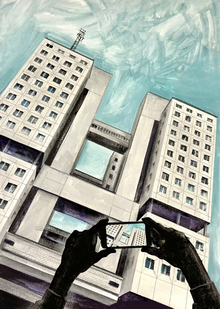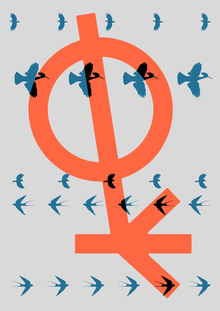
Разработка фирменного стиля для пгт Железнодорожный направлена на формирование целостного узнаваемого образа поселка, повышение его привлекательности для жителей, гостей и инвесторов. Проект включает создание логотипа, фирменного паттерна, средств визуальной коммуникации и сувенирной продукции, гармонично интегрированных в архитектурную среду.
Фирменный стиль
Исходный размер 3333x2375
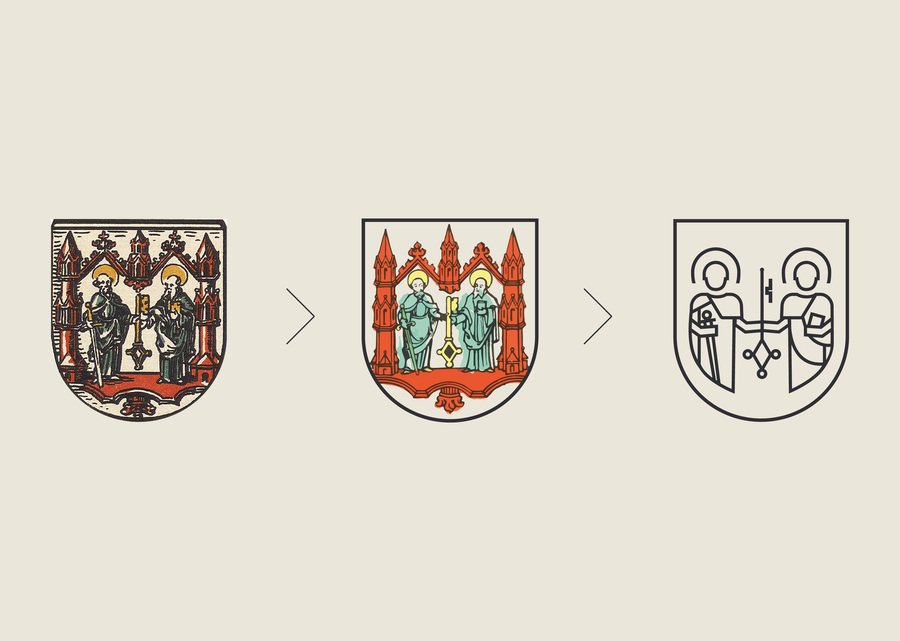
Процесс разработки логотипа
Исходный размер 3333x2375
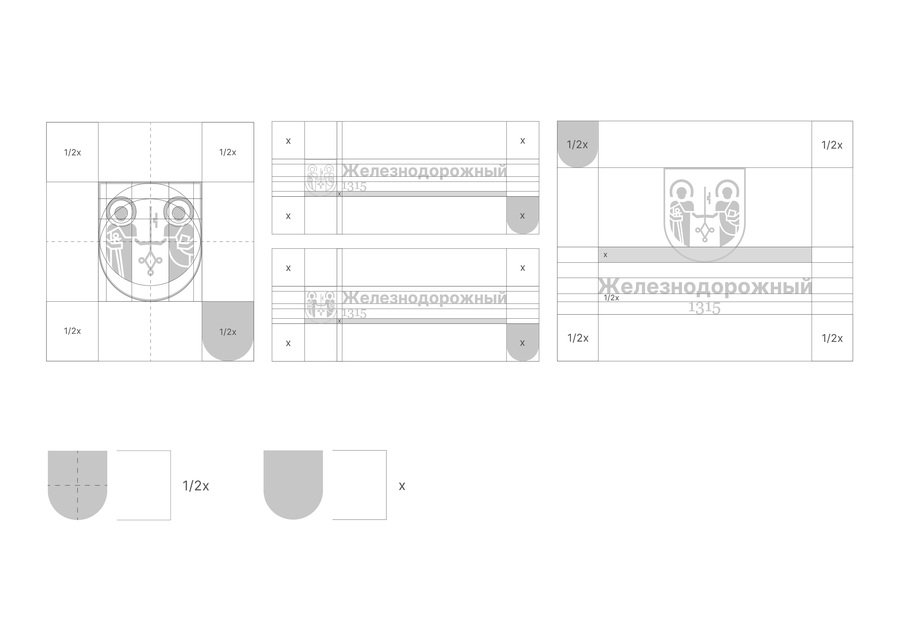
Модульная сетка логотипа | охранная зона логотипа
Исходный размер 3333x2375
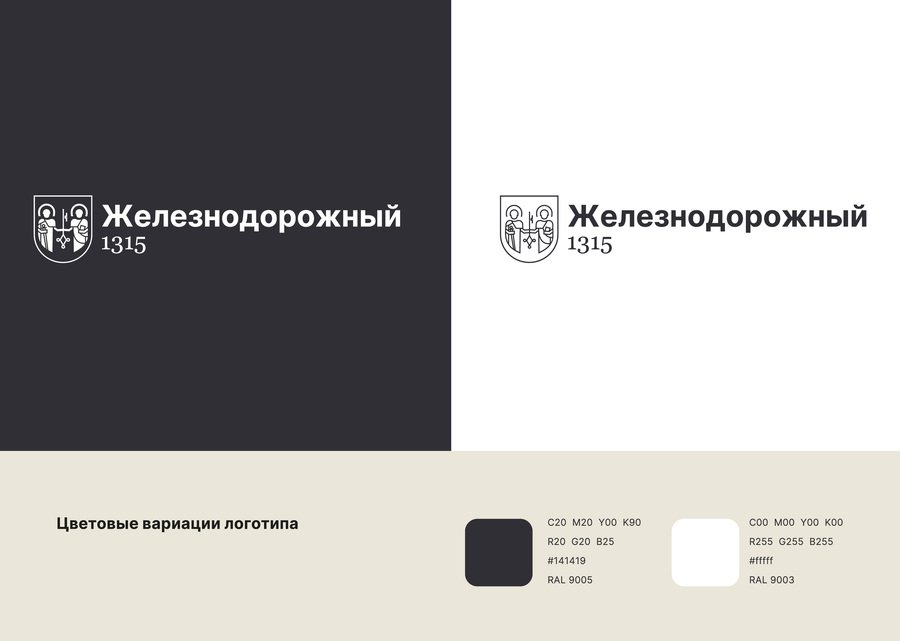
Допустимые вариации логотипа
Исходный размер 3333x2375
Паттерн
Исходный размер 3333x2375
Коммуникационный дизайн
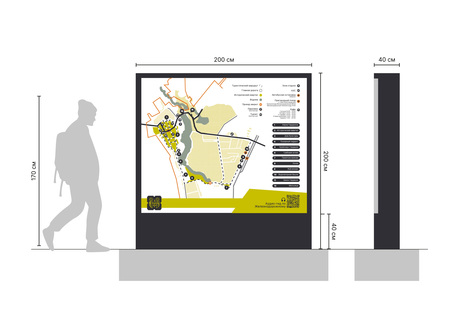
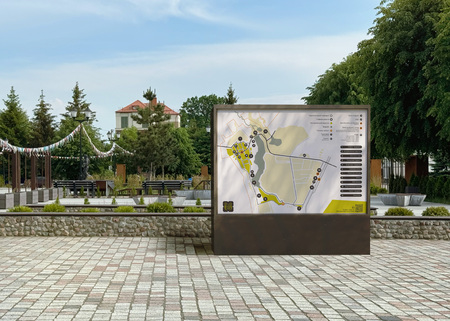
Информационный стенд-карта
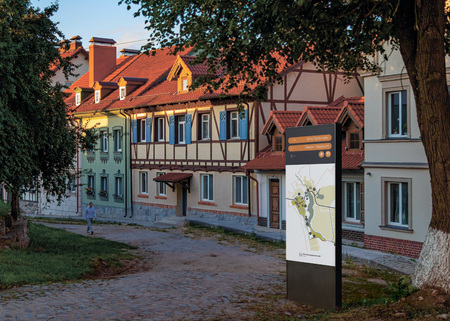
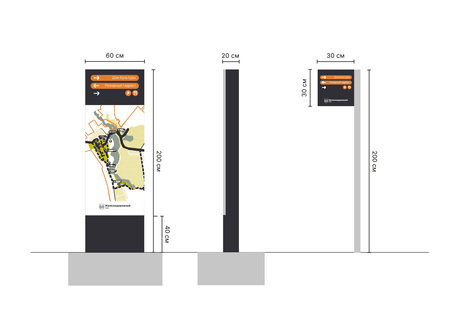
Стенд-карта | Указатель
Исходный размер 3508x2481
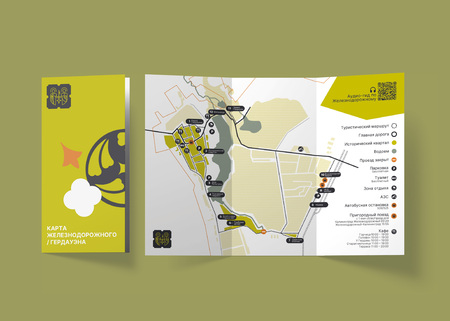
Карта
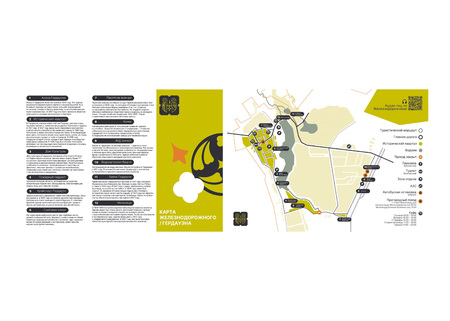
Буклет | Построение буклета
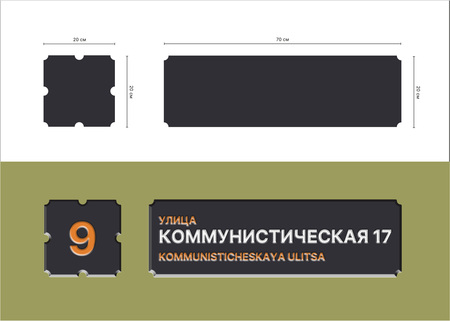
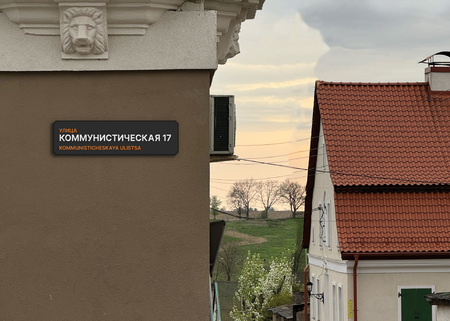
Адресная табличка
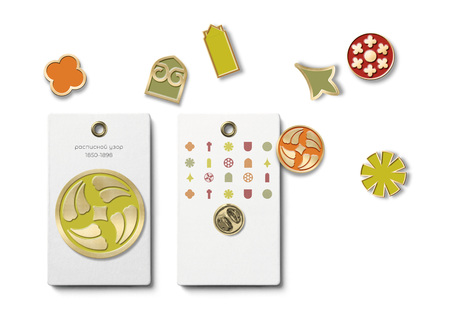
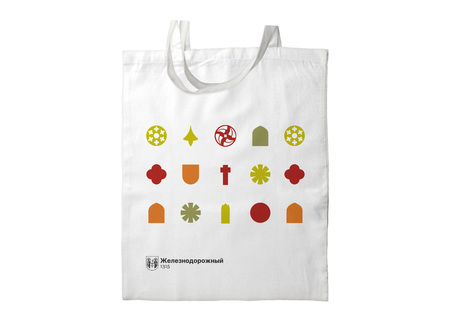
Сувенирная продукция
Исходный размер 3333x2375
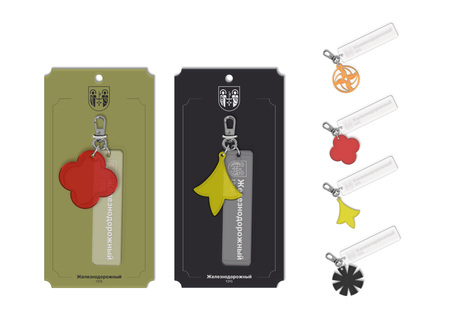
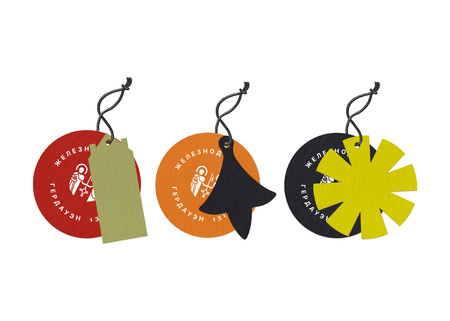
Фирменный стиль и средства визуальной коммуникации пгт Железнодорожного
Мы используем файлы cookies для улучшения работы сайта НИУ ВШЭ и большего удобства его использования. Более подробную...
Показать больше
Press space bar to start a drag.
When dragging you can use the arrow keys to move the item around and escape to cancel.
Some screen readers may require you to be in focus mode or to use your pass through key
Press space bar to start a drag.
When dragging you can use the arrow keys to move the item around and escape to cancel.
Some screen readers may require you to be in focus mode or to use your pass through key
Press space bar to start a drag.
When dragging you can use the arrow keys to move the item around and escape to cancel.
Some screen readers may require you to be in focus mode or to use your pass through key
Press space bar to start a drag.
When dragging you can use the arrow keys to move the item around and escape to cancel.
Some screen readers may require you to be in focus mode or to use your pass through key
Press space bar to start a drag.
When dragging you can use the arrow keys to move the item around and escape to cancel.
Some screen readers may require you to be in focus mode or to use your pass through key
Press space bar to start a drag.
When dragging you can use the arrow keys to move the item around and escape to cancel.
Some screen readers may require you to be in focus mode or to use your pass through key
Press space bar to start a drag.
When dragging you can use the arrow keys to move the item around and escape to cancel.
Some screen readers may require you to be in focus mode or to use your pass through key