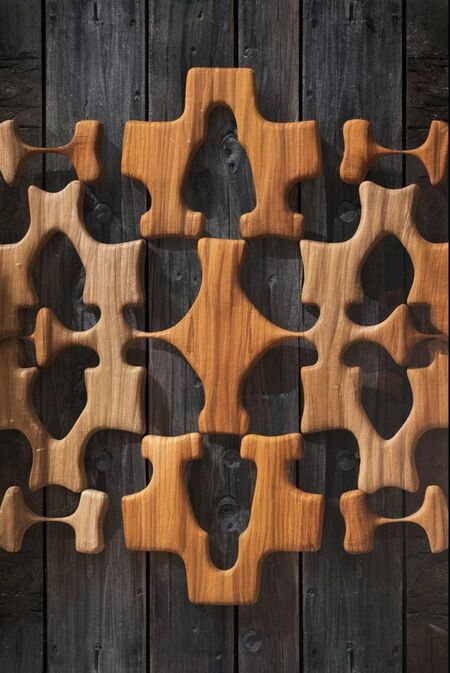
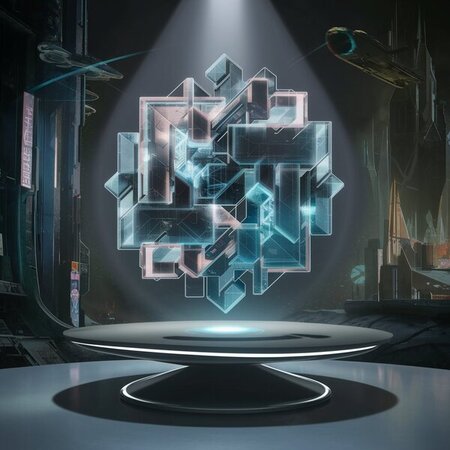
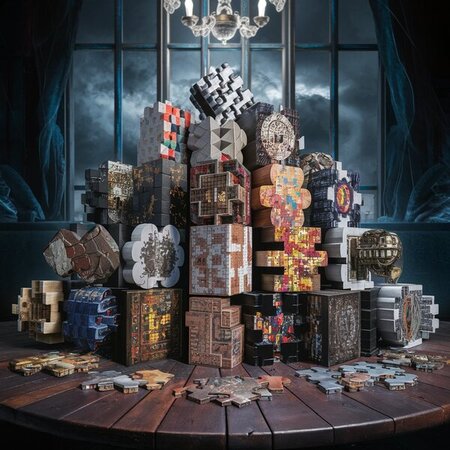
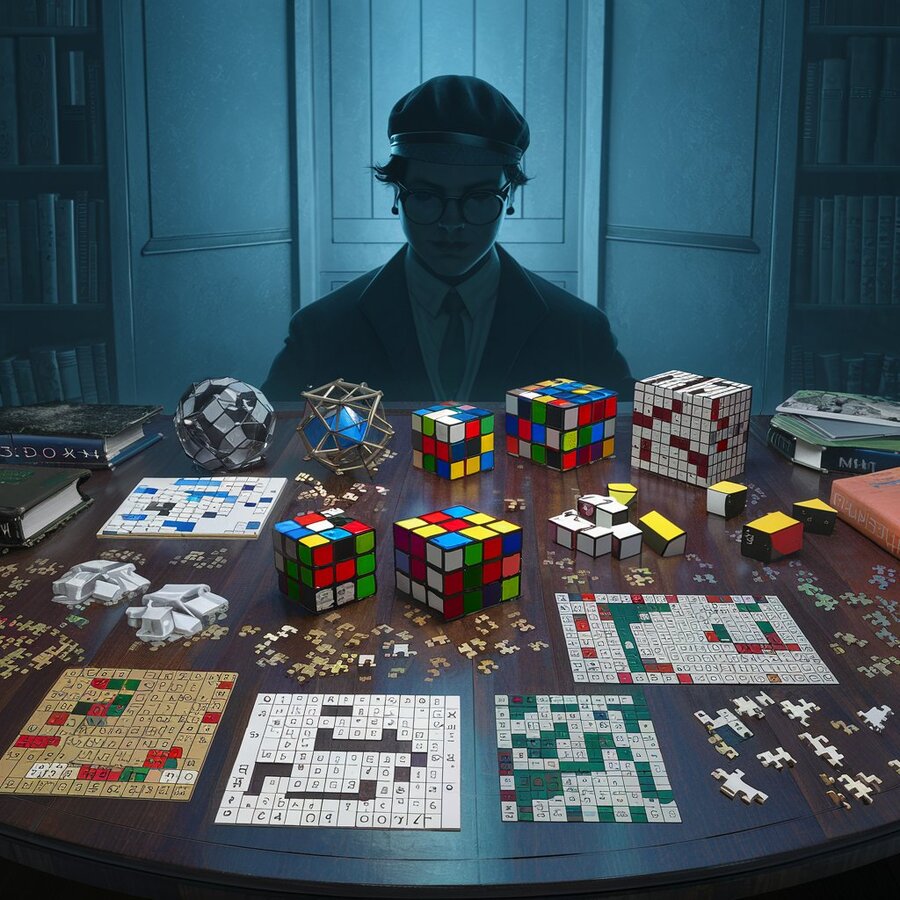
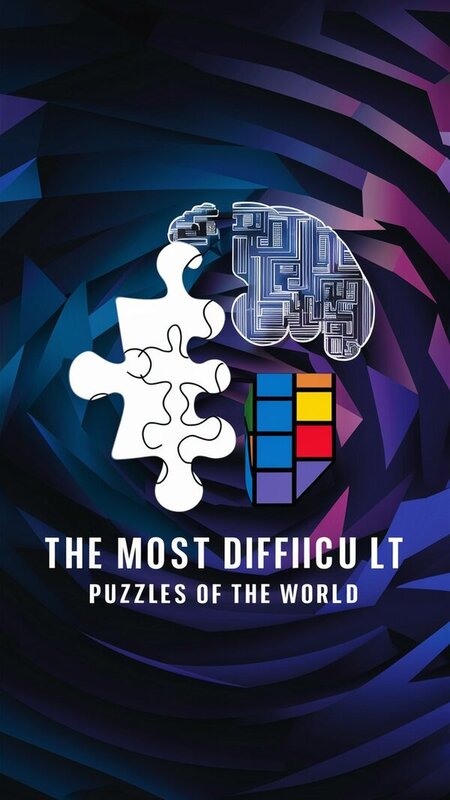
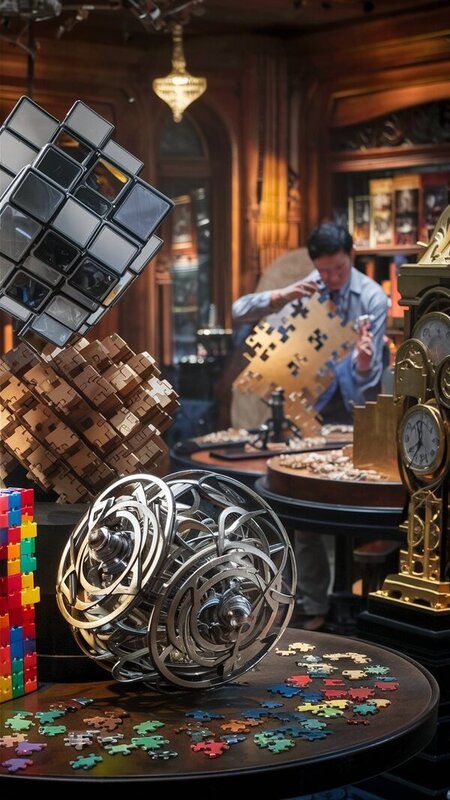
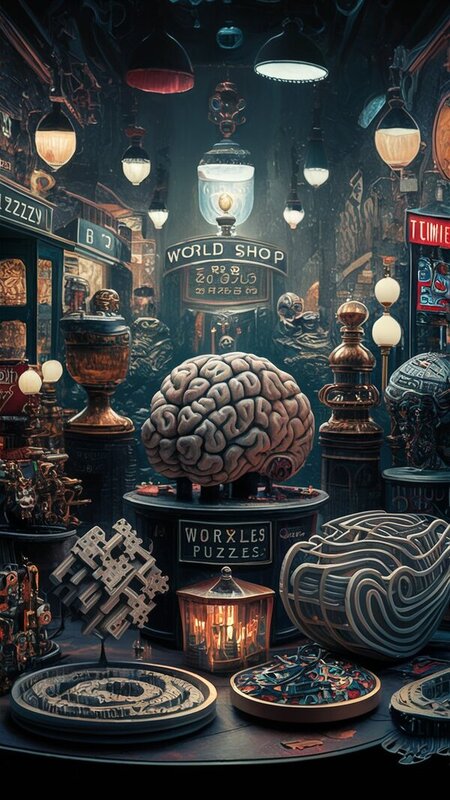
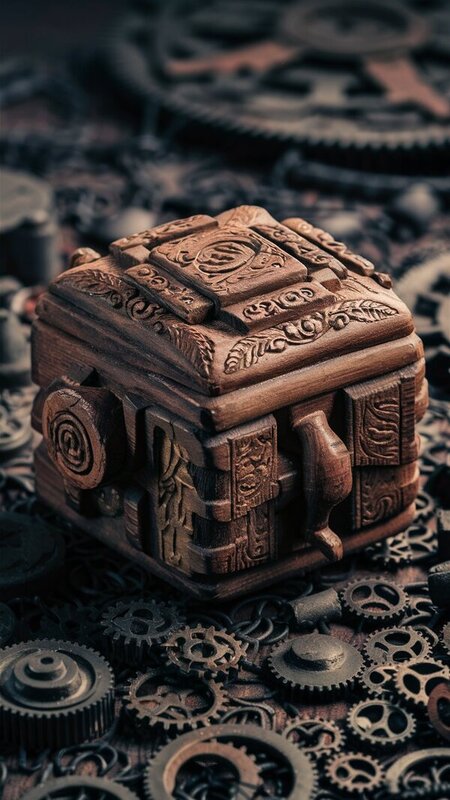
В нашем магазине вы найдёте головоломки, над которыми ломали головы лучшие умы современности. Мы собрали самые сложные загадки со всего мира и предлагаем их вам по привлекательной цене. Если вы считаете себя гением, любителем поломать голову или просто хотите попробовать что-то новое, то наш магазин — это именно то, что вам нужно!
Сложнейшие головоломки
Original size 1024x1024
Original size 1024x1024
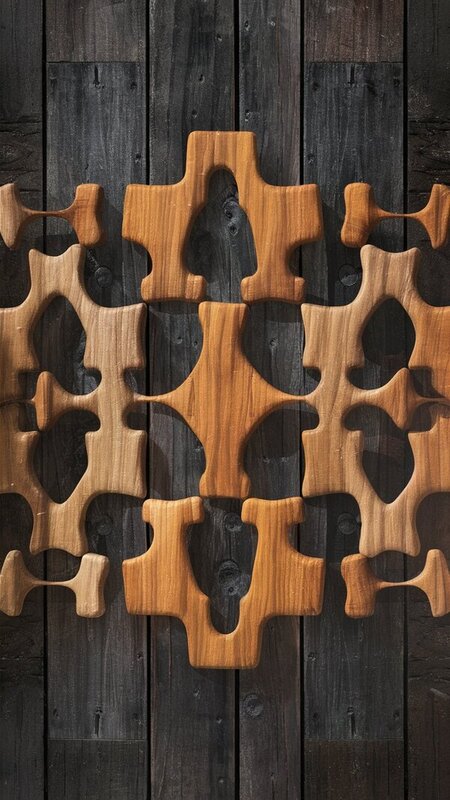
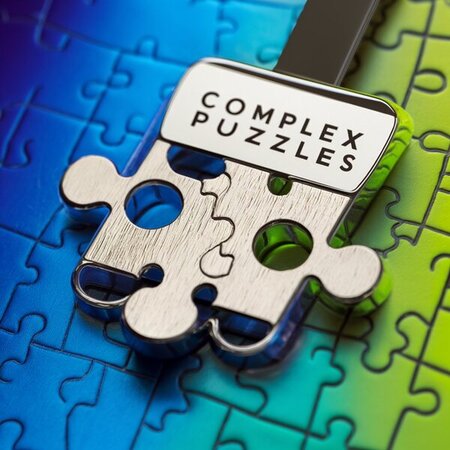
Логотип
Original size 1024x1024
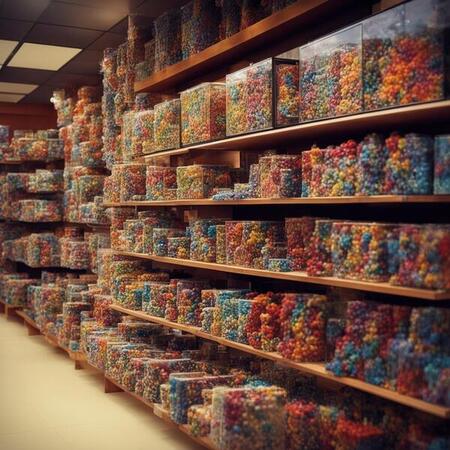
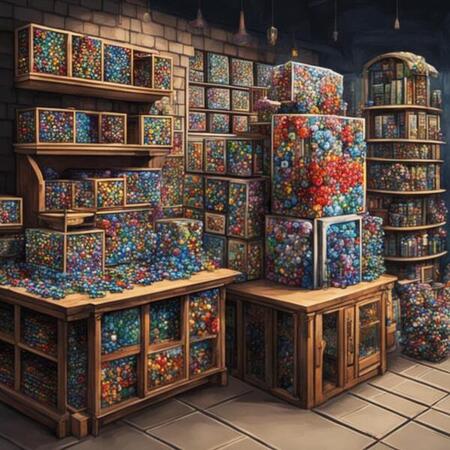
Магазин
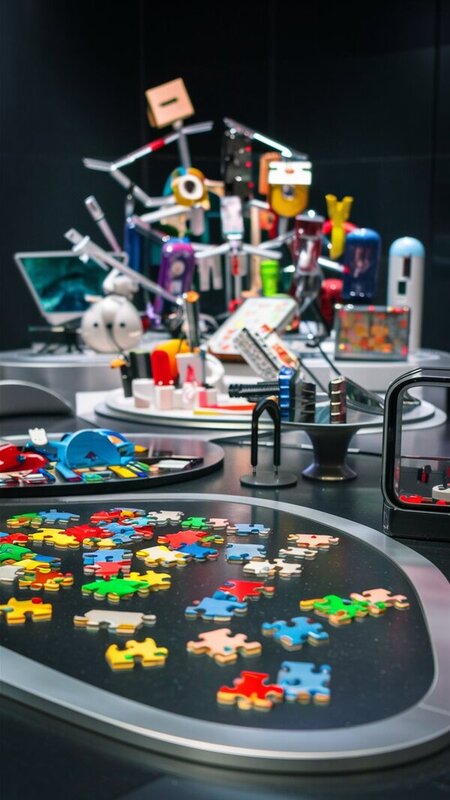
Товары
Original size 1024x1024
Новые разработки
Производственный цех
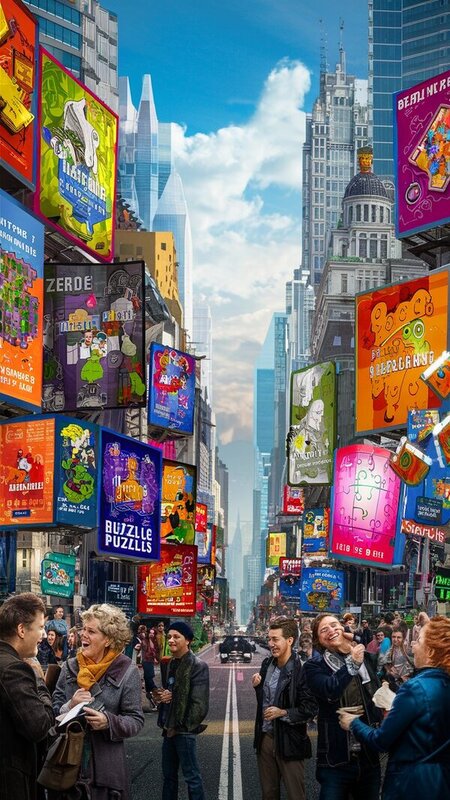
Реклама в городе
Original size 832x1280
Униформа сотрудников
Брендинг
Процесс работы
Изображения, созданные с использованием искусственного интеллекта, были разработаны с помощью такого сайта ideogram.ai, kandinsky21_bot
Амина Яндиева создала магазин со сложнейшими головоломками, собранными из загадок лучших умов мира. Проект включает в себя изображения, созданные с использованием искусственного интеллекта, разработанные с помощью ideogram.ai и kandinsky21_bot.
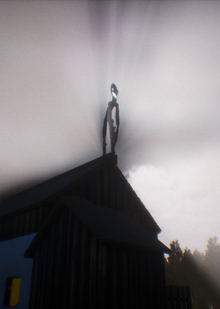
Амирхан Кадиев создал хоррор-проект VENI VIDI VICI, в котором игроки сражаются с монстрами и защищают ферму от нападений. Обложка и визуальные элементы проекта были созданы внутри движка Unreal Engine и отредактированы в Photoshop.
Екатерина Надина создала визуальный проект для бренда Savage, используя нейросети для генерации элементов идентичности и продуктовой линейки. Проект включает в себя генерацию логотипа, упаковки, пространства и промоматериалов с применением промтов и инструментов ideogram, FontSpring и coolors.co.
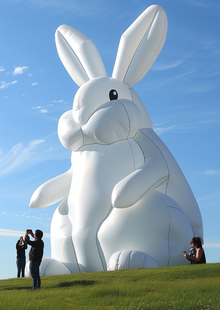
Олеся Площанская создала визуальный материал для фестиваля гигантских воздушных фигур на открытом небе Skyline Sculpture Showcase AI. Проект включает генерацию промтов и изображений с использованием инструментов Midjourney, ChatGPT и Pinterest для создания постеров и мерча фестиваля.
We use cookies to improve the operation of the HSE website and to enhance its usability. More detailed information on the use of cookies can be fou...
Show more
Press space bar to start a drag.
When dragging you can use the arrow keys to move the item around and escape to cancel.
Some screen readers may require you to be in focus mode or to use your pass through key
Press space bar to start a drag.
When dragging you can use the arrow keys to move the item around and escape to cancel.
Some screen readers may require you to be in focus mode or to use your pass through key
Press space bar to start a drag.
When dragging you can use the arrow keys to move the item around and escape to cancel.
Some screen readers may require you to be in focus mode or to use your pass through key
Press space bar to start a drag.
When dragging you can use the arrow keys to move the item around and escape to cancel.
Some screen readers may require you to be in focus mode or to use your pass through key
Press space bar to start a drag.
When dragging you can use the arrow keys to move the item around and escape to cancel.
Some screen readers may require you to be in focus mode or to use your pass through key
Press space bar to start a drag.
When dragging you can use the arrow keys to move the item around and escape to cancel.
Some screen readers may require you to be in focus mode or to use your pass through key
Press space bar to start a drag.
When dragging you can use the arrow keys to move the item around and escape to cancel.
Some screen readers may require you to be in focus mode or to use your pass through key
Press space bar to start a drag.
When dragging you can use the arrow keys to move the item around and escape to cancel.
Some screen readers may require you to be in focus mode or to use your pass through key
Press space bar to start a drag.
When dragging you can use the arrow keys to move the item around and escape to cancel.
Some screen readers may require you to be in focus mode or to use your pass through key
Press space bar to start a drag.
When dragging you can use the arrow keys to move the item around and escape to cancel.
Some screen readers may require you to be in focus mode or to use your pass through key
Press space bar to start a drag.
When dragging you can use the arrow keys to move the item around and escape to cancel.
Some screen readers may require you to be in focus mode or to use your pass through key