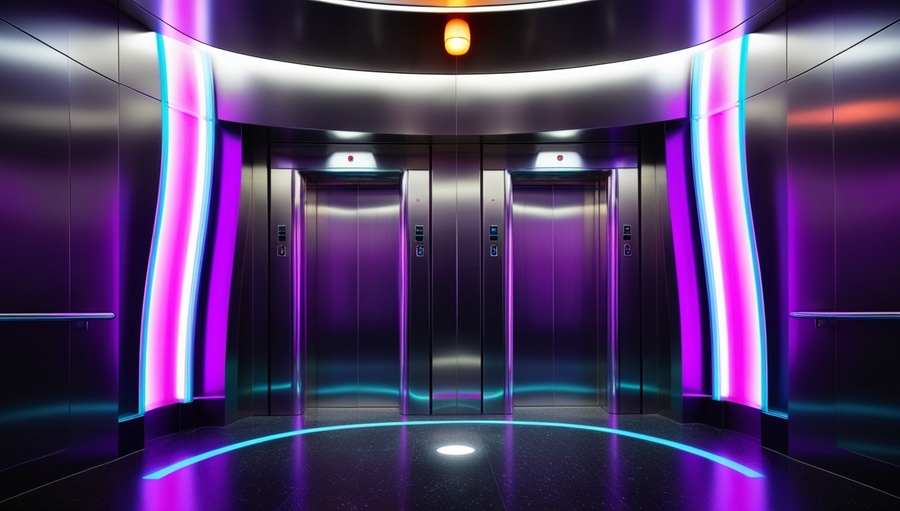
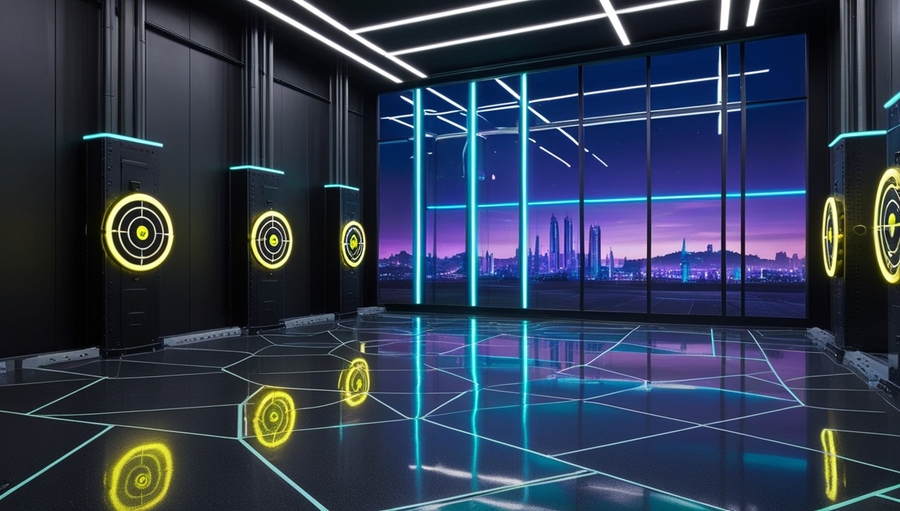
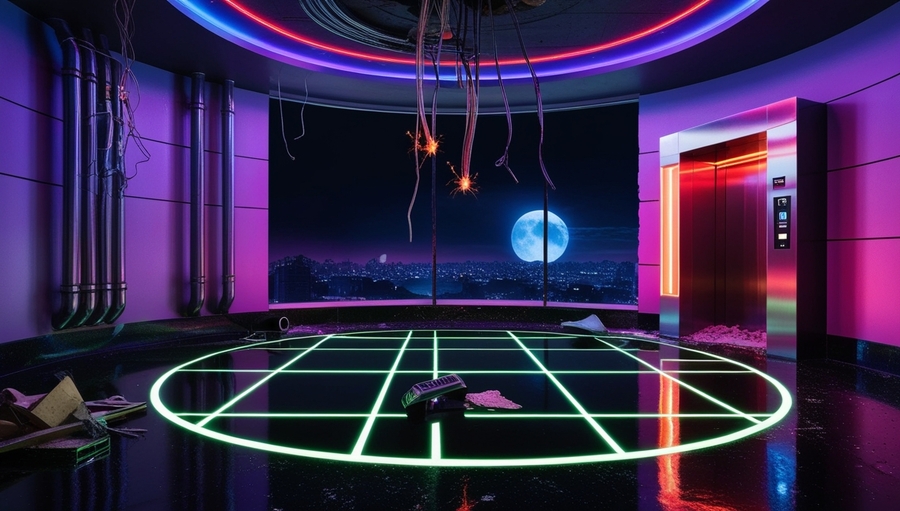
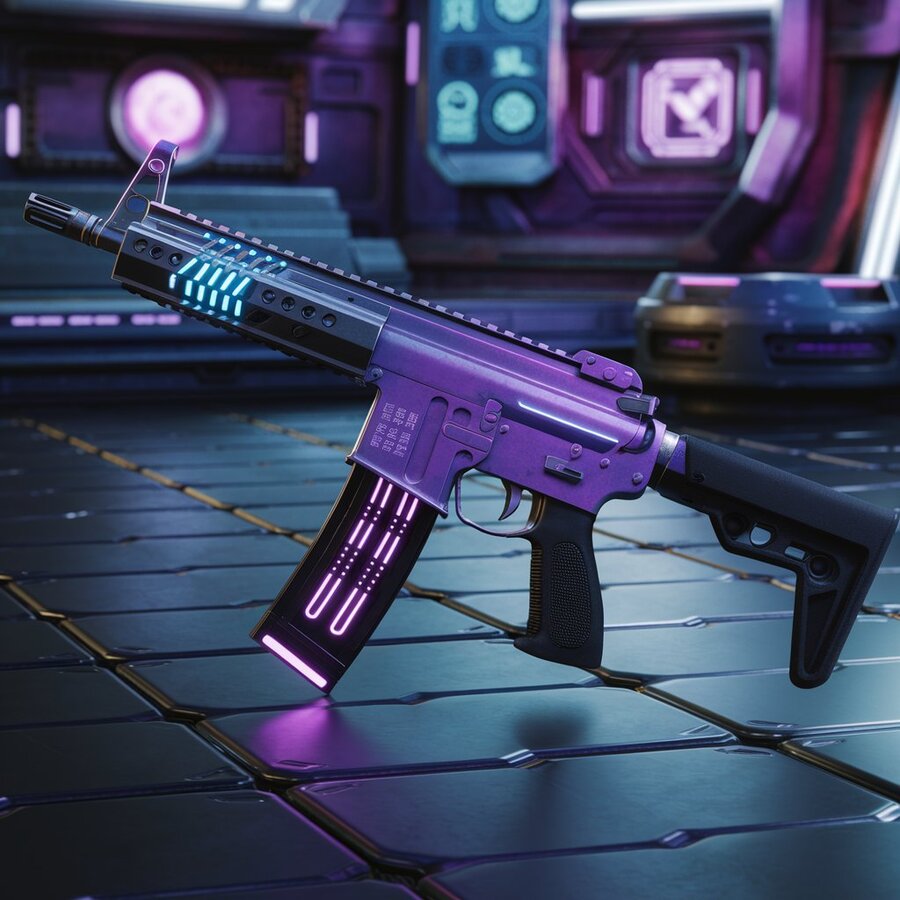
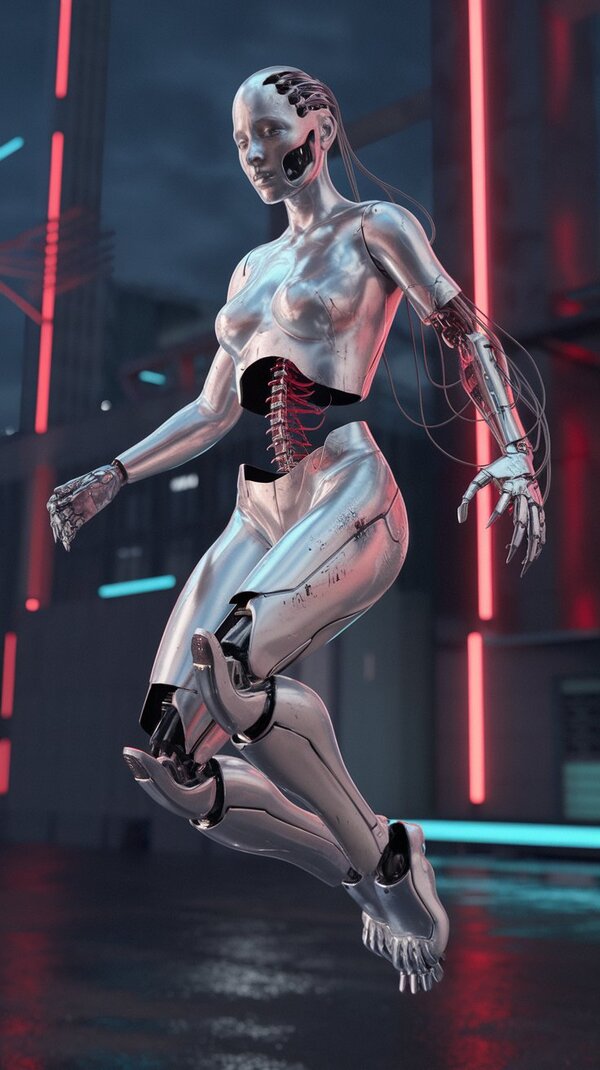
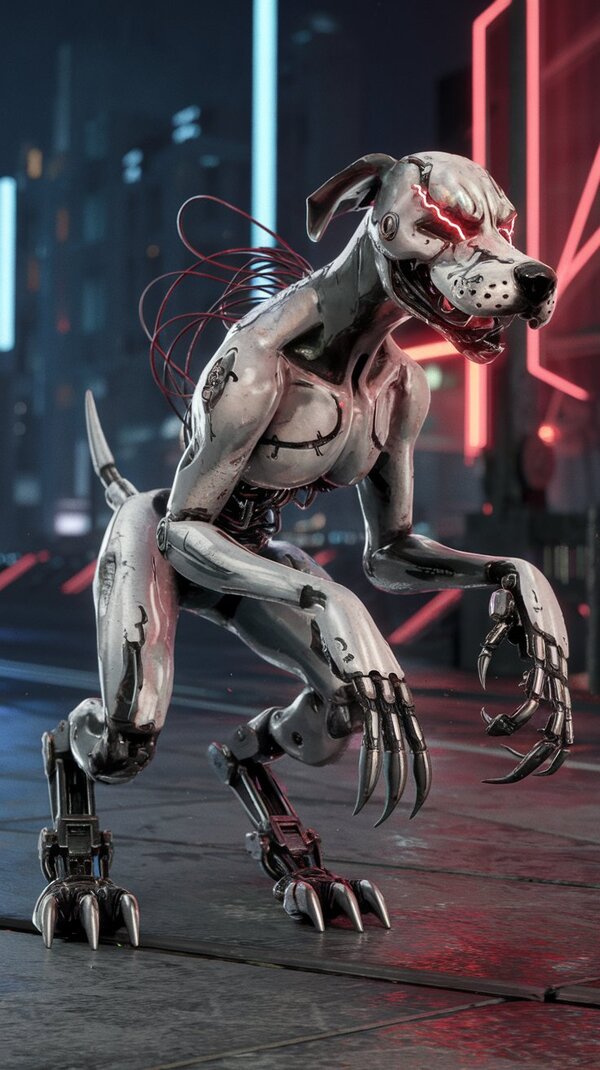
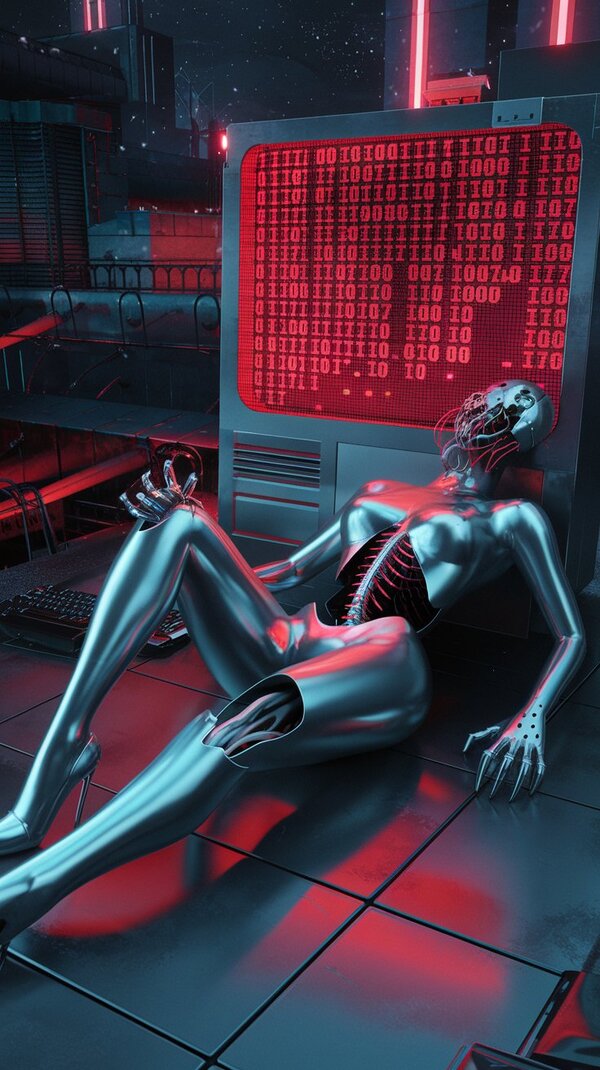
Одна из сетевых многоэтажек вышла
из строя. Из-за этого по всему городу
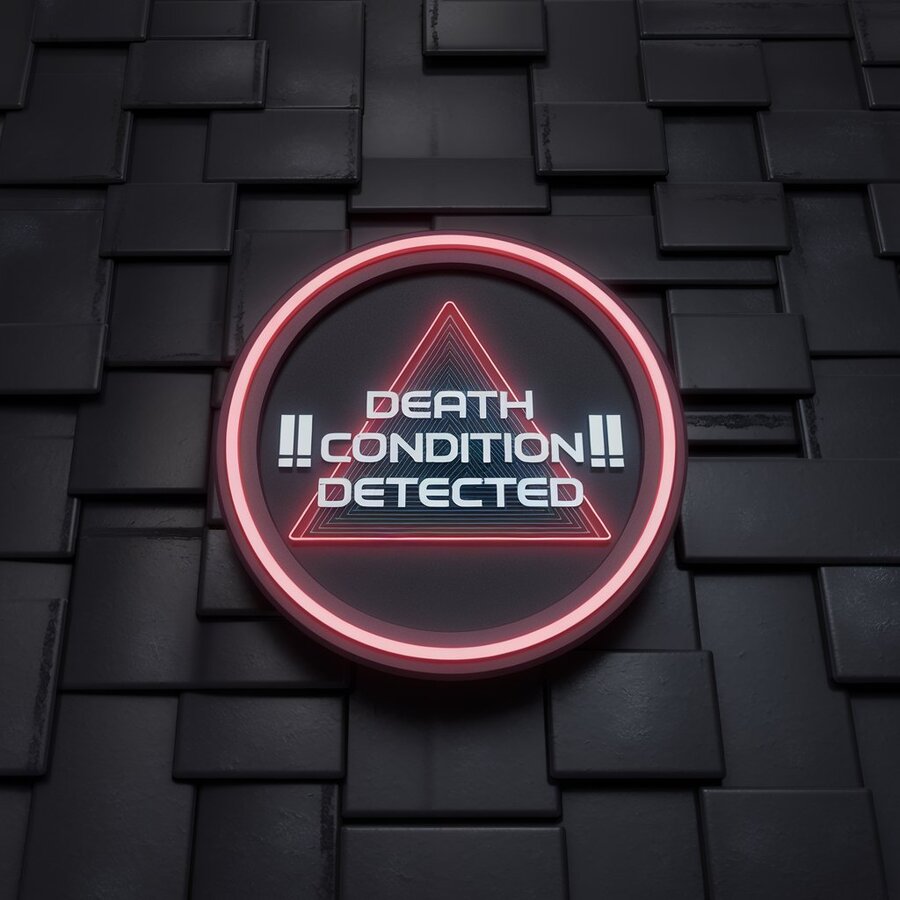
нет связи, и киберлюди теряют рассудок от вируса. В ваших руках оружие и судьба города. Нет права даже на малейшую ошибку, потому что всего одним попаданием враги могут заразить вас.
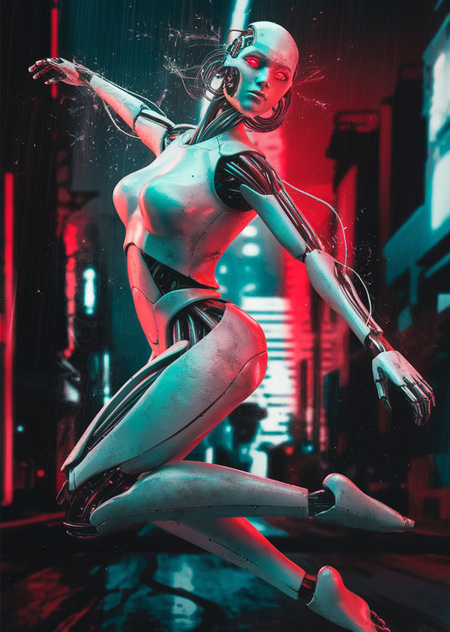
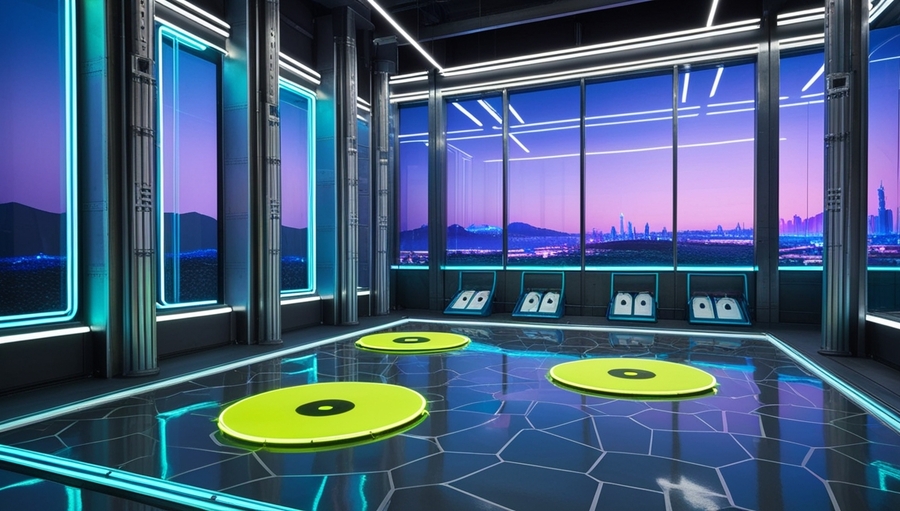
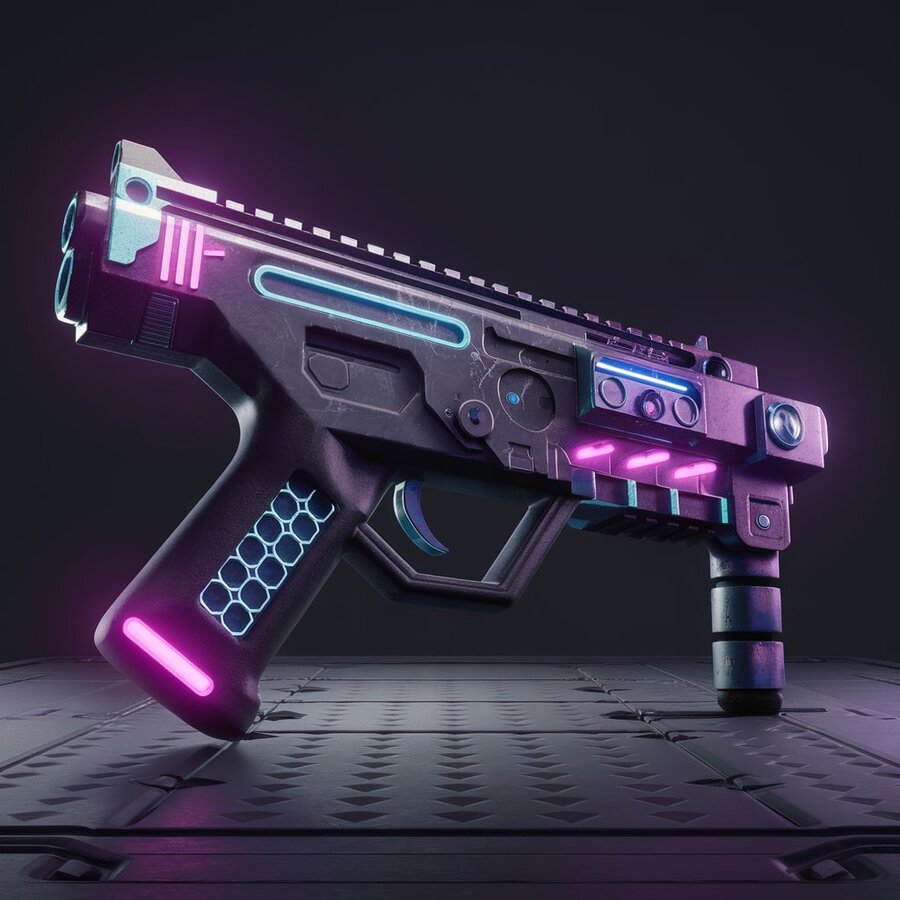
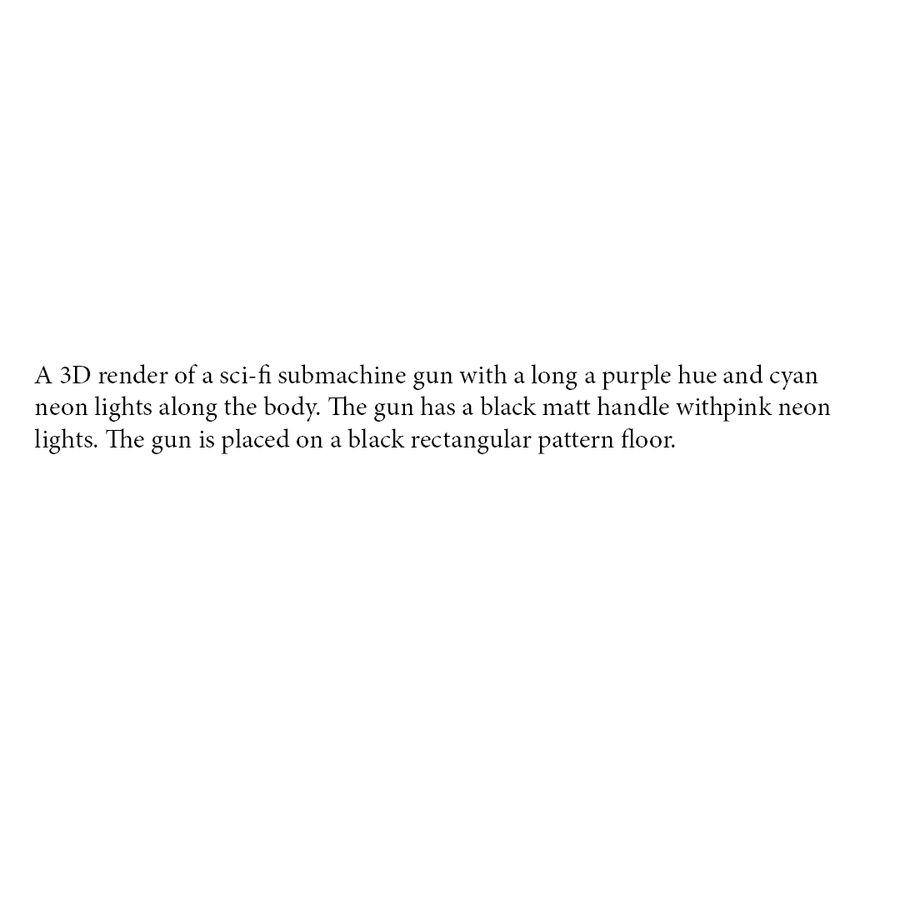
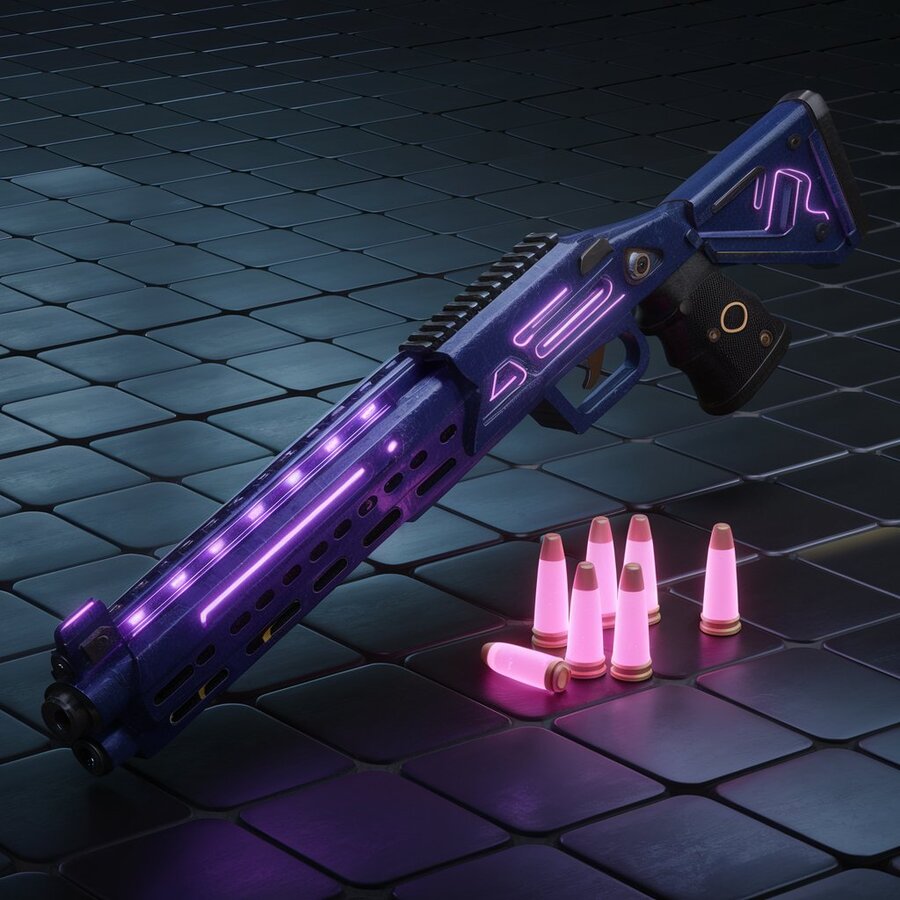
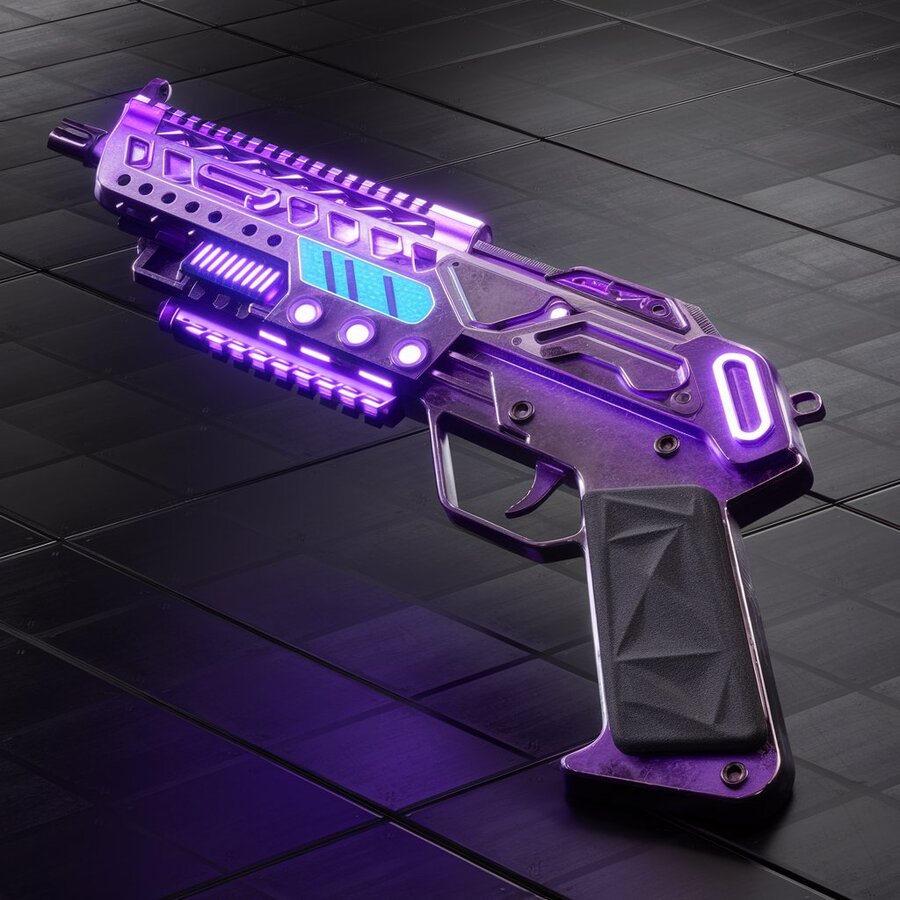
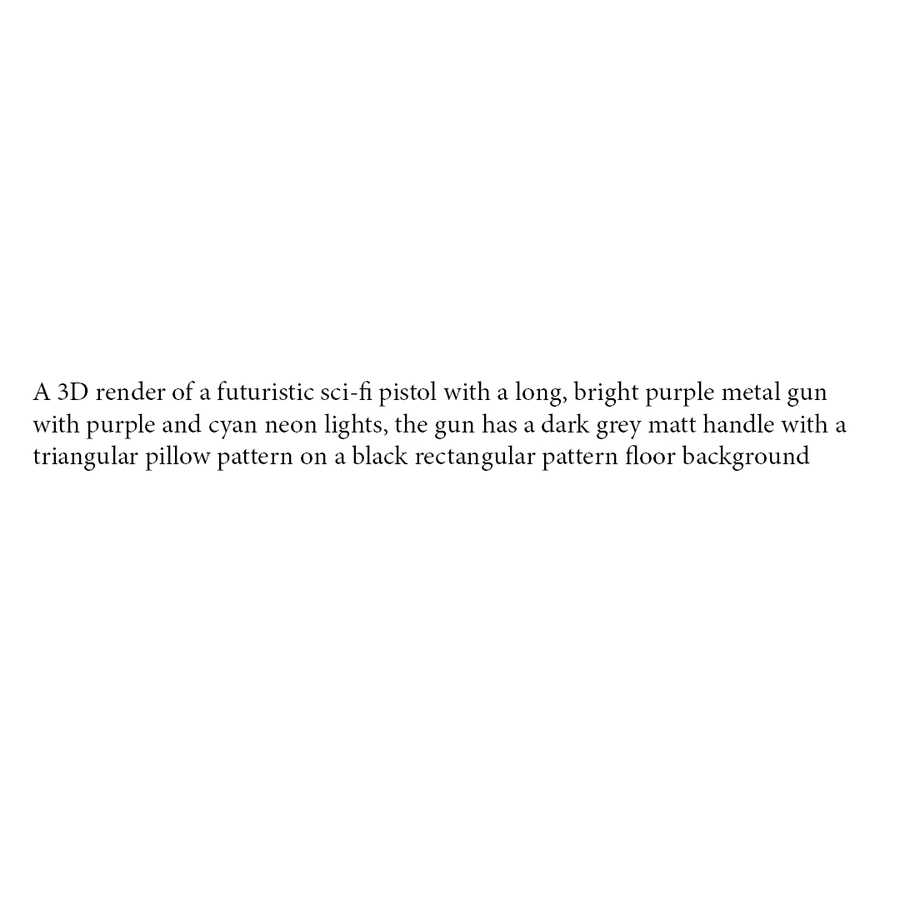
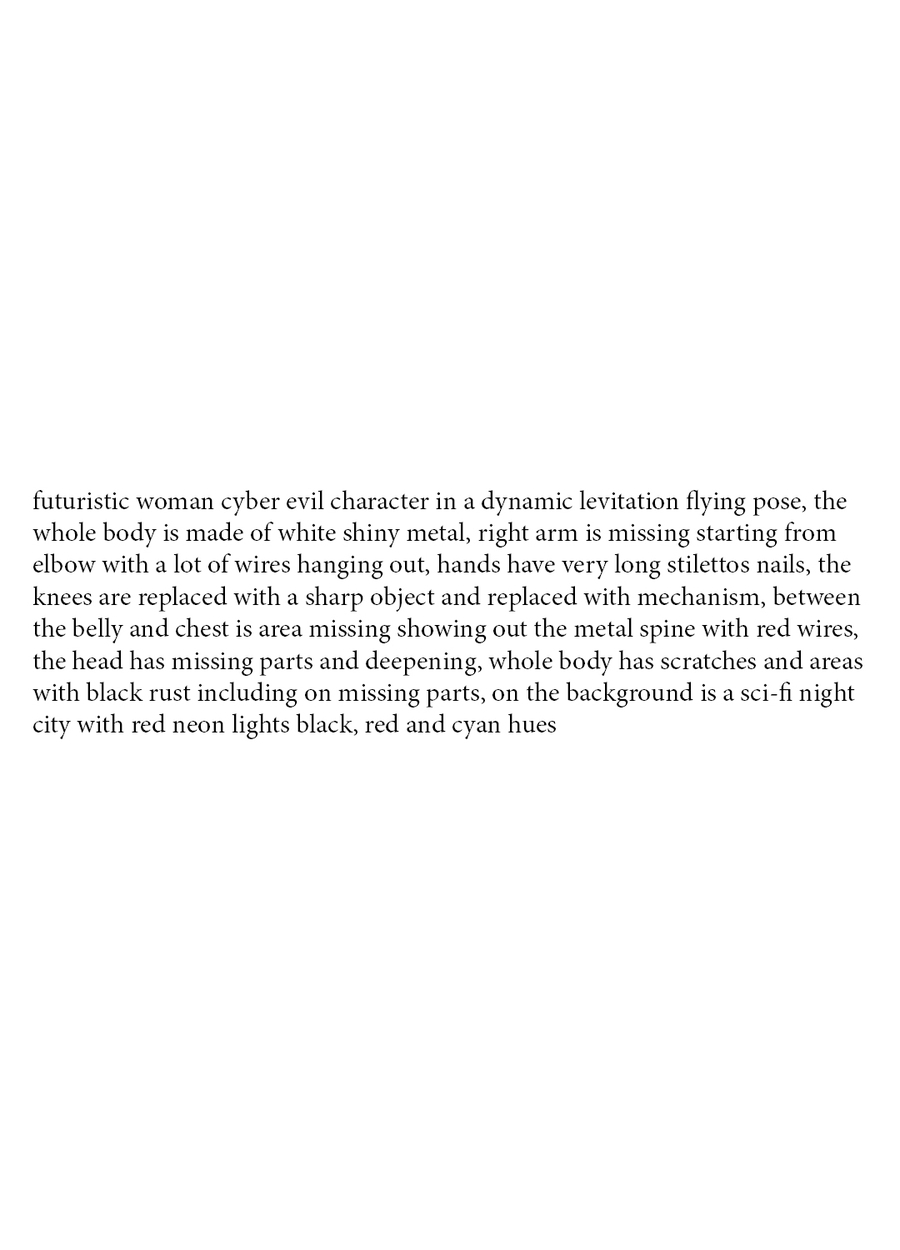
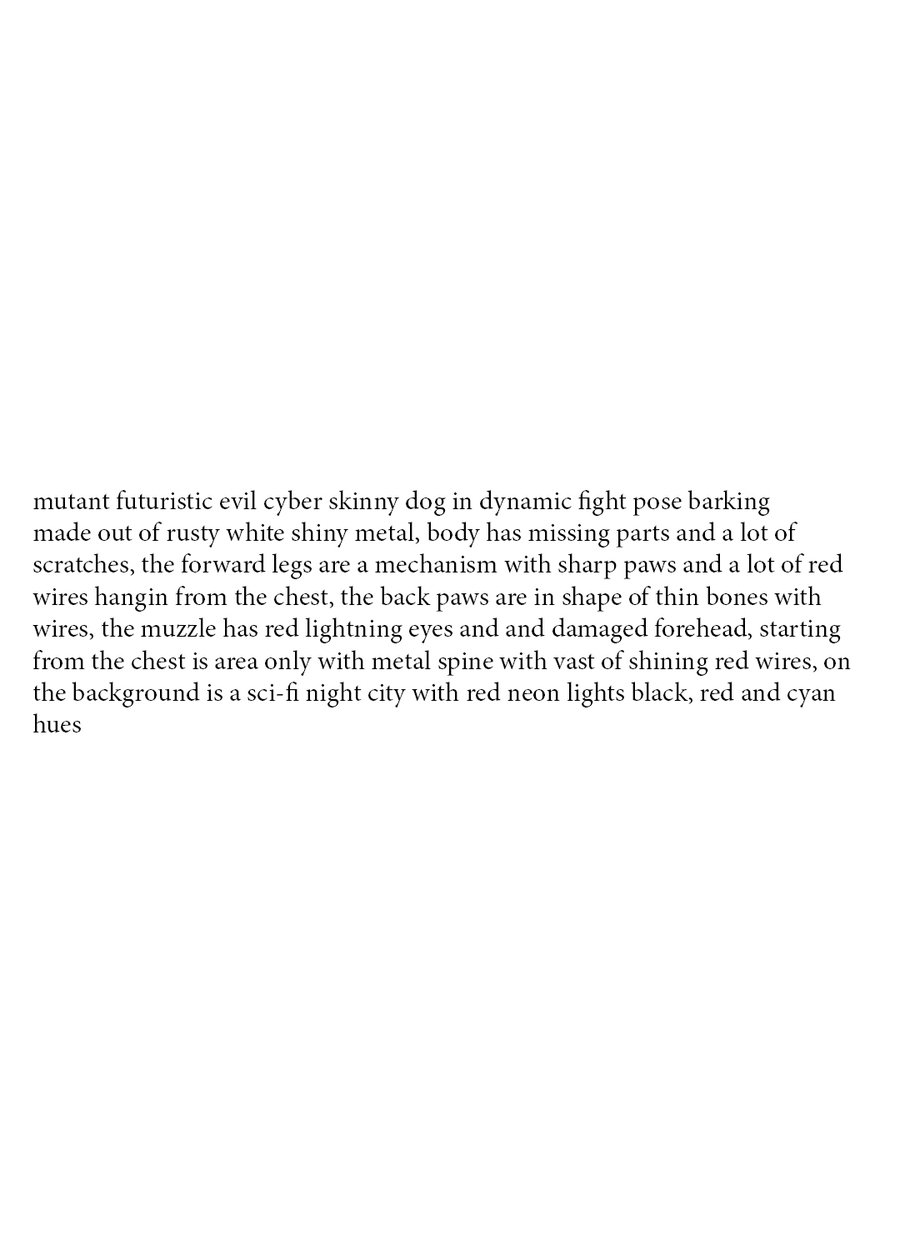
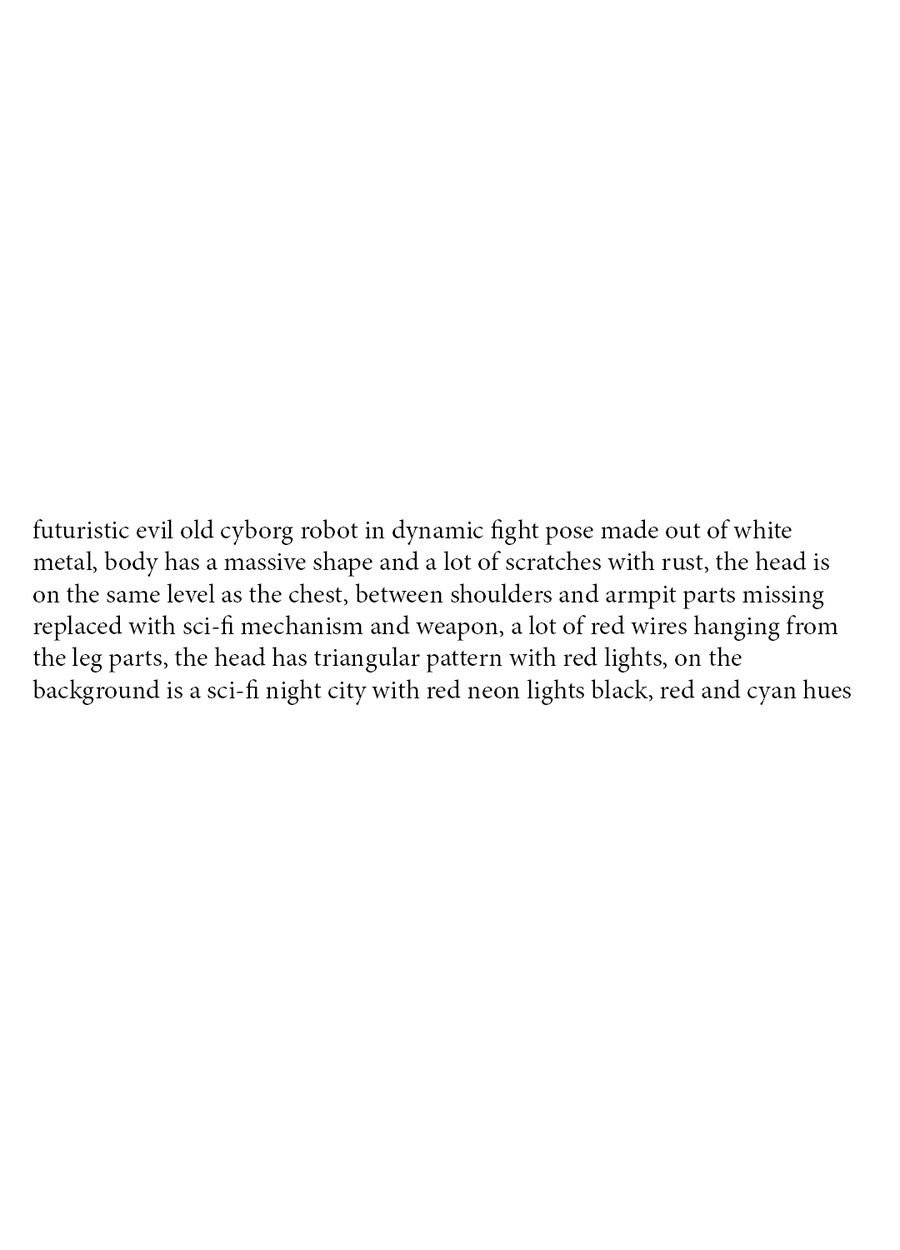
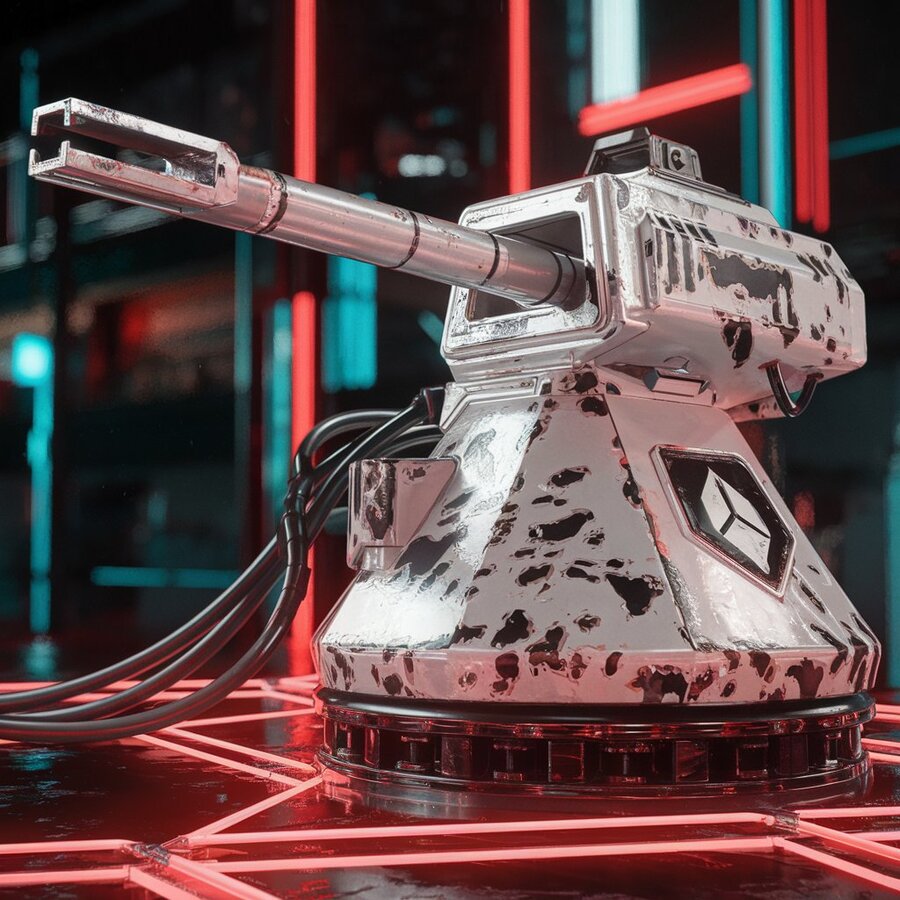
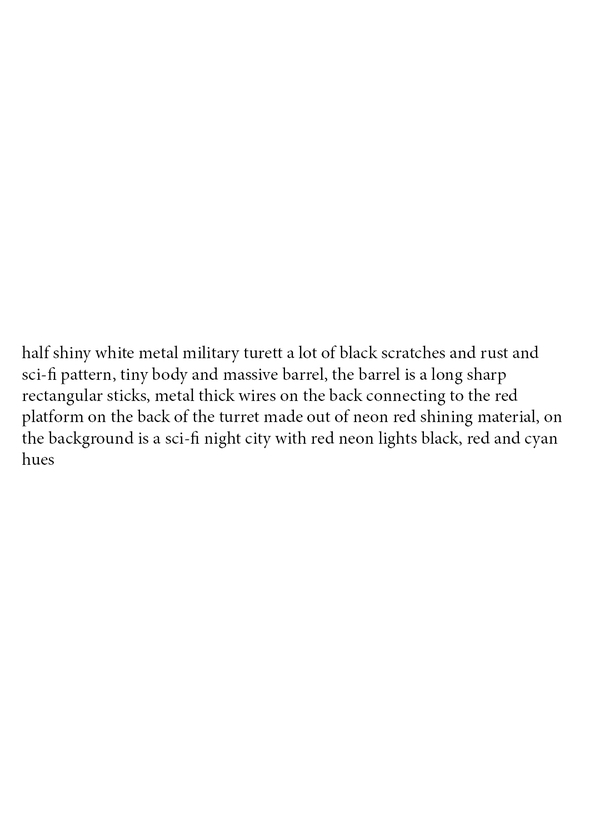
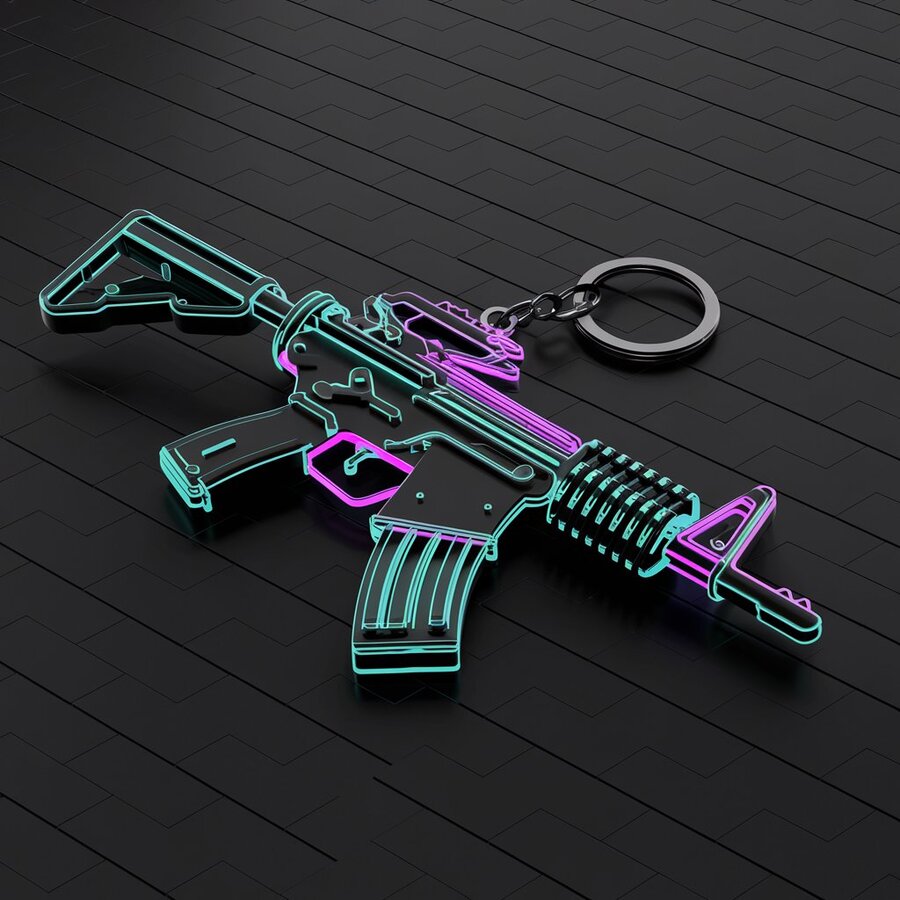
Арина Хайруллова создала аркадный Shoot’em up от первого лица под названием «System Reboot». Проект включает в себя сгенерированные логотип, локации, персонажа, оружие, врагов и постеры с использованием Ideogram и Leonardo AI.
Александра Каленская создала ребрендинг бренда свечей «Мойо» с использованием искусственного интеллекта и цифровых инструментов. Проект включает в себя генерацию логотипа, шрифтов, цветовых решений и дизайна упаковки, вдохновлённого традиционной китайской эстетикой.
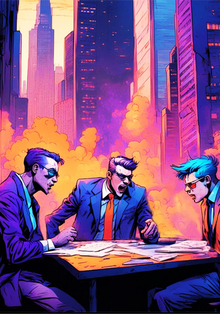
Анна Долгопольская создала настольную игру «Схватка идеалов» для 2 или 4 игроков, где участники берут на себя роли фракций и конкурируют за контроль над городом. Проект включает в себя уникальные элементы дизайна, такие как постеры и айдентика в стиле cyberpunk с использованием оранжевых и синих цветов.
Анастасия Авшалумова создала визуальный стиль для бренда «Estera» с использованием нейросети Midjourney. Проект включает генерацию логотипа, цветовой палитры, промо-материалов и пространств для мероприятий в пастельных тонах.
Глеб Васильевых разработал ребрендинг молочного бренда Sütaş, обновив его визуальную идентичность. Проект включает генерацию логотипа, фирменных материалов и промо-изображений с использованием нейросетей и инструментов Adobe Color.
We use cookies to improve the operation of the HSE website and to enhance its usability. More detailed information on the use of cookies can be fou...
Show more
Press space bar to start a drag.
When dragging you can use the arrow keys to move the item around and escape to cancel.
Some screen readers may require you to be in focus mode or to use your pass through key
Press space bar to start a drag.
When dragging you can use the arrow keys to move the item around and escape to cancel.
Some screen readers may require you to be in focus mode or to use your pass through key
Press space bar to start a drag.
When dragging you can use the arrow keys to move the item around and escape to cancel.
Some screen readers may require you to be in focus mode or to use your pass through key
Press space bar to start a drag.
When dragging you can use the arrow keys to move the item around and escape to cancel.
Some screen readers may require you to be in focus mode or to use your pass through key
Press space bar to start a drag.
When dragging you can use the arrow keys to move the item around and escape to cancel.
Some screen readers may require you to be in focus mode or to use your pass through key
Press space bar to start a drag.
When dragging you can use the arrow keys to move the item around and escape to cancel.
Some screen readers may require you to be in focus mode or to use your pass through key
Press space bar to start a drag.
When dragging you can use the arrow keys to move the item around and escape to cancel.
Some screen readers may require you to be in focus mode or to use your pass through key
Press space bar to start a drag.
When dragging you can use the arrow keys to move the item around and escape to cancel.
Some screen readers may require you to be in focus mode or to use your pass through key
Press space bar to start a drag.
When dragging you can use the arrow keys to move the item around and escape to cancel.
Some screen readers may require you to be in focus mode or to use your pass through key
Press space bar to start a drag.
When dragging you can use the arrow keys to move the item around and escape to cancel.
Some screen readers may require you to be in focus mode or to use your pass through key
Press space bar to start a drag.
When dragging you can use the arrow keys to move the item around and escape to cancel.
Some screen readers may require you to be in focus mode or to use your pass through key
Press space bar to start a drag.
When dragging you can use the arrow keys to move the item around and escape to cancel.
Some screen readers may require you to be in focus mode or to use your pass through key
Press space bar to start a drag.
When dragging you can use the arrow keys to move the item around and escape to cancel.
Some screen readers may require you to be in focus mode or to use your pass through key
Press space bar to start a drag.
When dragging you can use the arrow keys to move the item around and escape to cancel.
Some screen readers may require you to be in focus mode or to use your pass through key
Press space bar to start a drag.
When dragging you can use the arrow keys to move the item around and escape to cancel.
Some screen readers may require you to be in focus mode or to use your pass through key
Press space bar to start a drag.
When dragging you can use the arrow keys to move the item around and escape to cancel.
Some screen readers may require you to be in focus mode or to use your pass through key
Press space bar to start a drag.
When dragging you can use the arrow keys to move the item around and escape to cancel.
Some screen readers may require you to be in focus mode or to use your pass through key
Press space bar to start a drag.
When dragging you can use the arrow keys to move the item around and escape to cancel.
Some screen readers may require you to be in focus mode or to use your pass through key
Press space bar to start a drag.
When dragging you can use the arrow keys to move the item around and escape to cancel.
Some screen readers may require you to be in focus mode or to use your pass through key
Press space bar to start a drag.
When dragging you can use the arrow keys to move the item around and escape to cancel.
Some screen readers may require you to be in focus mode or to use your pass through key