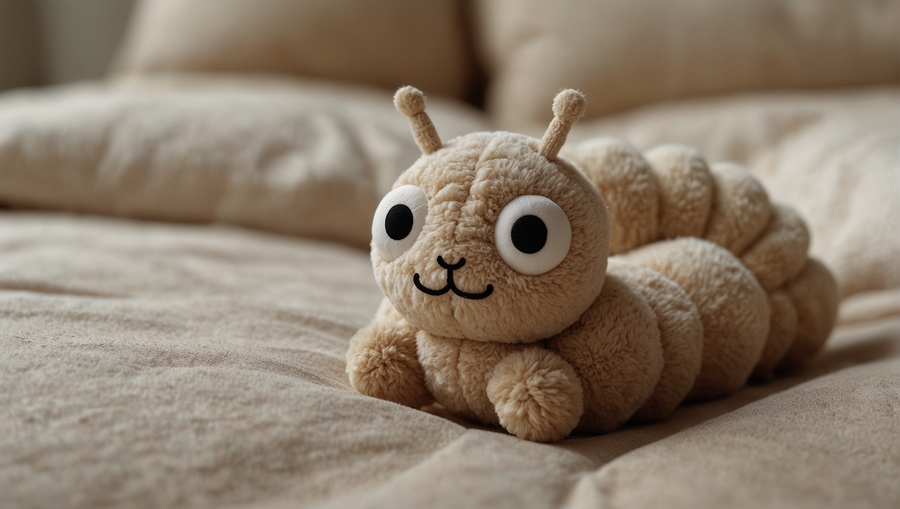
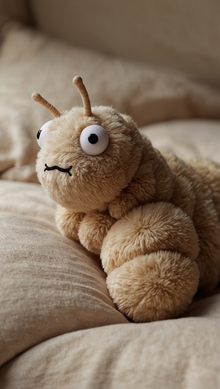
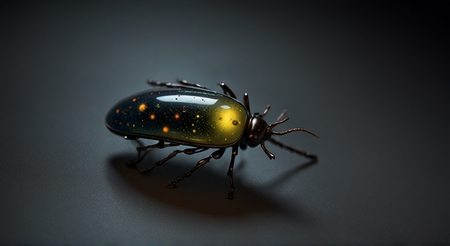
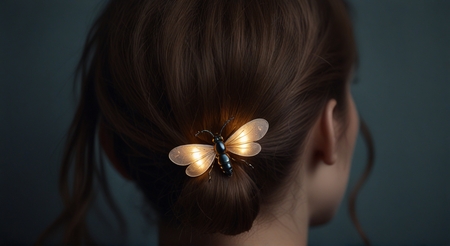
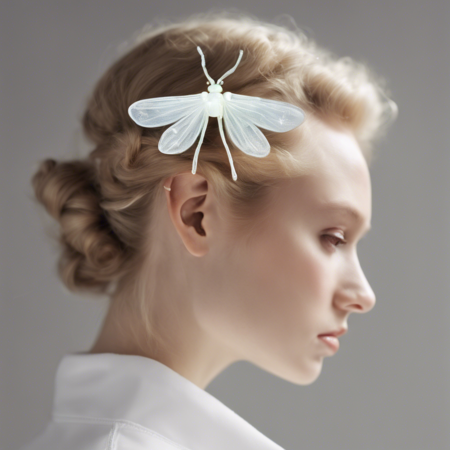
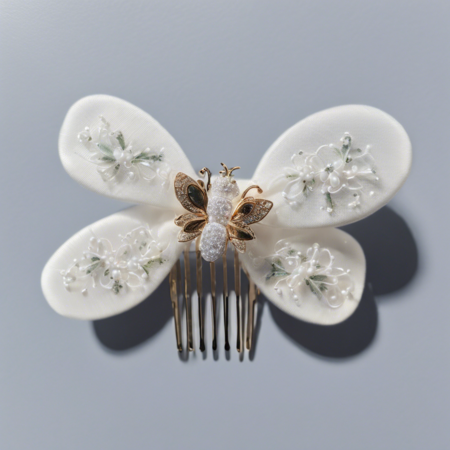
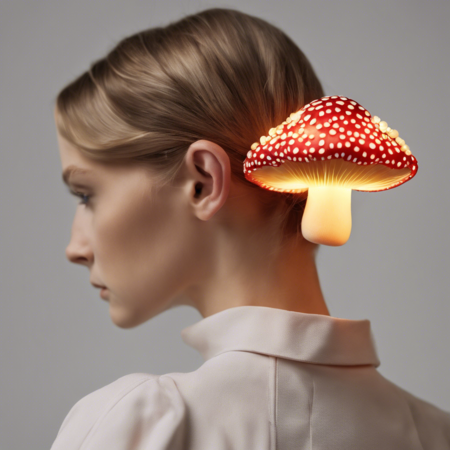
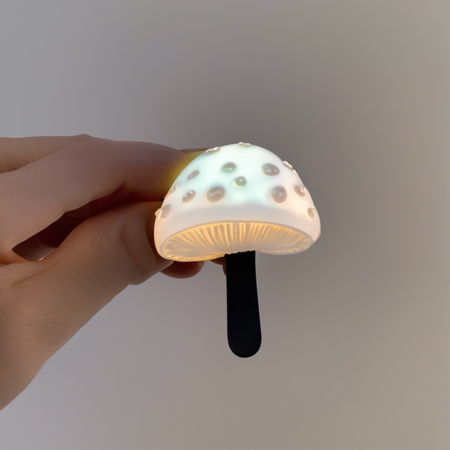
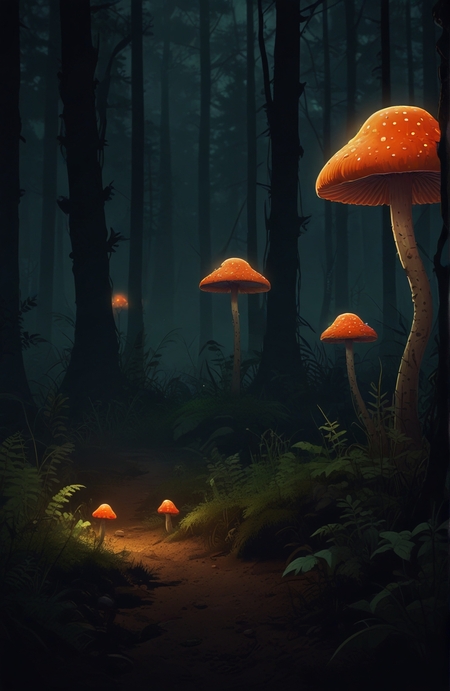
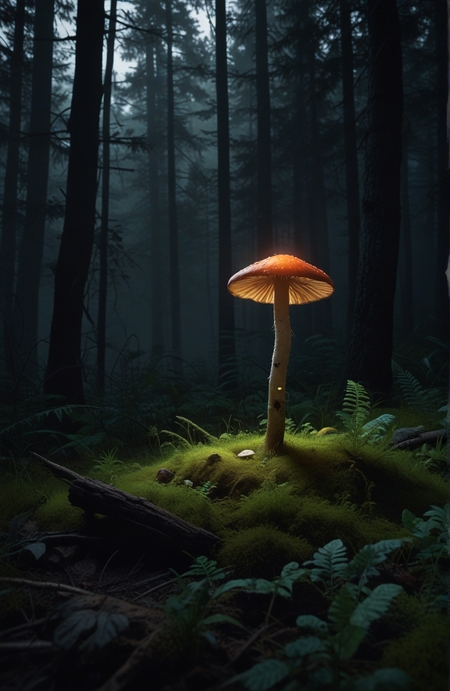
Данный проект направлен на генерацию различной продукции по мотивам игры «Блоходед». По этой причине при создании промптов я решила не использовать большое количество описаний, чтобы сгенерированные изображения получились более необычными и индивидуальными, но все же я устанавливала некоторые нужные мне рамки в промпте для получения подходящих для атмосферы изображений, что будет более раскрыто далее в моей работе.
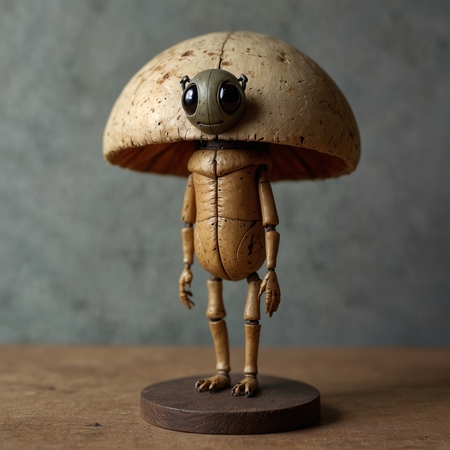
doll in the shape of an insect with an old human face, sitting on a stand in the shape of a mushroom
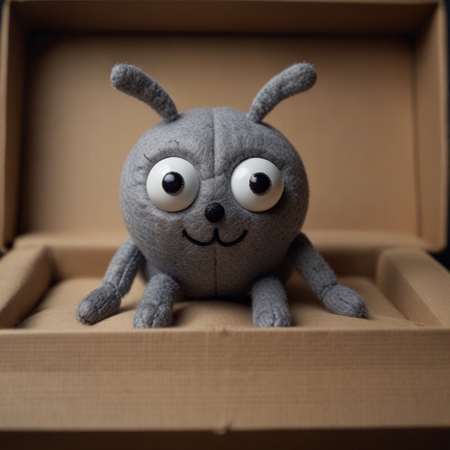
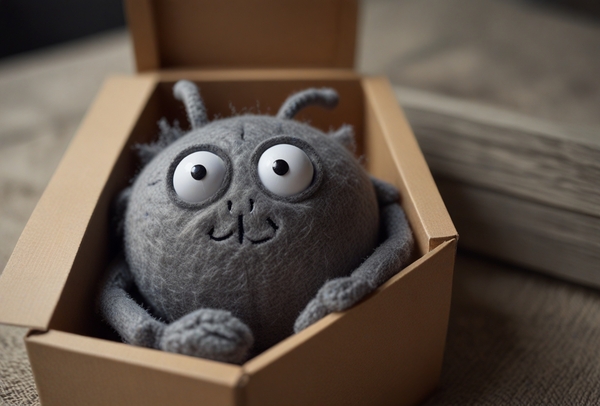
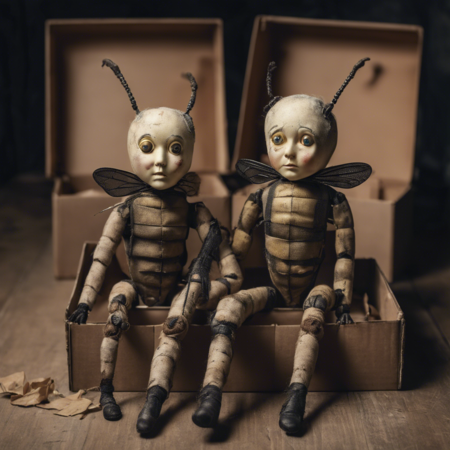
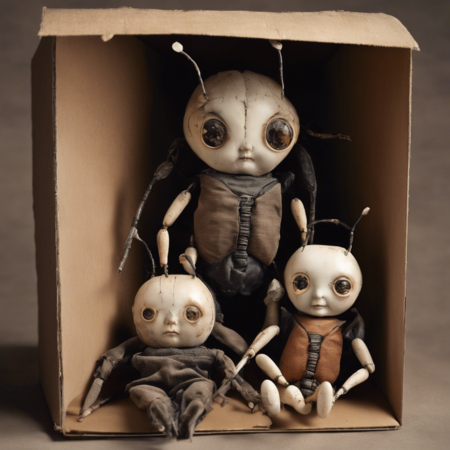
2 dolls in the form of an insect with an old human face, lying in boxes
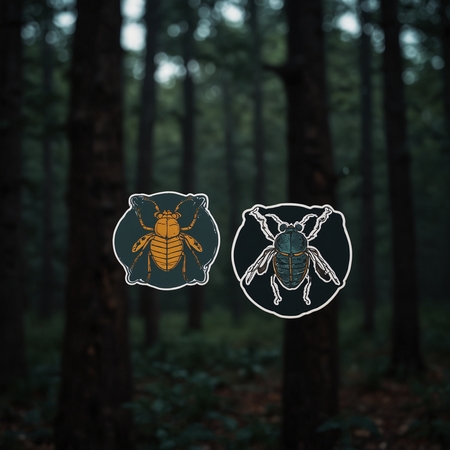
two minimalistic stickers with an image of an insect with old human faces, against the backdrop of a dark forest
Original size 1536x640
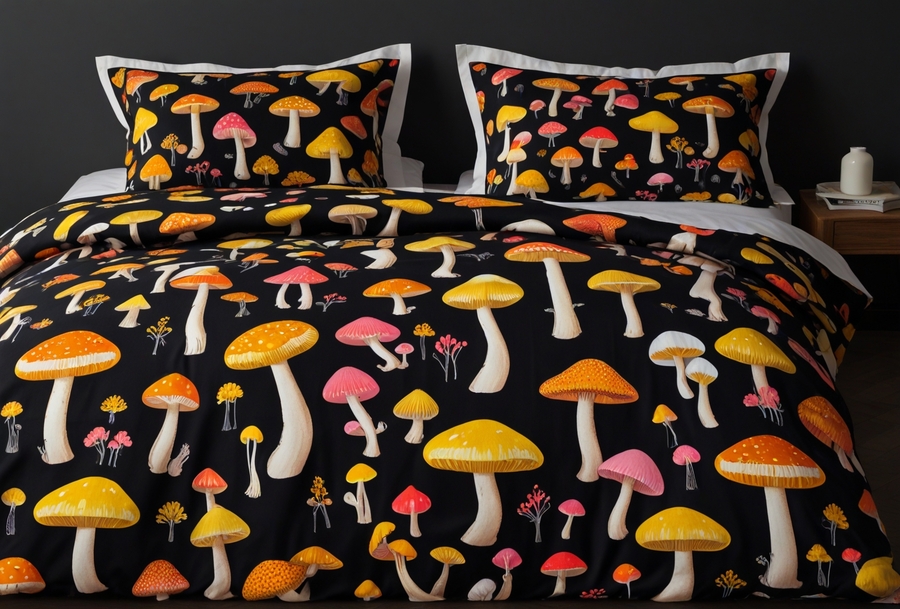
bed linen with a pattern of white, yellow, pink, green glowing toadstool mushrooms against the backdrop of a dark forest
Original size 1536x1040
Original size 1536x640
Original size 1024x1024
Original size 1024x1024
Original size 1360x768
Original size 2376x1344
logo for a game about an old flea who lives in a dark forest. Glowing mushrooms grow there. the game is called
Original size 1536x1416
Minimalistic plakat for a game about an old flea who lives in a dark forest. Glowing mushrooms grow there. the game is called: « блоходед»
A joint project of the HSE ART AND DESIGN SCHOOL and the Institute for the Development of Creative Industries, focused on working with Russian regions. The Creative City digital platform is a media outlet that aggregates projects related to territorial branding, a community of professionals, and a service that allows you to create local websites, work with the local identity and popularity of cities and places. Study the map of the Creative City. Get acquainted with the projects that have already been implemented. Add your... Show more
events
travelling
history
art and design
fashion
essays and books
handicrafts
gastronomy
sport
all projects
We use cookies to improve the operation of the HSE website and to enhance its usability. More detailed information on the use of cookies can be fou...
Show more
Press space bar to start a drag.
When dragging you can use the arrow keys to move the item around and escape to cancel.
Some screen readers may require you to be in focus mode or to use your pass through key
Press space bar to start a drag.
When dragging you can use the arrow keys to move the item around and escape to cancel.
Some screen readers may require you to be in focus mode or to use your pass through key
Press space bar to start a drag.
When dragging you can use the arrow keys to move the item around and escape to cancel.
Some screen readers may require you to be in focus mode or to use your pass through key
Press space bar to start a drag.
When dragging you can use the arrow keys to move the item around and escape to cancel.
Some screen readers may require you to be in focus mode or to use your pass through key
Press space bar to start a drag.
When dragging you can use the arrow keys to move the item around and escape to cancel.
Some screen readers may require you to be in focus mode or to use your pass through key
Press space bar to start a drag.
When dragging you can use the arrow keys to move the item around and escape to cancel.
Some screen readers may require you to be in focus mode or to use your pass through key
Press space bar to start a drag.
When dragging you can use the arrow keys to move the item around and escape to cancel.
Some screen readers may require you to be in focus mode or to use your pass through key
Press space bar to start a drag.
When dragging you can use the arrow keys to move the item around and escape to cancel.
Some screen readers may require you to be in focus mode or to use your pass through key
Press space bar to start a drag.
When dragging you can use the arrow keys to move the item around and escape to cancel.
Some screen readers may require you to be in focus mode or to use your pass through key