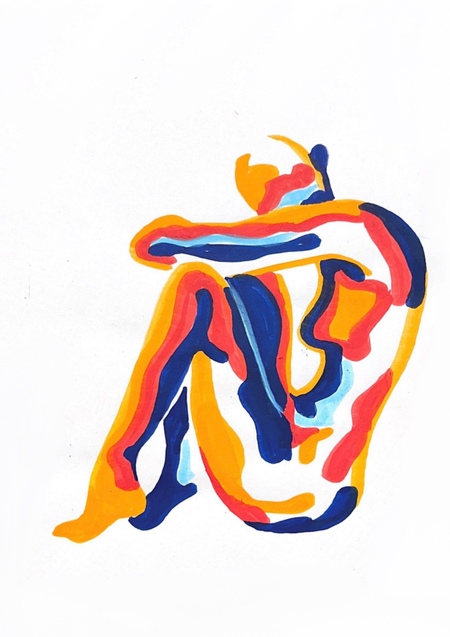
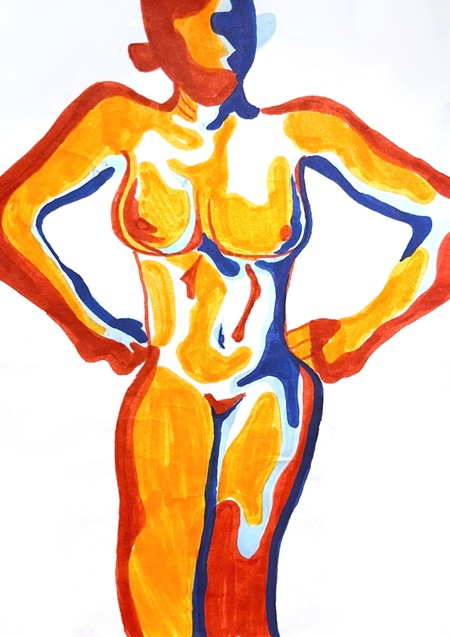
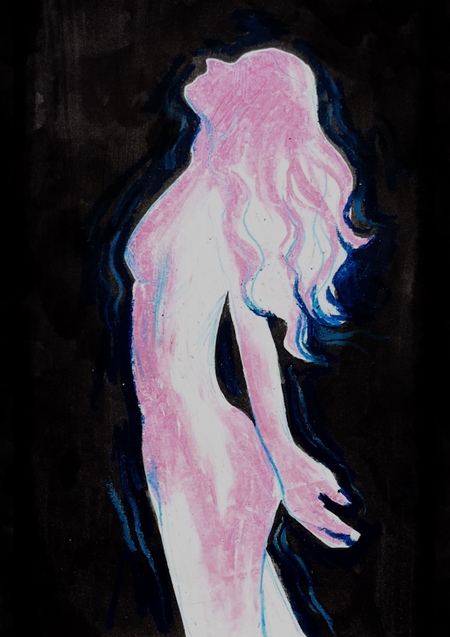
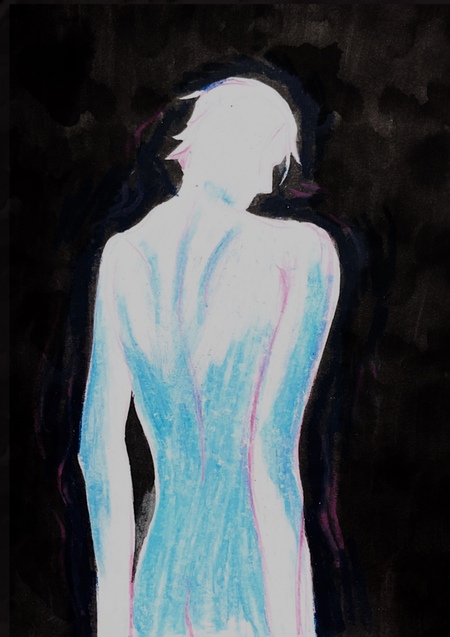
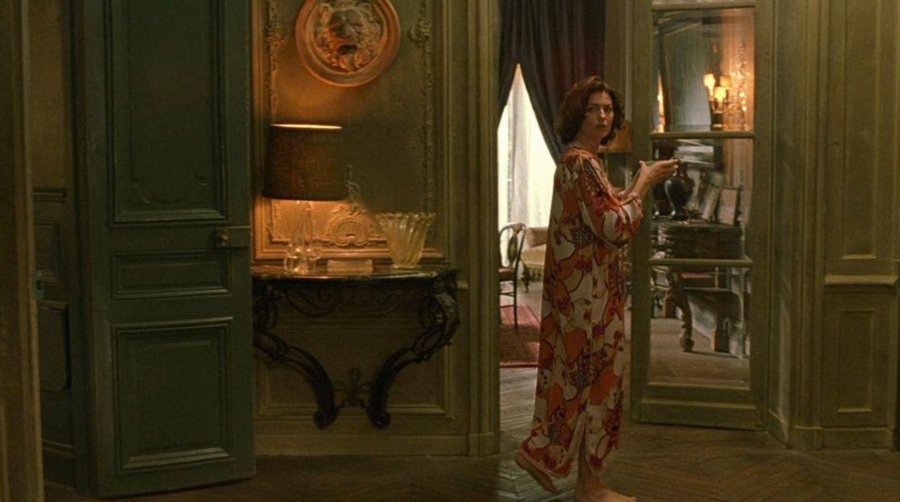
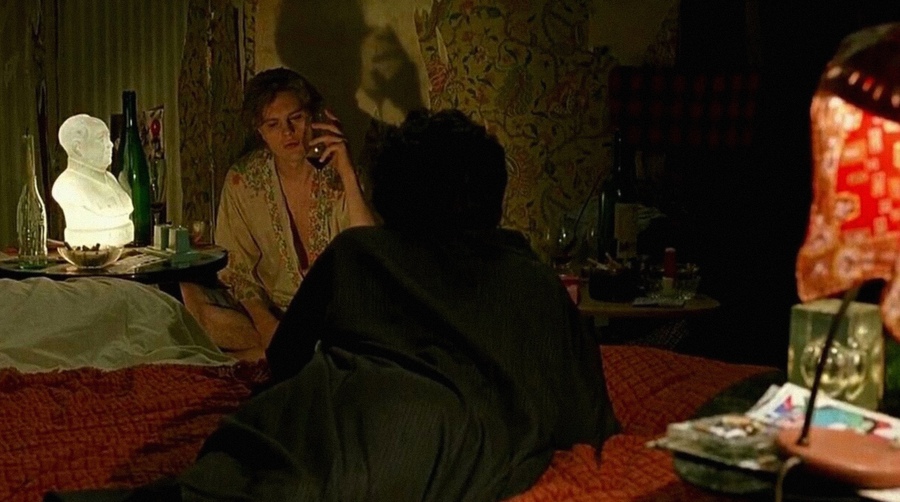
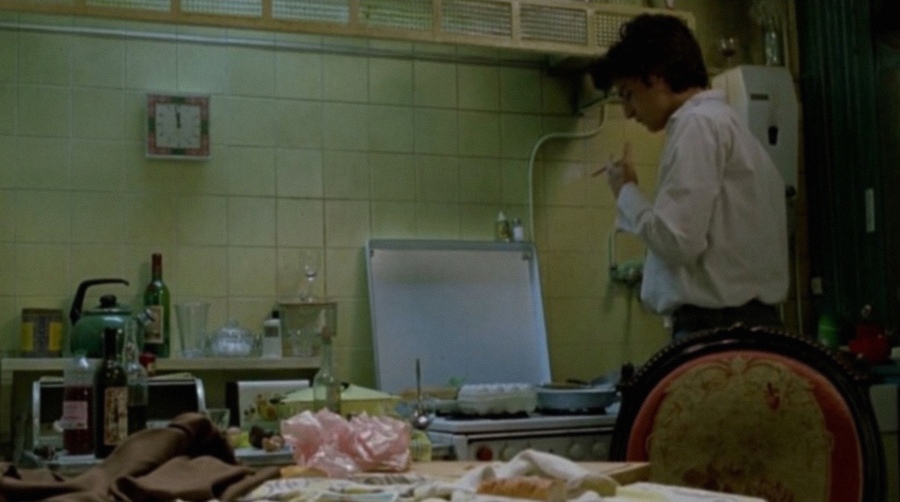
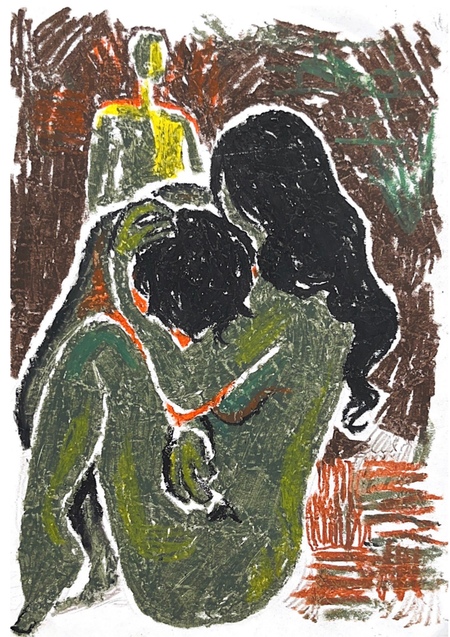
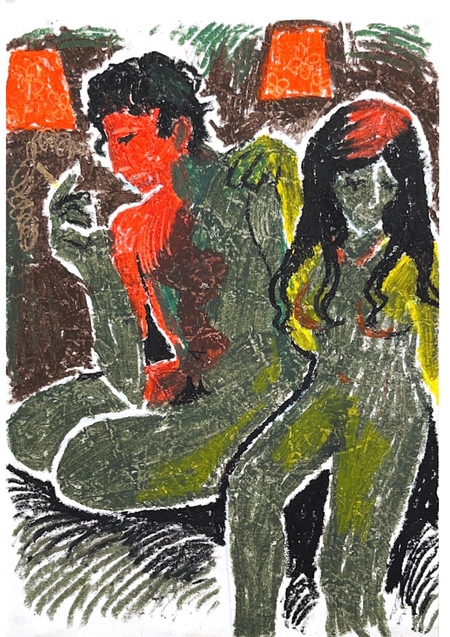
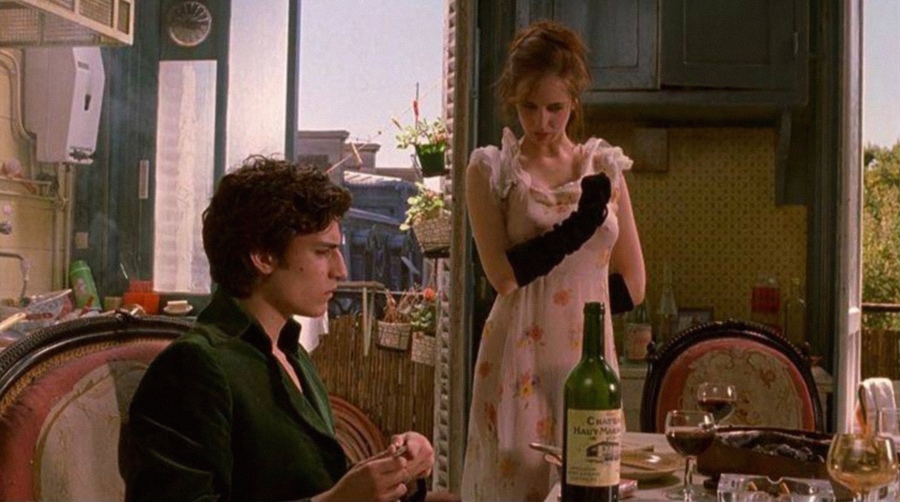
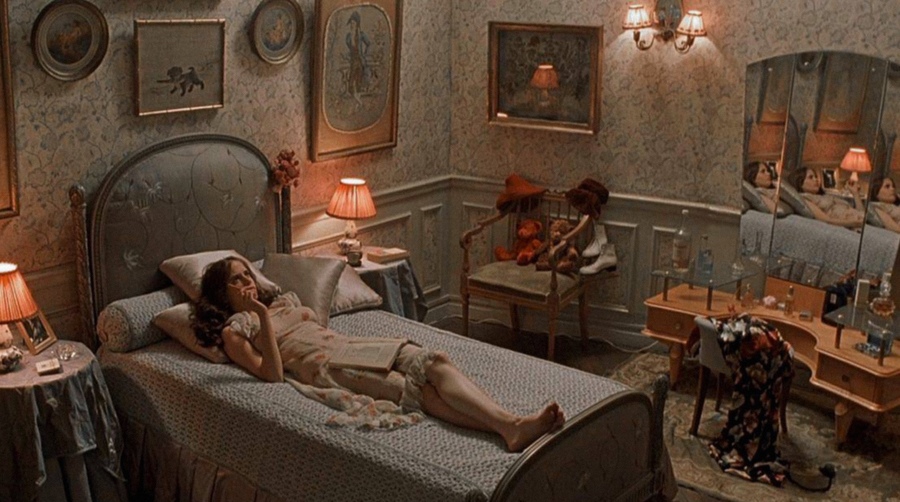
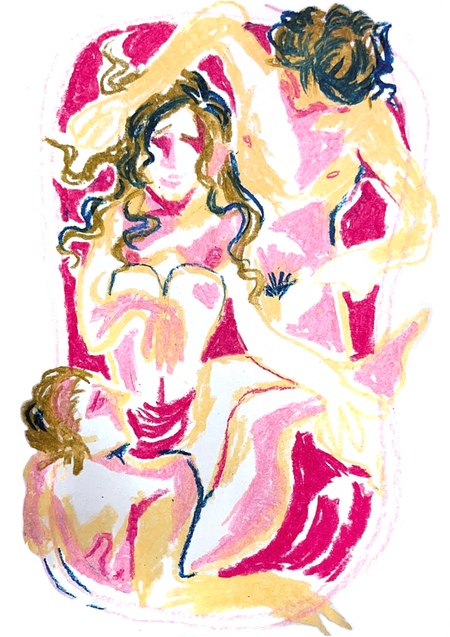
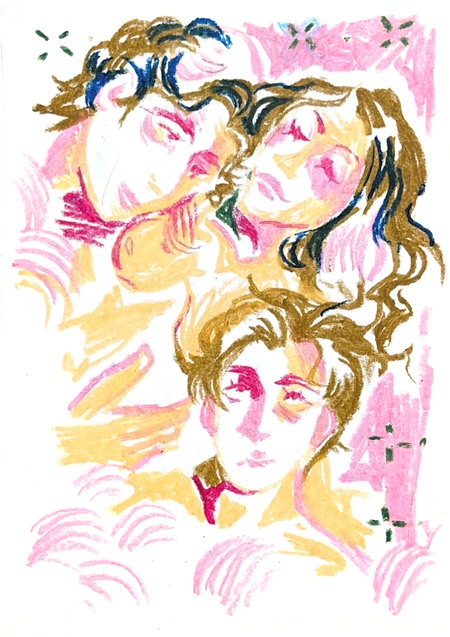
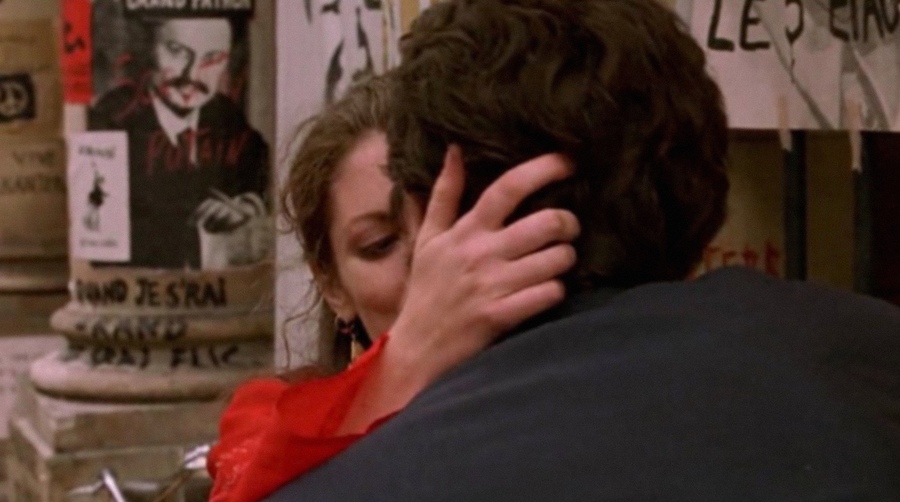
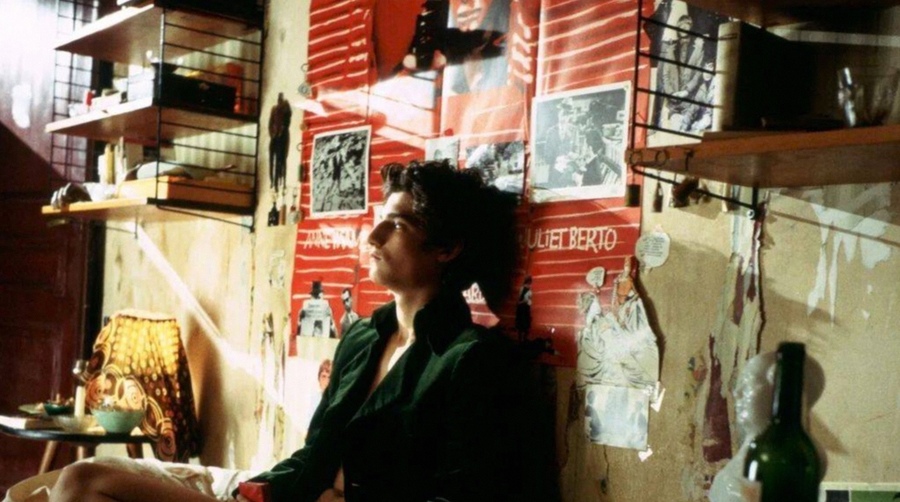
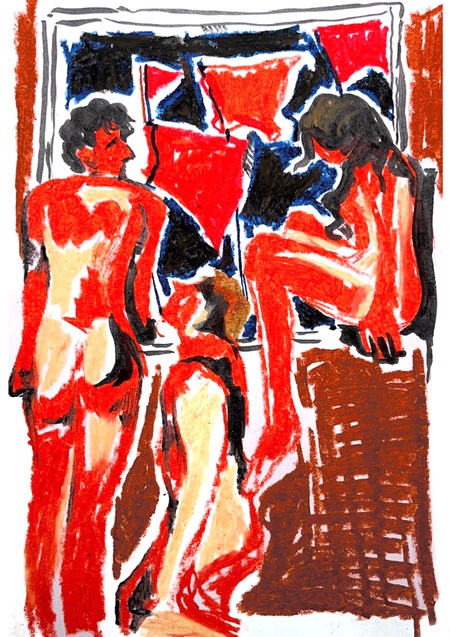
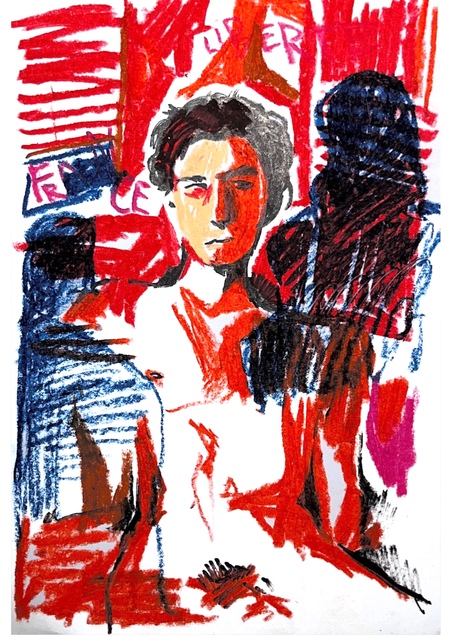
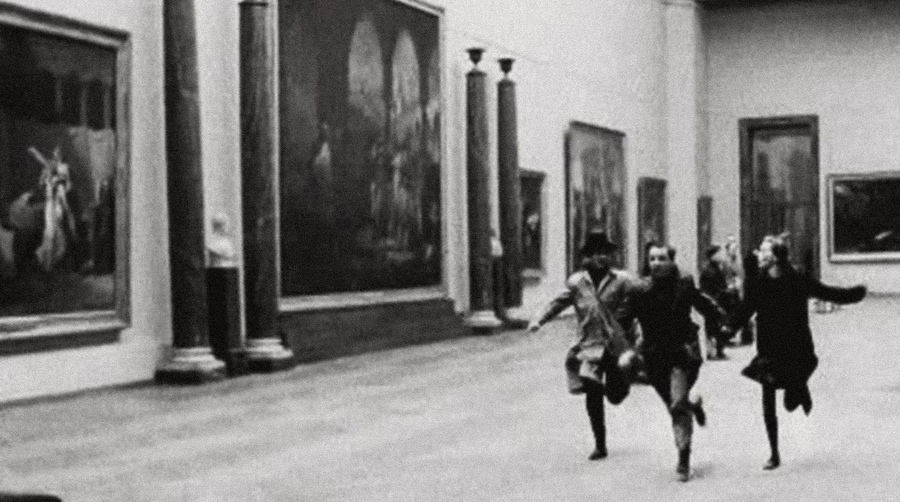
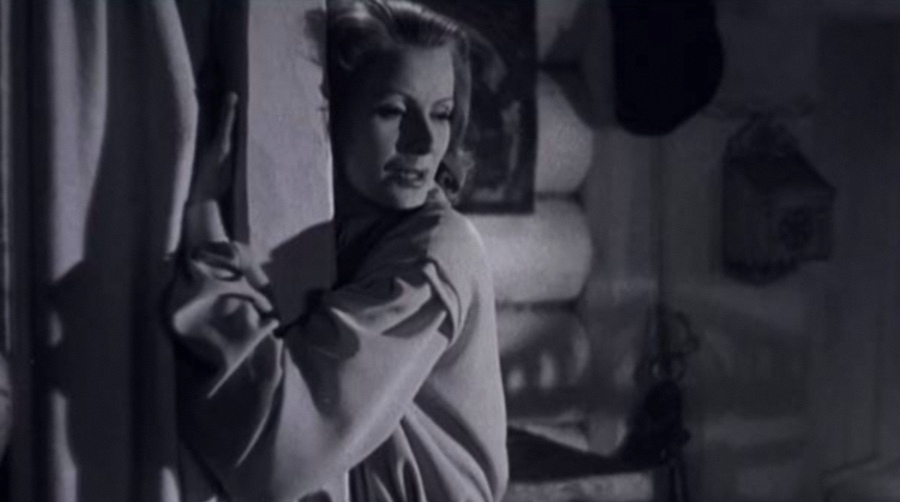
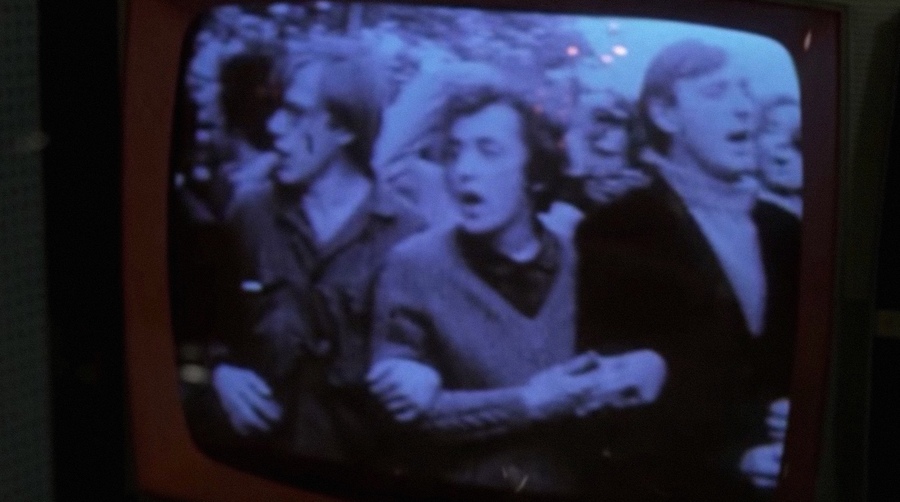
Полина Коломоец подготовила исследование о влиянии цвета на восприятие и эмоции визуальных образов. Проект включает анализ цветовых контрастов, гармонии и эмоциональной окраски в работах фильма «the dreamers» 2003 года.
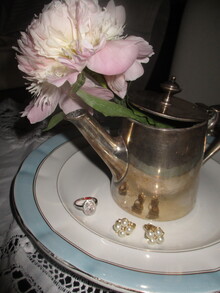
Варвара Седова создала текст для проекта «Comme d'habitude», описывающий повседневную элегантность француженки с винтажными украшениями. Проект представляет собой пост, в котором акцент сделан на естественном сочетании аксессуаров с повседневными моментами жизни.
Авторы Глафира Копылова и Анастасия Логинова создали арт-объект «Фантом», исследующий тему памяти и её проявления в настоящем. Проект был представлен на выставке «Ферма» в музее-заповеднике «Царское Село».
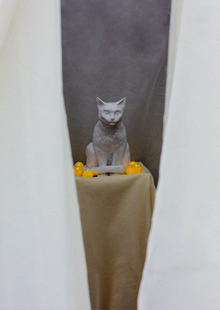
Автор создала проект «КОТ», исследующий желание людей создавать объекты поклонения, наделяя их воображаемыми качествами. Проект включал арт-объект и стикеры, которые были распределены в течение первых 20 минут выставки.
Кристина Юдина создала арт-проект «KR-404: без права на голос», посвящённый животным, ставшим жертвами индустрии красоты. Проект представляет статую кролика в противогазе из гипса, символизирующую уязвимость и обезличенность существ, лишенных права на выбор.
creativecity.academy
A joint project of the HSE ART AND DESIGN SCHOOL and the Institute for the Development of Creative Industries, focused on working with Russian regions. The Creative City digital platform is a media outlet that aggregates projects related to territorial branding, a community of professionals, and a service that allows you to create local websites, work with the local identity and popularity of cities and places. Study the map of the Creative City. Get acquainted with the projects that have already been implemented. Add your... Show more
events
travelling
history
art and design
fashion
essays and books
handicrafts
gastronomy
sport
all projects
Confirm your ageProject contains information not suitable for individuals under the age of 18
I am already 18 years old
Cancel
Confirm
We use cookies to improve the operation of the HSE website and to enhance its usability. More detailed information on the use of cookies can be fou...
Show more
Press space bar to start a drag.
When dragging you can use the arrow keys to move the item around and escape to cancel.
Some screen readers may require you to be in focus mode or to use your pass through key
Press space bar to start a drag.
When dragging you can use the arrow keys to move the item around and escape to cancel.
Some screen readers may require you to be in focus mode or to use your pass through key
Press space bar to start a drag.
When dragging you can use the arrow keys to move the item around and escape to cancel.
Some screen readers may require you to be in focus mode or to use your pass through key
Press space bar to start a drag.
When dragging you can use the arrow keys to move the item around and escape to cancel.
Some screen readers may require you to be in focus mode or to use your pass through key
Press space bar to start a drag.
When dragging you can use the arrow keys to move the item around and escape to cancel.
Some screen readers may require you to be in focus mode or to use your pass through key
Press space bar to start a drag.
When dragging you can use the arrow keys to move the item around and escape to cancel.
Some screen readers may require you to be in focus mode or to use your pass through key
Press space bar to start a drag.
When dragging you can use the arrow keys to move the item around and escape to cancel.
Some screen readers may require you to be in focus mode or to use your pass through key
Press space bar to start a drag.
When dragging you can use the arrow keys to move the item around and escape to cancel.
Some screen readers may require you to be in focus mode or to use your pass through key
Press space bar to start a drag.
When dragging you can use the arrow keys to move the item around and escape to cancel.
Some screen readers may require you to be in focus mode or to use your pass through key
Press space bar to start a drag.
When dragging you can use the arrow keys to move the item around and escape to cancel.
Some screen readers may require you to be in focus mode or to use your pass through key
Press space bar to start a drag.
When dragging you can use the arrow keys to move the item around and escape to cancel.
Some screen readers may require you to be in focus mode or to use your pass through key
Press space bar to start a drag.
When dragging you can use the arrow keys to move the item around and escape to cancel.
Some screen readers may require you to be in focus mode or to use your pass through key
Press space bar to start a drag.
When dragging you can use the arrow keys to move the item around and escape to cancel.
Some screen readers may require you to be in focus mode or to use your pass through key
Press space bar to start a drag.
When dragging you can use the arrow keys to move the item around and escape to cancel.
Some screen readers may require you to be in focus mode or to use your pass through key
Press space bar to start a drag.
When dragging you can use the arrow keys to move the item around and escape to cancel.
Some screen readers may require you to be in focus mode or to use your pass through key