Данный проект является учебной работой студента Школы дизайна или исследовательской работой преподавателя Школы дизайна. Данный проект не является коммерческим и служит образовательным целям
Луис Му
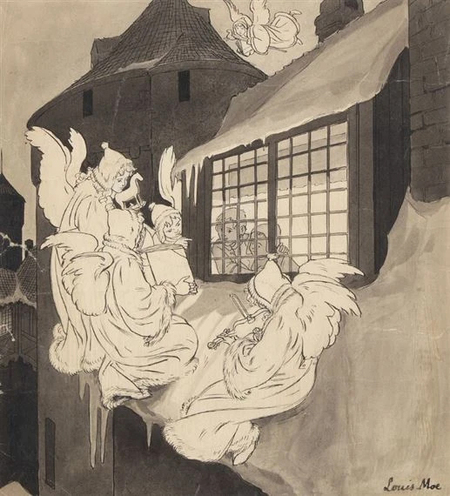
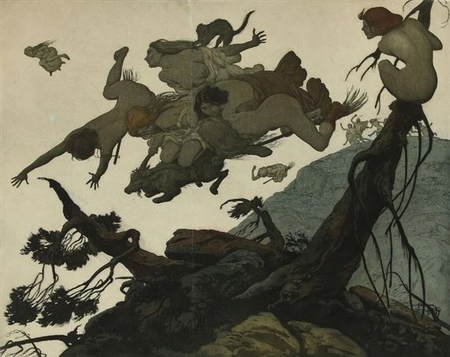
Иллюстрации Луиса Му, 1857-1945
Луис Му –– норвежский и датский художник, живописец, гравер. Он родился в норвежском городе Арендале. Му иллюстрировал детские книги, журналы, сказки.
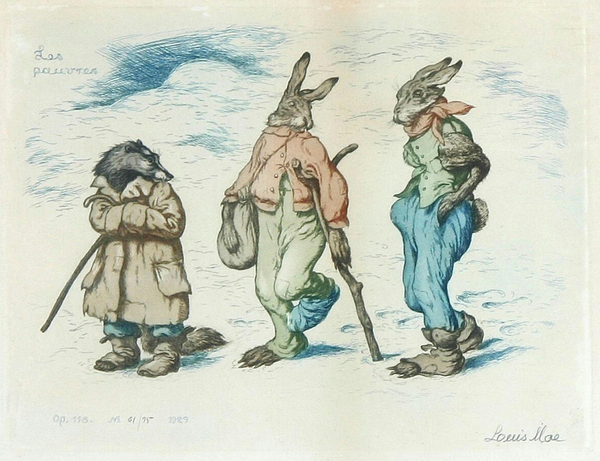
Иллюстрации Луиса Му, 1857-1945
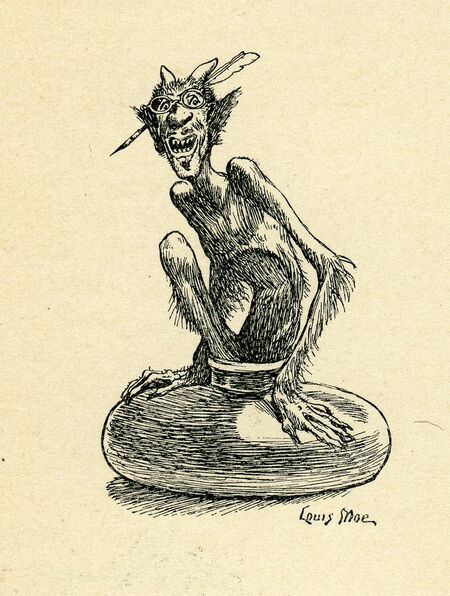
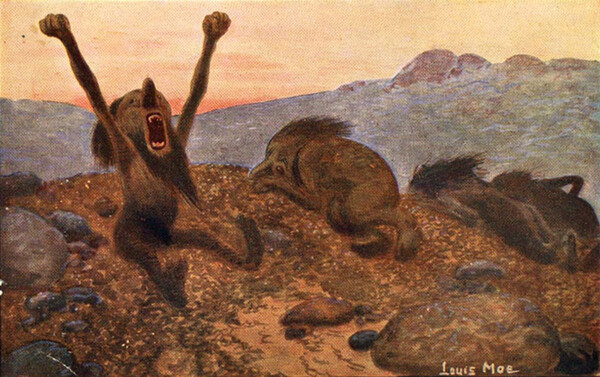
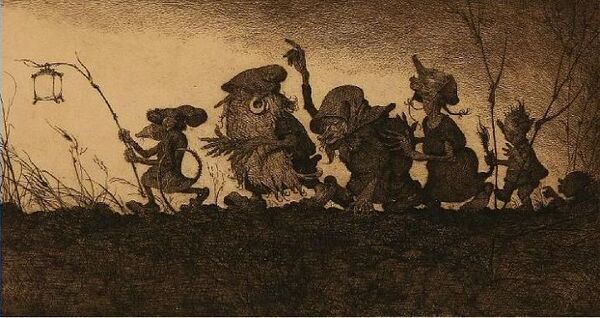
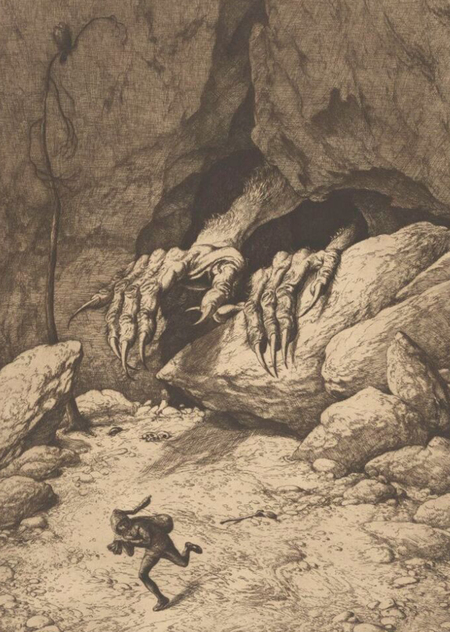
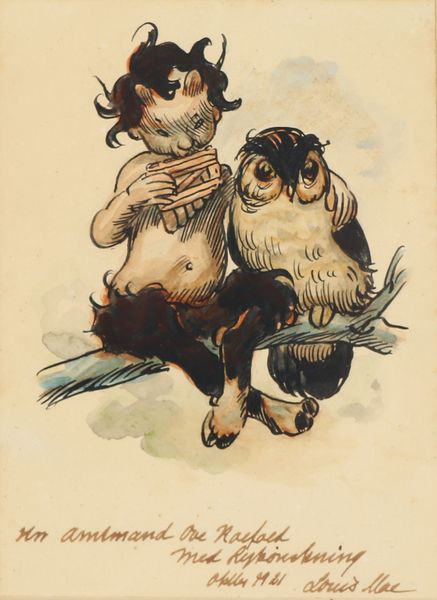
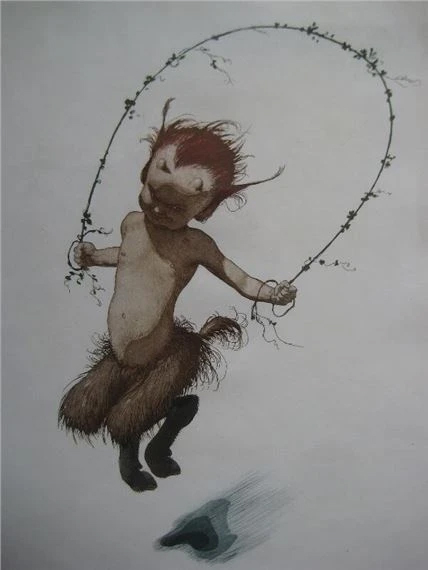
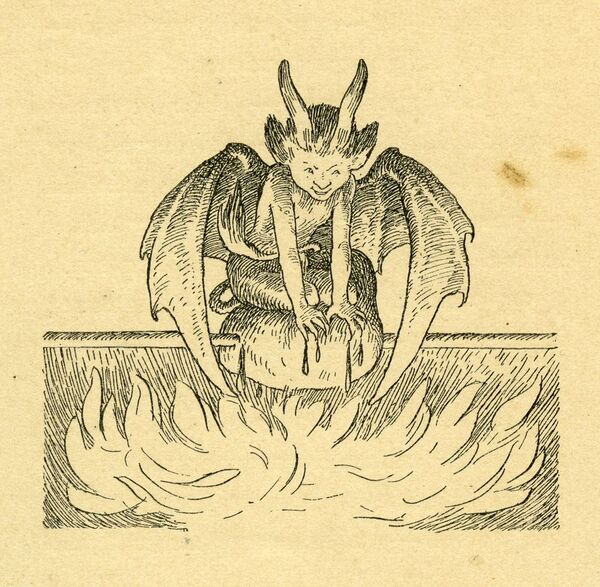
В иллюстрация Луиса Му есть сатиры, ангелы, йотуны, драконы.
Каждая работа, каждый персонаж не похож на другого. Да, внешне, конечно, все сатиры похожи, но не по характеру.
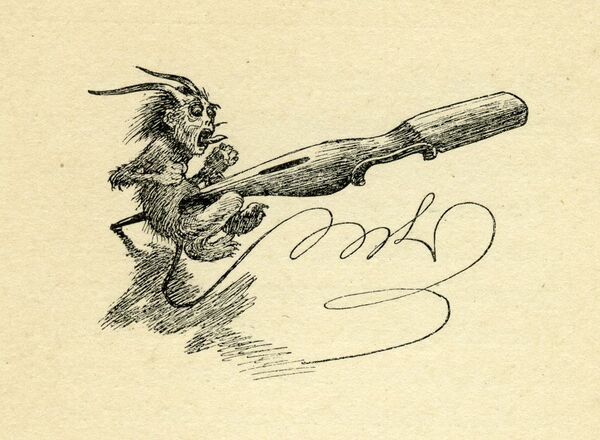
Иллюстрации Луиса Му, 1857-1945
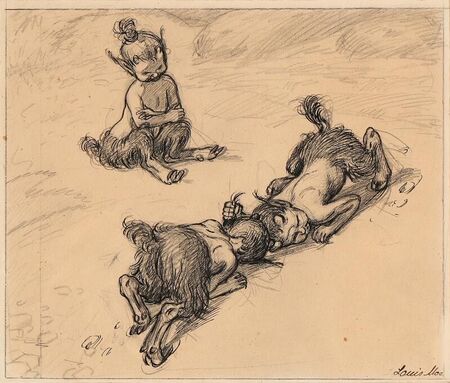
Есть существа, которых я не могу описать одним словом, я не могу понять кто это именно. Но в этом есть свой интерес, в отгадке того, кто же скрывается в пещере, или кто летит над лесом.
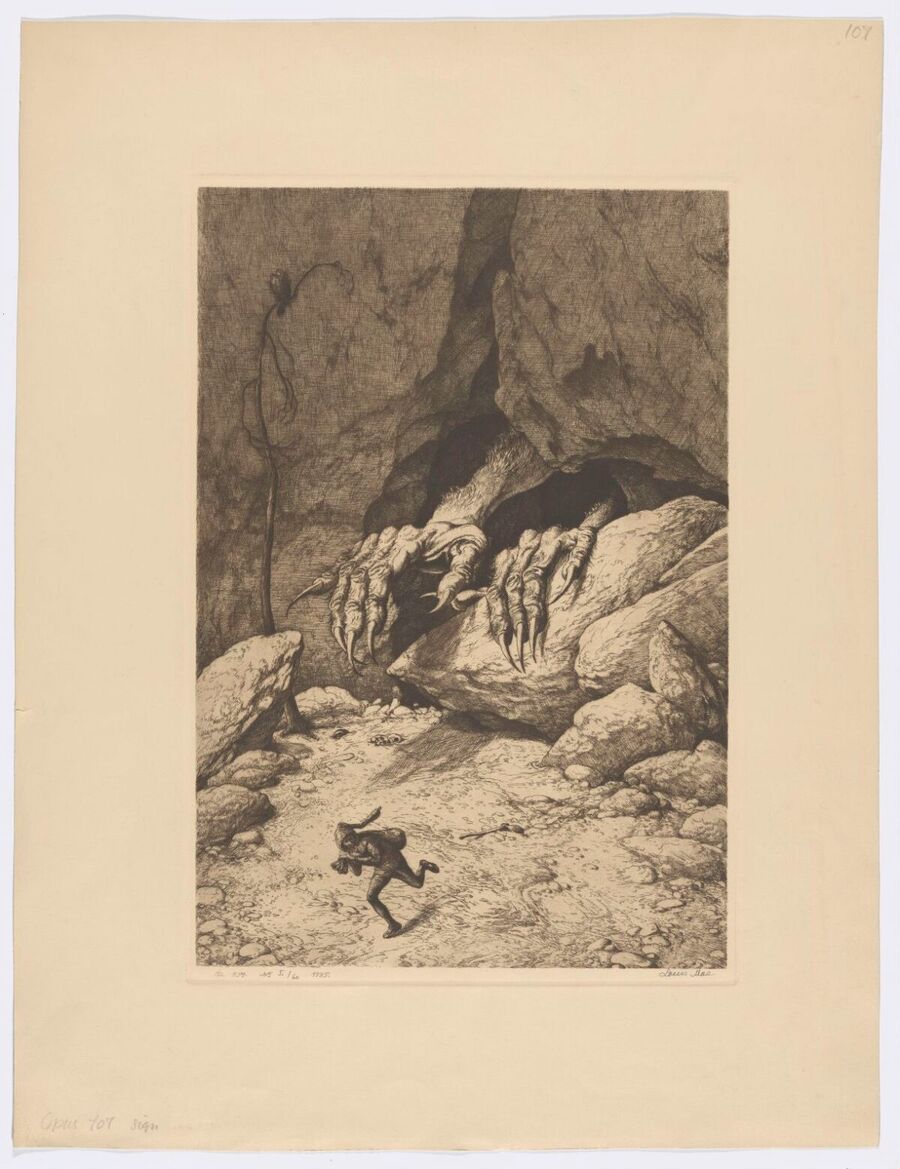
Исходный размер 1200x1558
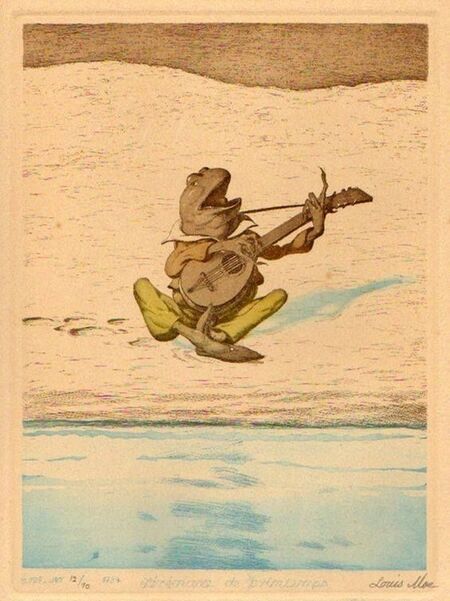
Иллюстрация Луиса Му, 1857-1945
Эти персонажи оставляют за сбой загадки, их хочется рассматривать и возвращаться к ним. Какие-то из них нарисованы точной, ясной линией, какие-то как наброски, живые, легкие. Но во всех них есть жизнь, в каждом.
Мы используем файлы cookies для улучшения работы сайта НИУ ВШЭ и большего удобства его использования. Более подробную...
Показать больше
Press space bar to start a drag.
When dragging you can use the arrow keys to move the item around and escape to cancel.
Some screen readers may require you to be in focus mode or to use your pass through key
Press space bar to start a drag.
When dragging you can use the arrow keys to move the item around and escape to cancel.
Some screen readers may require you to be in focus mode or to use your pass through key
Press space bar to start a drag.
When dragging you can use the arrow keys to move the item around and escape to cancel.
Some screen readers may require you to be in focus mode or to use your pass through key
Press space bar to start a drag.
When dragging you can use the arrow keys to move the item around and escape to cancel.
Some screen readers may require you to be in focus mode or to use your pass through key
Press space bar to start a drag.
When dragging you can use the arrow keys to move the item around and escape to cancel.
Some screen readers may require you to be in focus mode or to use your pass through key
Press space bar to start a drag.
When dragging you can use the arrow keys to move the item around and escape to cancel.
Some screen readers may require you to be in focus mode or to use your pass through key
Press space bar to start a drag.
When dragging you can use the arrow keys to move the item around and escape to cancel.
Some screen readers may require you to be in focus mode or to use your pass through key